
OverweightSkill
Adds the Overweight skill. Gain XP by walking while overencumbered and earn up to 200 extra carrying capacity.OverweightSkill
Overweight is a skill in Valheim's Skills menu. Walk on land with more weight than your current carrying limit to train it. Each level adds 2 to carrying capacity, up to 200 at level 100. The bonus stacks with belts and other native carry weight modifiers.
XP comes from horizontal movement. The mod compares the distance you walked over the last 24 meters with how far you got from your starting point. A fairly straight route earns more XP. Ordinary turns still count, while walking into a wall or repeatedly circling a small area earns little or none. Pausing keeps your recent route. Your skill level and XP are saved with your character and follow Valheim's skill gain and death settings.
Screenshots
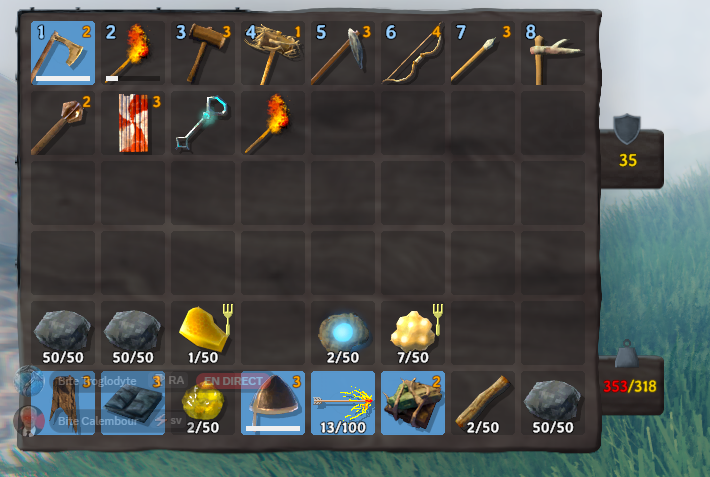
Overencumbered inventory. The character carries 353 weight with a limit of 318.
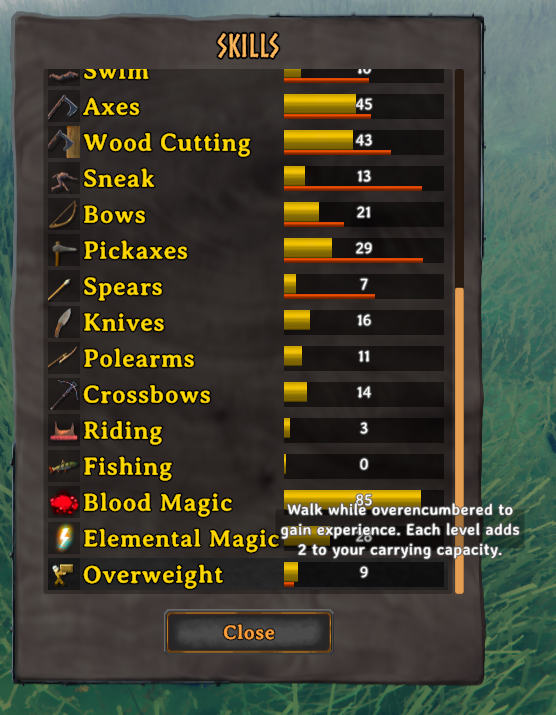
Skills menu. Overweight appears alongside the other Valheim skills.
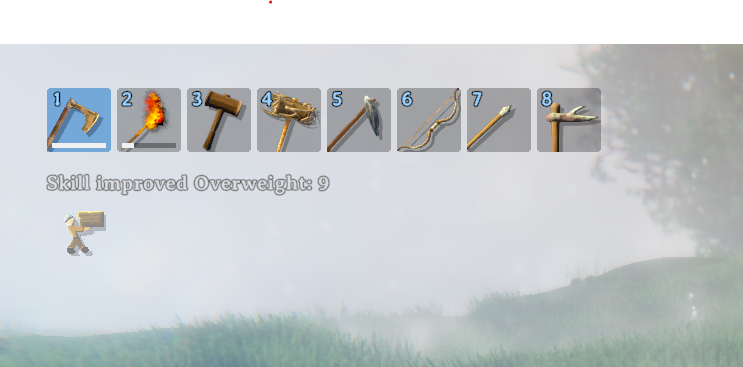
Level-up notification. The game displays the new Overweight level and the encumbrance icon.
Installation
Install OverweightSkill and BepInExPack Valheim in your mod manager. For a local ZIP, use Settings → Import local mod after installing BepInExPack. For manual installation, put OverweightSkill.dll in your profile's BepInEx/plugins folder.
Multiplayer
Install OverweightSkill on each player's game client that should gain the skill. The same setup applies to hosted co-op and a vanilla dedicated server. Players can join the same world with or without the mod. On a hosted co-op game, the host installs it only if they want the skill on their own character. A dedicated server requires no mod installation.
The skill level and XP follow your character across worlds. Keep the mod enabled on any client you use to play that character. Loading the character without the mod and saving again can remove the skill progress from the save.
Build
Set VALHEIM_DIR to the Valheim install directory and BEPINEX_DIR to your profile's BepInEx directory. With the .NET 10 SDK and Python 3 installed, run make package to build, run the movement and capacity tests, and generate the ZIP in dist/. Run make to build and copy the DLL to your profile.