


PortalRules
Adds secure portal travel with a map for choosing destinations, Personal, Public, Invite, Clan and Tagged access modes, portal limits, Admin portals, GlobalKey gates, favorites, cooldowns, and optional cargo-weight Coin fares.PortalRules
Choose a destination on the map, save your favorite routes, and control who can use each portal. PortalRules adds access modes, portal limits, Admin portals, progression gates, and optional Coins fares to Valheim.
Showcase
Click any image or animation to view the original.
Portal map and favorites
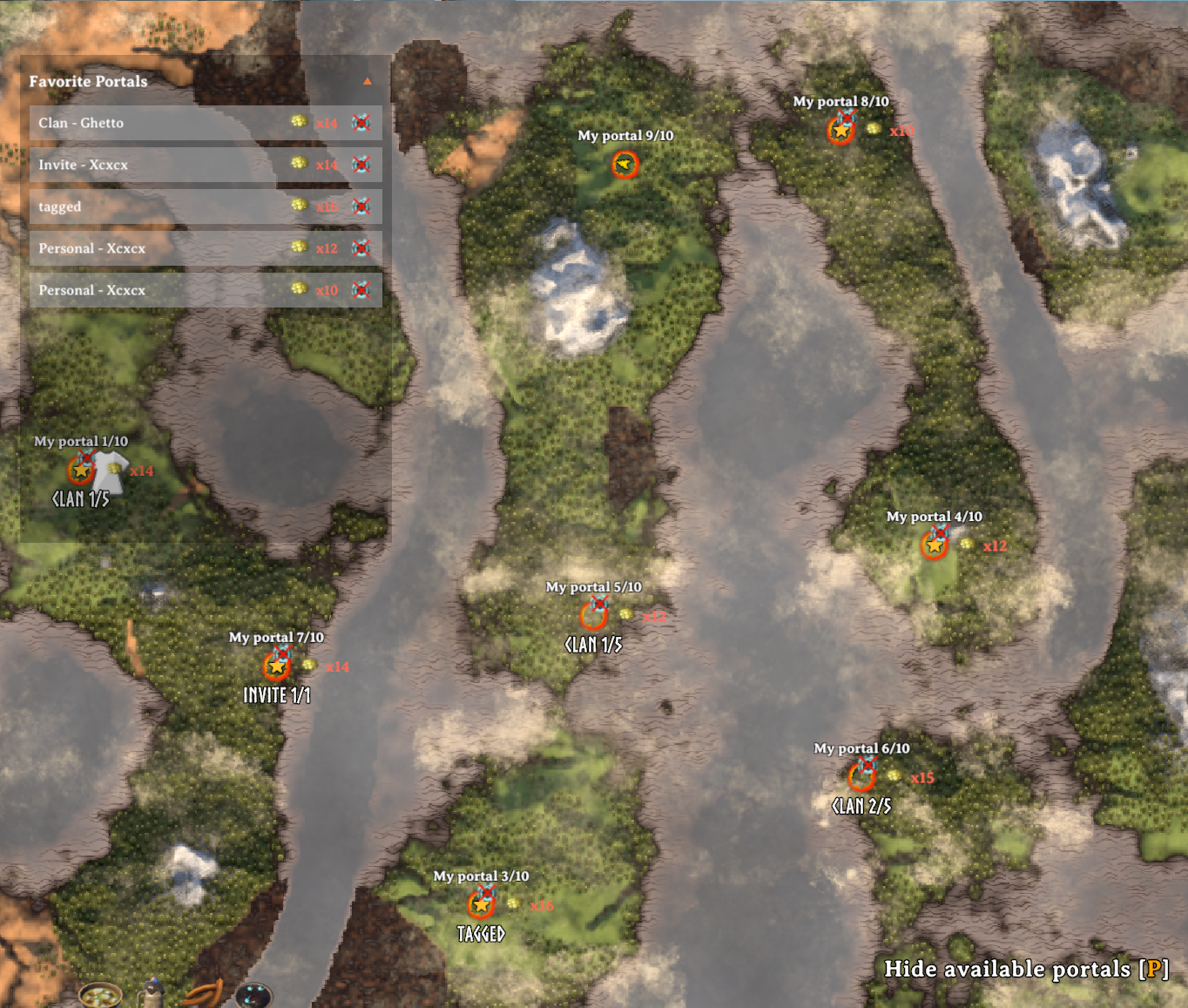
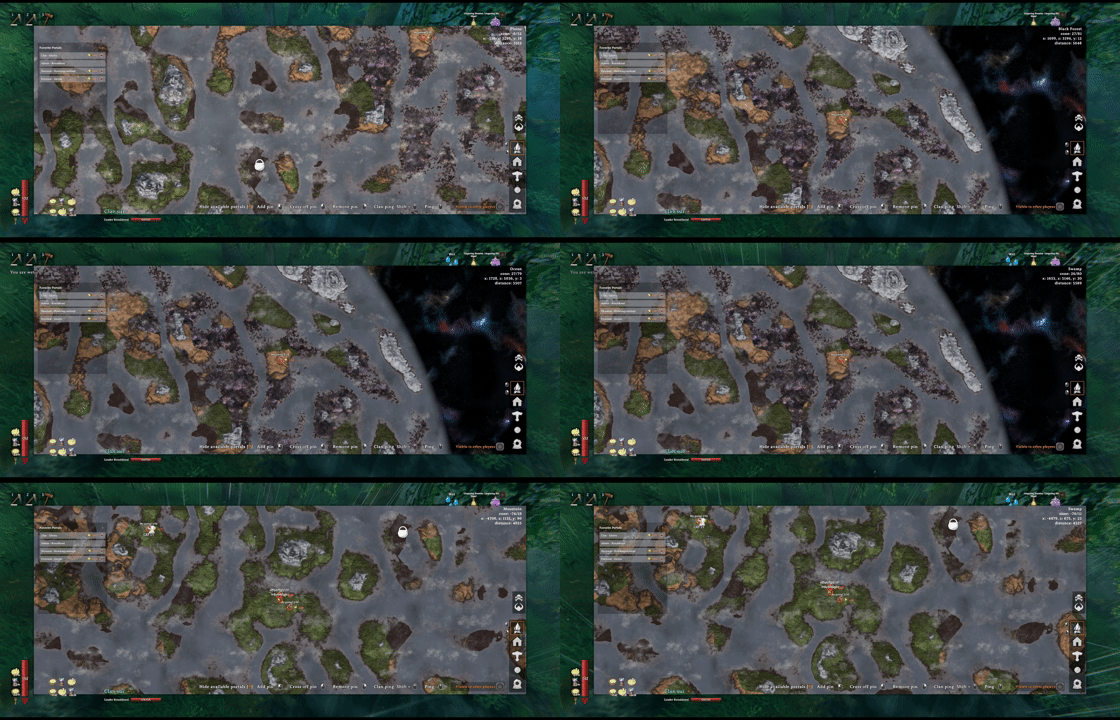
Enter a portal to browse destinations available to you. The server checks access before allowing travel.
| Choose a destination | Read the portal pin |
|---|---|
 |
 |
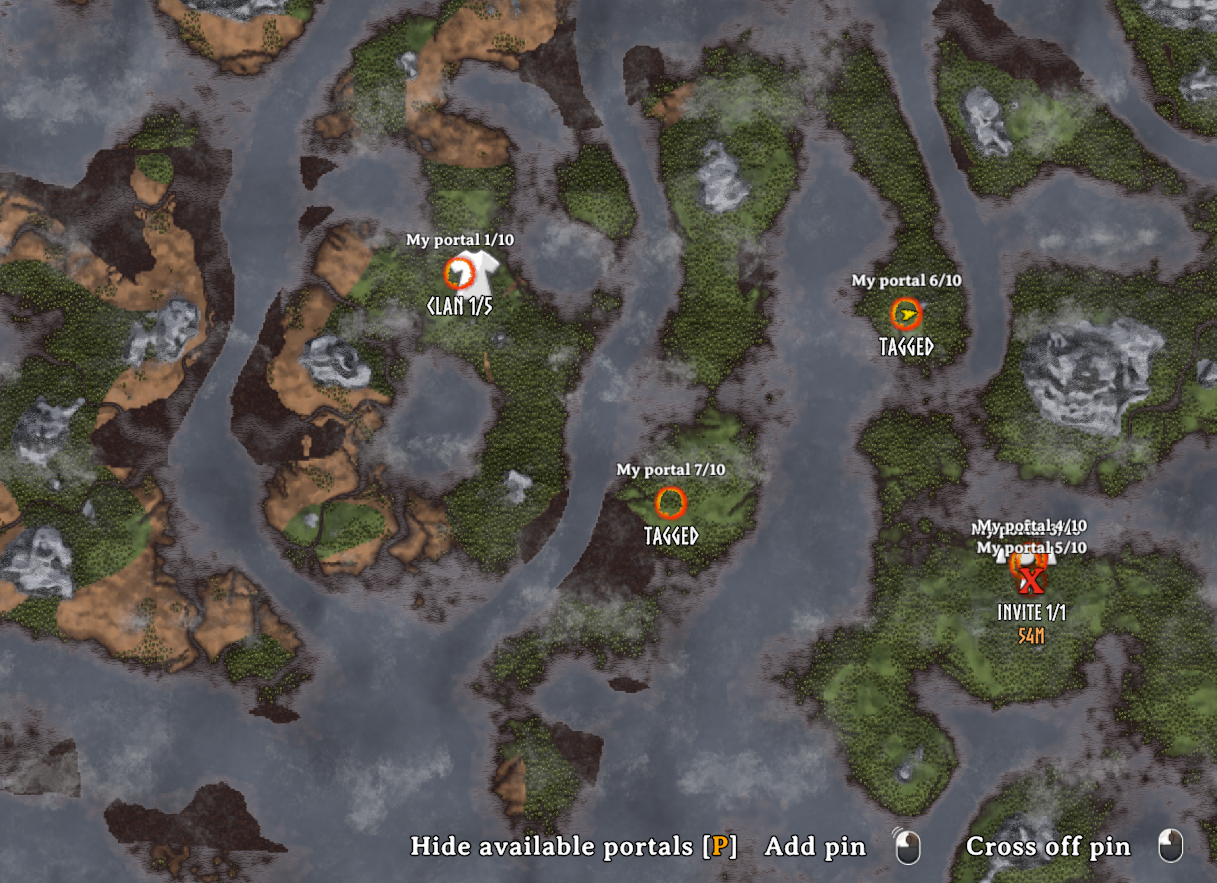
Pins show portal names, ownership and quota labels, travel restrictions, and any Coins fare.
Keep up to 10 favorites. Hover a row to find it on the map, left-click to travel while choosing a destination, or right-click to remove it. The header arrow folds the list away.
Choose who can travel
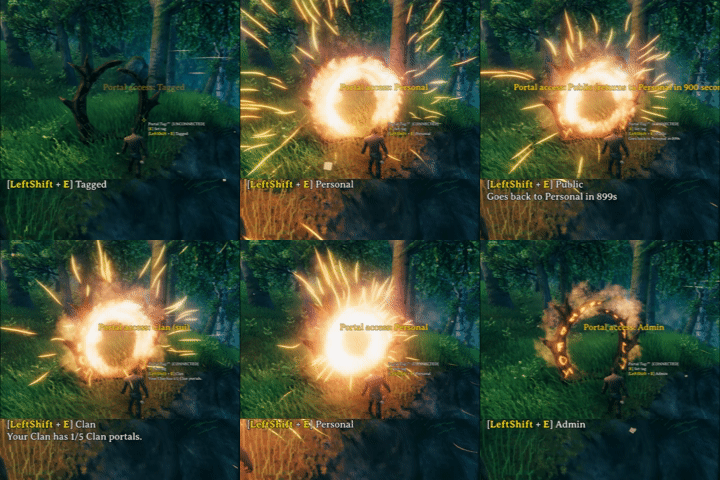
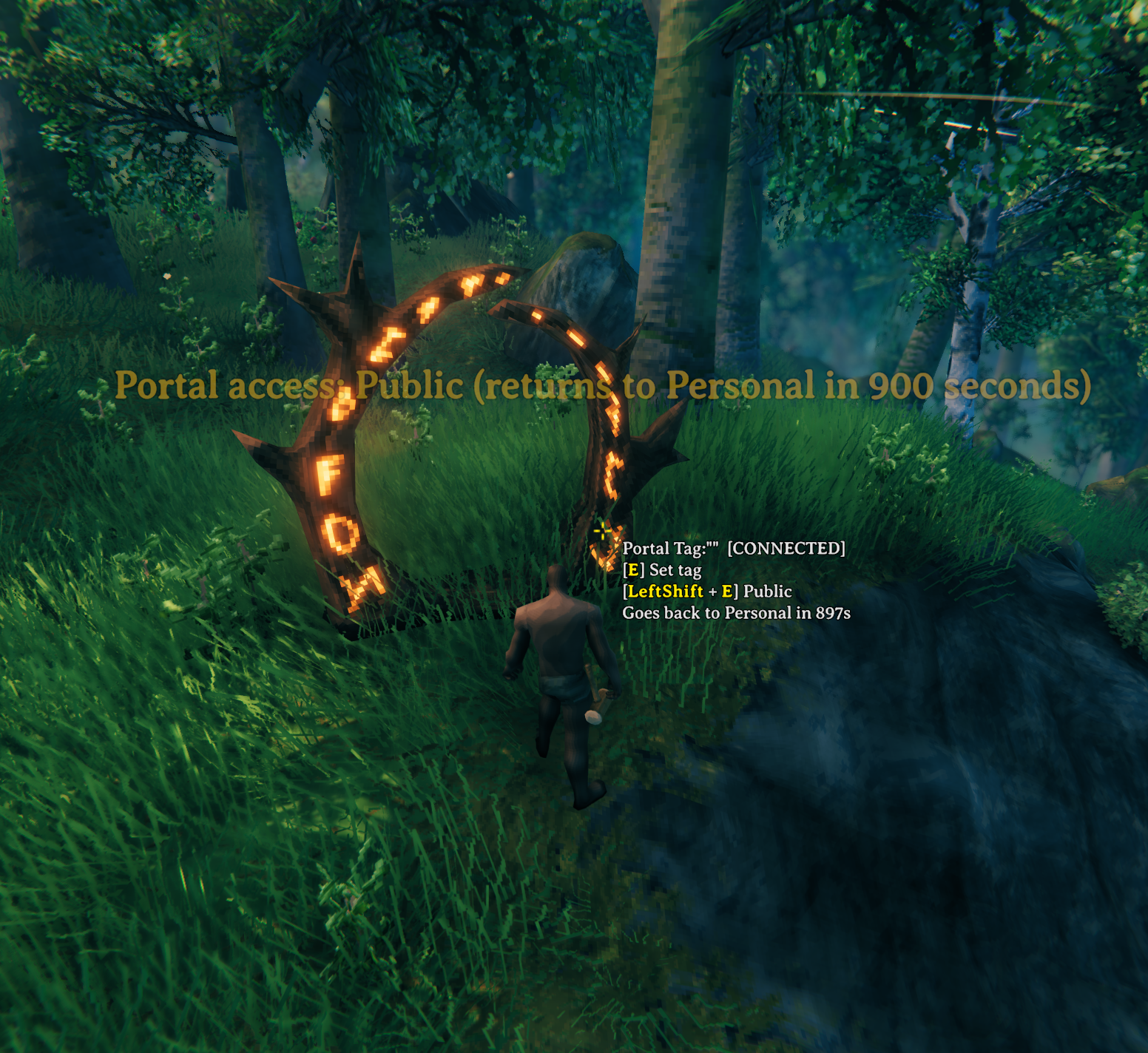
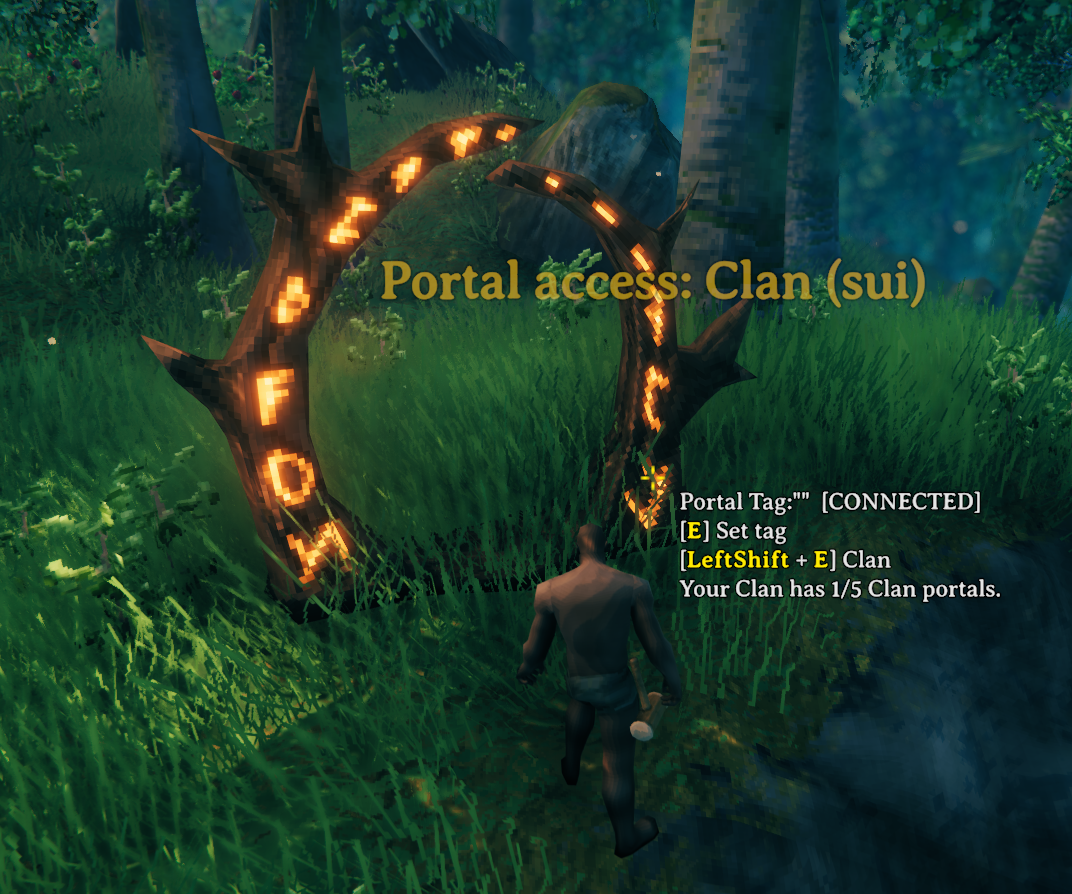
Use Left Shift + Interact to cycle available modes when you have permission. Changing the mode does not transfer ownership.
| Public | Tagged |
|---|---|
 |
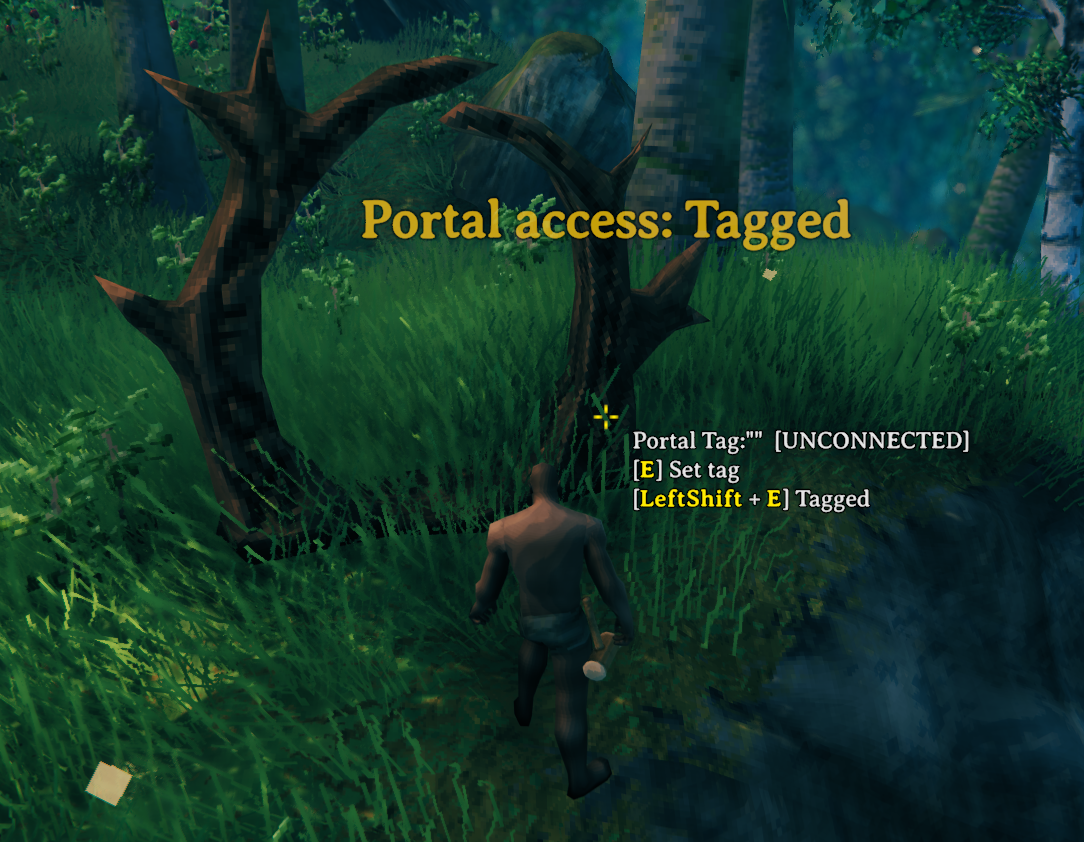 |
Public opens a player-built portal to visitors for 15 minutes by default, then returns it to Personal. Tagged uses matching tags for direct connected travel instead of destination selection.
| Clan access | Invite access |
|---|---|
 |
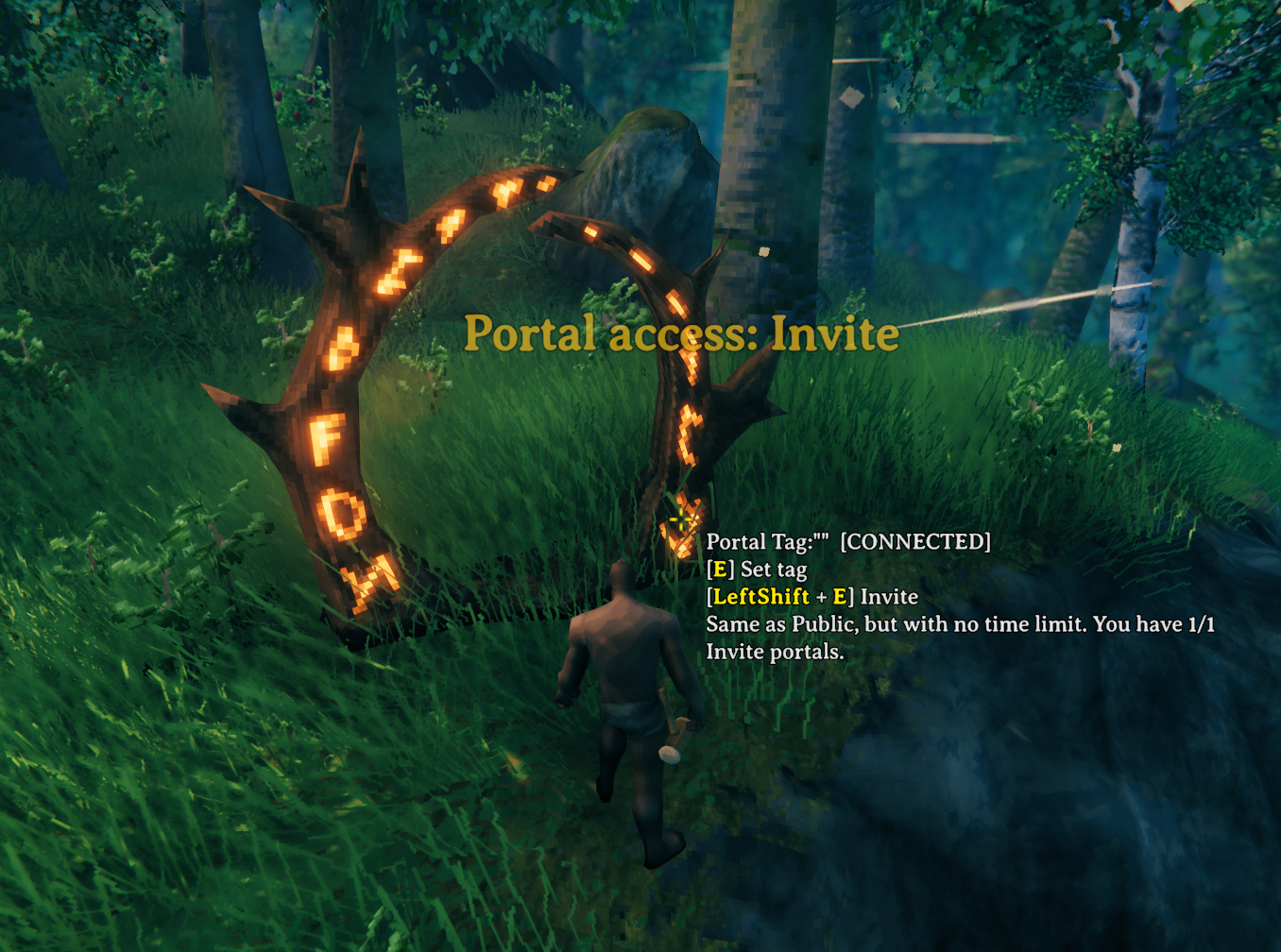 |
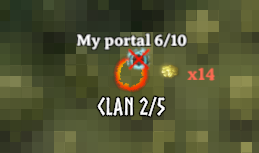
Clan portals welcome the Builder and the bound Clan's members, including Guests. Invite portals stay open to everyone without Public expiry, with separate departure and arrival cooldowns.
| Clan map pin | Invite map pin |
|---|---|
 |
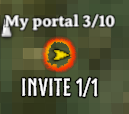 |
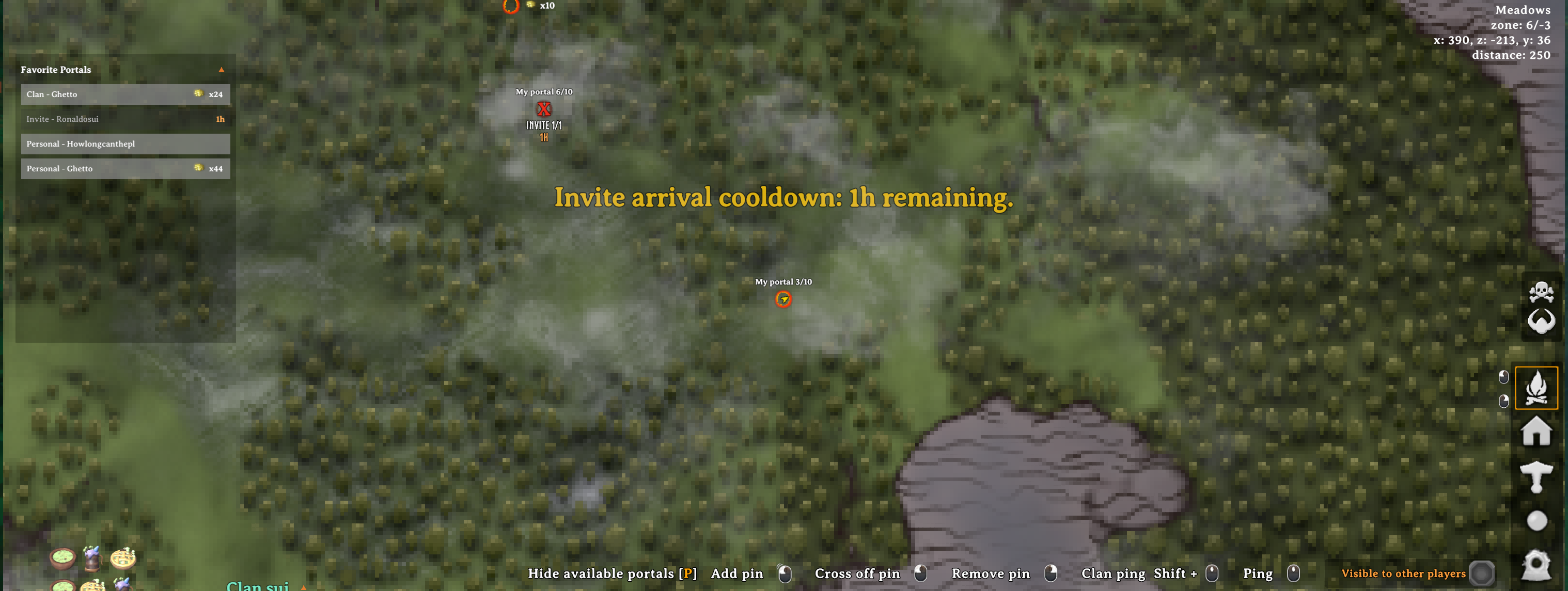
Quota labels help you track portals, and Invite cooldown indicators show when a route becomes available again.
Admin and location portals
| Admin building pieces | A progression requirement |
|---|---|
 |
 |
Admin Wood and Stone portals appear under Hammer → Misc for server administrators in debug mode. Their placed frames are invisible and non-solid, with a whirling marker when a player approaches.
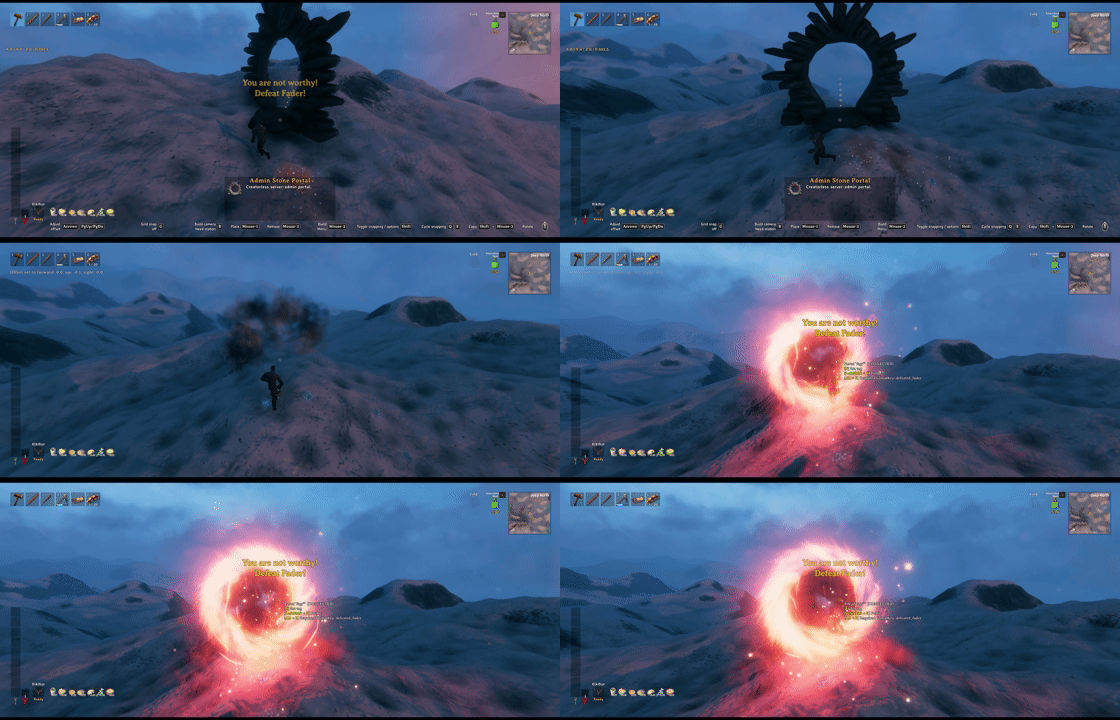
Set a progression requirement with Alt + Interact. Without YouAreNotWorthy, it checks world GlobalKeys; with a compatible YNW installation, ordinary progression keys can be checked per character.
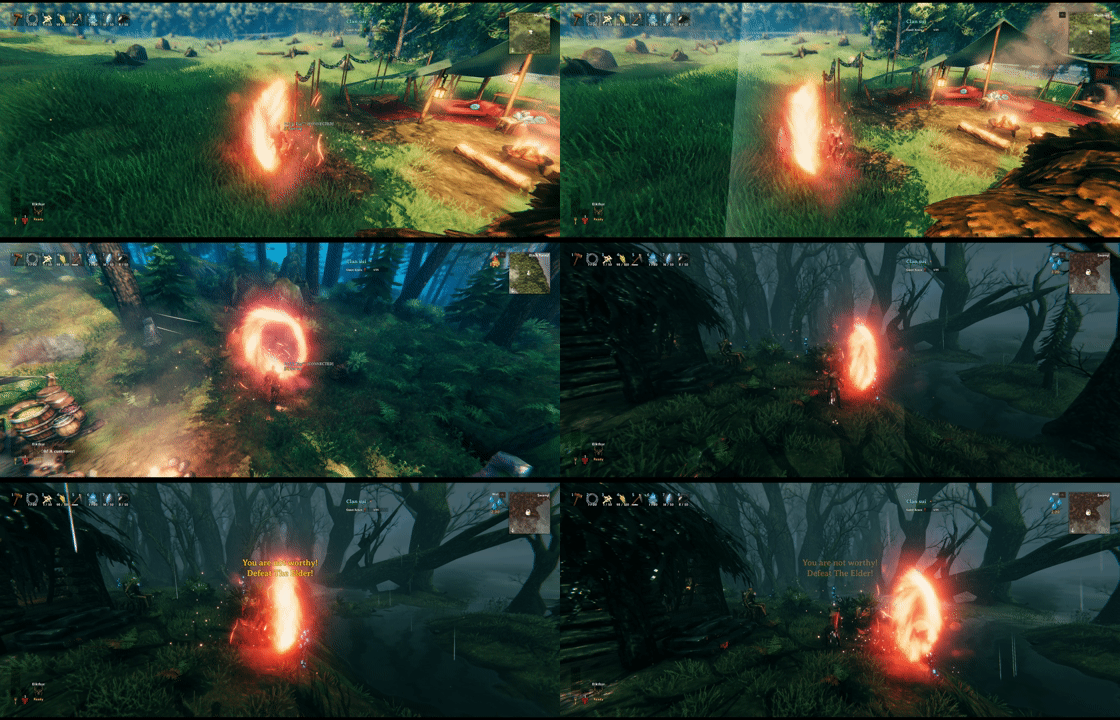
Expand World Data can add Admin portals to locations. Add these objects to expand_locations.yml, then reset the affected location instances to apply the changes:
- prefab: BogWitch_Camp
  objects:
  - admin_portal_stone, 0,15,0.5, 180,0,0

- prefab: Hildir_camp
  objects:
  - admin_portal_stone, -0.5,14,-0.5, 180,0,0

- prefab: Vendor_BlackForest
  objects:
  - admin_portal_stone, -7,7,-0.5, 135,0,0
Adjust positions and rotations to suit each location. Editing the YAML alone does not change existing instances. After zones_reset, the area must be generated again or visited before its portals exist. Location and blueprint setup.
Quick start
Install PortalRules on the server and clients, then enter an accessible non-Tagged portal and select a destination on the map. Tagged portals use their connected destination directly.
These are the default controls; Interact is normally E.
| To… | Do this |
|---|---|
| Set a portal tag | Press Interact. |
| Change its access mode | Hold Left Shift + Interact. |
| Show or hide available portal pins | Press P on the large map. |
| Add or remove a favorite | Right-click a portal pin. |
| Use a favorite | Left-click its row while selecting a destination. |
| Find or remove a favorite | Hover its row to focus the map; right-click to remove it. |
| Edit an Admin portal's GlobalKey | Press Alt + Interact with administrator debug access. |
Portal fares are Off by default, so normal item teleport restrictions apply. A server can enable Pay to let ordinary restricted cargo travel for a Coins fare based on weight and distance. Items, fares, and wallets.
Access modes
| Mode | Who can use it |
|---|---|
| Personal | The Builder's authenticated account. |
| Clan | The Builder and the bound Clan's Primary and Guest members. |
| Public | Everyone; eligible player portals later return to Personal. |
| Invite | Everyone, without Public expiry. Disabled by default; servers can enable it with account limits and travel cooldowns. |
| Tagged | Direct travel between matching tags. Ordinary portals are restricted to the Builder and the bound Clan, including Guests. |
| Admin | Server-approved administrators; the Builder also retains access on existing ordinary Admin-mode portals. |
Player portals cycle Personal → Clan → Public → Invite → Tagged; unavailable modes are skipped. Admin prefabs start Public and cycle Admin → Public → Tagged. Their Tagged connections are public, but their Tagged map pins are visible only to administrators in debug mode.
Mode changes require the Builder, an eligible Clan member, or administrator debug access. Only the Builder may enter or leave Invite. Required GlobalKeys still apply. Full access rules.
Installation and compatibility
Use a Valheim mod manager, or place PortalRules.dll in BepInEx/plugins. Install the same PortalRules version on the server and all clients. Requires BepInExPack Valheim 5.4.2351; PortalRules itself does not require Jotunn.
- Do not combine with TargetPortal. PortalRules declares it incompatible.
- Clan: requires a compatible Clan API v4 for Clan access.
- YouAreNotWorthy: optional character progression checks and localized missing-key messages. If installed with an unavailable API, key-gated portals stay blocked.
- Coin wallets: supports CurrencyPocket 1.0.15 or EndosCoinPurse 1.0.5. Use one wallet mod at a time.
- Crossplay: overall account portal limits are inactive on PlayFab; Invite limits and cooldowns remain active. Server and Crossplay details.
Guides and support
Launch once to generate BepInEx/config/sighsorry.PortalRules.cfg. Server gameplay settings are synchronized; map shortcuts, wheel zoom, and other client preferences stay local.
| Guide | Covers |
|---|---|
| User guide | Access rules, mode changes, maps, favorites, cooldowns, item restrictions, and Coins fares. |
| Server guide | Defaults, account and Clan limits, Crossplay, YAML files, Admin portals, and world-editing setup. |