
You are viewing a potentially older version of this package. View Latest Version
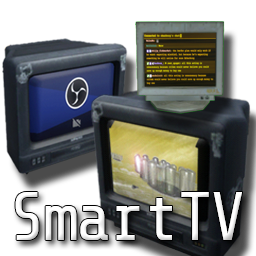


There are three new props available for purchase in the store:
Props have three different modes to access after Toggling the screen on.
Unlike the original TV, you can play multiple different video files at once (MP4, asset files, for example)
Modes
Double click on entries to play them (videos or devices)
Readme is still kinda WIP.

Enable Websocket Server on OBS
Tools > WebSocket Server Settings > Enable WebSocket server
No password is default on the viewer, with port 4455. Enable and apply/ok.
In-game, configure your settings appropriately. Source must be Source name exactly, e.g. "Game Capture" -> Rename to VotVOBS or "Display Capture" -> Rename to VotVOBS
OBS Mode does not handle audio, it is Source video output only
This does NOT allow you to watch Twitch streams in-game still. You can watch YouTube, Vimeo, Twitch CLIPS, and more. Otherwise, chat viewer simply displays Twitch chat with emotes, nothing more.