PhotographyPlus
Adds an optional daily task involving photography. HIGHLY WIP/EXPERIMENTAL! Read the README.md first!WARNING: This mod is in a WIP/Experimental state and is largely incomplete, and has been uploaded mostly for ease of testing. Download at your own risk!!
PhotographyPlus
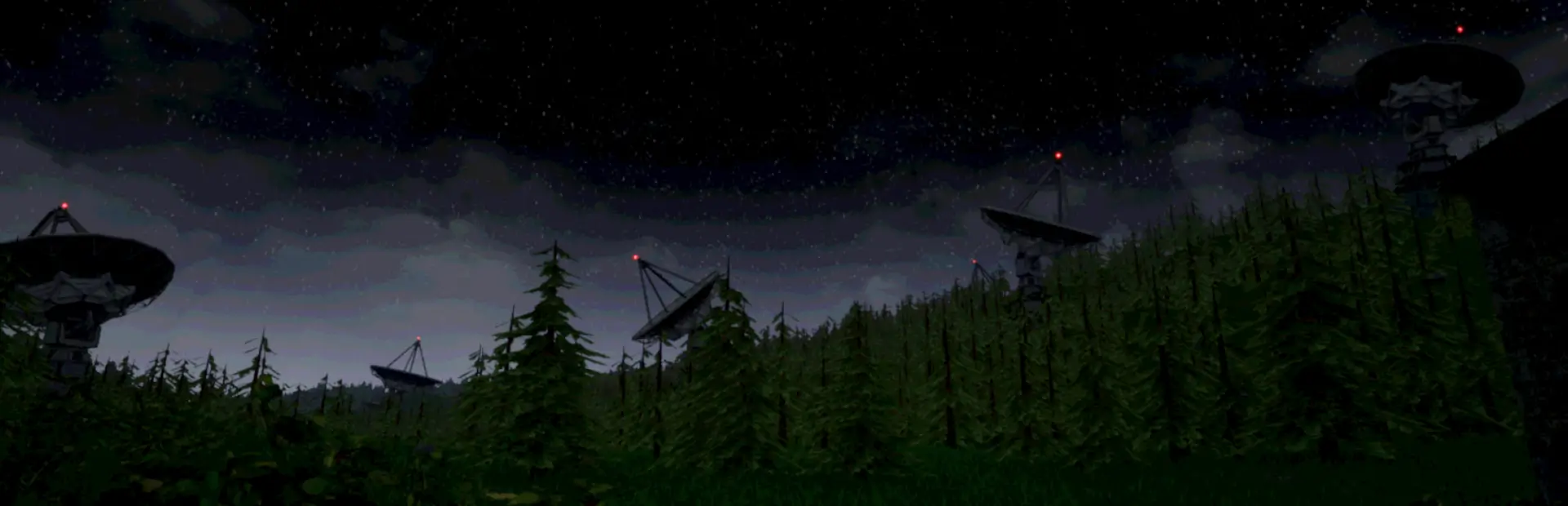
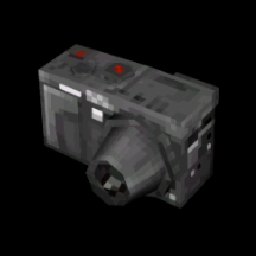
This is a mod that adds an optional daily task to the game, consisting in going out and taking a photograph of a specific structure (for now, just satellite dishes) with a digital camera to earn some points.
This task can be done a limited amount of times each week (by default, 3) and you will receive your payout for doing these tasks alongside the normal weekly bonus.
Both the payout per task and how many tasks you can do each week can be edited in the config menu.
The mod should work with ongoing saves without an issue and should be able to be uninstalled without a problem, but I would advise making backups of your save either way :P
Planned Additions
- More complex task flow (right now you just take the photo and it instantly counts for your task)
- Adding a camera and some other items somewhere in the map for the player to find to make it easier to get started with the tasks
- Some story events related to the photography tasks
- The ability to photograph certain entities for some custom responses and rewards
- Tasks that involve taking landscape shots instead of photographing specific structures
- A clearly over-ambitious amount of other features that I won't mention
Keep in mind that I'm a busy person IRL and that this is my first time making UE mods, so any updates will take a pretty long time and complex changes even more so.
Known Issues
- Saving this mod's data by saving the game MIGHT not work. This means that, for example, the game won't remember what server to photograph, or how many tasks the player has done this week, making the mod pretty much unplayable. However, I suspect this is an issue with the way I set up my own playtesting, and that it should work fine when downloaded with the mod manager. If this is NOT the case, and saving doesn't work properly, turn on the "AlternativeModdedSaving" config in the Configure Mods menu in-game and it should change to an edited saving method that works properly.