

Archipelago
Archipelago multiworld randomizer client implementation enabling Risk of Rain 2 based Archipelago runners.
| Last updated | 4 months ago |
| Total downloads | 59347 |
| Total rating | 3 |
| Categories | Server-side Gamemodes |
| Dependency string | Sneaki-Archipelago-1.5.3 |
| Dependants | 2 other packages depend on this package |
This mod requires the following mods to function

bbepis-BepInExPack
Unified BepInEx all-in-one modding pack - plugin framework, detour library
Preferred version: 5.4.2101

README
Archipelago.RiskOfRain2 | 
To be used with Archipelago
This mod adds support to Risk of Rain 2 for playing as an Archipelago client. For more information on Archipelago head over to https://archipelago.gg.
Multiplayer compatible. Be sure to scale up your YAML settings if you play in multiplayer. All players require the mod in multiplayer.
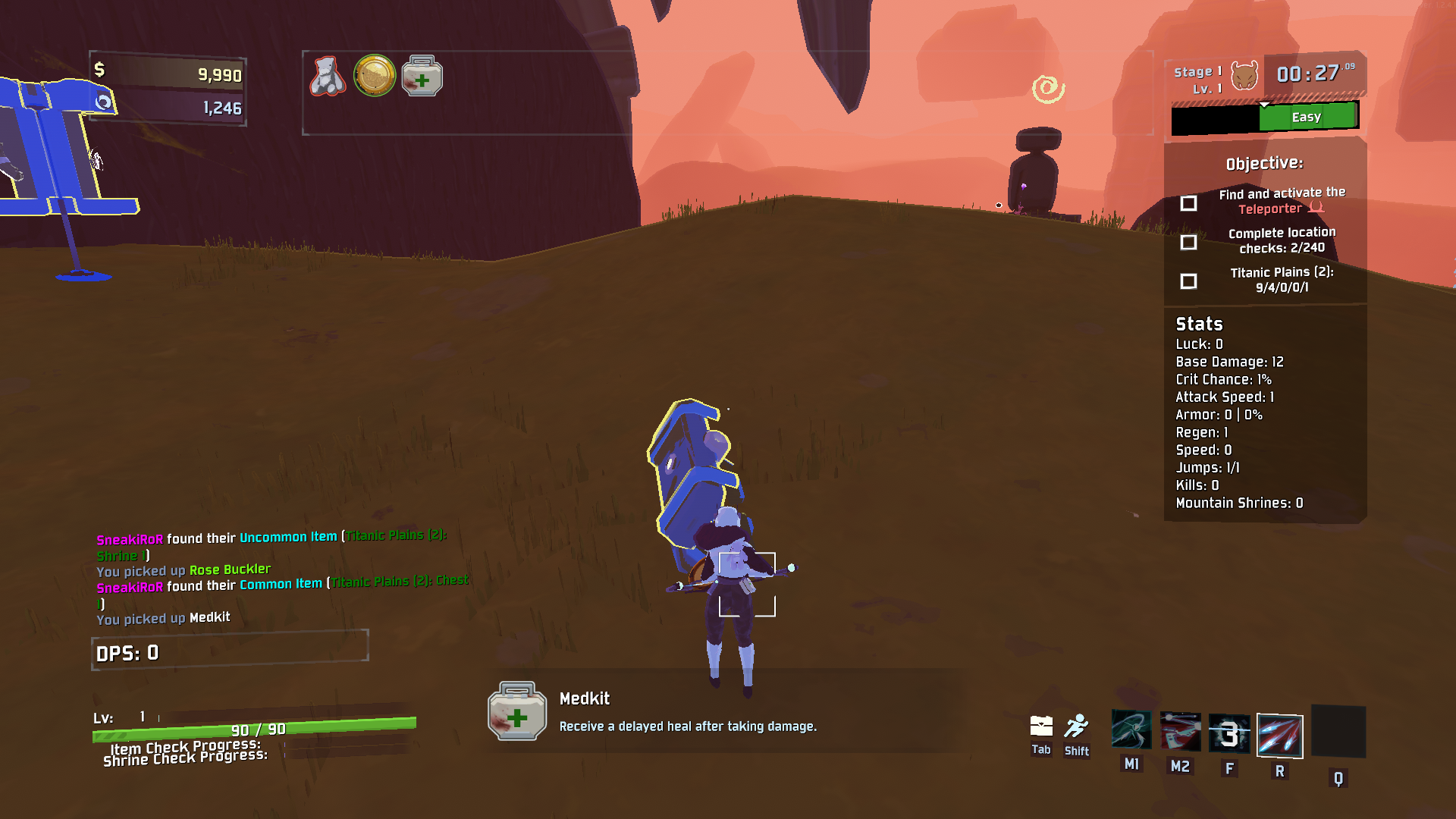
Gameplay
Classic mode
Classic mode is the original way to play Archipelago in Risk of Rain 2.
The Risk of Rain 2 players send checks by causing items to spawn in-game. Currently, this includes opening chests, defeating bosses, using scrappers and 3D printers, opening lunar pods, and accessing terminals. An item check is only sent out after a certain number of items are picked up. This count is configurable in the player's YAML.
Explore mode
Explore mode is an alternative way to play Archipelago in Risk of Rain 2.
The Risk of Rain 2 player sends checks from doing different actions such as opening chests, beating shrines, defeating scavengers, finding radio scanners, and finding newt altars. These locations divided evenly across the different stages and can only be completed in their respective stages.
Environments will be in the item pool, and you will need to unlock them to progress towards your goal.
The rules for locations are as follows:
- Chest-like interactables will send a check when a certain number of chests are opened. Multishops are not chest, but lunar pods and void cradles are. Artifact of sacrifice will treat item drops like opening chests.
- Shrines will send a check when a certain number of shrines are beat. Rules for beating shrines are:
- Altar of Gold is beat on purchase.
- Shrine of Blood is beat on interact. Sending shrine as a check denies gold.
- Shrine of Chance is beat on when rewarded. Sending shrine as a check denies the item.
- Shrine of Combat is beat on interact.
- Shrine of Order is beat on purchase.
- Shrine of the Mountain is beat on defeating the challenge of the Mountain. Sending the shrine as a check denies the bonus item.
- Shrine of the Woods is beat on the second and third purchases.
- Scavenger bags send checks when opened but do not grant items. Looping to the same environment will let you reopen the scavenger bag.
- Radio Scanners can be found on every stage and send a check. Radio Scanners are guaranteed to spawn.
- Newt Altars send checks when found but do not grant a Blue Portal (Refunds 1 lunar coin). Newts Altars grant portals when the checks are depleted.
Explore mode also attempts to help against being stuck in RNG hell; the teleporter will favor environments that have more checks remaining.
Achieving Victory or Defeat
Achieving victory is defined as beating Mithrix, defeating the Twisted Scavenger, or beating the Voidling (DLC enabled). (This is both true for Classic and Explore modes.)
Alternatively you can change the Final Stage Death is Win setting to enable Obliteration ending as well as if you die in the Commencement map (the moon)/ The Planetarium (DLC enabled)/ Hidden Realm: A Momemt, Whole (limbo).
Due to the nature of roguelike games, you can possibly die and lose your place completely. This is mitigated partly by the free grants of Dio's Best Friend
but it is still possible to lose. If you do lose, you can reconnect to the Archipelago server and start a new run. The server will send you the items you have
earned thus far, giving you a small boost to the start of your run.
YAML Settings
To create a YAML please goto Archipelago RoR2 Settings
Connecting to an Archipelago Server
I assume you already have an Archipelago server running. Instructions on how to run a server are available at Setup Guide.
Fill in the relevant info and click Connect To AP to connect to the server
Keep password blank if there is no password on the server.
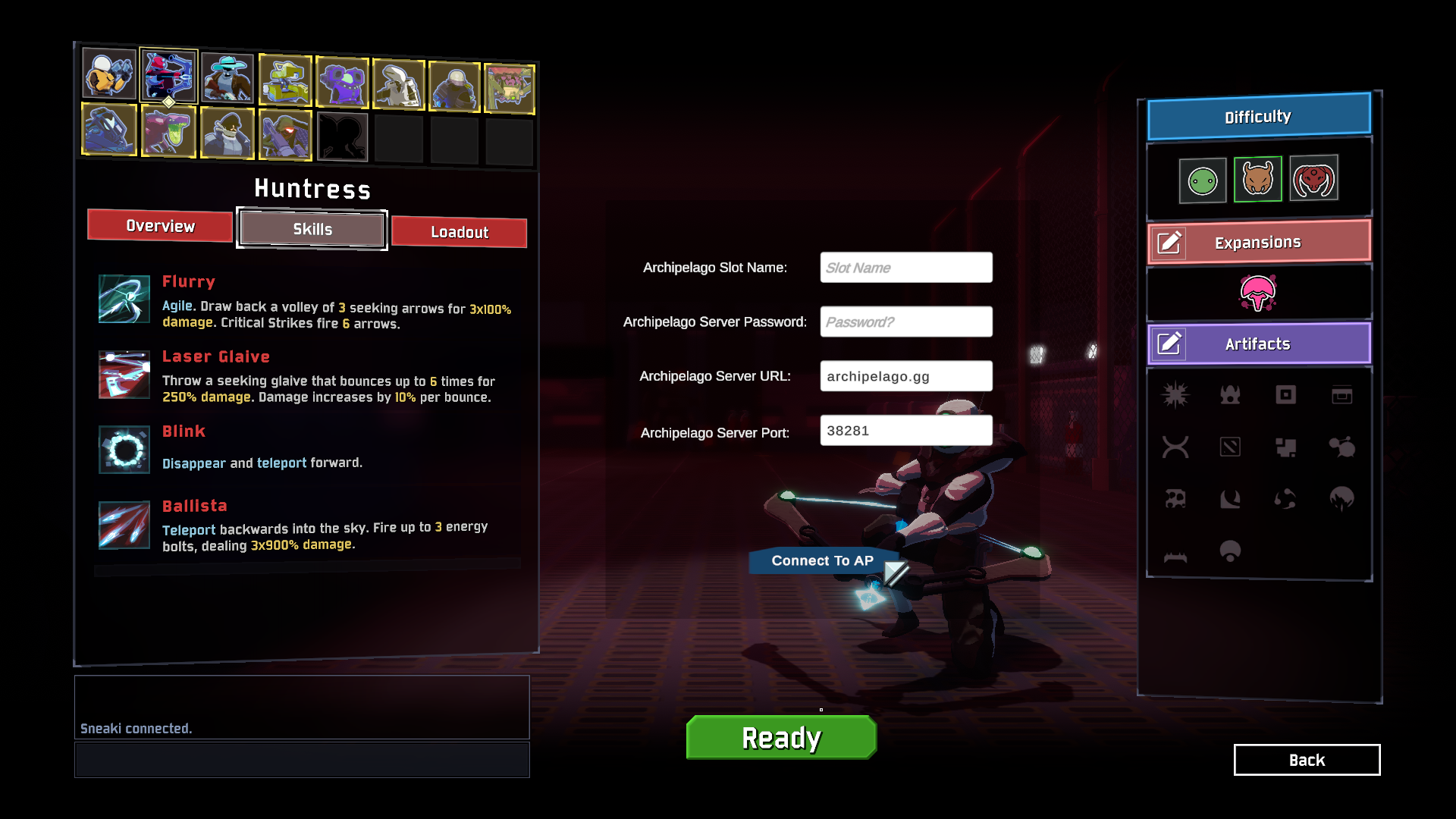
Once connected it will print in chat that you have successfully connected!
Known Issues
- Splitscreen support is unlikely at the moment. It might work, it might not.
To-do/Ideas
- Cache and load data package from file system.
- Further randomization in some way. Mob spawns, elite types, variance api, boss types, mob families, mobs with items, etc.
- More item/reward types: warbanner drops, drones
- Funny/joke item types: launching you into the air, switch left and right click
- Trap item types: spawn bosses, drop bombs on the stage
