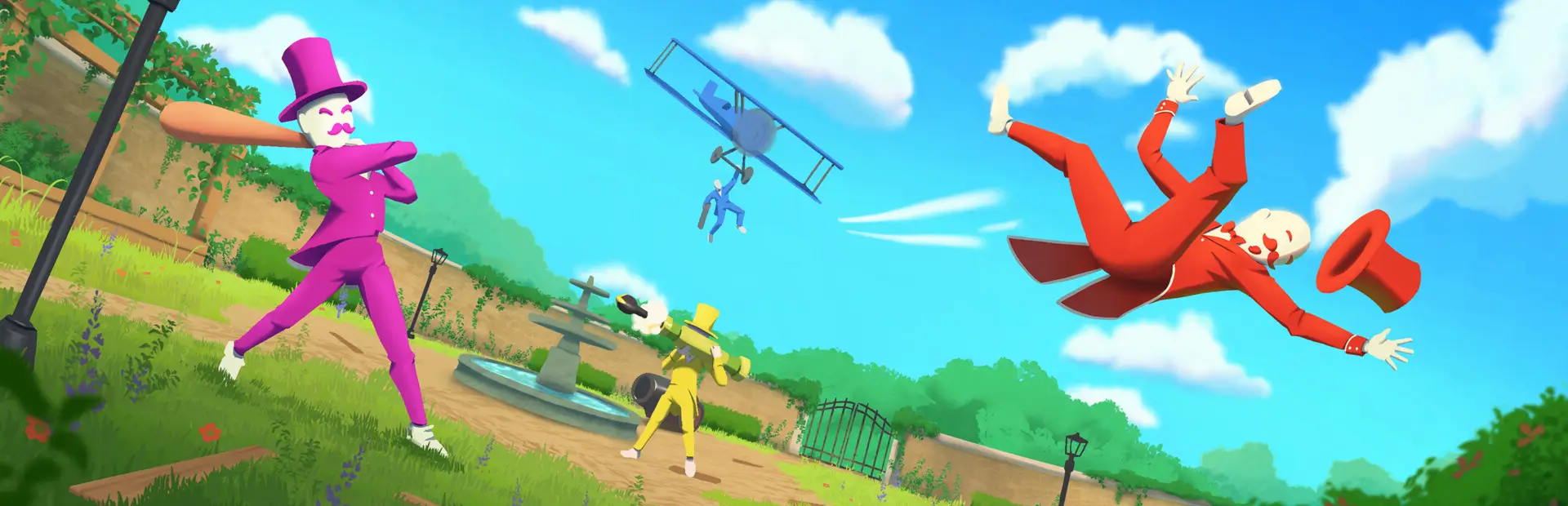

Gentlemens Map Vote
Vote on the next map: after each card phase a ballot deals out three maps (unplayed first, then the longest-unplayed) plus Random as cards; most votes wins, ties are random. Keys 1-4 or the D-pad. Works with Gentlemen's Draft.Gentlemen's Map Vote
Vote on the next map in A Gentlemen's Dispute, built on the game's official mod loader.
Everyone in the lobby needs the same version installed.
How it works
- After each card phase a ballot deals out three maps + Random as cards, for 12 seconds.
- Press 1-4 or use the D-pad (left / up / right = the maps, down = Random) to vote. Press another key to change your vote.
- Live counts show on each card. Once everyone has voted, the ballot closes 1.5 s later.
- Most votes wins. A tie is broken at random among the tied maps. If Random wins, any of the lobby's maps except the current one can come up (even one not on the ballot). If nobody votes, the game picks as usual.
- Always three maps to choose from: maps not played yet first, then the ones played longest ago come back into the pool.
- No vote after the match is won: the post-match map is the game's pick.
- Works with Gentlemen's Draft: the vote comes once, after the last pick.
- The vote length (5-30 s) can be changed with Gentlemen's Mod Settings (SETTINGS in the game's Mods menu). The host's value is used.
Manual install
- Close the game.
- Download this package (Manual Download) and unzip it anywhere.
- Open the game's folder: in Steam, right-click A Gentlemen's Dispute > Manage > Browse local files.
- Open the Mods folder there (create it if it is missing).
- Copy the GentlemensMapVote folder from the zip into Mods, so you end up with
Mods\GentlemensMapVote\mod.json. Copy the whole folder, not just what is inside it; the other files in the zip (manifest.json,README.md,icon.png) are not needed. - Start the game. The mod is loaded automatically.
- Updating: delete the old
Mods\GentlemensMapVotefolder first, then copy in the new one. - Uninstalling: delete
Mods\GentlemensMapVote.
Don't edit or add files inside the mod folder: the game checks the mod's files, and a changed folder will not match other players in a lobby.
Notes
- The vote runs on the host. There is no vote before the first round (that map is the lobby's).
- Couch players on one PC share one vote.
- Bug reports welcome: https://github.com/rgkable/GentlemensDisputeMods