
GravWarden ChaosArena
A replayable BONELAB wave-survival run with randomized enemy twists, built for Quest.CHAOS ARENA
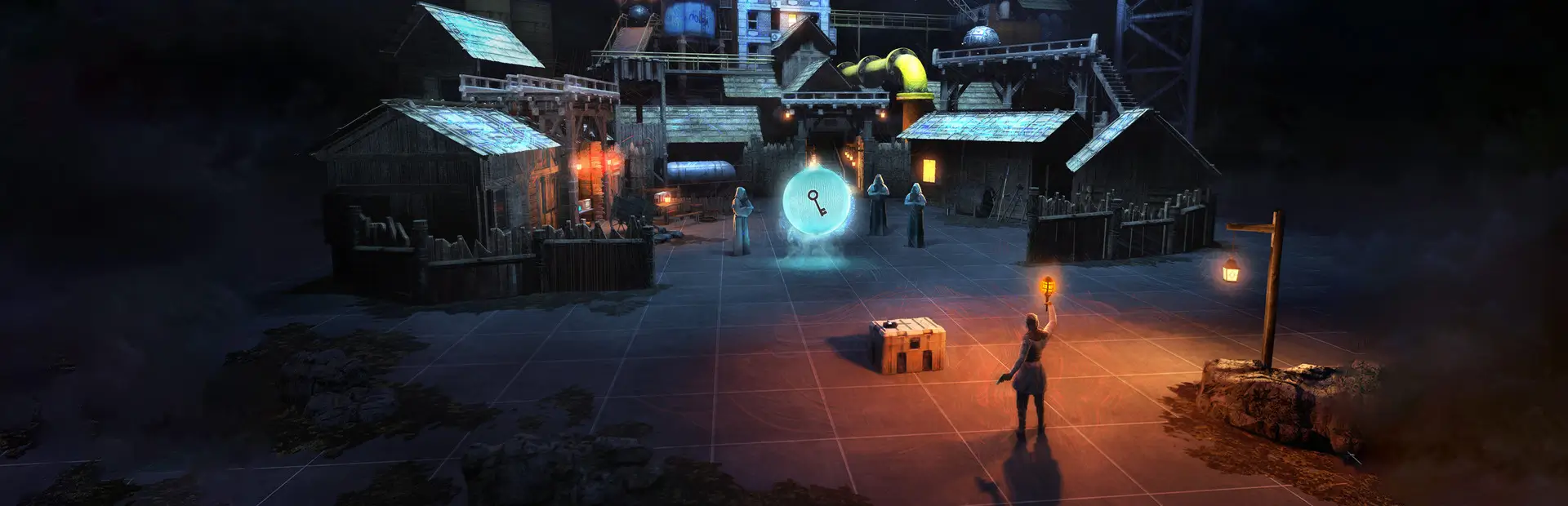
Turn the BONELAB level you are already playing into a wave-survival run. Start a run from BoneMenu, fight enemies that spawn around your starting position, and survive randomized twists as the waves grow.
Designed for standalone Quest. This mod uses BONELAB's built-in enemy spawnables, has no custom asset bundles or heavy visual effects, and limits the run to four active enemies at a time. Waves run in your current level; the mod does not load or provide a separate arena map.
Features
- Start in the current level without loading a separate map.
- Increasing waves, score, saved best wave, and three difficulty settings.
- Random wave modifiers: Swarm, Cult Rush, Armored, and Mixed Bag.
- Staggered enemy spawning and a hard four-enemy active cap for Quest.
- A small in-headset wave/score display.
- Stop/clear option and automatic cleanup when the level changes.
How to play
- Install BONELAB on Quest with a compatible MelonLoader setup and BoneLib.
- Install GravWarden-CHAOS ARENA from Thunderstore, or extract the package and copy
Mods/ChaosArena.dllinto BONELAB'sModsfolder. - Load into a level with space to fight.
- Open BoneMenu > CHAOS ARENA and select Start Run.
- Choose Easy, Standard, or Nightmare before starting a run. Use the in-headset display to track your wave and score; Show Run Status also logs the run status.
Enemies spawn about seven meters from where the run began, near the ground when a surface can be found. The mod detects NPC health when BONELAB exposes it and otherwise waits for the NPC to be despawned before clearing that wave. Use Stop Run / Clear Enemies to end early or clear the arena.
Quest performance and compatibility
The arena is intentionally asset-light and caps concurrent enemies at four. Enemy AI, physics, and performance still depend on the level and device; close other heavy mods if performance drops. The mod uses the base-game enemy spawnables, so it does not require a custom map or a PC-only asset pack.
Troubleshooting
- If Start Run reports no active player camera, finish loading into gameplay and try again.
- If an enemy does not appear, confirm that the selected level has usable space and check the MelonLoader log for spawn errors.
- If the MelonLoader log says NPC health could not be read and the wave does not advance after enemies appear defeated, use Stop Run / Clear Enemies; the game may not have despawned the defeated NPC yet.
- If a level transition occurs, the run stops automatically to prevent enemies from leaking into the next scene.
License
MIT. See LICENSE.