You are viewing a potentially older version of this package. View Latest Version
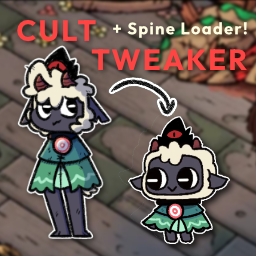
Features:
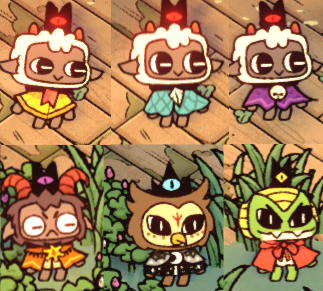
By pressing F7 (player 1), or F8 (player 2), you can swap between all possible visual fleeces on each of the player skins (lamb, goat, snake, owl) on the fly! You can swap visual fleeces anytime, anywhere.
Add your own Player Spine into the game! Completely change the look of your lamb!

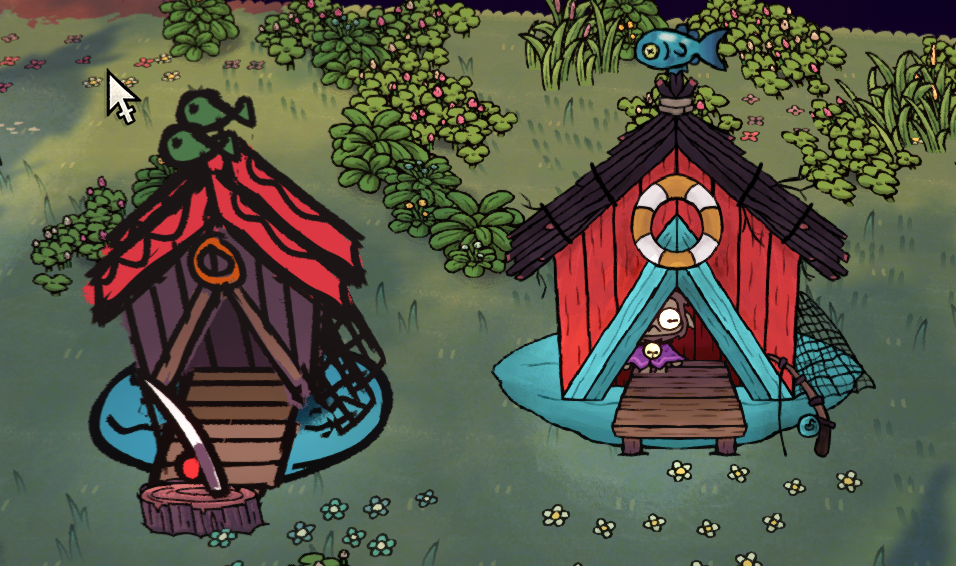
Change the looks of any Structure! (right side is changed)
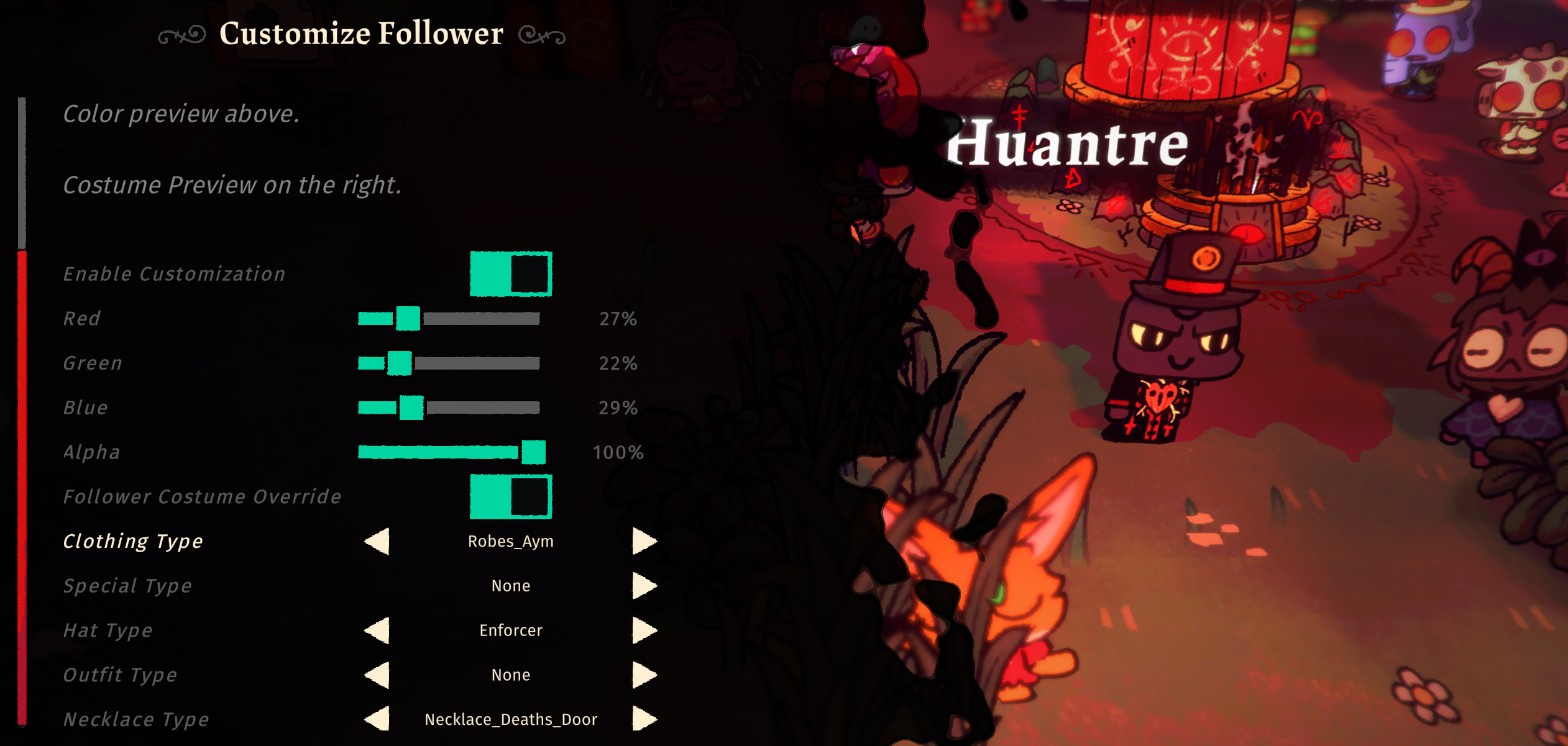
Fully control each follower's looks and outfits! You can change their Color (R,G,B,A) and what they wear (outfit, hat, necklace). This will override whatever job outfit they have and always wear the custom look instead. You must toggle "Enable Customization" for Follower Costume Override to work as well.
You can now create your own stuff to be added into the game without code!
Currently supports Custom Items, Food, Structures, Tarot Cards.
You may use the templates provided via NexusMods for creation of custom data. The templates are in JSON format and is easy to follow.
After installing this plugin correctly, you should be able to navigate to Bepinex > plugins > CotLSpineLoader > PlayerSkins folder and setup your custom spine skins there.
3.8.99 SpineNonessential data: TRUE, Animation cleanup: TRUE, Warnings: TRUEPack TRUE with default Pack SettingsPlayerSkins folder, create a new folder for each individual spine that you want to load into gameDEBUGSKIN as the skin namePlayerSkins/DEBUGSKIN add the following filesA Complete Skin folder would look something like this
| CultTweaker.dll
| PlayerSkins
    | DEBUGSKIN
        | player-main.json
        | player-main.png
        | player-main.atlas
        | config.json
Each Spine Skin folder must have a config.json file in it. The following is how you should create the file:
{
    "defaultSkin": "CustomSkinName",
    "skins": [
        "CustomSkinName",
        "CustomSkinName2"
    ]
}
defaultSkin will be the first skin that is loaded when the game starts
skins is an array of any amount of strings of the Skins that exist in your Spine Skeleton that you want to load into game
Create a folder named after the structure you want to override in BuildingOverrides folder. Add images and a config.json file.
A Complete structure skin folder would look something like this
| CultTweaker.dll
| BuildingOverrides
    | FISHING_HUT
        | fishing_hut_BACK.png
        | fishing_hut_FRONT.png
        | config.json
Each Structure Override Skin folder must have a config.json file in it. The following is how you should create the file:
{
    "overrides": [
        {
            "spriteImageName": "fishing_hut_BACK.png",
            "offset": { "x": 0, "y": 0, "z": 0 },
            "scale": { "x": 1, "y": 1, "z": 1 },
            "rotation": { "x": 0, "y": 0, "z": 0 }
        },
        {
            "spriteImageName": "fishing_hut_FRONT.png",
            "offset": { "x": 0, "y": 0, "z": 0 },
            "scale": { "x": 1, "y": 1, "z": 1 },
            "rotation": { "x": 0, "y": 0, "z": 0 }
        },
    ]
}
Change your offset and rotation accordingly, so as to build your structure design.
Few things to note when building the custom structure design:
Try CotLMiniMods for lots of custom stuff, or Supercharged Tarots for overpowered tarots, and Supercharged Followers to bring your followers to battle!