
You are viewing a potentially older version of this package. View Latest Version
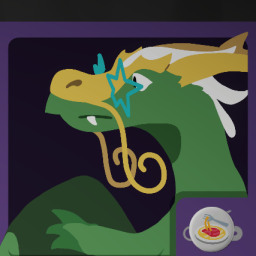
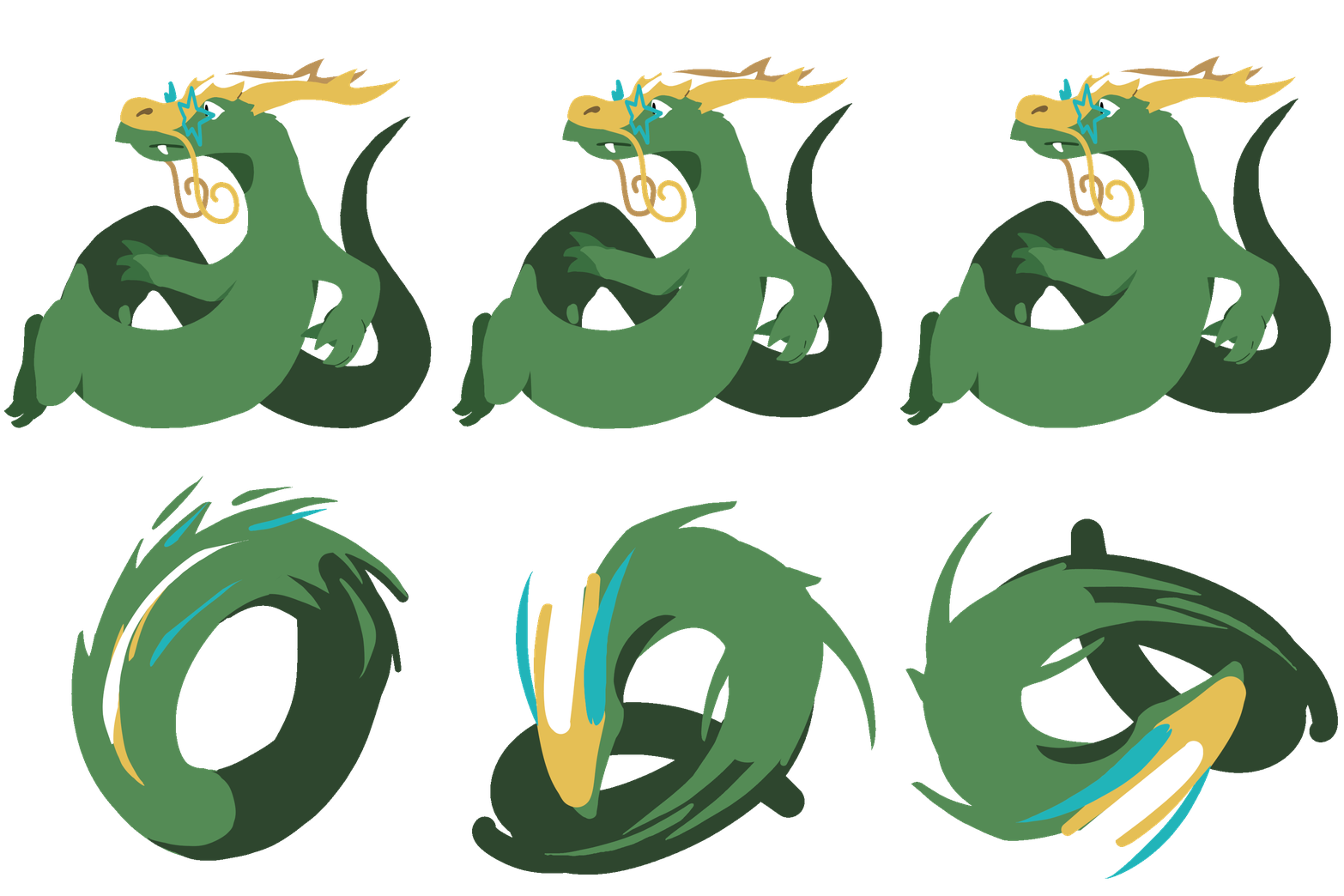
Llong is finally awake and ready to wobble as a new member of the Ssecret Ssyntactic Ssociety
Install MelonLoader: https://thunderstore.io/c/cursed-words/p/LavaGang/MelonLoader/
Back up your saves, just in case something goes horribly wrong (AppData\LocalLow\Buried Things\Cursed Words\Saves\SteamCloud\BUNCHA_NUMBERS\slot_X.sav)
Put the contents of the contained Mods/ folder inside Steam/steamapps/common/Cursed Words/Mods/: Llong.dll, noodleassets, and noodleitems
That means you should have Cursed Words/Mods/Llong.dll, not Cursed Words/Mods/Mods/Llong.dll!
If it worked correctly, you should be able to select Llong when starting a new run.
If you don't get a command prompt window appearing when starting Cursed Words, you probably don't have MelonLoader installed correctly.
If MelonLoader starts but Llong doesn't appear, check the MelonLoader logs for any useful info and confirm Llong.dll is in the right spot.
If Llong appears but the assets are all white squares, check to make sure noodleassets and noodleitems are in the root of Mods/ and not in Mods/Siveran/. (You probably installed it through r2modman/gale and I don't have support set up for that quite yet)
Neptune for the modding guide, without which I wouldn't have even started this (and for the console mod!)