

You are viewing a potentially older version of this package. View Latest Version
GK2 Move Buildings
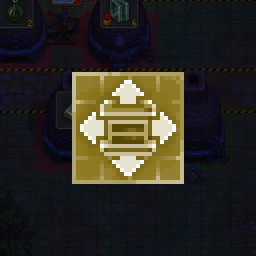
Adds a Move button next to Remove in the build menu. Pick a building up and put it down somewhere else. Nothing spent, nothing refunded.GK2 Move Buildings
Built it wrong? Just move it.
The build menu gets a Move button next to Remove. Pick a building, and it goes back on your cursor. Put it down wherever the game lets you build, with the same zones and snapping as always. Nothing spent, nothing refunded.
- Contents are dropped beside the building. Or turn on Carry the contents and chests keep what they hold.
- Workbench extensions (buckets, tool racks, bellows) link back to their workbenches after a move.
- A building can be shifted by a cell or two.
- In remove mode, hold Left Ctrl and click to move instead of demolish.
- Right click or Escape cancels. Gamepad supported.
Settings
In the Mods menu (with GK2 Mod Framework), in ConfigurationManager, or in BepInEx/config/gk2.movebuilding.cfg.
Manual install
Put GK2MoveBuilding.dll and move_icon.png into BepInEx/plugins/GK2MoveBuilding/. Needs BepInEx 5.4.23.x (x64).
Move icon by Axness. Thank you!
Questions and bug reports: Nexus page.