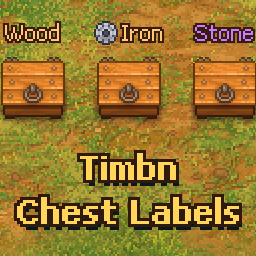
Works on game version 1.011. A chest keeps its name when you move it with the game's own Move button.
1.1.0
A chest's name now shows under the Open and Label hints. The new LabelBelow setting turns that off to show it above them.
The naming window has a color picker, copied from the character editor. The new Colors setting adds your own colors before the default ones.
The naming window has a size for each chest, Small, Default, Large or Extra Large. The new DefaultSize setting sets how big Default is, as a percent of the game's text or as a font size, and the other sizes follow it.
A chest keeps its name when a mod that moves buildings moves it, if that mod supports it.
The Label hint shows the controller button when you play with a controller.
1.0.0
First release. Press Label at a chest to give it a name that floats over it, in the same style as grave quality.
Names can hold a color tag or one of the game's icons through a sprite tag.
Names are saved with your game, and taking a chest apart loses its name.
Thunderstore development is made possible with ads. Please consider making an exception to your adblock.