

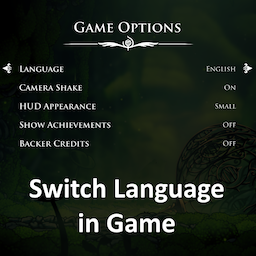
Switch Language in Game
Support language switching in the gameSwitch Language In Game
A Hollow Knight: Silksong mod for supporting language switching in the game.
Features
- Support language switching in the game.
- Support language switching via shortcut key. (requires manual configuration first)
Configuration
Recommend using the BepInEx.ConfigurationManager for easy in-game customization of settings. If you have it installed (press F1 in-game to open the menu), navigate to the "Switch Language in Game" section to adjust options directly—no file editing required.
Alternatively, edit the configuration file located at BepInEx\config\com.demojameson.switchlanguageingame.cfg
To install
Thunderstore
It should all be handled for you auto-magically.
Manual
First install BepInEx to your Silksong folder, (note: this will break how thunderstore does things)
You can find it at https://github.com/BepInEx/BepInEx/releases latest stable is currently 5.4.23.4
After unzipping, run the game once, so that the BepInEx folder structure generates
(ie: there's folders in there apart from just core)
Then pull this DLL, or folder including the dll in to
Hollow Knight Silksong\BepInEx\plugins
Source
GitHub: https://github.com/DemoJameson/Silksong.SwitchLanguageInGame