
GamepadUISwitcher
Switch your gamepad UI. Display the right (or wrong) controlsGamepad UI Switcher
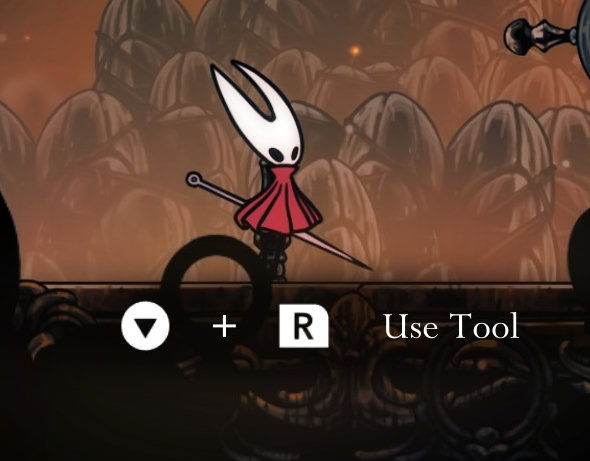
A mod that allows you to override the UI hints for your game controller.
Features
-
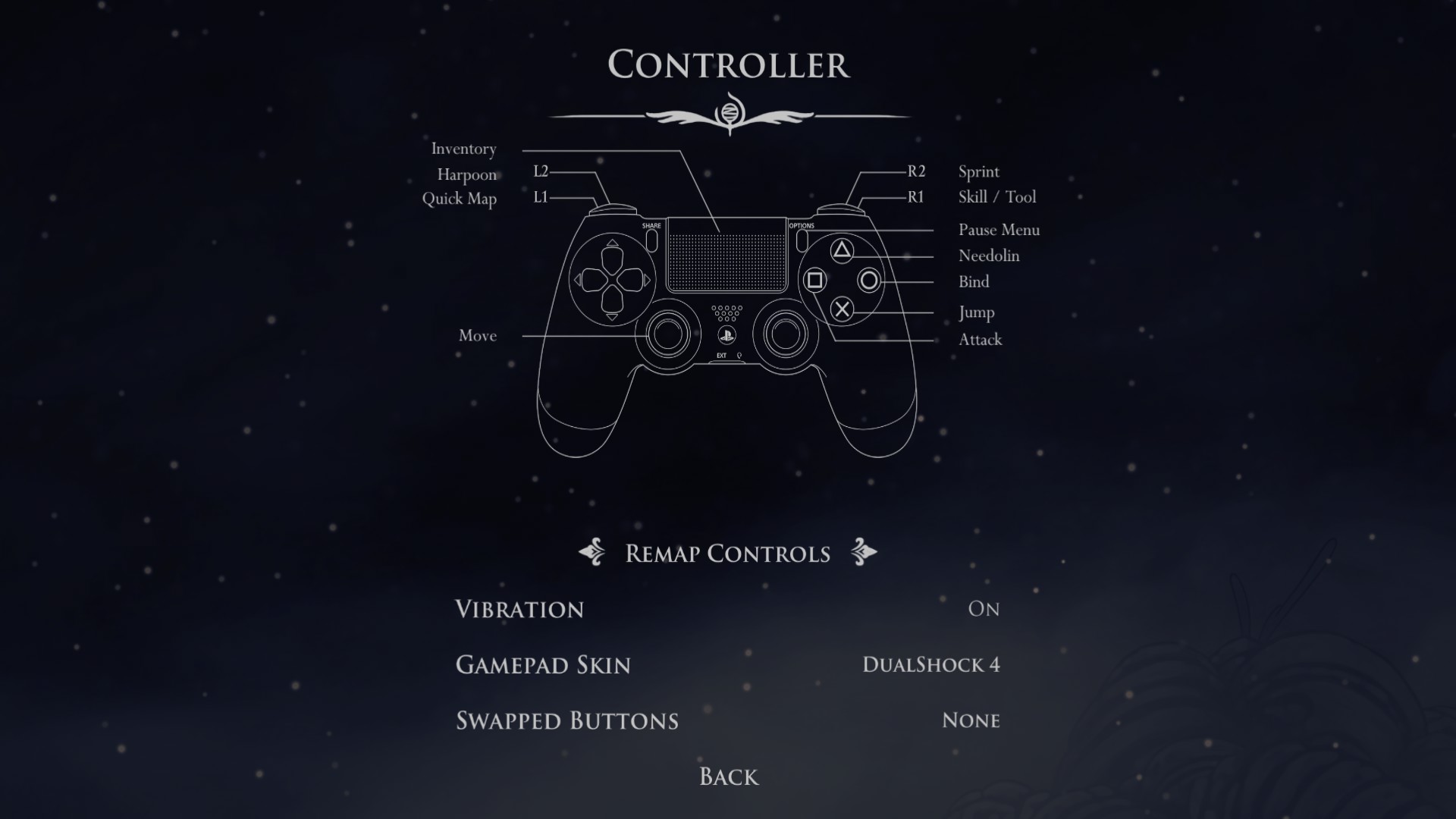
Allow switching between hints for these gamepads
- Playstation (DualShock 4, DualSense)
- Steam Deck
- Switch (Joycons, Pro Controller)
- Xbox (360, One, Series X)
-
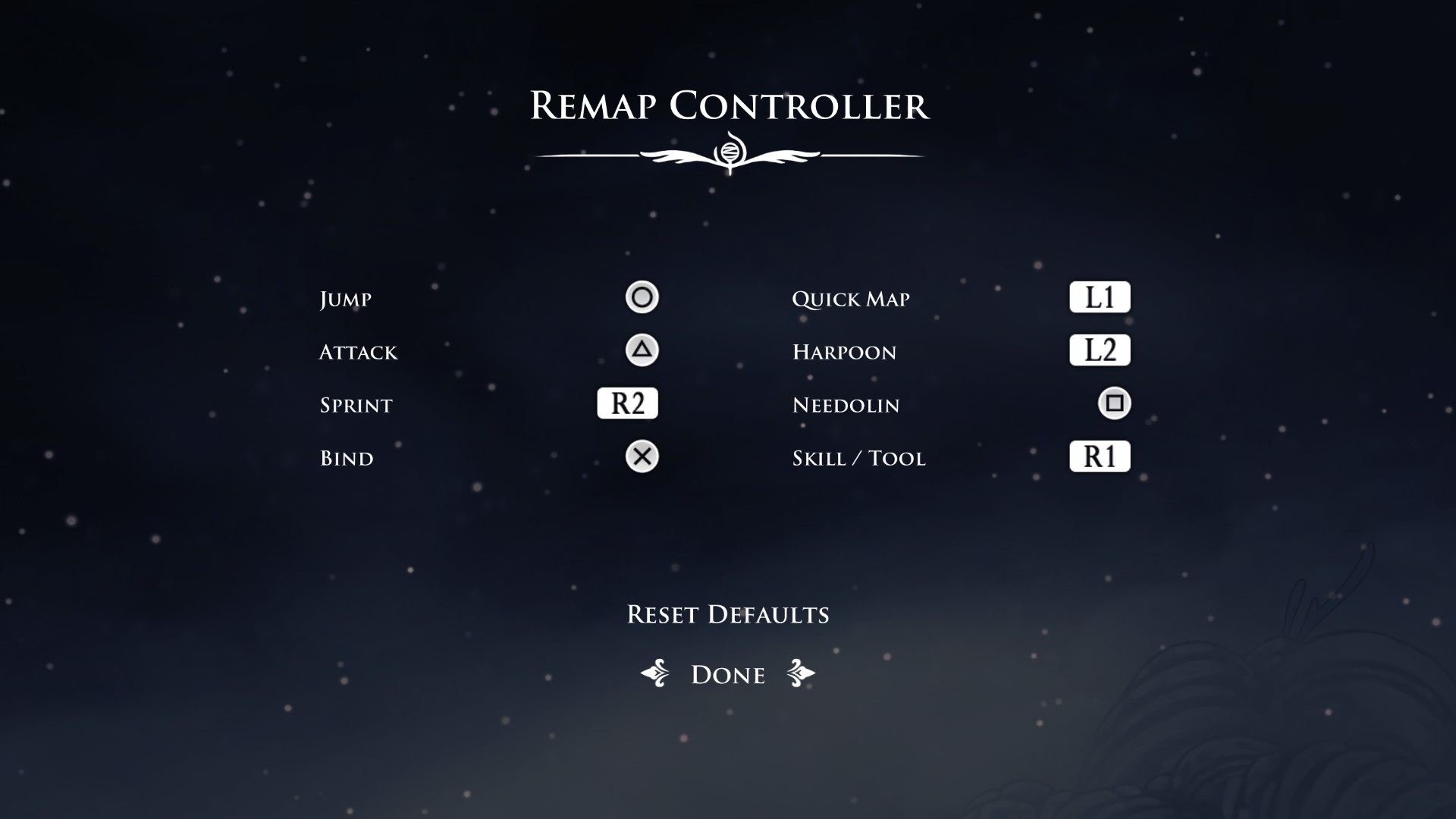
Swap face buttons, for example: A <-> B, X <-> Y / Cross <-> Circle, Square <-> Triangle
Installation
The Simple Way
Use r2modman or Gale.
Manual
- Download BepInExPack Silksong and extract it to the game folder, next to the game executable
- Download Silksong.I18N and extract it inside of
<game folder>/BepInEx/plugins - Download GamepadUISwitcher.zip and extract it inside of
<game folder>/BepInEx/plugins -
- (Windows) Run the game normally
- (Linux/MacOS) Run
run_bepinex.sh
Configuration
Options -> Controller from the game's main menu or pause screen.
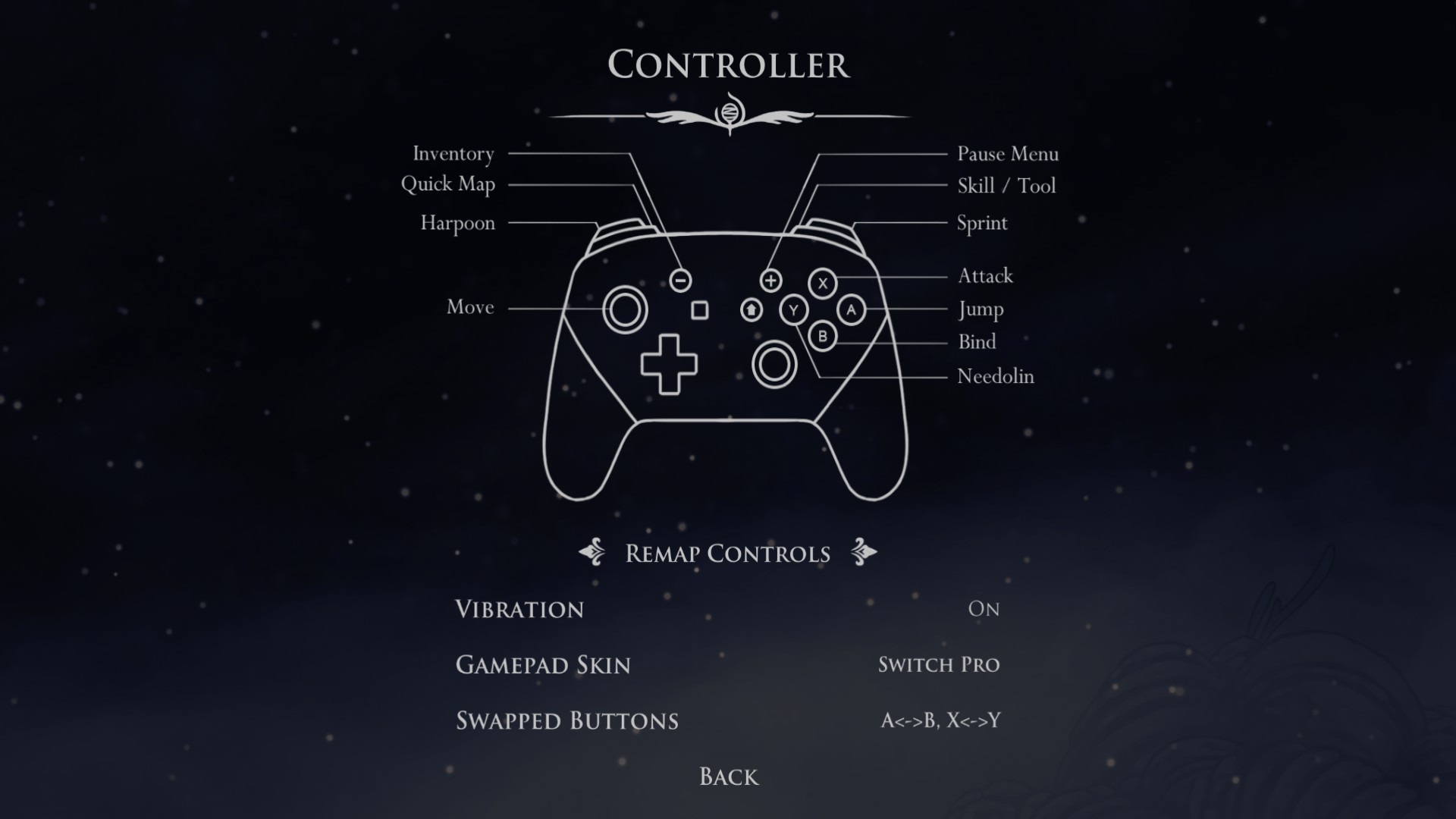
Alternatively, if you have BepInEx.ConfigurationManager installed, you can use its menu (Default: F1).
Preview