
Better How To Fish
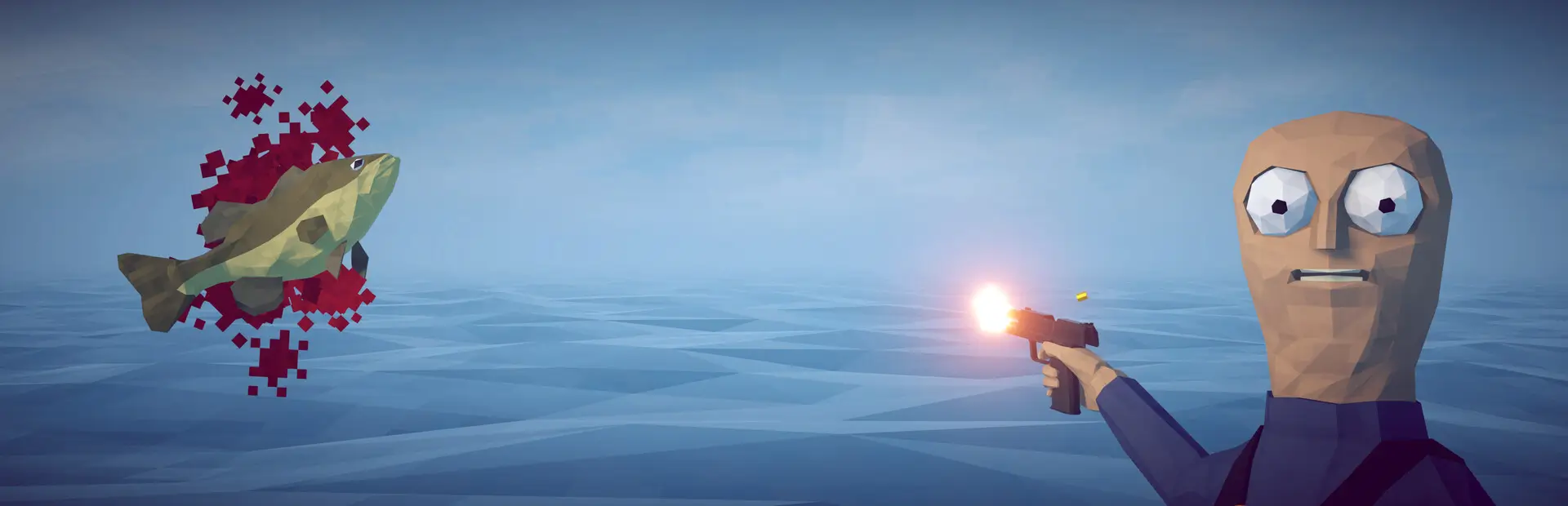
Random fish and boss sizes up to x25, scaled stats and value, MoreFish compatibility, shared health bars, catch cards, rankings, and rod upgrades.Better How to Fish
1.1.7 changes
- Added optional compatibility with MoreFish by ScarlettTech.
- MoreFish morph variants now preserve Better How to Fish's custom sizes instead of overwriting them.
- MoreFish custom species can receive the same Better size rolls, scaled health, value, and catch tracking as other hookable creatures.
- Compatibility activates automatically when both mods are installed; MoreFish is not required.
1.1.6 changes
- Workbench resize controls now sit above its text; catch-card controls stay safely inside the card.
- Press
-to shrink or+/=to enlarge whichever adjustable HUD is currently visible. - The inspected native
Valuenow receives the rod sale bonus at the exact point where the game renders it. - Biggest Catches no longer appears in the main menu.
1.1.5 changes
- Resize controls now have a visible
HUD SIZElabel and high-contrast-/+buttons. - The inspection panel keeps one native
Valuefield and replaces its number with the final selling price after rod bonuses. - Removed the duplicate
Sale valueline.
1.1.4 changes
- All mod HUDs except Biggest Catches now follow the vanilla visual style.
- The rod-workbench prompt can be resized with its new
−and+buttons and hides during pause or killscore animations. - Creature size now appears inside the vanilla killscore line without overlapping its bonuses.
- Inspect panels, catch cards, and killscore rewards display the actual selling price, including your rod sale multiplier.
VanillaInspectSizeStylemakes the size entry match the normal inspection statistics.
Expands How to Fish with randomized creature sizes, meaningful stat scaling, multiplayer competition, visible health bars, and permanent fishing-rod progression.
Main features
- Every hookable fish, shrimp, crab, and other catch receives an individual size from
x1.00tox25.00. - Normal bosses and island bosses also receive randomized sizes, even when the base game normally skips randomized weight.
- Size scales the creature's visual model, maximum health, direct contact damage, and sale value.
- Compact world-space health bars show exact synchronized values such as
20 / 20above non-bird creatures. - Health bars follow creatures smoothly every rendered frame and remain compact on giant catches.
- A polished catch card shows the creature model, exact size, and original catcher's name.
- The original catcher receives the catch card even if another player lands the killing blow.
- A persistent Top 3 HUD records the three largest individual catches in the current save.
- When a catch enters the Top 3, every player in the lobby sees its announcement.
- Kill rewards display the applied size multiplier and use the creature's real scaled value.
- Every weapon-upgrade box, including the tutorial island box, supports up to 255 saved melee-sharpness and bullet-damage levels with continuously increasing prices.
Fishing-rod upgrade workbench
Each island automatically receives a workbench near its seller NPC or selling area. The placement system checks nearby ground and obstacles so it does not intentionally block the shop.
Approach the table with a standard fishing rod or crab fishing rod and press E to purchase an upgrade. There are 25 levels:
- Luck improves the size distribution and makes rare giant catches more likely.
- Every level grants
+5%reeling speed. - Higher levels grant cumulative sale bonuses.
- Upgrade 2 grants
+10%sale value. - Progress is saved per Steam account and synchronized with the host.
At 10 luck, the exact x1.00 chance falls from 70% to 40%, while the chance of x7.00+ rises from 0.03% to 0.30%.
Base size chances
| Minimum size | Chance |
|---|---|
Exactly x1.00 |
70% |
x1.01 or larger |
30% |
x1.34 or larger |
12% |
x2.00 or larger |
1% |
x7.00 or larger |
0.03% |
Exactly x25.00 |
0.0007% |
Sizes use 0.01x increments, so values such as x1.12, x1.23, x3.57, and x14.86 are possible.
Multiplayer
Install the mod on every client in the lobby. Creature size and health use the game's synchronized state, while rankings, upgrade levels, and ranked-catch announcements are synchronized with the host.
UI configuration
Use the controls directly in game. Your choices are saved automatically to BepInEx/config/com.reysher.howtofish.giantfish.cfg:
- Use the
−and+buttons at the top of the Biggest Catches HUD to resize it. - Use its
HPbutton to show or hide creature health bars. - Use the
−and+buttons at the top of a New Catch card to resize future cards. - Use the
−and+buttons on the rod-workbench prompt to resize it. - During gameplay, the same controls work from the keyboard:
-shrinks and+/=enlarges the visible HUD. - The same values can be edited manually through
ShowCreatureHealthBars,RankingHudScale,CatchCardScale,WorkbenchHudScale, andVanillaInspectSizeStyle.
The inspection panel also displays the saved size of fish and other supported catches.
Community
Join the Better How to Fish community on Discord: https://discord.gg/bYAmZvZCV
Installation
Install through Thunderstore Mod Manager or r2modman. BepInExPack is installed automatically as a dependency.
For manual installation, extract the package into the game directory so this file exists:
BepInEx/plugins/GiantFish/GiantFish.dll
Español
Better How to Fish añade tamaños aleatorios de x1.00 a x25.00 para pescados, gambas, cangrejos y jefes. El tamaño aumenta la escala visual, vida, daño directo y precio de venta. Incluye barras de vida sincronizadas, tarjetas de captura 3D, ranking Top 3 multijugador y una mesa automática de mejoras de caña con 25 niveles de suerte, velocidad de recogida y bonos de venta. Las cajas de mejora de armas funcionan en todas las islas, incluida la del tutorial, y permiten hasta 255 niveles guardados de filo y balas con precios crecientes.
Todos los jugadores de la sala deben instalar el mod para ver y utilizar correctamente sus funciones multijugador.
Development disclosure
This mod was developed with substantial assistance from OpenAI Codex. The package was iteratively tested in-game by the author, compiled against the game's managed assemblies, and validated with automated size-distribution tests.