You are viewing a potentially older version of this package. View Latest Version
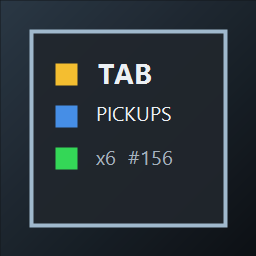
Shows run pickups in the bottom-right corner while the in-game Tab/objective screen is open.
Install through Thunderstore/r2modman, or manually place PickupTabOverlay.dll in the game's Mods folder.
Settings are created under UserData\MelonPreferences.cfg after first launch.
Important options:
Enabled: enable or disable the overlay.UseTextMeshProOverlay: use TextMeshPro UI instead of IMGUI fallback.UseObjectiveTextStyle: copy the game's objective text style when possible.HeaderFontSize, RowFontSize, FooterFontSize: fallback/configured font sizes.MaxVisibleItems: maximum number of pickup rows before the overlay collapses the rest.VerboseLogs: troubleshooting logs.Tested locally on Windows with Labyrinthine 1.0.3 and MelonLoader 0.7.2.