

FakePlayers
Emulates additional players for testing purposes. Useful for testing multiplayer mods like TooManyPlayers when you don't have friends available to join your game.MIMESIS - FakePlayers
🛟 Need help or found a bug? Get support at support.doodesch.de/fakeplayer.
Spawns configurable fake players in your Mimesis session so a solo host can test multiplayer mods without needing real friends to join.




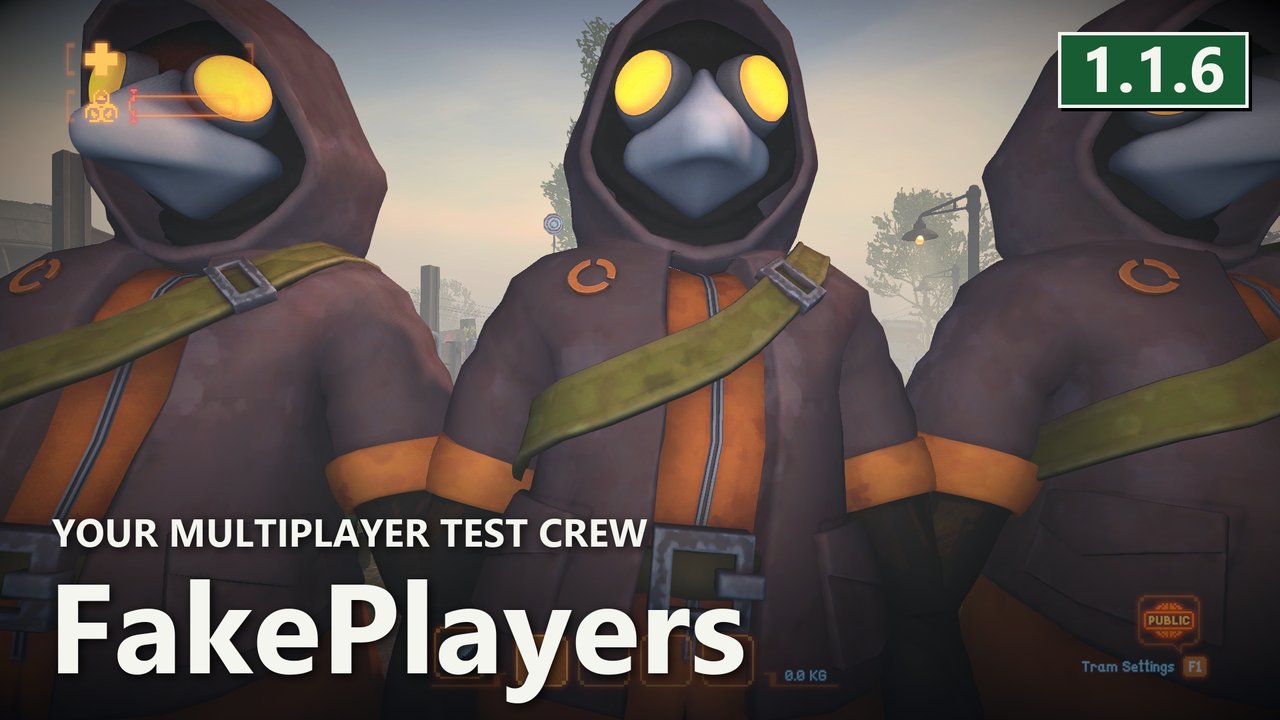
FakePlayers joins simulated clients after your host avatar loads. Each client completes the normal login, room-entry and level-load handshake and appears as an idle player in the game. It pairs naturally with TooManyPlayers: raise that mod's cap, set how many fakes you want here, and start a session to test the higher limit.
Features
- Spawns named idle player avatars with unique SteamIDs, player UIDs and session IDs.
- Uses the normal client admission checks. Fake players respect the active player cap and have no host privileges.
- Follows the host through room transitions and confirms the level load.
- Sends heartbeats and removes rejected or closed sessions through the game's SessionManager.
- Logs requests, confirmed joins, player-limit rejection and response timeouts.
Screenshots
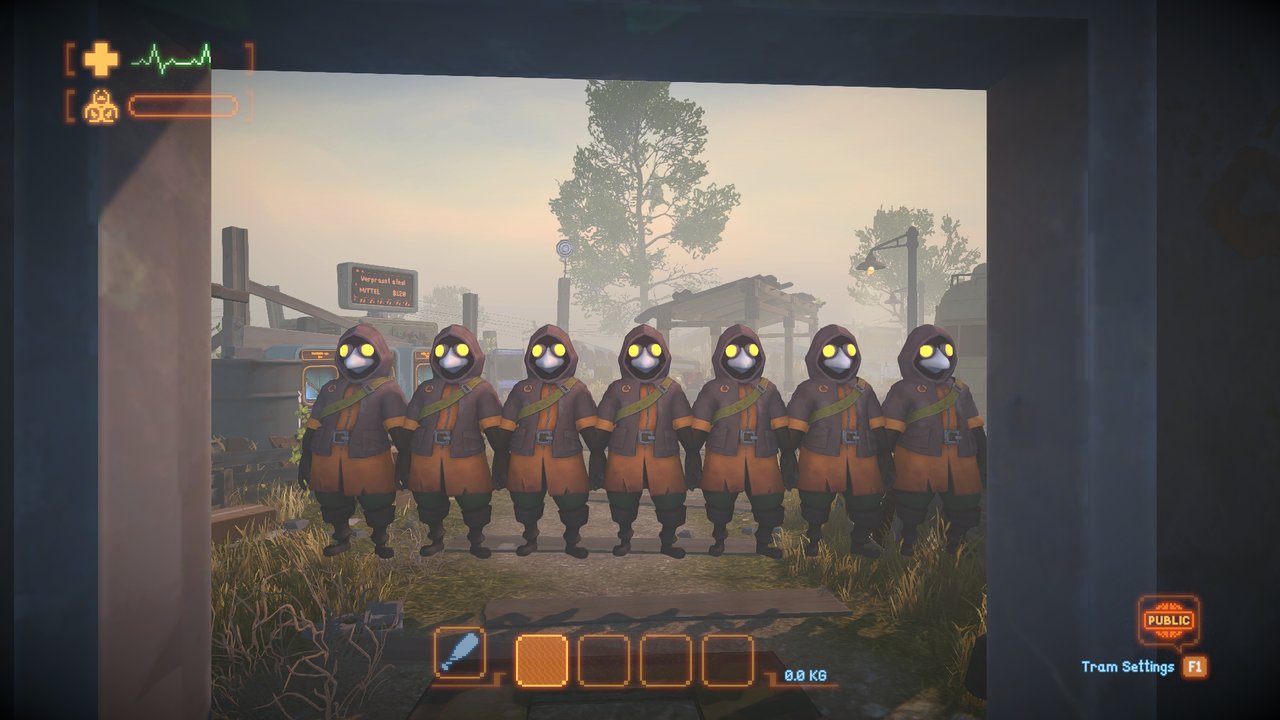
Seven simulated clients, arranged for the photo in an isolated session.
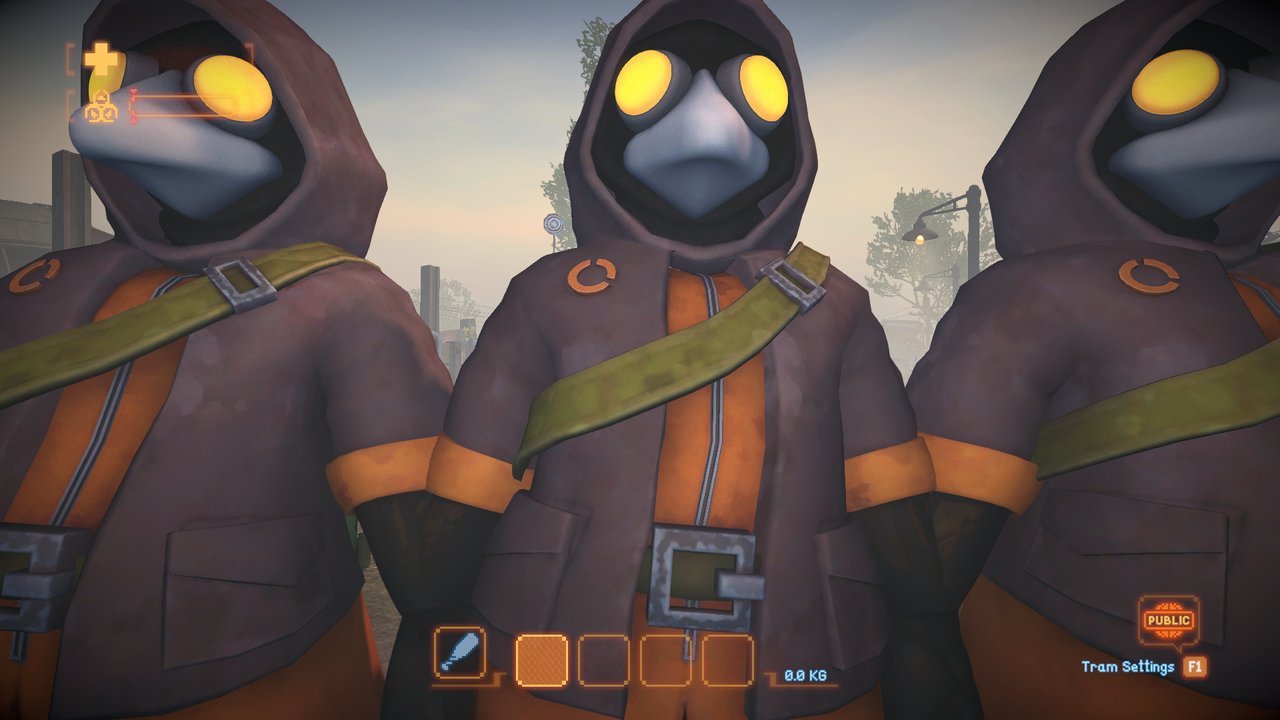
A close-up of the same in-game test crew.
Requirements / Dependencies
| Component | Version |
|---|---|
| MIMESIS | 0.4.0 |
| MelonLoader | 0.7.3+ |
MelonLoader is the only hard dependency. TooManyPlayers is recommended for testing higher player counts but optional.
Installation
- Recommended: install through a Thunderstore mod manager (r2modman / Gale), which resolves MelonLoader automatically.
- Manual: download the package, then drop
FakePlayers.dllintoMIMESIS/Mods/. Launch the game once to generate the config file atUserData/MelonPreferences.cfg. No extra assets are required.
Configuration
Stored in UserData/MelonPreferences.cfg under [FakePlayers].
Gameplay settings follow the lobby host without overwriting saved client preferences. Without the mod on the host, clients use vanilla behavior. Live settings apply after the host changes them through a MelonPreferences UI or reloads the preferences; editing the file alone does not reload it. Use the same current mod version on host and clients for the new options and live updates. Older versions retain their initial legacy snapshot. Invalid new values use the registered default with a warning.
The host controls every setting. JoinIntervalSeconds is live for subsequent joins. Other settings apply to the next lobby. Fake clients still obey the actual player cap; use TooManyPlayers to raise it.
| Option | Default | Range and effect |
|---|---|---|
Enabled |
true |
Enable fake player creation, next lobby. |
FakePlayerCount |
3 |
Requested count, clamped to 0-32762 on load, next lobby. Default gives four players including the host. |
NamePrefix |
FakePlayer |
Prefix before each number, 1-32 characters without control characters, next lobby. |
JoinIntervalSeconds |
0 |
Delay between joins, 0-30 seconds. Zero attempts at most one per frame. Live. |
RequestTimeoutSeconds |
30 |
Admission and room-transition response timeout, 1-300 seconds, next lobby. |
HeartbeatIntervalSeconds |
10 |
Heartbeat period, 0.25-10 seconds, next lobby. |
Usage
No keybinds and no in-game UI - FakePlayers works automatically:
- Enable the mod and set
FakePlayerCountinUserData/MelonPreferences.cfg. - Host / start a session. Fake clients join once your host avatar has loaded.
They appear as idle players and count toward the normal player limit. They complete room transitions and stay connected with heartbeats, but they do not walk or play autonomously.
To test higher player counts, pair FakePlayers with TooManyPlayers (DooDesch/TooManyPlayers on Thunderstore): raise that mod's max players, set FakePlayerCount accordingly (for example 7 for 8 total), then start a session.
This is a host-only testing tool: run it on the machine that is hosting the test session.
Limitations
- Fake players remain idle at the normal spawn points and do not play autonomously.
- This validates game admission, avatar creation and room transitions. It does not validate real Steam tickets, external relays or many physical Steam clients.
- Some multiplayer features may not behave correctly with fake players present.
- Intended for testing player-count and session logic, not for normal play.
Links
- Source and releases: https://github.com/DooDesch-Mods/Mimesis-FakePlayer
Images
Screenshots and the package icon are captured in MIMESIS.
Built against MIMESIS 0.4.0 / MelonLoader 0.7.3.