

TooManyPlayers
Increases the maximum player count beyond the default limit of 4 players. Configure your preferred maximum and play with larger groups.MIMESIS - TooManyPlayers
🛟 Need help or found a bug? Get support at support.doodesch.de/toomanyplayers.
Raise the hard 4-player session cap so you can host and play Mimesis with larger groups - you pick the maximum, the host enforces it.




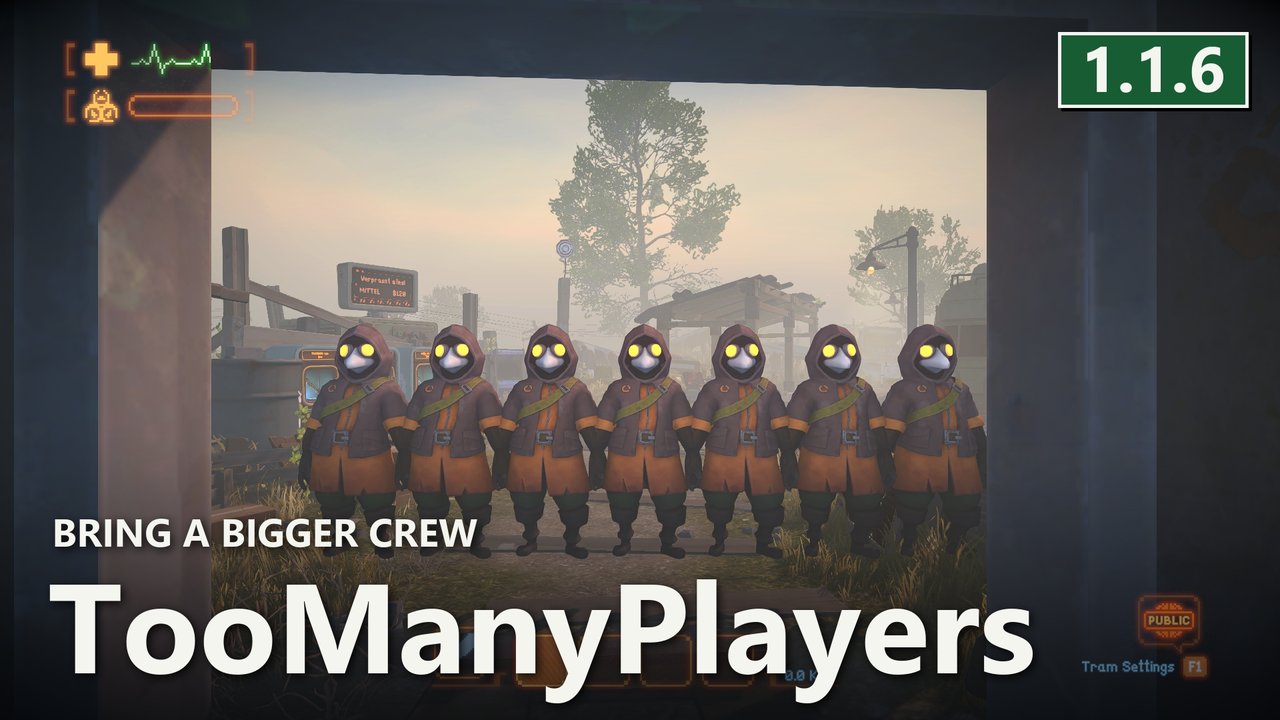
Mimesis ships with a hard limit of 4 players per session. TooManyPlayers raises the network, room, session and Steam lobby limits to the host's configured maximum.
Features
- Raises the player cap from the default 4 to your configured value from 4 to 250 (
MaxPlayers, default 8). - Sets the room and session admission limit and supports more than ten player actors.
- Forces the network transport's client limit to your value (up to 250) and re-applies it whenever a socket is created.
- Raises the Steam lobby member cap from 4 to your configured maximum.
- Public room search uses each host's Steam capacity and shows it on the room card. The searching client needs this mod.
- Keeps the four existing survival result rows and reads scrap results correctly after larger player lists.
- Logs Steam lobby requests, creation result codes, the 30-second timeout, player-cap changes and failed session additions in
MelonLoader/Latest.log. - Your configured value is validated and clamped to the 4-250 range on load.
Screenshots
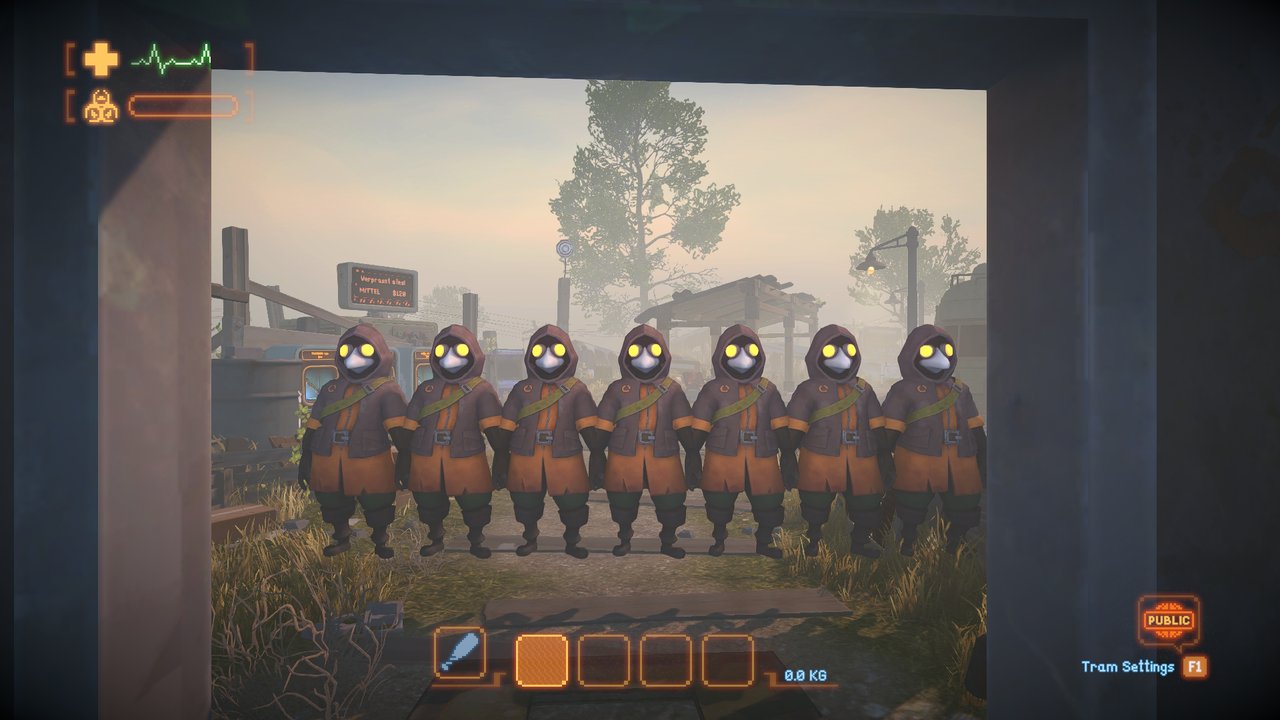
Seven simulated clients in one host session, photographed using FakePlayers.
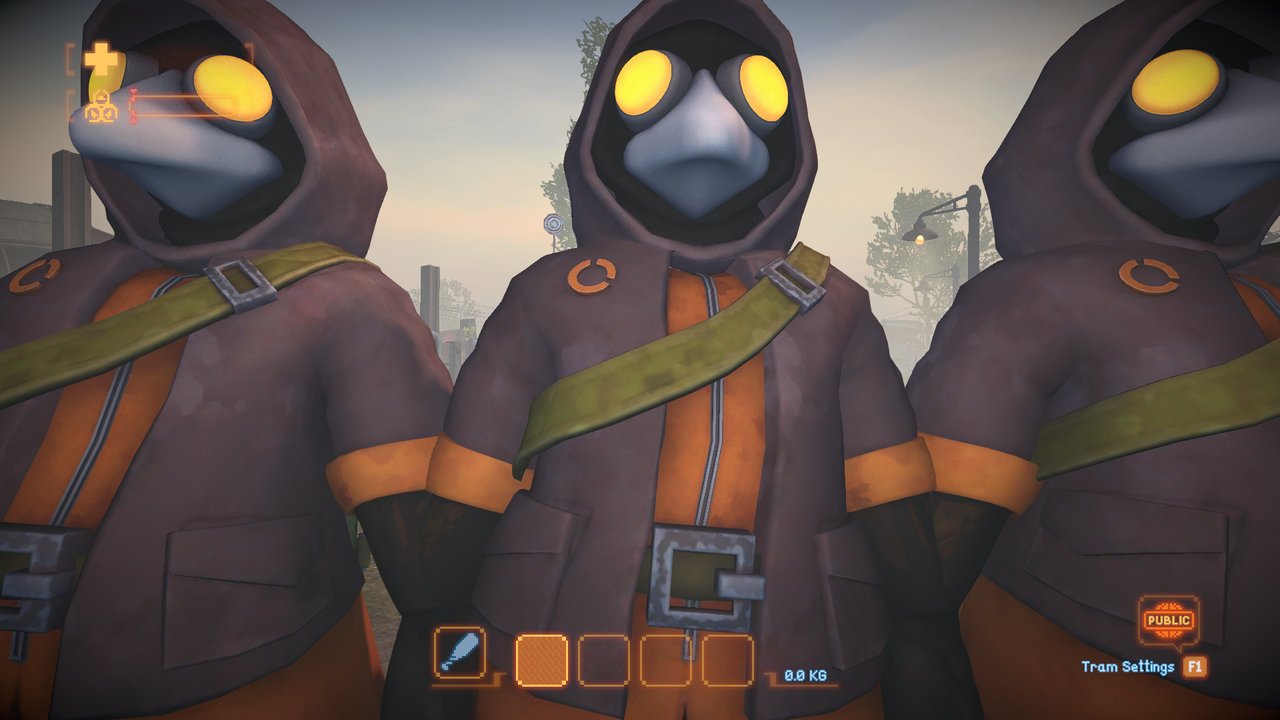
The same in-game crew up close.
Requirements
| Component | Version |
|---|---|
| MIMESIS | 0.4.0 |
| MelonLoader | 0.7.3+ |
Installation
- Recommended: install via a Thunderstore mod manager (r2modman / Gale) and let it resolve dependencies.
- Manual: download
TooManyPlayers.dllfrom GitHub Releases, drop it intoMIMESIS/Mods/, then launch the game once to generate the config file atUserData/MelonPreferences.cfg.
Configuration
Stored in UserData/MelonPreferences.cfg under [TooManyPlayers].
Gameplay settings follow the lobby host without overwriting saved client preferences. Without the mod on the host, clients use vanilla behavior. Live settings apply after the host changes them through a MelonPreferences UI or reloads the preferences; editing the file alone does not reload it. Use the same current mod version on host and clients for the new options and live updates. Older versions retain their initial legacy snapshot. Invalid new values use the registered default with a warning.
The host controls both settings. Activation and network capacity are structural, so changes apply to the next lobby. Disabling the mod keeps the configured cap saved and publishes the vanilla cap of four, including for older clients.
| Option | Default | Range and effect |
|---|---|---|
Enabled |
true |
Master switch, next lobby. False uses the vanilla cap of 4. |
MaxPlayers |
8 |
Capacity, clamped to 4-250 on load, next lobby. |
Usage
There are no keybinds and no in-game UI beyond the standard MelonPreferences config.
- Install the mod and launch the game once to generate
UserData/MelonPreferences.cfg. - Set
MaxPlayersunder the[TooManyPlayers]category to your desired cap. - Relaunch the game.
Host-side requirement: the cap is enforced by the host/server, so the player hosting the lobby or session must have the mod installed and configured for the larger group to take effect.
Compatibility
Built for Mimesis 0.4.0 / MelonLoader 0.7.3.
Links
Source and releases: github.com/DooDesch-Mods/Mimesis-TooManyPlayers
Images
Screenshots and the package icon are captured in MIMESIS.