
You are viewing a potentially older version of this package. View Latest Version



This Outward mod allows you to change the way game works.
Attempting to enchant an item without the required enchantment recipe in your inventory (pocket or backpack) will display an error and cancel the process. Config setting: RequireRecipeToAllowEnchant.

Successfully enchanting an item consumes the enchantment recipe from your inventory. Recommended to use together with Enchanting Requires Enchantment setting. Config setting: UseRecipeOnEnchanting
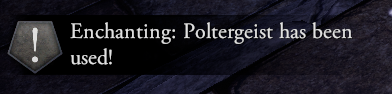
Enchanting an item can fail based on a configurable success rate. Config setting: EnchantingSuccessChance
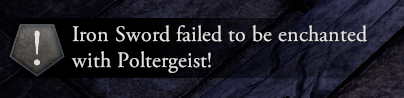
Plays custom sound effects when the EnchantmentTable.DoneEnchanting event occurs. Success and failure each trigger different audio clips. Enabled with config setting: PlayAudioOnEnchantingDone
When enemy dies by you, you have a chance to learn weapon type skill.
If all weapon type skills a learned you will be able to learn other weapon types skills.
Finally if all weapon type based skills a learned you can learn monster skills that could be broken.
Currently enemies don't drop loot. Loot can be added by other mods with Loot Manager. Enemies can indeed cast spells and early on it is better to avoid them.
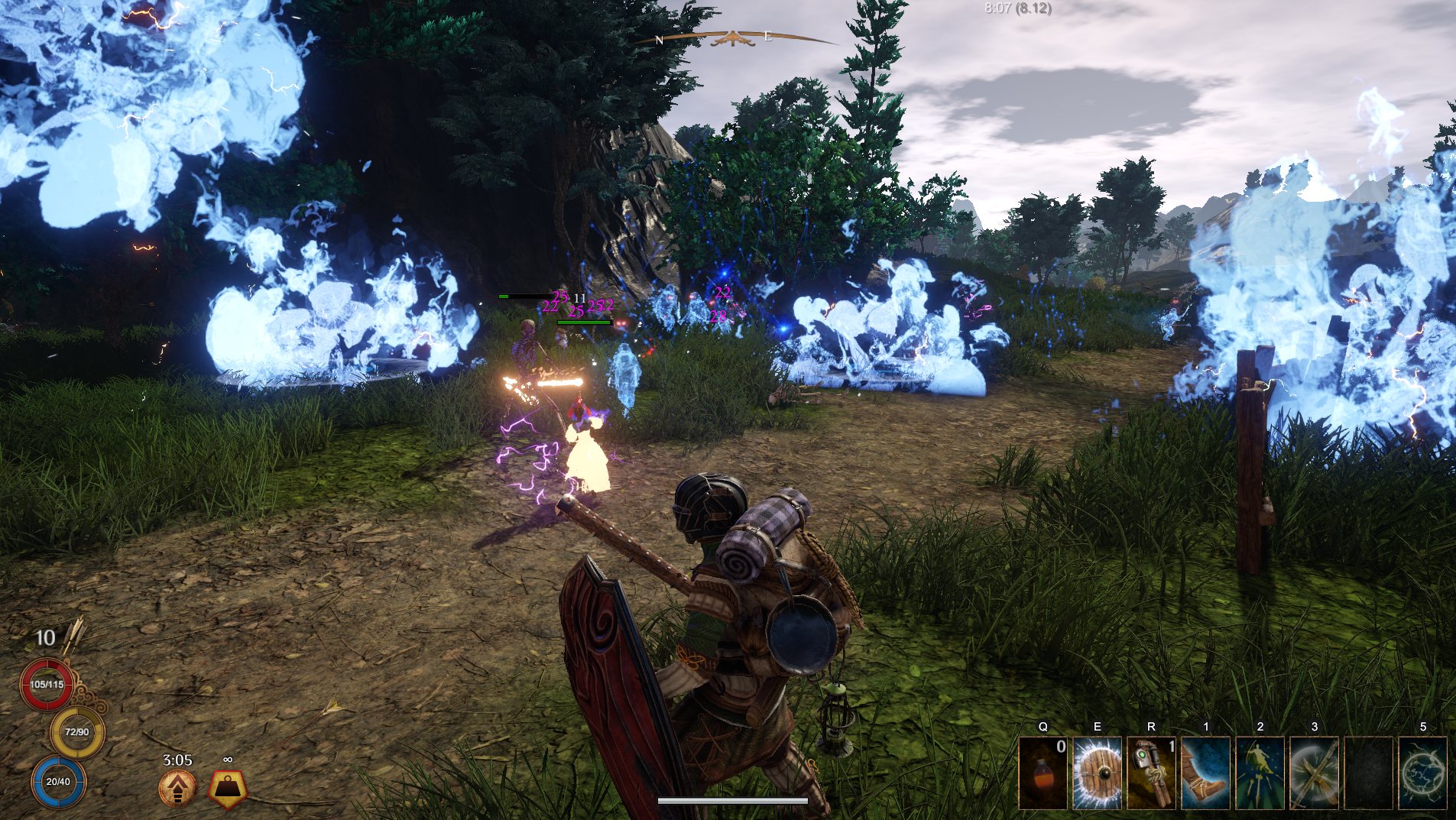
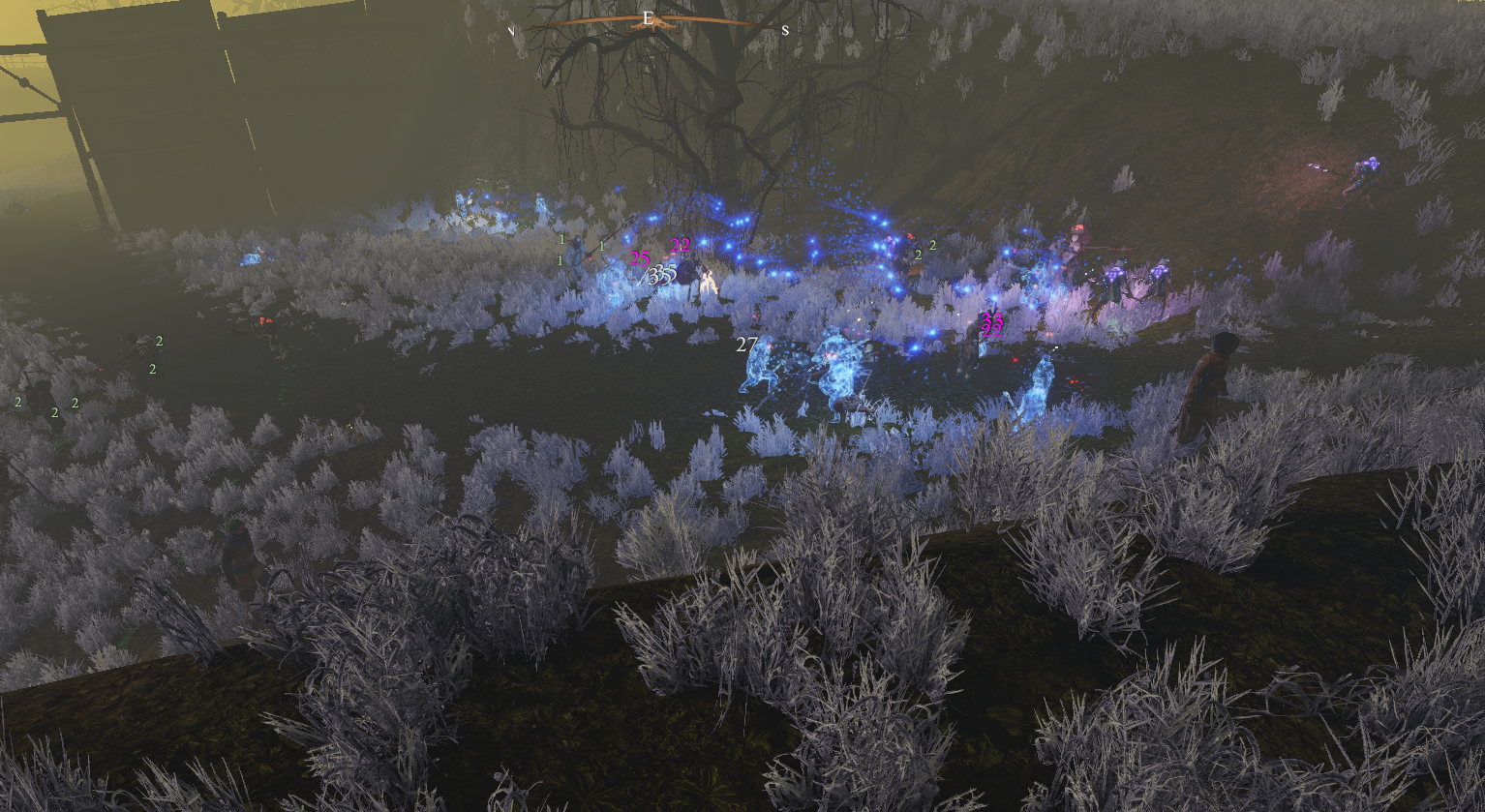
Spawns random faction groups that start fighting. Only appears in open world.
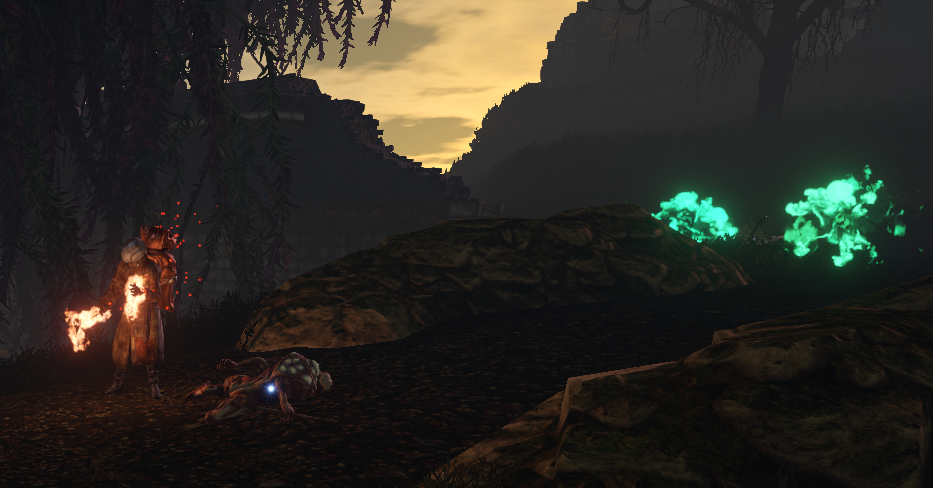
Spawns random faction group. The only scenario that can happen in towns but only from 20:00 to 04:00.
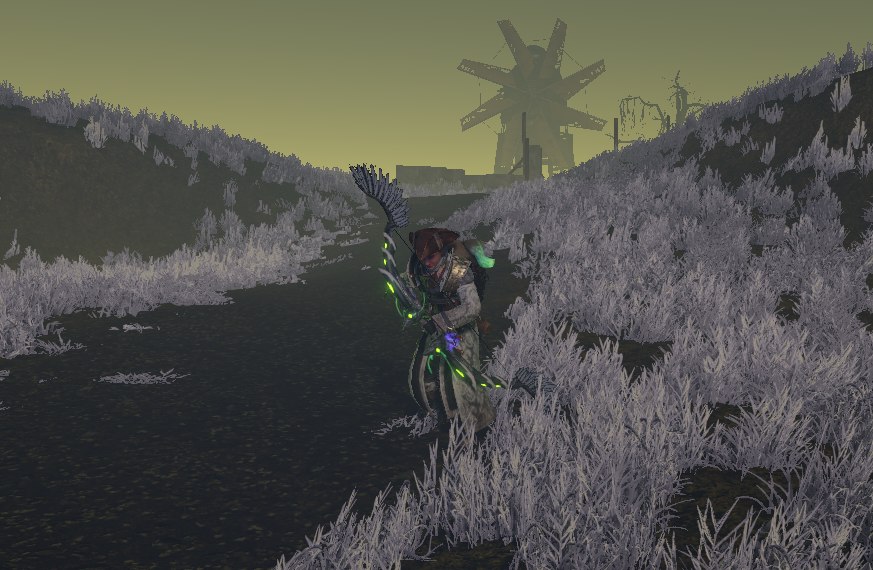
Spawns faction enemy.
There are total of 4 factions that can spawn and fight. Troglodytes, Bandits, Ghosts and Skeletons. They can use skills.
Additionally 3 seasons are added.
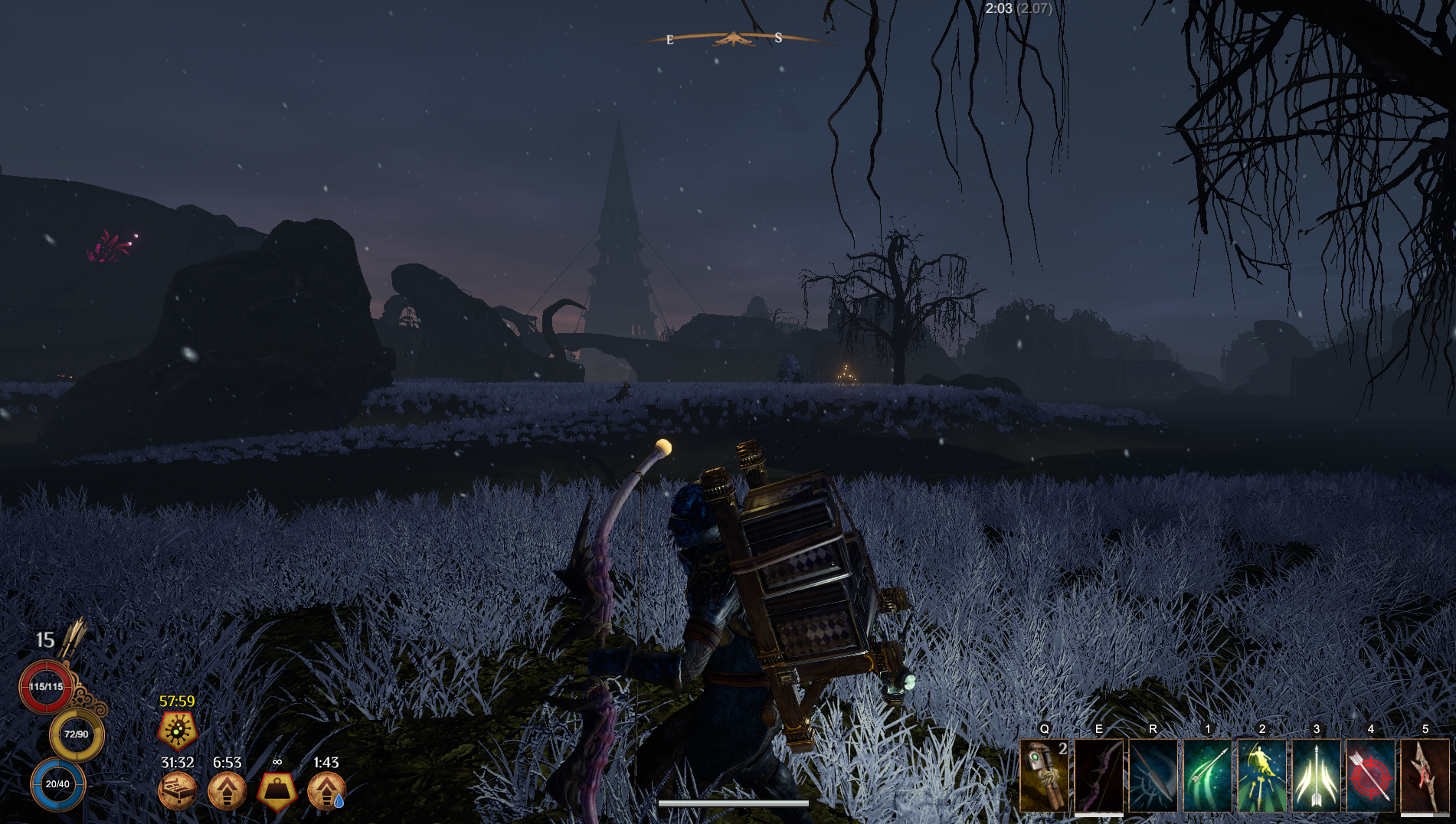
Adds winter to other regions.
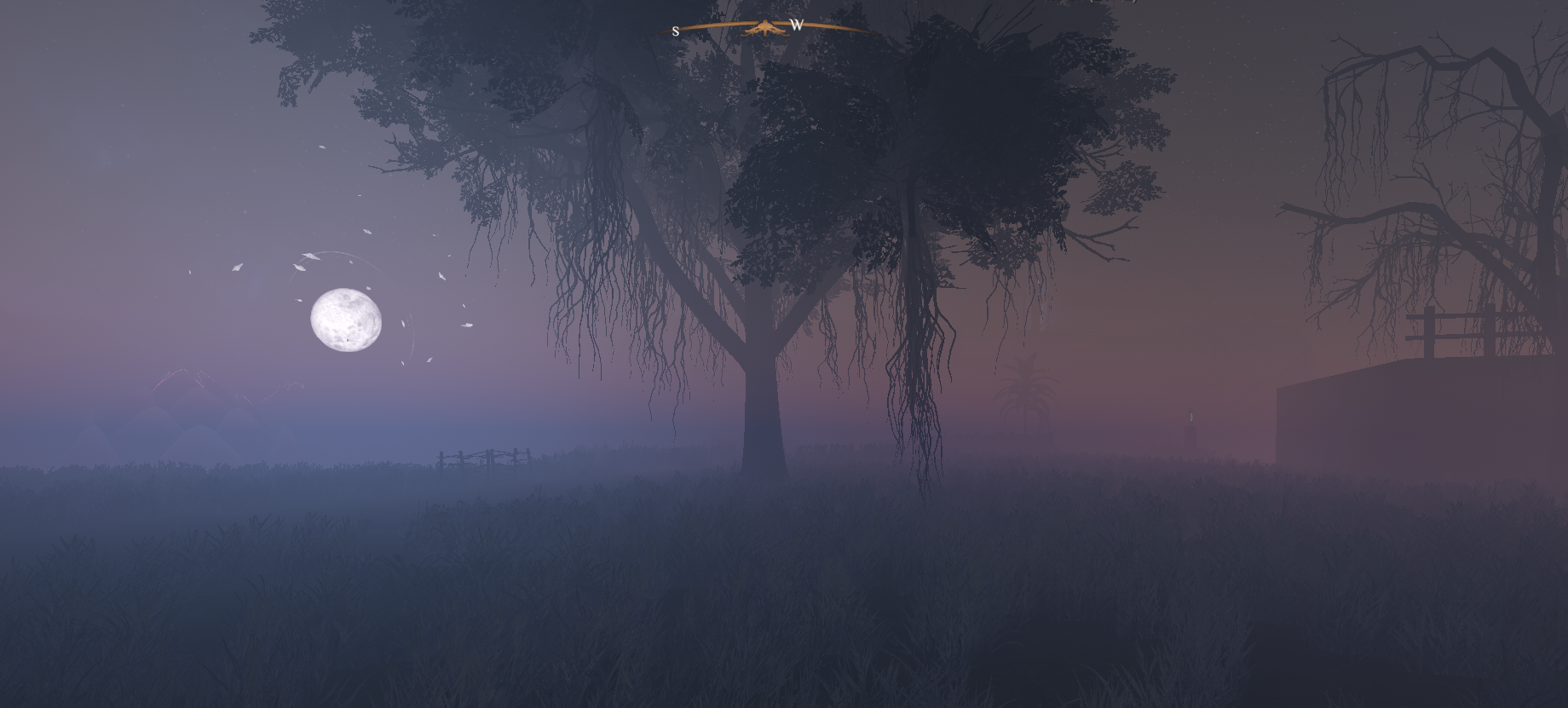
Cloudy mist season that makes very hard to navigate and each hour changes the fog density.
Each hour there is a chance you will encounter additional war/ambush/wanderer scenario or nothing.
I did add additional character AI classes. They work more as an example instead of actually using them in your mods.
Currently all settings can be changed in BepInEx\config\gymmed.outward_game_settings.cfg. If you are mod pack creator you can use outward mods communicator to change values and rebalance gameplay.
To manually set up, do the following
Outward\BepInEx\plugins\OutwardGameSettings\.BepInEx\plugins\OutwardGameSettings\ directory you created.Outward\BepInEx\plugins\OutwardGameSettings\OutwardGameSettings.dll
Launch the game.