

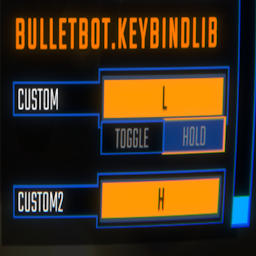
KeybindLib
A library that lets you add your own keybinds to the controls.KeybindLib
- A library that lets you add your own keybinds.
Adding your own keybinds
Keybinds.Bind(string name, string binding) => Keybind
Keybinds.Bind(string category, string name, string binding) => Keybind
Keybinds.Toggle(Keybind.Toggle toggle) => Keybind
Keybinds.Toggle(string category, Keybind.Toggle toggle) => Keybind
Keybinds.Toggle(Keybind keybind, Keybind.Toggle toggle) => Keybind
To register a keybind:
Keybinds.Bind("Push", "<Keyboard>/b");
To register a keybind with a category:
Keybinds.Bind("General", "Push", "<Keyboard>/b");
To register a toggle:
Keybinds.Toggle(new Keybind.Toggle()) // This is a toggle that will be under your modGuid header.
To register a toggle with a category:
Keybinds.Toggle("General", new Keybind.Toggle()) // This is a toggle that will be under your specified category.
If you want to have a toggle for your keybind:
Keybind keybind = Keybinds.Bind("Push", "<Keyboard>/b");
Keybinds.Toggle(keybind, new Keybind.Toggle()
{
    defaultValue = false,
    falseText = "off",
    trueText = "on"
}); // Returns the same keybind and applies the new toggle from this method.
If you want to use the keybind:
SemiFunc.InputDown(keybind.inputKey);
SemiFunc.InputUp(keybind.inputKey);
SemiFunc.InputHold(keybind.inputKey);
InputManager.instance.InputToggleGet(keybind.inputKey); // Only use this when you have set a toggle to your keybind otherwise this will error.
There are much more variables in the "Keybind" class. Check the class in dnSpy for more details.