
DynamicRepoGrabBeam
This mod dynamically adjusts the grab beam color in REPO based on mass, impact force, and object type!REPO-GrabBeam-PhysicsColorMod
Dynamic Beam Recoloring for REPO
Beam colors react to object mass and impact force in real time.



Navigation
Showcase • Features • Installation • Configuration • How It Works • Credits
Showcase
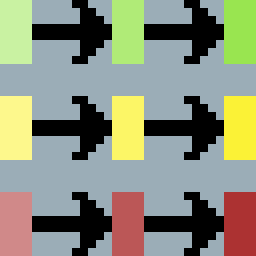
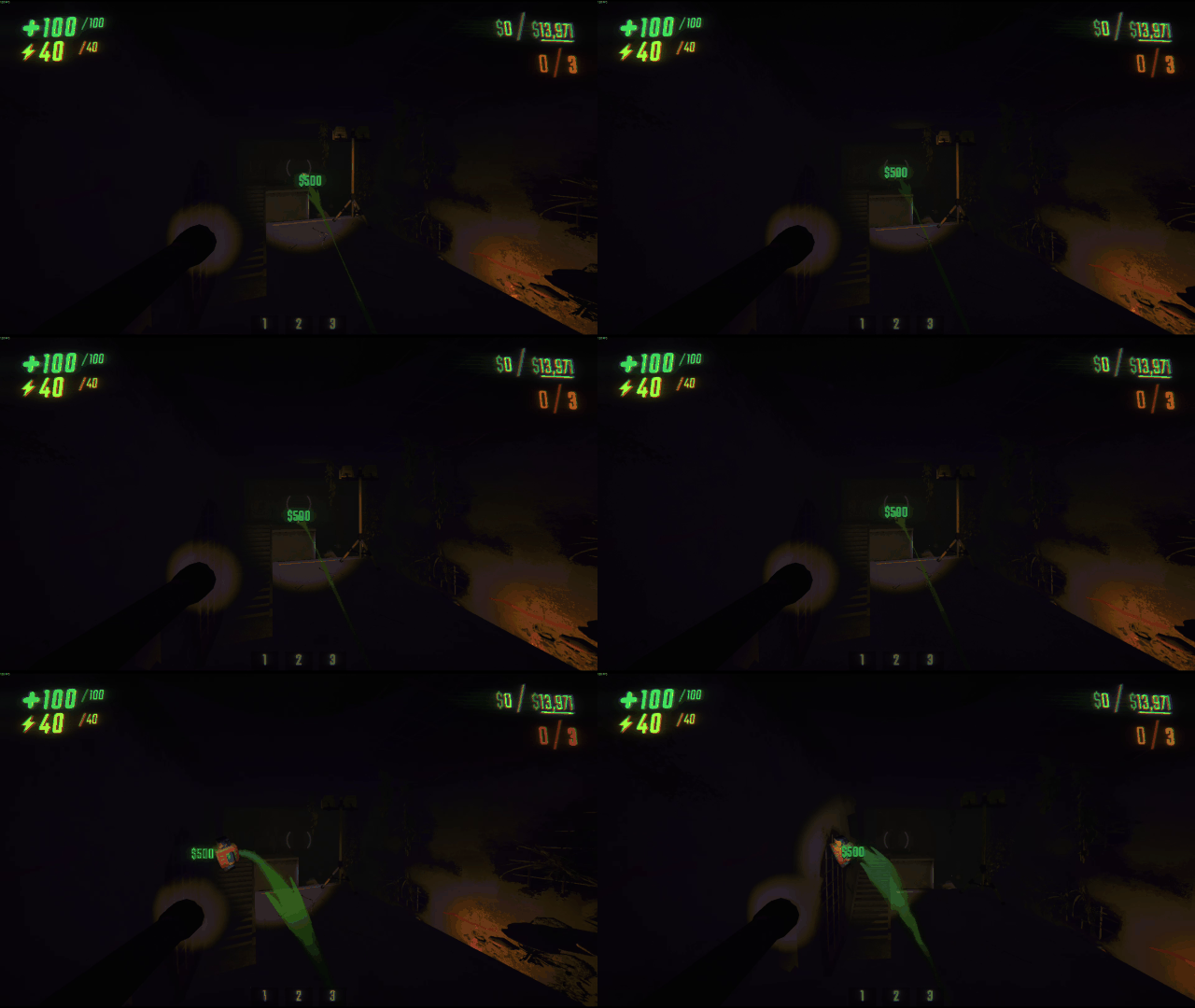
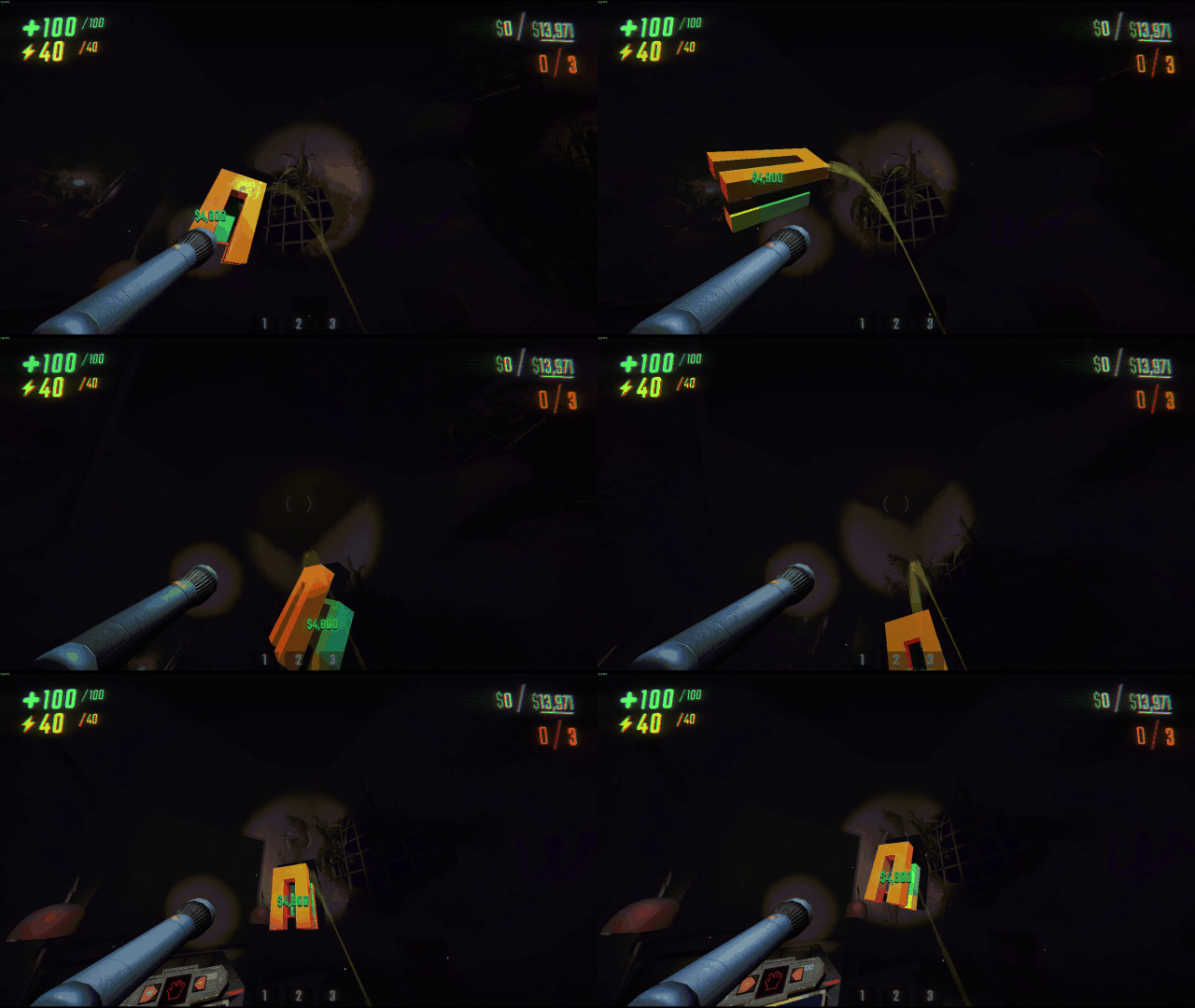
Weight-Based Beam Classification
Beam colour now communicates object weight class, making it clear how heavy objects are.
| LIGHT OBJECT | MEDIUM OBJECT | HEAVY OBJECT |
|---|---|---|
|
|
|
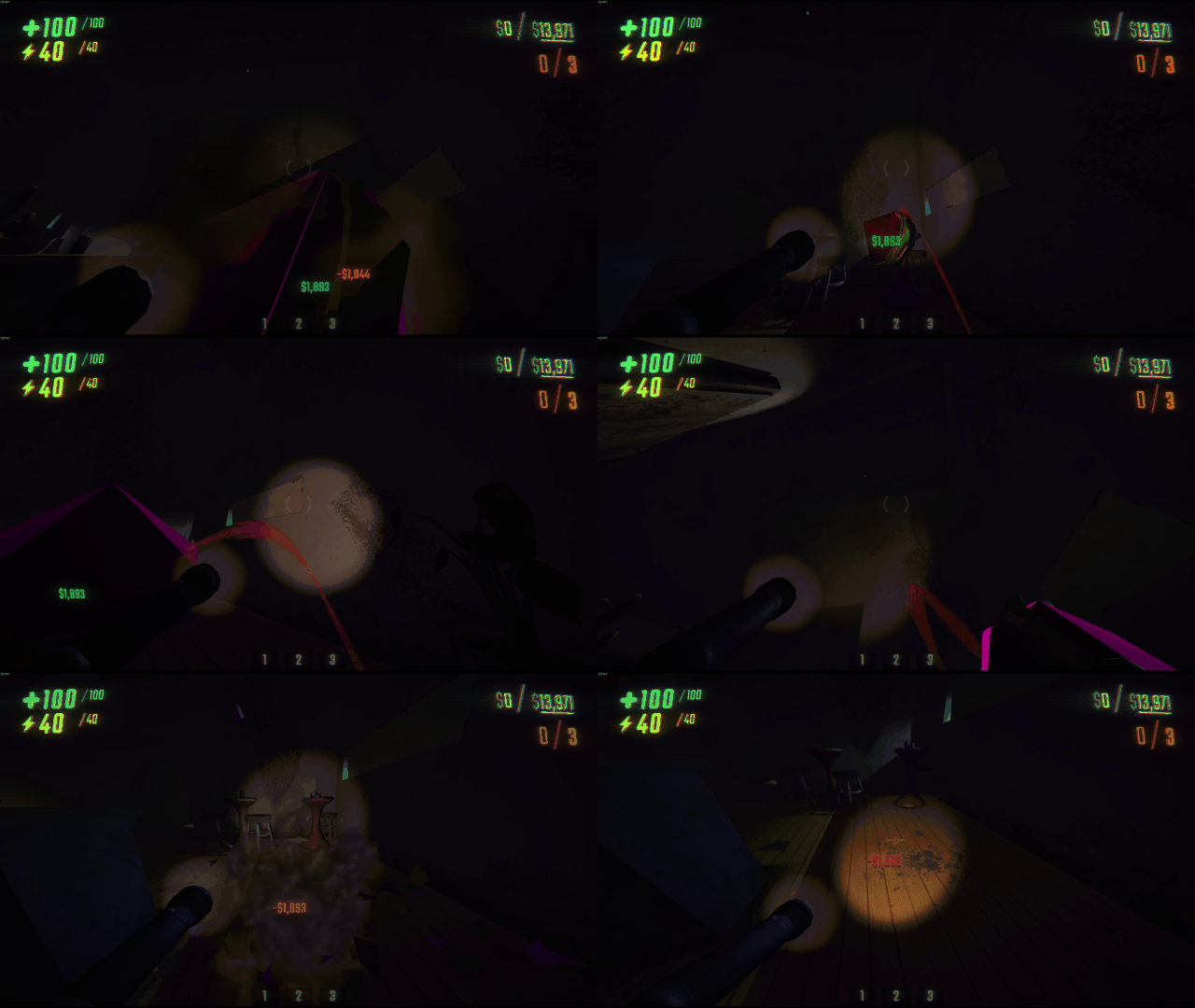
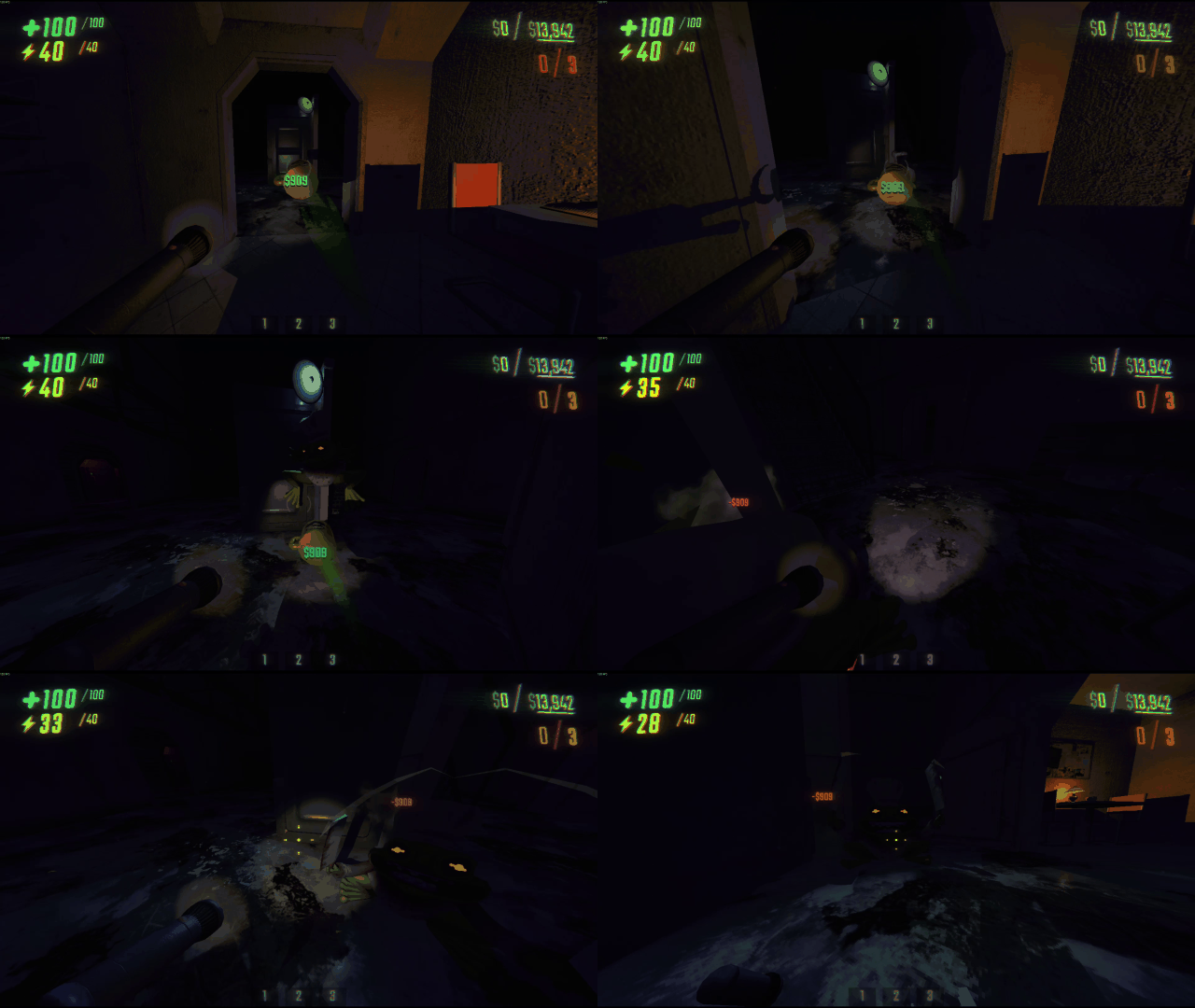
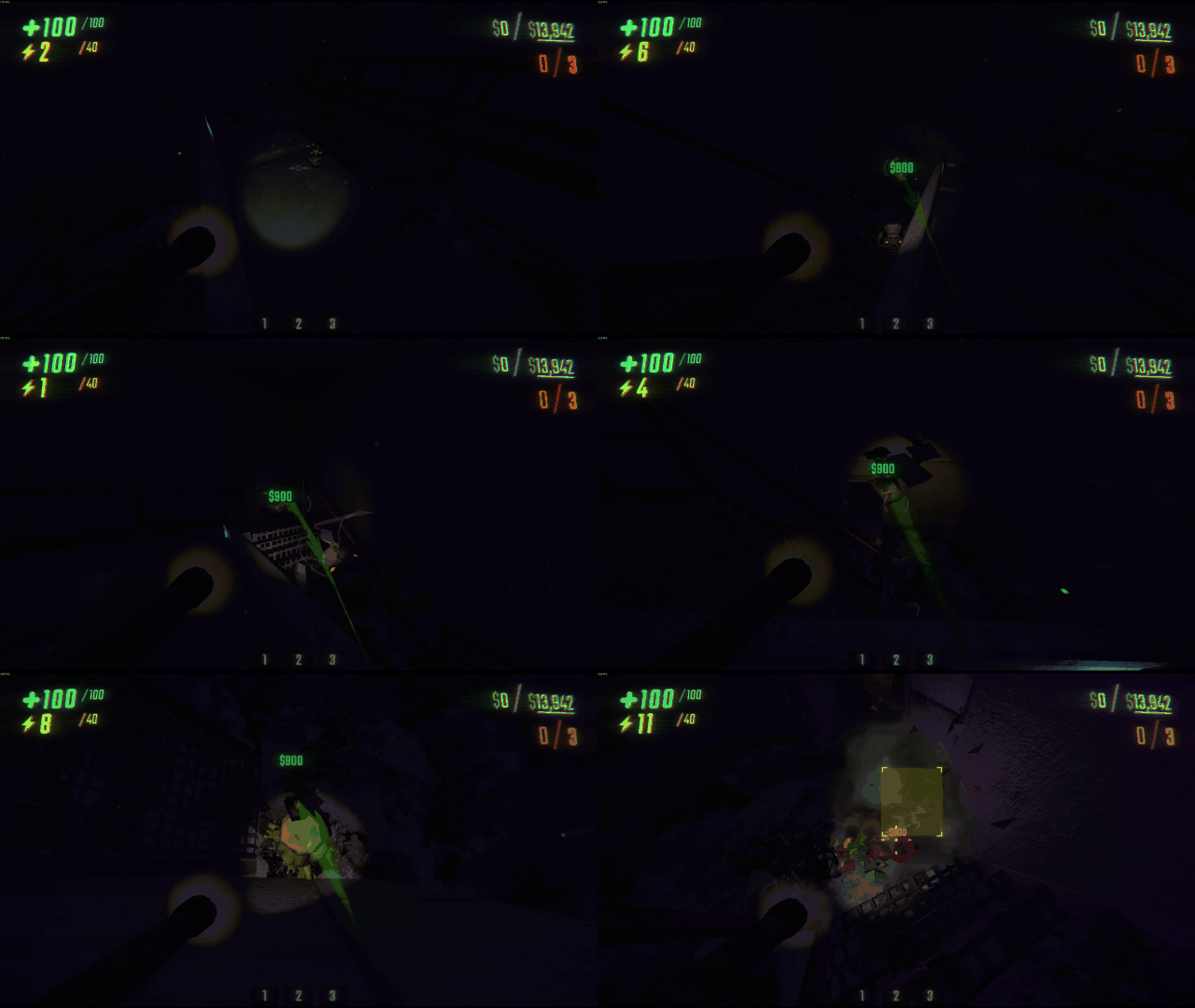
Impact-Speed Beam Feedback
Beam intensity scales with force, making it easy to tell if your moving your object quick enough to deal stun / damage.
|
|
Features
- Changes grab beam colors based on the mass of the object being held.
- Increases brightness, saturation, and transparency based on the impact force of the object.
- Special color effects when grabbing players or entering rotation mode.
- Works in multiplayer: beam colors update properly for both the local player and other players.
- Efficiently optimized for minimal CPU and GPU overhead (uses smart caching and batching).
Installation
- Install BepInEx for REPO if you haven't already.
- Download the latest release
.zipfrom this repository. - Extract the
.dllfile into yourBepInEx/plugins/folder. - Launch REPO.
- Beam recoloring will be automatically enabled.
Configuration
The mod generates a config file at:
REPO\BepInEx\config
You can customize:
- Weight thresholds (light vs heavy objects)
- Beam base colors (for light, medium, heavy weights)
- Force scaling factors (how much impact strength affects beam appearance)
- Enable or disable debug logging
How It Works
- Mass Detection: Objects with a Rigidbody are categorized as light, medium, or heavy based on mass.
- Impact Force Detection: Objects with fragility and break force attributes modify beam brightness, saturation, and transparency dynamically.
- Player Handling: Grabbing a player uses a dedicated color.
- Rotation Handling: Rotating an object shifts beam colors temporarily.
Credits
- Developed by M1llerF
License
This mod is released under the MIT License.
Feel free to modify, share, and expand upon it with attribution.