

ObjectDropLaser
Tired of missing the cart? Shoot a laser to see where objects will drop!REPO-DropLaser-PrecisionMod
A precise object landing assistant for the game REPO.
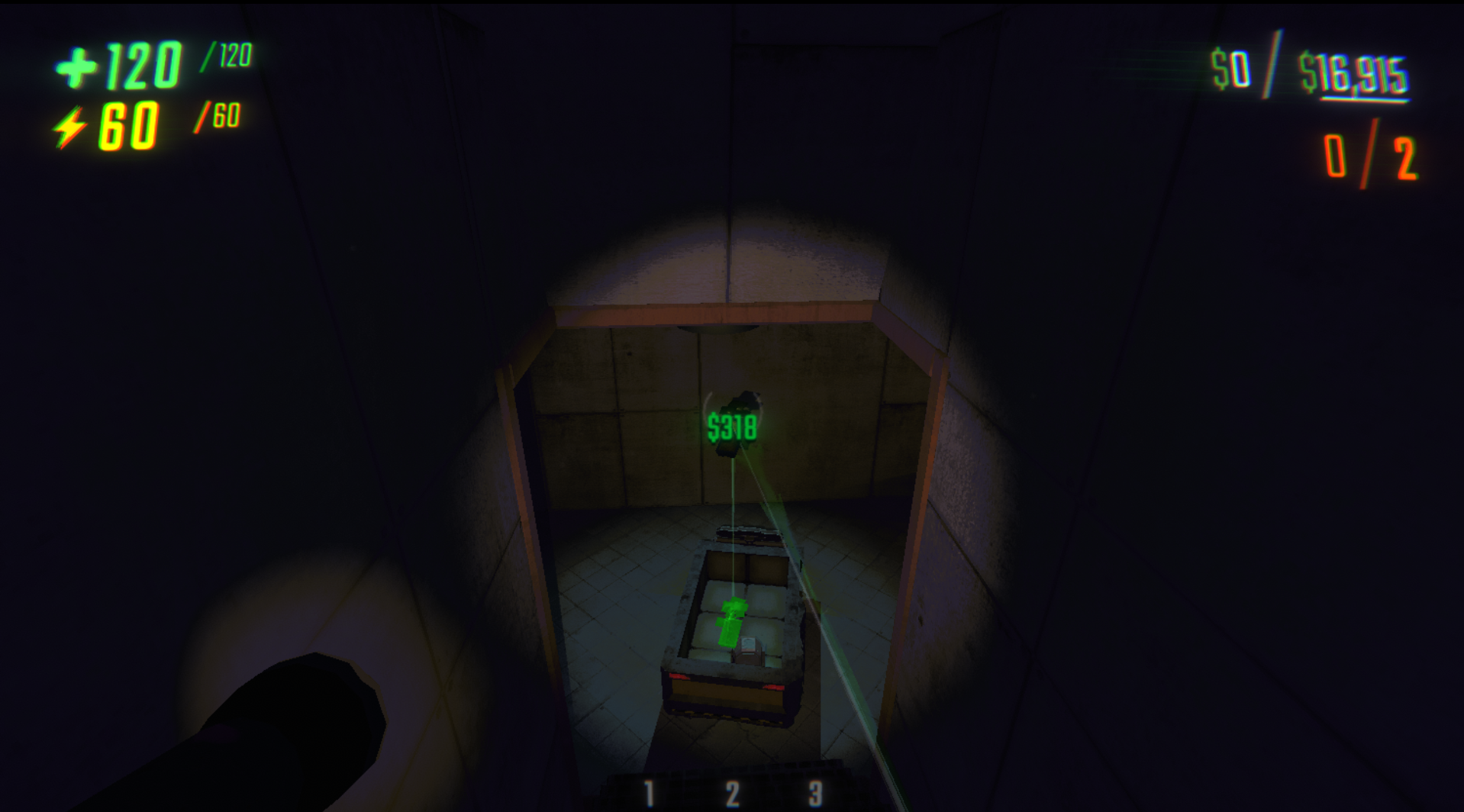
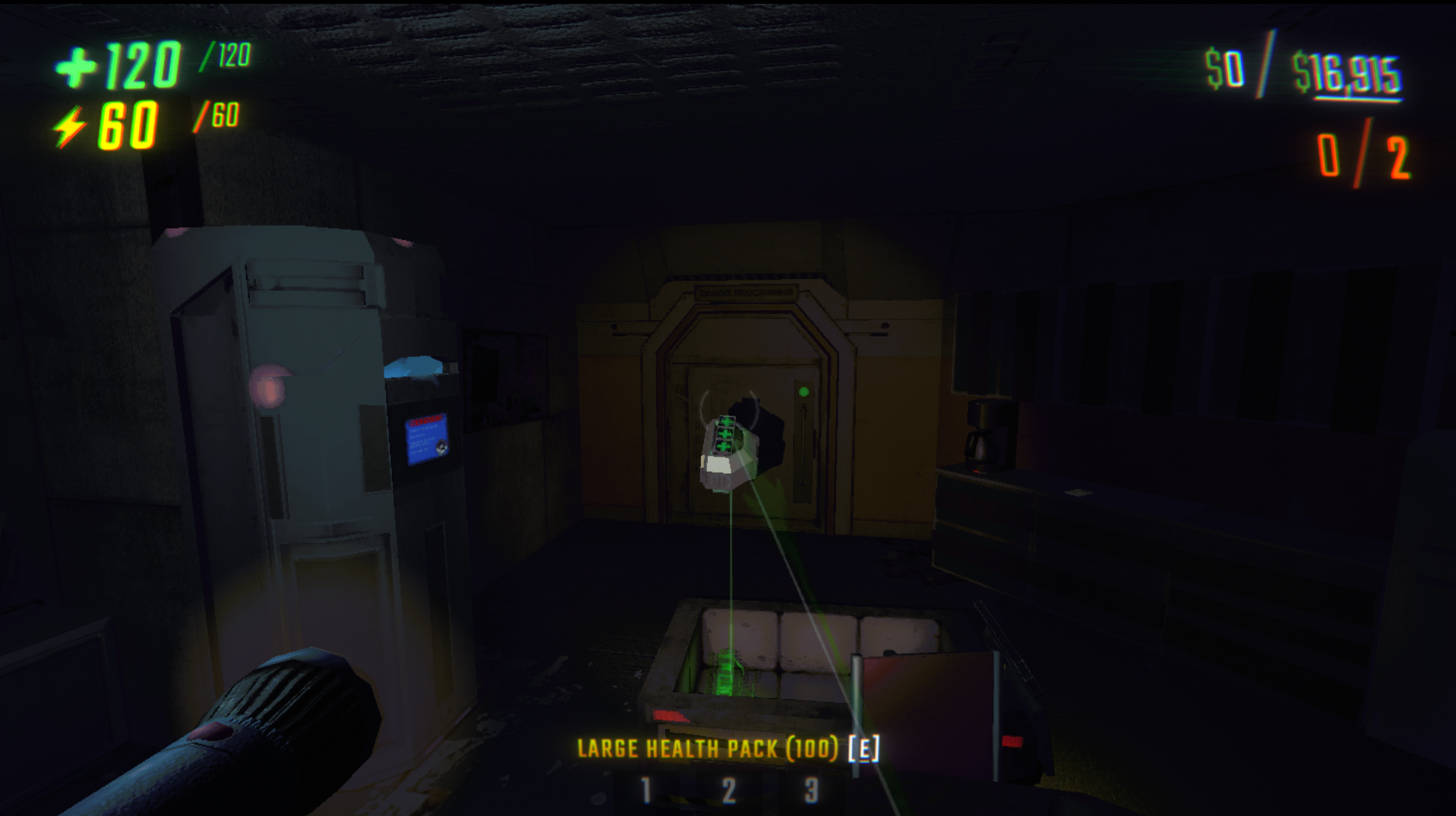
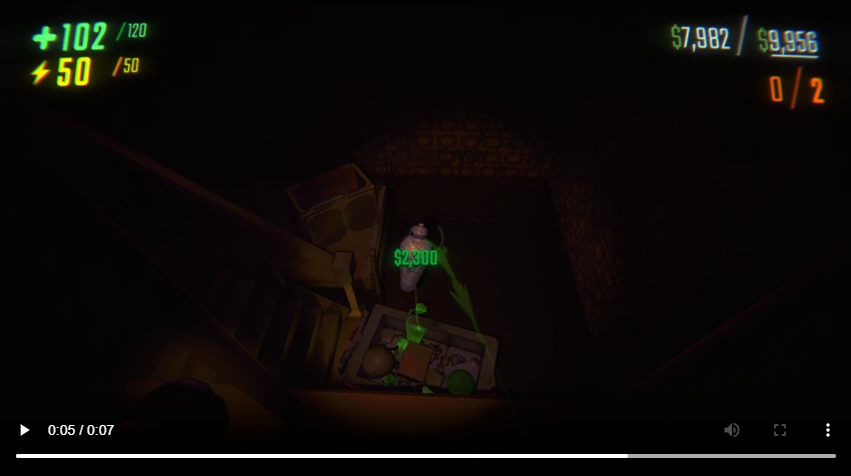
Adds a customizable laser showing where your held object will land if dropped, helping you aim throws and drops more accurately.
Features
- Adds a downward-pointing laser from your grabbed objects.
- Helps visually predict where objects will land when dropped.
- Optional ghost landing preview with modes:
NeverOnly on cartAlways
- Customizable colors: match your beam color or define your own.
- Fully configurable beam width, brightness, and range.
- Ghost preview tuning: color, opacity, emission intensity, and update interval.
- Auto-activation option: laser turns on automatically when grabbing an object.
- Config migration support keeps prior settings on newer plugin schema versions.
- Multiplayer compatible: laser is shown only for your local player.
- Efficiently optimized for minimal performance impact.
Screenshots & Video
Note: The green grab beam is from my other mod, DynamicRepoGrabBeam.
Installation
- Install BepInEx for REPO if you haven't already.
- Download the latest release
.zipfrom this repository or Thunderstore page. - Extract the
.dllfile into yourBepInEx/plugins/folder. - Launch REPO.
- The landing laser system will now be available when grabbing objects.
Configuration
The mod automatically generates a config file at: REPO\BepInEx\config
You can customize:
- Master Enable: Fully disable or enable the system.
- Laser Toggle Key: Default is
L, but you can assign any key. - Beam Colors:
- Use your grab beam's color automatically.
- Or override with a custom static color.
- Laser Shape:
- Start and end widths.
- Laser max downward scan distance.
- Laser Light:
- Glow brightness (intensity).
- Glow range.
- Ghost Preview:
- Enable mode (never/on-cart/always).
- Use laser color or set a custom ghost color.
- Opacity and emission intensity.
- Update frame interval (performance vs smoothness).
- Auto-Enable:
- Automatically turns the laser on when grabbing an object if you want.
How It Works
-
Dynamic Laser Control:
Laser only appears when you're holding something and can be toggled freely. -
Precision Raycasting:
The laser scans downward, ignoring invisible cart barriers and non-physical triggers to accurately hit solid ground or surfaces. -
Singleplayer and Multiplayer Handling:
In multiplayer, lasers are local to each client and don't interfere across players. -
Auto Cleanup:
On scene changes, lasers are properly destroyed and reset to prevent duplication or errors.
Credits
- Developed by M1llerF
License
This mod is released under the MIT License.
You are free to modify, distribute, and expand upon it with appropriate attribution.