
Fingerboard
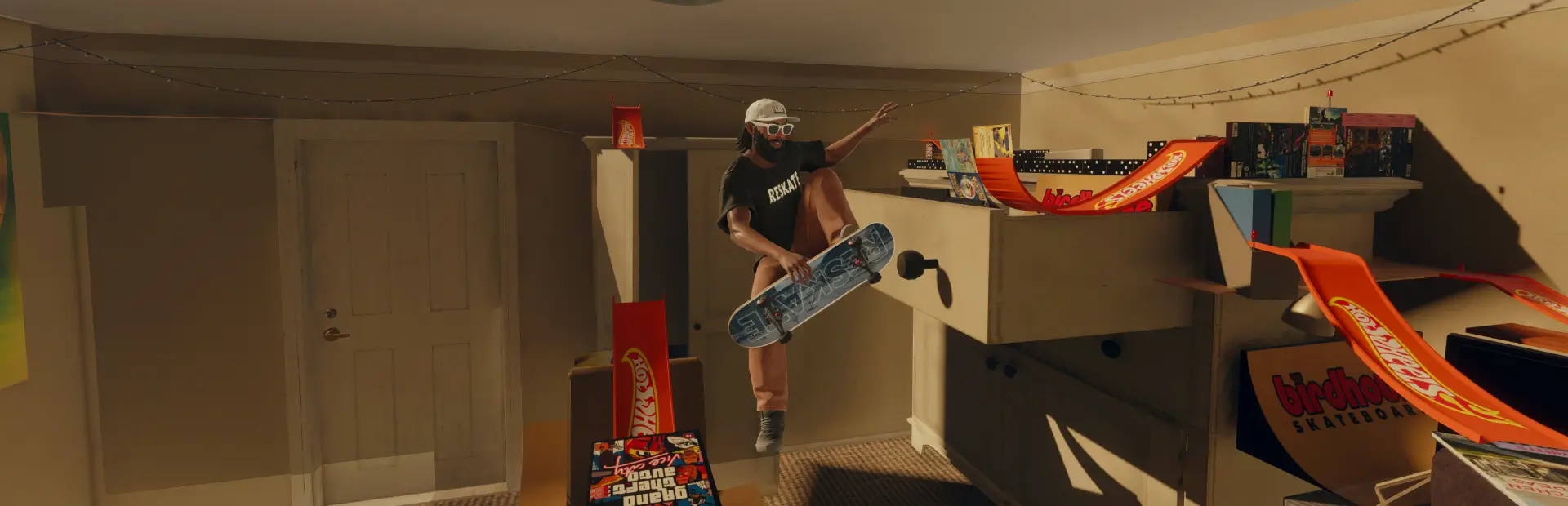
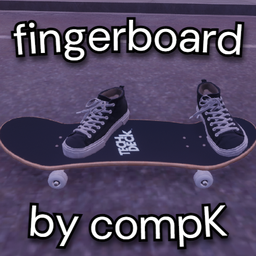
Turn skate. into a fingerboard game with Invisible, Feet and Legs costumes, plus a Tech Deck grip.Fingerboard
by computerK
Turn skate. into a fingerboard game with three costume options:
- Invisible — just the board.
- Feet — your equipped shoes and socks.
- Legs — your legs and feet, with equipped pants, shoes and socks.
Includes Tech Deck Grip, usable with any costume or your normal skater. Your clothing choices are preserved.
How to use
- Install and enable Fingerboard in the ReSkate launcher.
- Open Apparel → Costumes and choose Invisible, Feet or Legs.
- For the grip, open the board customization menu and select Tech Deck Grip under grip colors.
Unequip the costume to restore your outfit, or select another grip to change it back.
For manual installation, extract the ZIP into Skate\Mods\computerK-Fingerboard.
What's new in 1.1.1
Clearer costume and grip instructions, plus a new logo.
Notes
The optional board shape is a separate mod, Tech Deck Board, which you can enable or disable independently.
Tested on Skate 25414733 with ReSkate 1.1.1 and 1.1.5. Low-rise pants may show an open waist edge with Legs. Costume tiles use the Ghost Skater thumbnail. Multiplayer is untested.
Credits
Thanks to NxRoot's FeetOnly for the retained-mesh approach. Tech Deck artwork comes from the Tech Deck website; Tech Deck belongs to Spin Master. This is an unofficial fan mod.
Source code: GPL-3.0-only. Brand artwork retains its owner's rights.