


Better First Person
First person from your survivor's eyes: your body in view, a steady camera, proper FOV, and weapons that lower and fade when they would block the screen.Better First Person
Play Risk of Rain 2 from your survivor's eyes. You see your own body, arms, weapon and items, the camera stays steady, and your weapon gets out of the way when it would block the view.
Features
- Eyes camera. The camera sits at the front of the head, so you never look through your own face, and it never goes into walls. Looking down moves it a little forward, so the neck and collar stay out of view.
- Weapon out of the way. Railgunner holds her rifle lower, and any survivor's arms and weapon can be lowered the same way. Weapon parts and item displays that still cover a big part of the screen (sprint jumps, falling) fade out smoothly and come back when the view is clear.
- Proper field of view. Set the horizontal FOV you want. Sprinting and scopes still widen and narrow it like in vanilla, and mouse sensitivity stays the same.
- The body follows your view. Your survivor always faces where you look. Walking backwards plays the backpedal animation instead of turning around.
- Weapon sway. On fast turns the arms and the weapon trail behind a little and settle back smoothly.
- No body through the camera. Skills that throw the whole body around (Huntress' Arrow Rain and glaive throw, Mercenary's dashes, Loader's charged punches) hide your body and weapon while they play. Primary attacks stay visible.
- Steady camera. Running bob, melee swings and Acrid's gallop are taken out of the view. Moving, jumping and turning are never delayed.
- Shots go to the crosshair. You aim from the eyes, in single player and in multiplayer.
- Small muzzle flashes for your own weapons, so firing doesn't flash half the screen. Effects that go off in the middle of your body, like Huntress' blink, and flashes over your own model are hidden instead of lighting up inside the camera.
- No hat brims in your eyes. Headgear and eye glows (Captain's cap, Bandit's hat, Operator's eyes, head items) are hidden in first person.
- Hands off. First person comes back by itself after respawning and on the next stage, and the game's own camera takes over for the drop pod, cutscenes, death and spectating.
How to use
Press O during a run to switch between first and third person. The key can be changed in the settings.
Screenshots
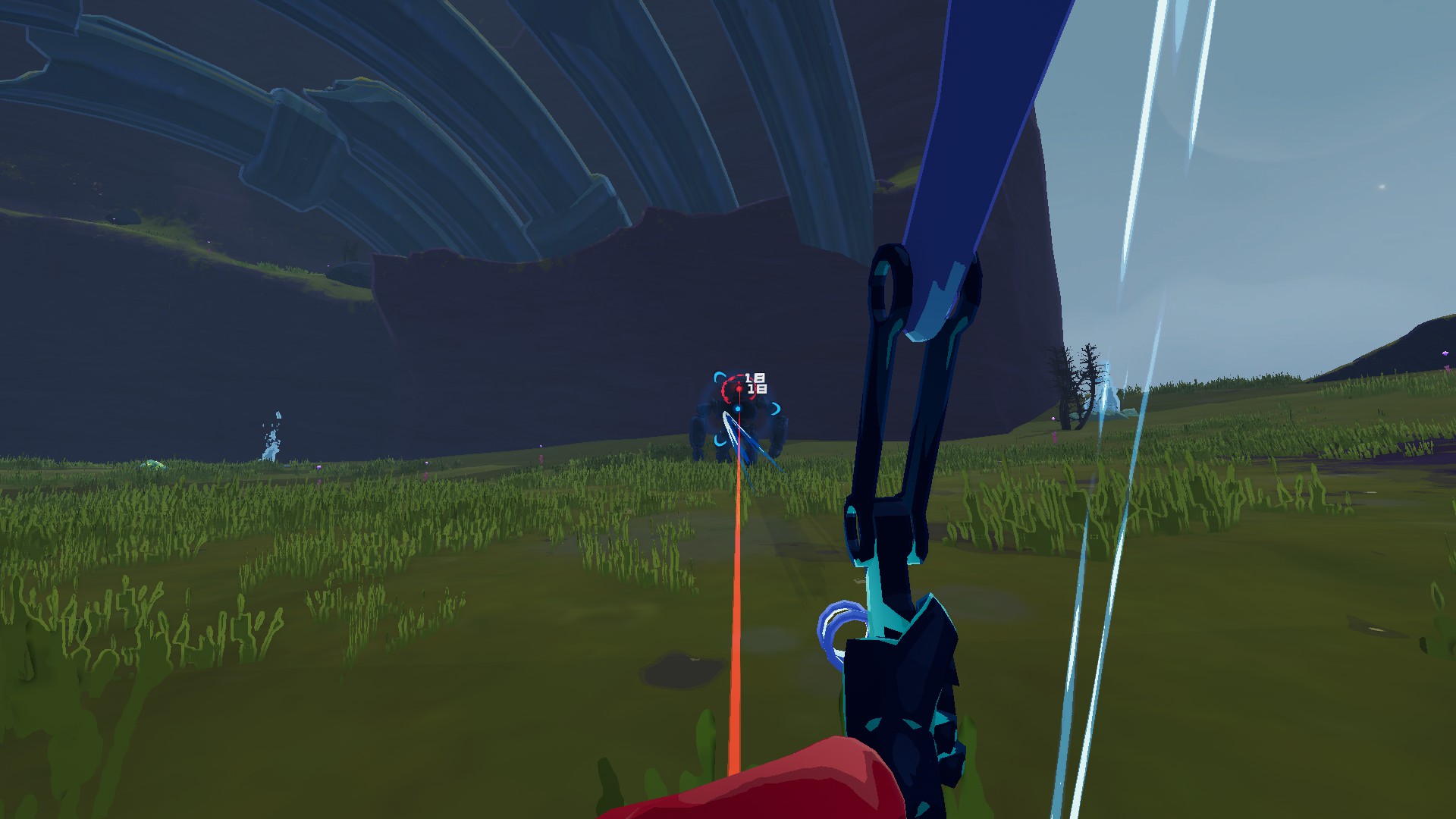
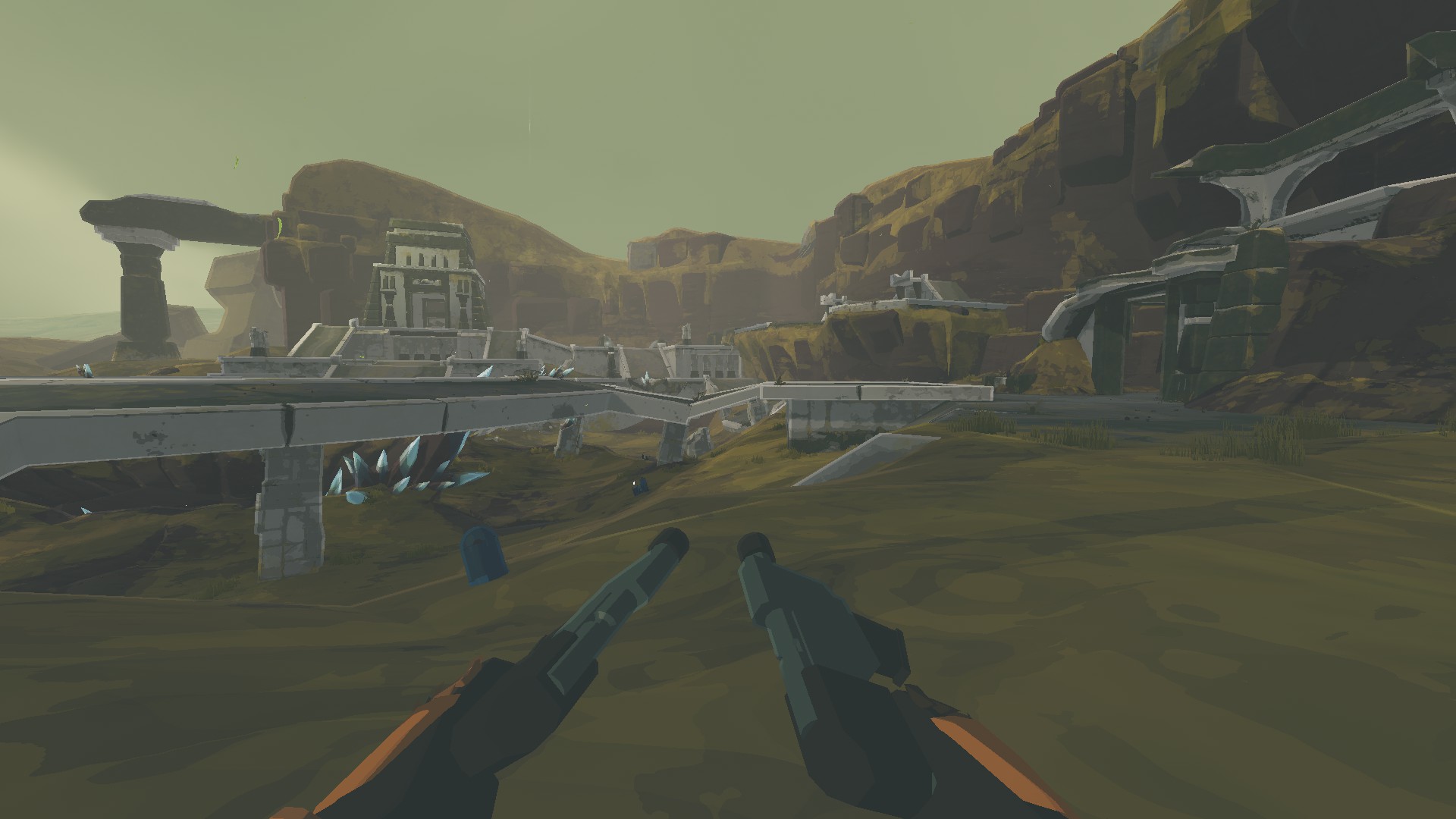
Settings
Everything is in the game's Mod Options (Risk Of Options) and can be changed while playing.
| Setting | Default | What it does |
|---|---|---|
| Field Of View | 100 | Horizontal FOV in first person |
| Sprint FOV Effect | 0.5 | How much of the sprint widening to keep |
| Body Rotation | FollowCamera | Body always faces the view; Smart = vanilla turning as if always shooting; Vanilla = unchanged |
| Remember First Person | on | Go back to first person after respawning and on the next stage |
| Camera Forward Offset | 1 | How far in front of the head's center the camera sits, in head sizes |
| Look Down Push | 1.5 | Extra forward movement while looking down |
| Camera Stabilization | 0.6 | 0 = the camera follows the head exactly, 1 = steadiest |
| Fade Weapon Covering Screen | on | Fade parts that cover more than Weapon Fade Start of the screen, fully gone at Weapon Fade Full |
| Own Muzzle Flash Size | 0.35 | 1 = vanilla, 0 = hidden |
| Hide Bursts At Your Body | on | Hide effects that go off in the middle of your own body and flashes over your own model |
| Hide Body During Skills | on | Hide your body and weapon while a skill moves the whole body |
| Weapon Sway | 1 | How much the arms and the weapon trail behind fast turns, 0 = fixed to the view |
For every survivor, including modded ones:
- Weapon Lowering turns the arms and the weapon in them down around the shoulders, in degrees. Railgunner starts at 20.
- Camera Height raises the camera above the eyes, in centimeters.
- Head Path is only for modded survivors whose head isn't found: the path inside the model to look out of.
Compatibility
- Client side: only you need it, other players can play without it.
- With CustomEmotesAPI the view switches to third person while an emote plays, so you can see it (can be turned off).
Feedback
The game log (BepInEx/LogOutput.log) has a line for every survivor you play in first person: where the eyes were found and which parts are lowered and faded.