
You are viewing a potentially older version of this package. View Latest Version
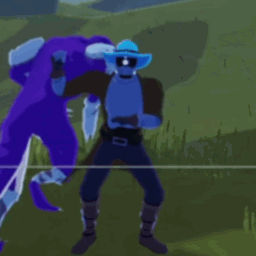
Displays an animated GIF overlay in the top-left corner of your HUD during gameplay (100% adjustable now).
Install with r2modman or Thunderstore Mod Manager.
After first launch, edit the config file at BepInEx/config/com.moetus.hudgifanimation.cfg:
[Position]
X Position = 10
Y Position = -80

[Appearance]
Scale = 1.0
Adjust these values to reposition or resize the GIF overlay.
gif_frames located at:
-AppData/Roaming/r2modmanPluslocal/RiskOfRain2/profiles/DesiredProfile/BepInEx/plugins/HUDGifAnimation/plugins/HUDGifAnimation/
with a blank folder of the same nameAppData/Roaming/r2modmanPlus-local/RiskOfRain2/profiles/DesiredProfile/BepInEx/plugins/HUDGifAnimation/plugins/HUDGifAnimaion/gif_frames/gif_frames