
You are viewing a potentially older version of this package. View Latest Version
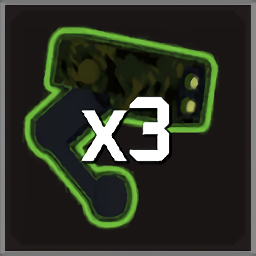
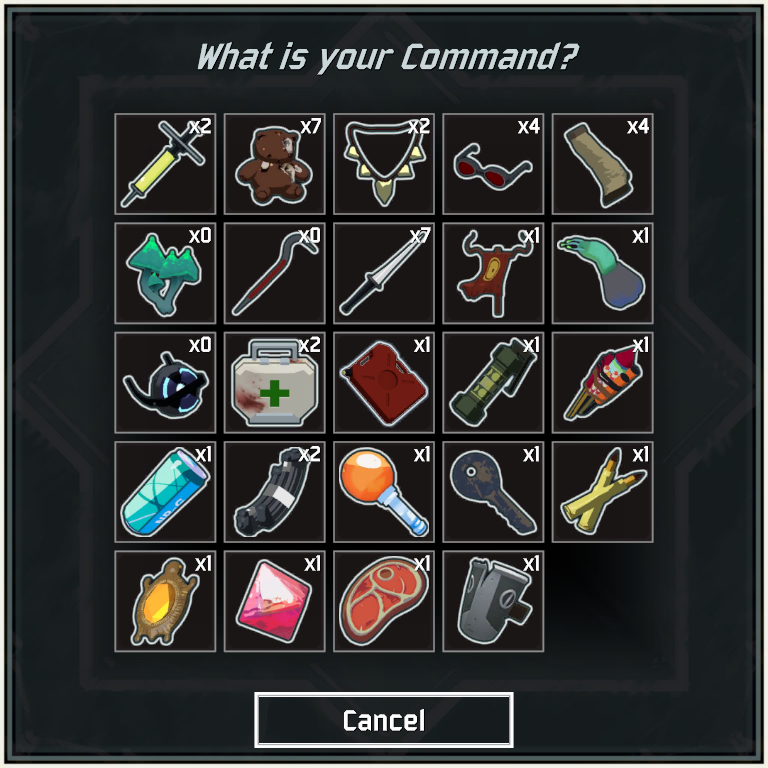
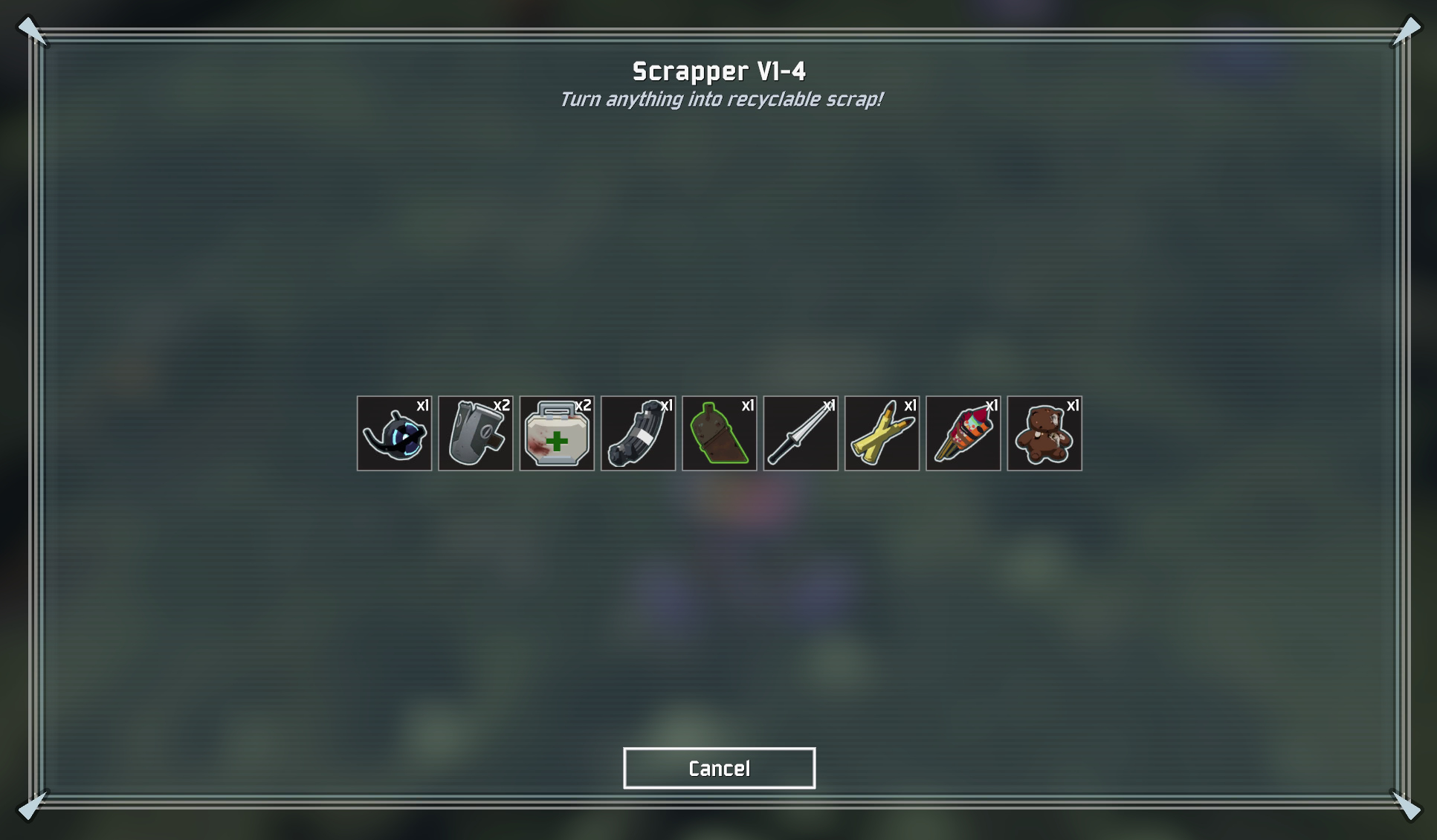
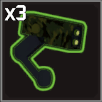
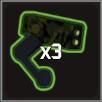
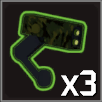
This mod shows the current item counts in the item selection dialog of the Artifact of Command and the Scrapper. The equipment selection dialog remains unchanged!
You need to use the Artifact of Command in your run or use the Scrapper for this mod to work!
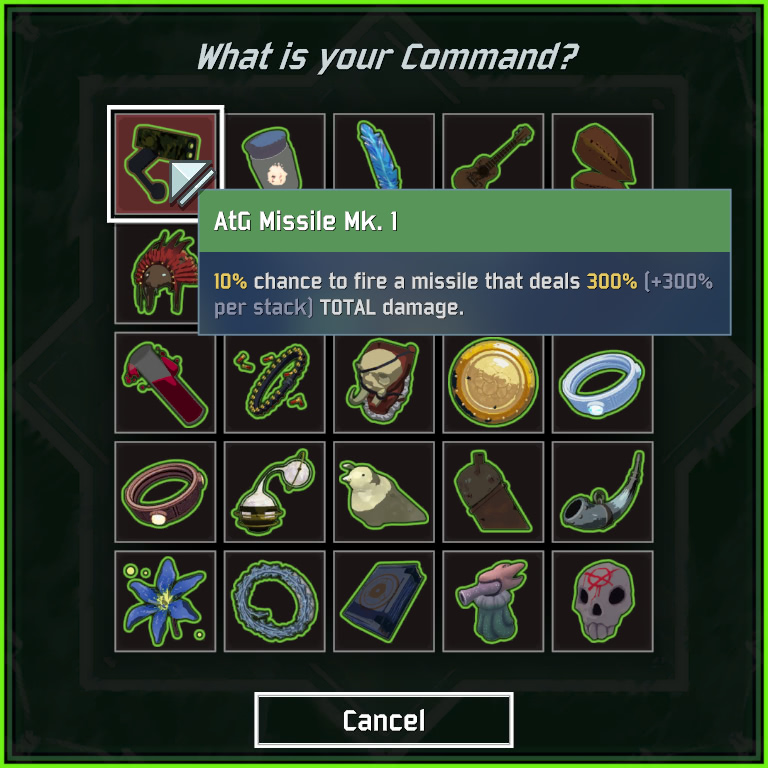
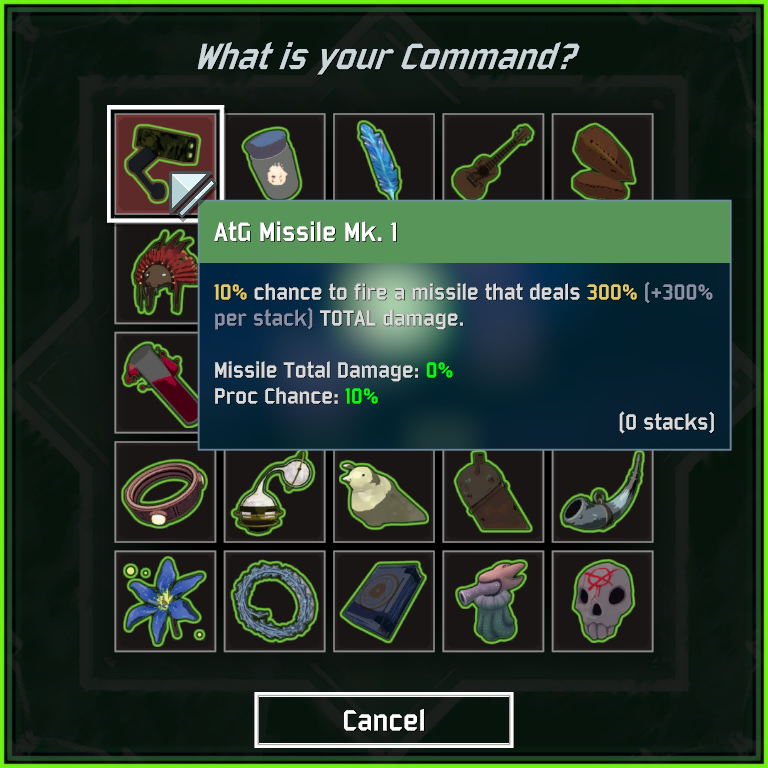
Works with ItemStatsMod
The config file (\BepInEx\config\de.userstorm.commanditemcount.cfg) will be crated automatically when the mod is loaded.
You need to restart the game for changes to apply in game.
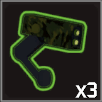
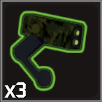
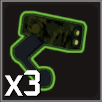
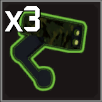
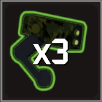
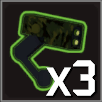
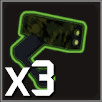
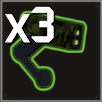
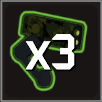
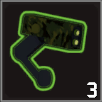
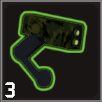
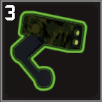
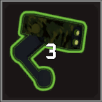
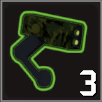
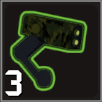
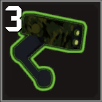
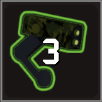
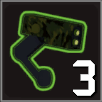
You can disable/enable tooltips, change the size and position of the text and decide whether you want the 'x' in front of the number.
| TopRight | BottomRight | BottomLeft | TopLeft | Center | |
|---|---|---|---|---|---|
| Small | 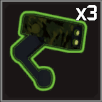 |
 |
 |
 |
 |
| Medium | 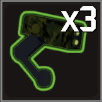 |
 |
 |
 |
 |
| Large | 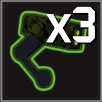 |
 |
 |
 |
 |
| TopRight | BottomRight | BottomLeft | TopLeft | Center | |
|---|---|---|---|---|---|
| Small | 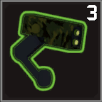 |
 |
 |
 |
 |
| Medium | 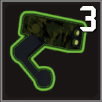 |
 |
 |
 |
 |
| Large | 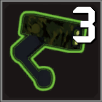 |
 |
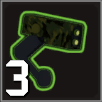 |
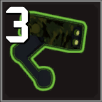 |
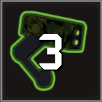 |
The example config keeps tooltips enabled, disables 0 and x and uses Large numbers in the Center of the icon.
## Settings file was created by plugin CommandItemCount v1.2.0
## Plugin GUID: de.userstorm.commanditemcount

[Settings]

## Display '0' or 'x0' if item count is 0
# Setting type: Boolean
# Default value: true
Display0 = false

## Display the 'x' in front of the number
# Setting type: Boolean
# Default value: true
DisplayX = false

## Number Position Options: TopRight, BottomRight, BottomLeft, TopLeft, Center
# Setting type: String
# Default value: TopRight
NumberPosition = Center

## Number Size Options: Small, Medium, Large
# Setting type: String
# Default value: Small
NumberSize = Large

## Show Item/Equipment Tooltip
# Setting type: Boolean
# Default value: true
EnableTooltip = true
CommandItemCount_x.y.z.zip hereCommandItemCount.dll into the \BepInEx\plugins folderThe Changelog can be found on GitHub.
For bugs or feedback please use GitHub Issues.
