RecipeEditor
Adds an in-game UI for easily making custom crafting recipes for the Wandering CHEF.RecipeEditor
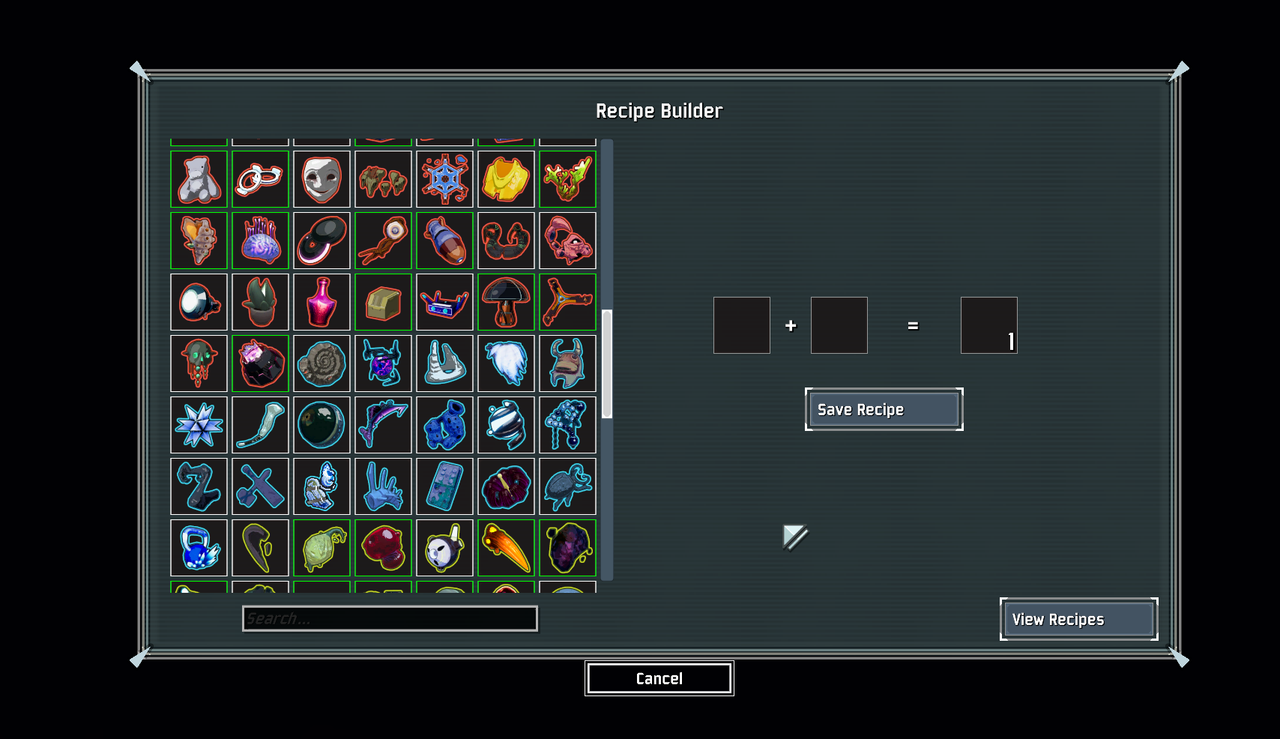
Adds an in-game UI for easily adding custom recipes for the Wandering CHEF! The button to access the recipe editor appears in the top left of the logbook (the button existing may be configured off once you are done editing recipes and simply want to just use them)
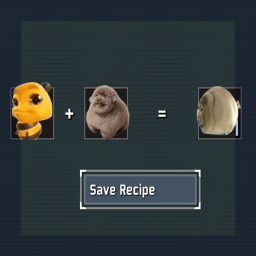
Simply drag and drop items from the left-side selection into the recipe slots on the right. Use mouse scroll while hovering the output slot to change item count. Click 'Save Recipe' to lock it in once you are done.
To view all created recipes, click the 'View Recipes' button in the bottom right. Clicking the X button next to any recipe will remove that recipe.
All recipes are written to a saved_recipes.json file in the config folder.