You are viewing a potentially older version of this package. View Latest Version
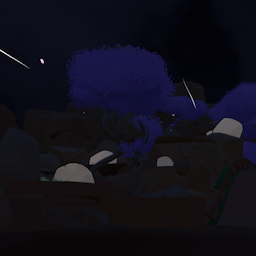
Load into any scene and the selected settings will apply automatically.
Each scene has their own settings, with Global Settings acting as a fallback when a scene is disabled.
Put your skybox textures in:
UserData/RumbleDarkMode/Skybox
Format:
{name}_Front.png
{name}_Back.png
{name}_Top.png
{name}_Bottom.png
{name}_Left.png
{name}_Right.png
Face names are case-sensitive and textures need to be flipped vertically. Use the {name} in settings.
Player lighting is unaffected.
Have fun!