

NPC Cards
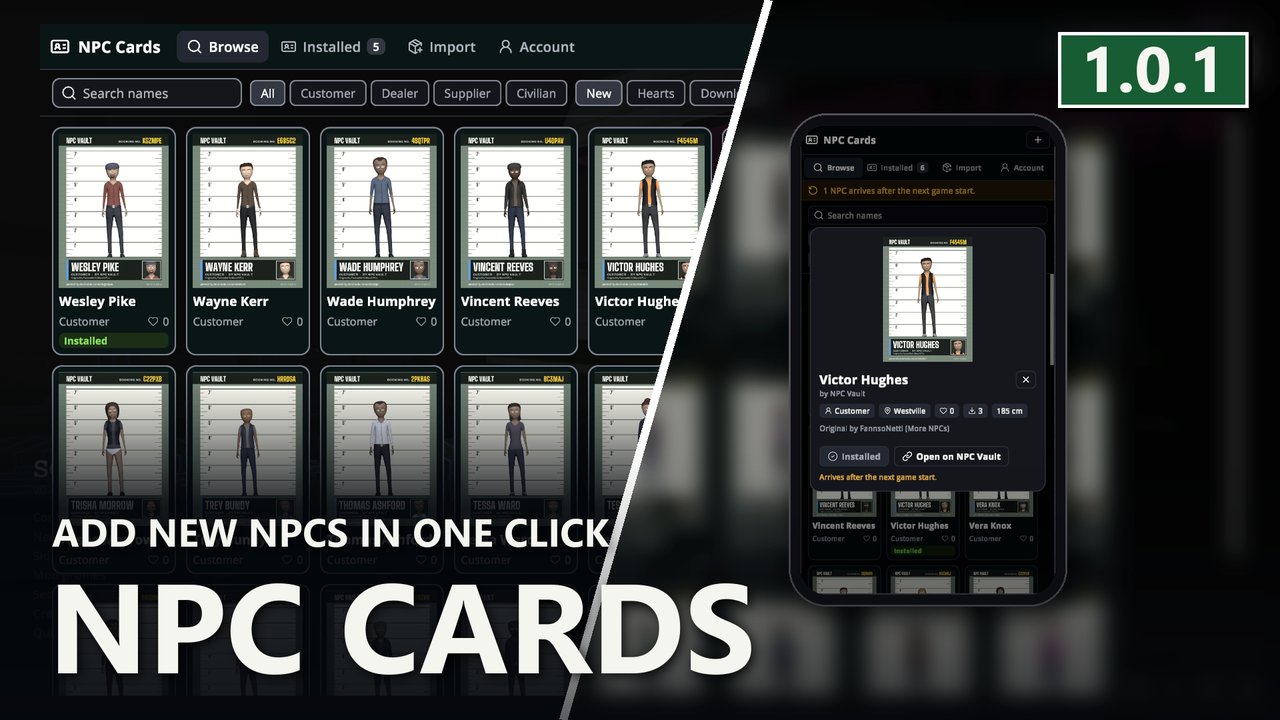
Add new NPCs in one click. Browse player-made NPCs from NPC Vault on your phone and install them. Every card is a full NPC with look, schedule and role.NPC Cards - Add New NPCs in One Click for Schedule I
🛟 Need help or found a bug? Get support at support.doodesch.de/npccards.
Add new NPCs in one click. Browse the NPCs other players built on NPC Vault and install them from your phone. Every card is a full NPC with look, schedule and role. Import downloaded card PNGs, send cards from the website to your game. Needs Personnel.







What it does
| Tab | |
|---|---|
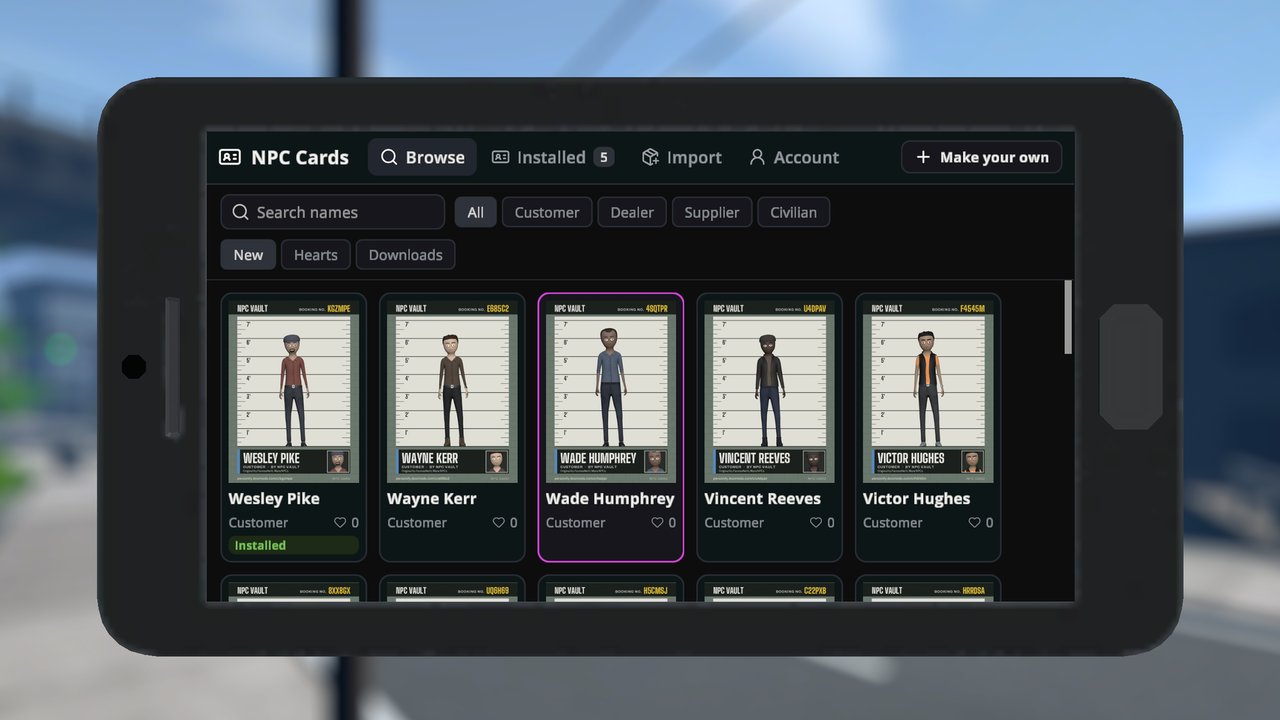
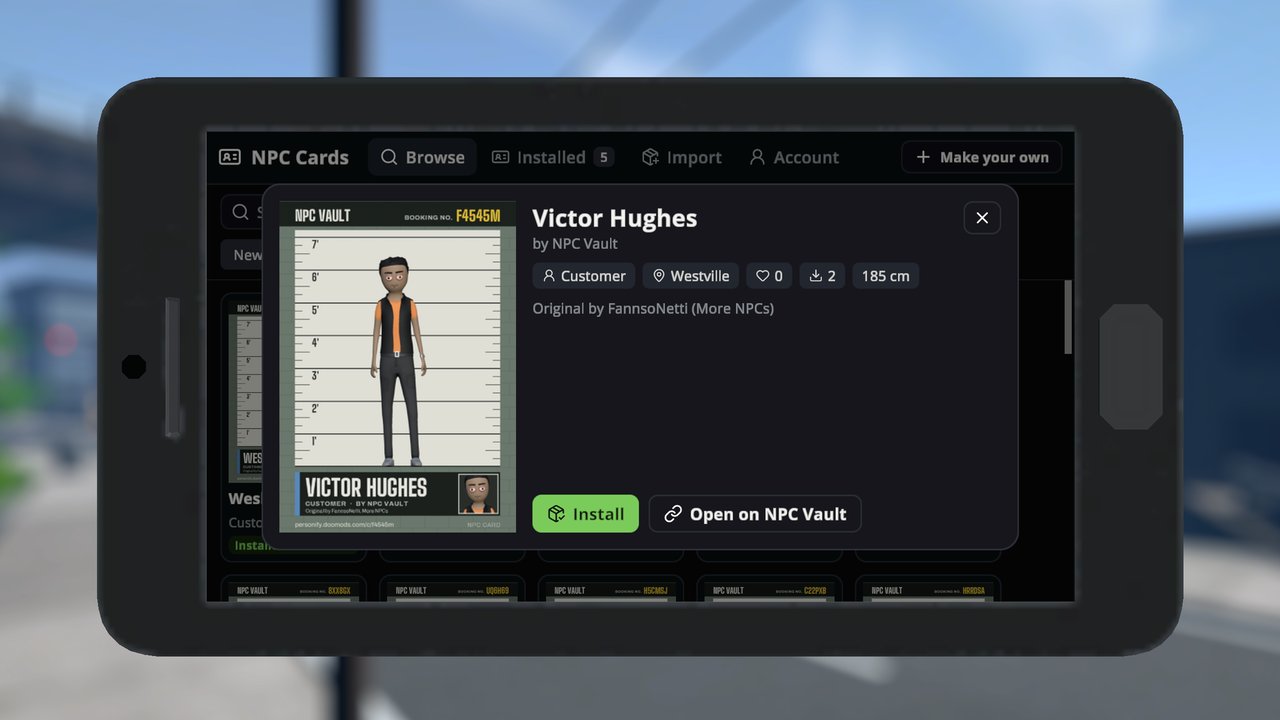
| Browse | Search NPC Vault, filter by Customer, Dealer, Supplier or Civilian, sort by new, hearts or downloads. Open a card for its region, greeting and credit, then install it. |
| Installed | Every card Personnel has installed, also the ones from Personify or the import folder. Remove a card here. |
| Import | Card PNGs in UserData/Personnel/Import/. Install one now, or let Personnel install them at the next start. |
| Account | Connect the game to your NPC Vault account. Cards you send with "Send to game" on the website arrive here. Upload a card PNG from the import folder. |
A new NPC shows up after the next game start, not right away. The amber band says how many NPCs arrive or leave.
"Make your own" opens Personify, the editor that makes cards.
Where it opens
- Phone: the NPC Cards app, in landscape and portrait.
- Main menu: with Side Hustle installed, NPC Cards is also a menu gamemode. Escape or right-click steps back.
Online
The mod talks to personify.doomods.com only:
- Browsing loads card lists and card pictures. No sign-in.
- Installing downloads the card PNG.
- Connecting links this game to your account with a code you confirm on the website. Personnel keeps the token in
UserData/Personnel/vault.json. Disconnect removes it. - Uploading sends the card PNG you pick.
Screenshots
Requirements
- MelonLoader 0.7.3+
- Sideload 1.36.0+
- Personnel 2.4.4+
- Side Hustle (optional, for the menu gamemode)
Languages
English and German. Your own translation goes to UserData/DooDesch/Localization/NpcCards/<code>.json; the
setting "Language" in the "DooDesch" preferences category picks the language.
License
MIT. See the included LICENSE.md.
This mod is written with help from generative AI tools (Anthropic Claude, OpenAI Codex).
If you have fun with it, a like on the Thunderstore page really helps other people find it (thumbs up next to Download, you need to be logged in) - ty either way, and lemme know if anything breaks or you've got ideas