
You are viewing a potentially older version of this package. View Latest Version
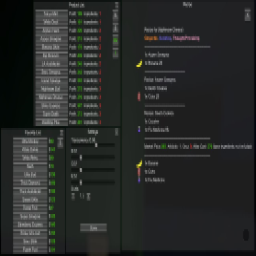
How To Use:
Step 1. load a save then open the pause menu with esc or open your phone so you get a mouse cursor
Step 2. press F5 to open them menu
Step 3. press the + next the menus to expand them ( by default the menus are minimized helps with performance )
Step 4. select drug type then find your product or select a product from the favorites menu
Step 5. sometimes the product you have selected has more then 1 recipe so you will be asked to select what recipe you want
F6 while the menu is open to reset the menus back to the starting location (guis can go off screen)
if you want to edit keybinds, menu scale, menu transparency, and menu color edit Mods\RecipeGUI.cfg
on the recipe page at the bottom right there is a box you can use to resize the page
to use translation edit Translations/RecipeListGUI_translations.txt and follow the instruction included in the file
this is my first time really doing anything in C# im also just bad at coding so the performance of this is probably not great if anyone wants to help improve the mod feel free to make a pull request