

MarginCity
A hand-planned city: rich north, poor south, the Ledger at its centre. Downtown towers, the Commons, Chinatown, a Red Light strip, the Bricks and the Stacks, every street and district laid out on purpose.Margin City
The ruling class watches the profit margins. Everyone else lives in them.
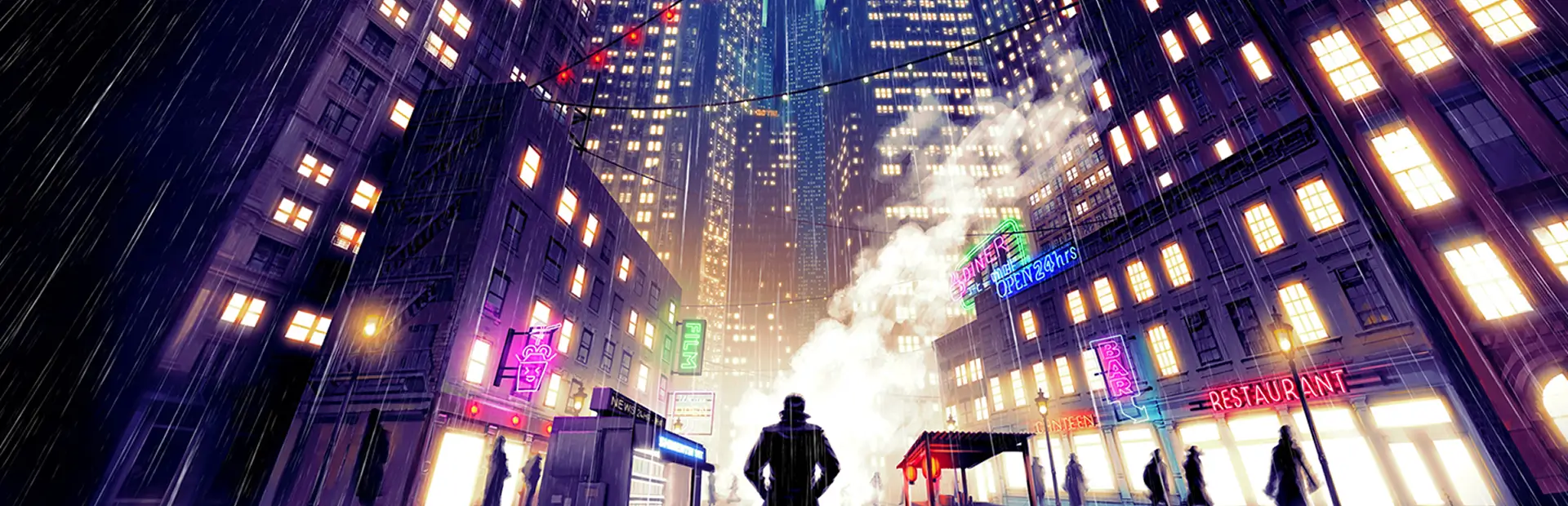
Margin City is a hand-planned city for Shadows of Doubt. Instead of a random layout, every district, landmark and main street sits where it does for a reason: money in the north, the civic heart in the middle, and the poor packed against the southern waterfront. From almost anywhere, a glance at the skyline tells you where you are.

A copy of this map (Margin City map.png) is in the mod's folder.
The city
| District | What it is |
|---|---|
| The Heights and Park Terrace | Old money. Quiet town-houses and apartment towers on clean streets, split by Founders Avenue. |
| Downtown | The skyline: the Ledger (City Hall, where the city keeps the books on everyone), flanked by the spired Credit and Debit towers, with the Dividend and the Equity beside them. |
| The Commons | A park belt across the whole city, right in front of the Ledger. Cross it and you're in the other half of town. |
| Chinatown | Shop-houses around the old Jade Mansion tower: Golden Lotus, Jade Garden, Wing Lee Noodle House, Kam Fung Pawn. Paifang gates mark the ways in. |
| Red Light | A neon strip running south from Lantern Square: The All-Nighter diner, the back rooms on Velvet Street and Neon Row, and Hotel Lowtide at the bottom, by the water. |
| The Bricks | The worst block in town: the Fathoms slum stacks, back-alley workshops and a few shops that shouldn't be open. |
| The Stacks | Chemical plants and workshops along the waterfront, west and east of the Hotel. |
Some streets to know: Ledger Row and Treasury Street along the Commons, Margin Street (the line between the rich and poor halves), Velvet Street and Neon Row down the strip, and Smokestack Row and Wharf Road on the waterfront.
Behind the layout:
- Wealth follows the district. Homes in the Heights are genuinely richer than homes in the Bricks: furniture, finishes, grime and the people who live there.
- Clean streets uptown, grit downtown. Shacks, barrel fires and junk stay out of the wealthy districts.
- Themed streets. Chinatown's gates and the Red Light's dressing follow the streets that actually run through those districts.
- About 1,000 residents in a 9 × 10 block city: bigger than the game's largest size, but tuned to stay smooth.
How to play
- Install with r2modman or Gale (BepInExPack is installed for you).
- Launch the game from the mod manager (Start modded). Margin City is copied into your cities.
- Start a new game and pick Margin City from the city list.
Keep this mod installed while you play Margin City. The city is a size the game doesn't offer by itself, so it needs the mod to load.
Manual install (without a mod manager)
1. Install BepInEx (once).
- Download BepInExPack_IL2CPP 6.0.755 with Manual Download.
- Copy the contents of its
BepInExPackfolder into the game folder, next toShadows of Doubt.exe(in Steam: right-click the game › Manage › Browse local files). - Launch the game from Steam once. The first launch takes a few minutes while BepInEx sets itself up (a console window fills with text). Quit once you reach the main menu.
2. Install Margin City.
- Download this mod with Manual Download.
- Create the folder
BepInEx\plugins\MarginCityin the game folder and copy everything in the zip into it, including theCitiesfolder.
3. Play. Launch from Steam as usual and pick Margin City under New Game.
Good to know:
- Updates are manual: download the new version and replace the files.
- Turning mods off: rename
winhttp.dllin the game folder (for example towinhttp.dll.off) and the game starts without mods. - Steam Deck / Linux (Proton): also set the game's launch options to
WINEDLLOVERRIDES="winhttp=n,b" %command%, or BepInEx won't load. - Don't mix the two ways: if you use r2modman or Gale, launch from the manager and don't also install BepInEx into the game folder.
Margin City isn't in the city list?
- Start the game from your mod manager (r2modman or Gale: Start modded). Starting it straight from Steam doesn't load mods installed by a manager.
- Still missing? Copy the two
Margin City…files (.citband.txt) from the mod's folder into%USERPROFILE%\AppData\LocalLow\ColePowered Games\Shadows of Doubt\Cities, then restart. In r2modman, Settings › Browse profile folder opens the mod folders (look inBepInEx/plugins). - If that doesn't help, send us your
BepInEx/LogOutput.log(search it for "City Planner").
Make your own planned city
The mod includes the City Planner that built Margin City. Put a plan in BepInEx/config/cityplan.txt and choose "Planned city" as the size when generating a new city. The game builds your layout: districts, wealth, a building on every block and which way each one faces. It still generates the streets, interiors and residents itself. Margin City's own plan is included as cityplan.example.txt to start from. Without a plan file, city generation is unchanged.
Safe to remove?
Not for Margin City saves. Margin City is a city size the base game doesn't have, so saves made in it need this mod to load. Keep it installed while you play Margin City. Saves in any other city aren't affected and load normally without it.
Compatibility
- Built for the main (IL2CPP) branch of the game.
- Works alongside other mods, including The Protectorate's (Sanitation Department, Detective License and the rest).
- Saves made in Margin City need this mod to load.
Feedback
Found something odd in the city, or a name that doesn't fit? Leave a comment on the Thunderstore page.
Made with the help of AI (Claude, by Anthropic). Designed, play-tested and released by The Protectorate.