MapKitLoader
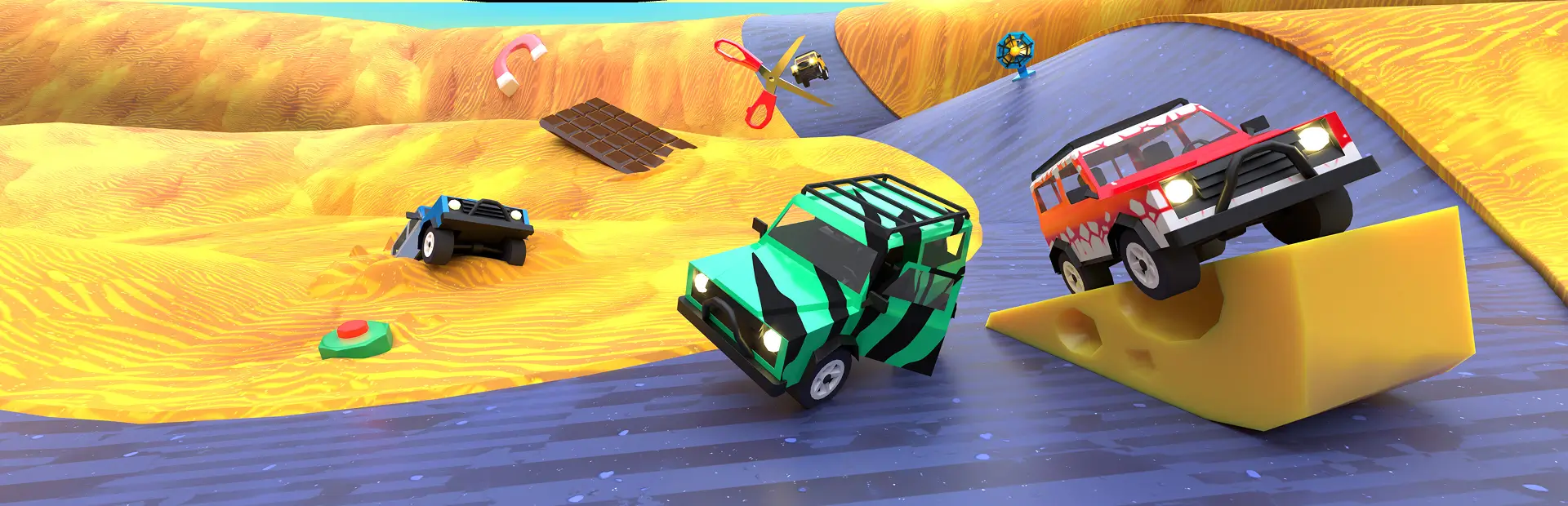
Loads custom maps made with the Slip & Skid Map Kit: the game's own road pieces, portals, moving parts, wind and geysers, maps that change every race. Maps run on a stock level's camera, lighting, gates and podium; surface cards work.Map Kit Loader
Loads custom maps for Slip & Skid made with the Slip & Skid Map Kit. On its own it adds nothing: install it together with a map that depends on it (for example MegaStunt).
How maps work
When a map is picked, the game loads one of its own levels as a host. The loader hides the host's road and puts the map's track in its place, keeping everything else the game built:
- camera, lighting, fog and scenery of the host level, with extra scenery placed along the map's track;
- the real start gate (countdown lights, starting grid) and finish gate;
- the no-trap zones around the start and the finish;
- the end-of-race podium;
- tyre marks, gravity and the death plane below the track.
The map's road uses the host level's own asphalt and concrete, so surface cards (ice, sand, mud...) repaint it like a stock level, and the scenery changes with the main surface.
Maps also get their own picture, outline and spinning 3D model in the level select.
For players
Install maps with a mod manager; they pull in this loader automatically. Everyone in a lobby needs the same maps at the same version.
For map makers
A map is a folder with a mapkit.json and an asset bundle. Put it in BepInEx/CustomMaps/<Map> or ship it as a
Thunderstore package depending on this one.
Build a map with the DLL in this package
This package ships SlipSkid.MapKit.SDK.dll: the marker components the loader reads. You can make a map with it in
your own Unity project:
- Unity 2022.3.62f3 exactly (the game's version: a bundle from any other version, Unity 6 included, doesn't
load), with the Universal Render Pipeline. Copy
SlipSkid.MapKit.SDK.dllintoAssets/Plugins/. Don't rename it: the bundle finds the markers by assembly and class name. - Make one root object with
KitMap(mapName– unique, lobbies match levels by name –,author,difficulty1-5,hostLevel= the stock level to run on, e.g.SnakeorDermz city,deathDepth). - Under it, the road: meshes (with normals, tangents and a second UV set) with a MeshCollider and a
KitRoad– kindRoad(asphalt, surface cards repaint it),Border(concrete edges, walls),Concrete/Dark(decoration, no tile). Give each road piece a uniquetileGuid(surface cards find tiles by it online) and optionally asurface(Asphalt,Dirt,Ice,Mud,Sand,Magma). Don't give roads your own materials: the loader paints them with the game's. Size like the game: 8 m of asphalt with a 1 m border each side, a piece per bend. - Collision copy: cars drive on layer 16 (
RoadCombined). Give everyRoadandBordera child namedRoadCombinedon layer 16 with a copy of its collider (the game can't do it at load time). - Markers:
KitStart(at road height, where the start gate stands),KitSpawns(4 spawn points in one row, 2 m apart, 0.65 m above the road),KitFinish(1.5 m above the road, facing the way of travel),KitPodium(off the track). Optional:KitBoostPad,KitGravitySphere(loops),KitStockPiece(the game's own road pieces by name), and the tricks above. - Save the root as a prefab and build an AssetBundle of it for StandaloneWindows64
(
BuildPipeline.BuildAssetBundles, chunk-based compression; LZMA if it gets over ~9 MB, Thunderstore's browser upload takes 10 MB). - Next to the bundle, write
mapkit.json:
{
  "id": "mapkit.mymap",
  "name": "My Map",
  "author": "you",
  "version": "1.0.0",
  "bundle": "mymap.bundle",
  "host": "Snake",
  "thumbnail": "thumbnail.png",
  "preview": "preview.png",
  "difficulty": 3,
  "isReversible": false
}
thumbnail.png (the outline on the level card) and preview.png (the picture) are optional, as is previewModel
(an .obj for the spinning 3D model).
The Map Kit's own tools (a track builder that makes the road pieces, loops, jumps and forks, and builds maps from a JSON file listing the course step by step) are not in this package.
Test a map
- Copy the map folder (bundle +
mapkit.json+ images) toBepInEx/CustomMaps/<Map>/of a mod manager profile that has this loader. Remove any installed package of the same map first, or it loads twice. - Start the game from the mod manager, host a game, pick the map in the level select.
- Read
BepInEx/LogOutput.log. A healthy map logsLoaded <Map>,Registered <Map> on host level '<host>',Host road surface: ..., twoNo-trap zone ...lines,Trails camera ...,Built <Map> on '<host>',Scenery scaled ...andFog for .... Errors name the marker or file at fault. - Drive the whole track (loops, jumps), place a surface card on the road, finish, and try it with a friend: every player needs the same map version.
Seasons (1.1.0): a map can turn on seasonalBiomes. During the race each player's sky, fog, lighting, scenery,
weather and ambiance then follow the surface under their own car (dirt = spring, sand = summer, mud = autumn,
ice = winter); asphalt keeps the current look. It is purely visual and local to each player.
Stock pieces (1.2.0): a map can use the game's own road pieces (KitStockPiece: straights, slopes, curves,
banked turns, Y-forks, half-pipes, tubes...) by name, from its host level or any other stock level. Nothing of the
game ships in the map: the loader clones the real piece in game, with its borders, collisions and surfaces.
Tricks (1.3.0), all running on the game's own clock and round counter, so every player sees the same thing:
portals (KitPortal), moving parts (KitMover: drawbridges, doors, pistons, turntables – no traps on them),
wind, gusts, geysers and low-gravity fields (KitForceZone), maps that change every race (KitRoundChange:
show/hide, road turning to another surface, a rising sea), fog banks (KitFogZone), decoy finish arches
(KitFakeFinish), road that drives unlike it looks (KitRoad.look), hazards that destroy a car (KitHazard:
trains, traffic) and lights on the clock (KitTimer).
This loader reads only mapkit.json maps, so it works side by side with other map loaders.