You are viewing a potentially older version of this package. View Latest Version
BepInEx mod for Starsand to fix UI with aspect ratios other than 16:9
Without the fix

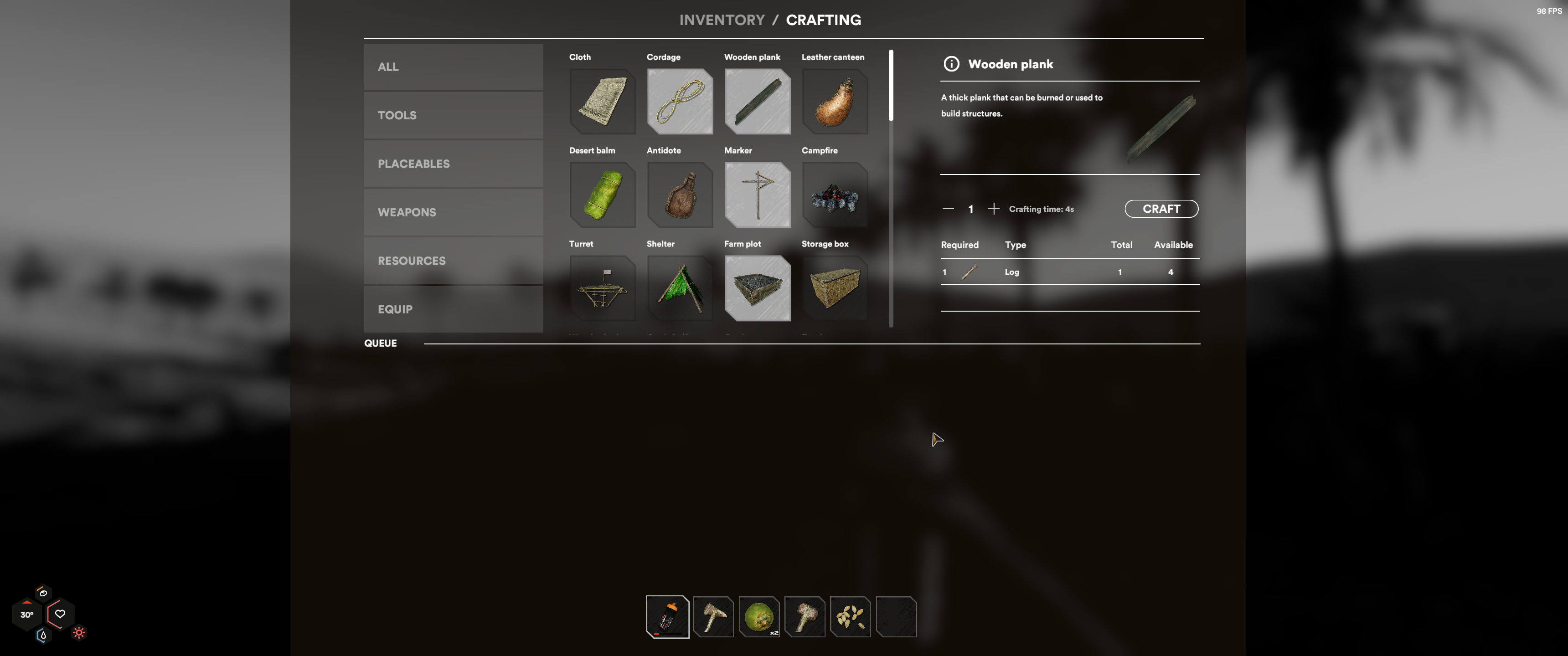
With the fix
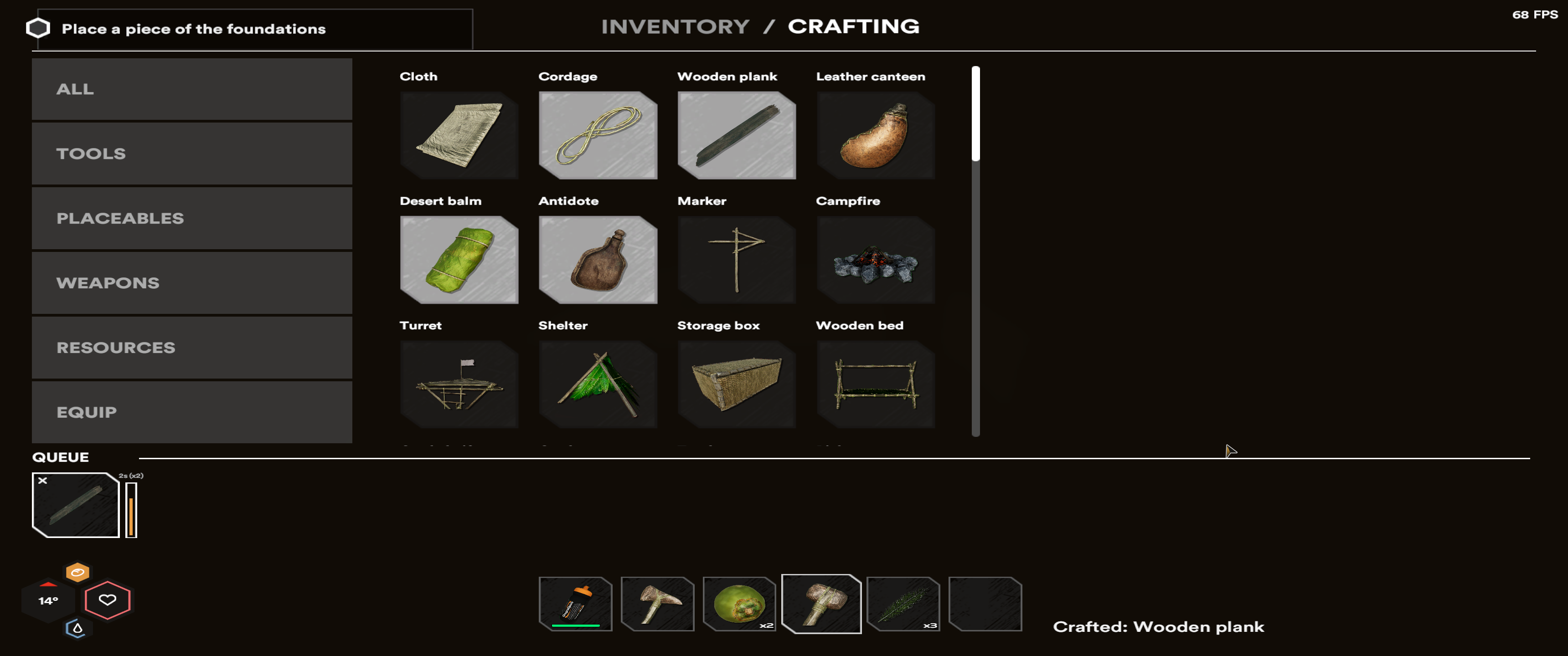
ScaleFactor fix mode
Install either Thunderstore Mod Manager or r2modman and then install StarsandUIARFix from Thunderstore
Follow the instructions from the BepInEx Docs to install BepInEx and then extract the latest release of the mod to your BepInEx\plugins\ directory.
After launching the game with the mod installed, edit BepInEx\config\StarsandUIARFix.cfg with your text editor of choice.
Change UseScaleFactor to False to switch to UI stretching mode instead of UI scaling mode.
For support, or to discuss and discover other mods for Starsand, check out the Starsand Modding Discord
1.0.1:
1.0.0: