
NowWatchThisDrive
Replaces the nice-shot announcer line with the now-watch-this-drive clip on a 100% charged swing.NowWatchThisDrive
Replaces the announcer's "nice shot" audio with the classic "now watch this drive" clip whenever you pull off a 100%-charged swing. In multiplayer, if other players in the match also have the mod installed, the clip is replicated to every client and played from the swinger's world position.
Install
Via r2modman or Thunderstore Mod Manager — search for Cray-NowWatchThisDrive and install.
Manual install: drop both files into
<r2modman profile>/BepInEx/plugins/Cray-NowWatchThisDrive/:
NowWatchThisDrive.dllNowWatchThisDrive.wav
Requires BepInExPack 5.4.2305.
How it works
Super Battle Golf has Unity's native audio disabled and routes everything through FMOD. The
mod preloads the bundled WAV through FMODUnity.RuntimeManager.CoreSystem.createSound, then
Harmony-prefixes CourseManager.PlayAnnouncerLineLocalOnly — when the announcer would play
NiceShot, we play the override clip instead and skip the vanilla FMOD event. Every other
announcer line (hole-in-one, overtime, …) is untouched.
In multiplayer, the mod does not send any custom network messages. Instead, it follows the game's
existing replicated SwingNiceShot VFX event and plays the clip as 3D FMOD audio from that
position on each modded client. Players without the mod keep vanilla behavior and are not affected.
Building from source
Requirements: .NET SDK 7.0+, a Super Battle Golf install (Steam default path is auto-detected).
git clone https://github.com/Calen-Ray/SBG-now-watch-this-drive.git
cd SBG-now-watch-this-drive
dotnet build -c Release
Override the game path or r2modman profile by copying Developer.props.example to
Developer.props and editing.
Swapping the audio clip
Source WAV is Audio/NowWatchThisDrive.wav (16-bit PCM, 44.1 kHz stereo). Replace the file and
rebuild. If starting from an mp3/ogg, convert first:
ffmpeg -y -i source.mp3 -acodec pcm_s16le -ar 44100 -ac 2 Audio/NowWatchThisDrive.wav
Packaging for Thunderstore
pwsh tools/package.ps1
Produces artifacts/Cray-NowWatchThisDrive-<version>.zip ready to upload.
Releasing
Automated via .github/workflows/release.yml — publishing a
GitHub Release uploads the attached zip to Thunderstore.
One-time setup. Add a THUNDERSTORE_TOKEN repository secret (Settings -> Secrets and
variables -> Actions). The token comes from
thunderstore.io/settings/teams/ under the Cray team.
Cut a release:
# 1. Bump version_number in manifest.json and add a CHANGELOG.md entry.
# 2. Commit + tag + push.
git commit -am "Release v0.3.0"
git tag v0.3.0
git push --follow-tags

# 3. Build the zip locally (CI can't build — hosted runners don't have the game DLLs).
pwsh tools/package.ps1

# 4. Create the GitHub Release with the zip attached; the workflow publishes on release.published.
gh release create v0.3.0 artifacts/Cray-*-*.zip --notes-file CHANGELOG.md
Credits
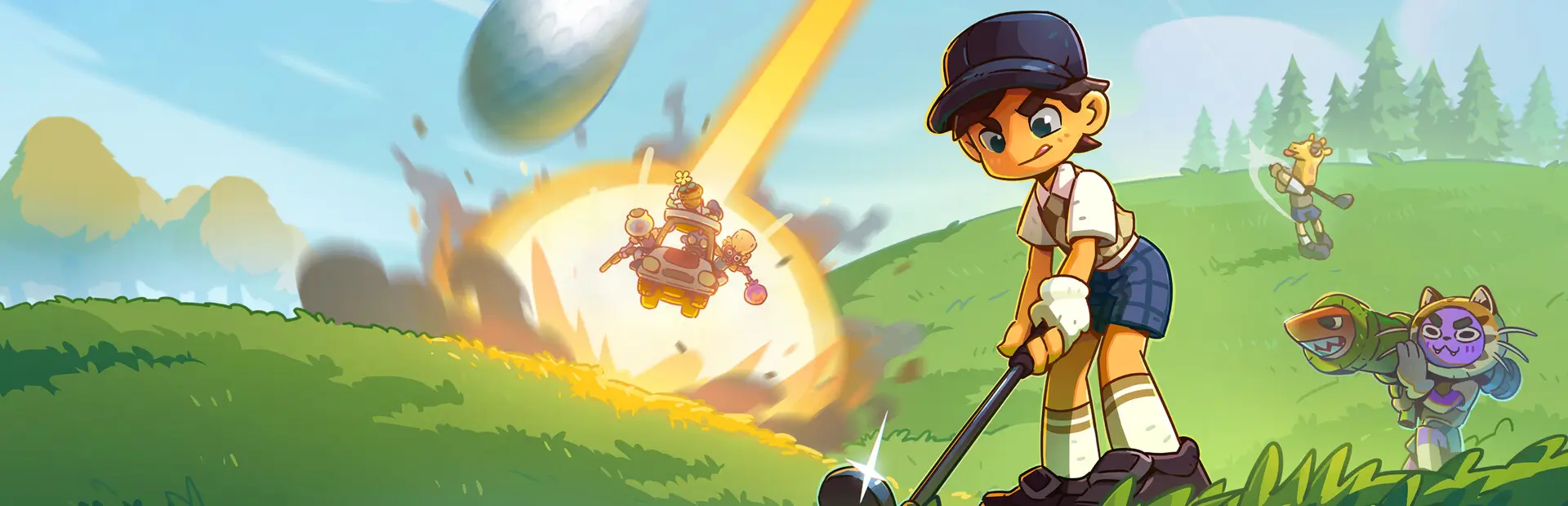
- Icon / cover art by MultipleBees — the original full-resolution artwork lives in
cover-art/alongside an attribution note.
License
MIT — see LICENSE.