
Hamilton
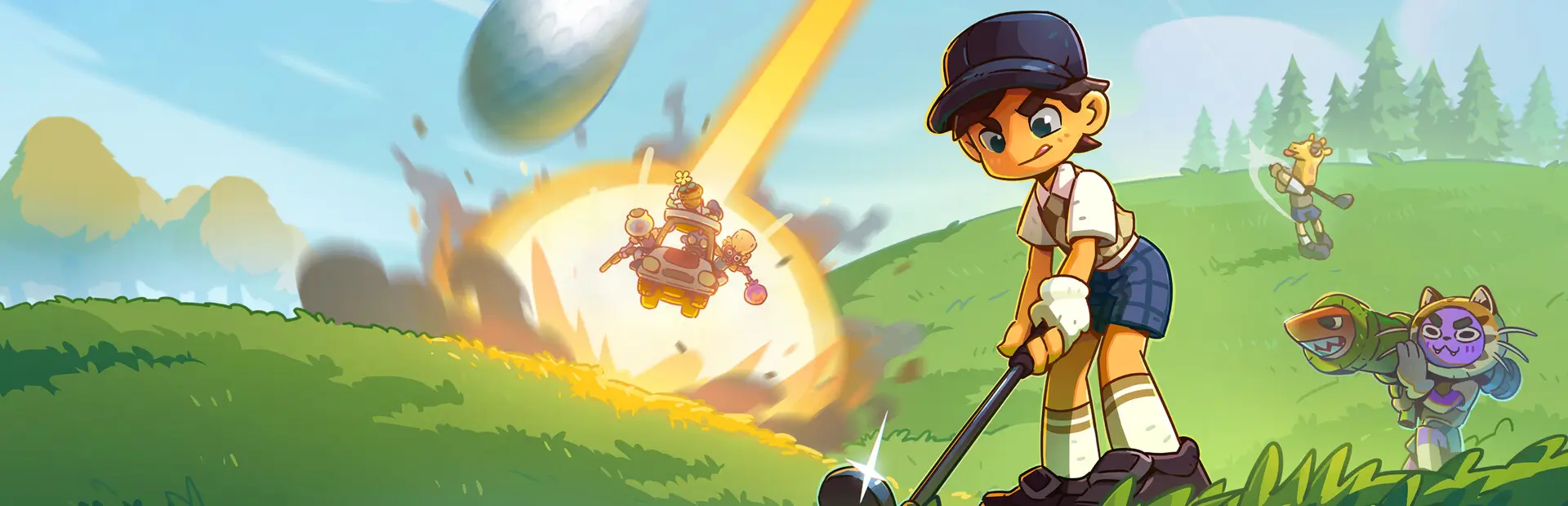
Adds a host-controlled permanent dueling pistol mode with misfires, backfires, and rare orbital strikes for Super Battle Golf.Hamilton
Hamilton gives every player a permanent dueling pistol slot in Super Battle Golf.
Features
- Adds a permanent dueling pistol in the second hotkey position, directly after the driver.
- Adds a host-controlled
HamiltonOn/Off dropdown to the Custom Rules Battle section. - Syncs the Custom Rules toggle through Steam lobby metadata so guests follow the host setting.
- Checks every Steam lobby member for the same Hamilton version and keeps Hamilton disabled until everyone has it.
- Keeps slot 2 corrected to the permanent pistol if the game briefly places a normal item there.
- Removes dueling pistols from normal item box spawns.
- Expands the item bar to five visible positions.
- Adds configurable shot chaos:
- Normal shot.
- Misfire: the shot does not fire.
- Backfire: the shot hits the shooter instead.
- Rare orbital-strike misfire using the game's native orbital laser asset.
Requirements
- BepInEx 5 x64.
- Every multiplayer player should install the same Hamilton version.
Installation
- Install BepInEx 5 x64 for Super Battle Golf.
- Extract this package into the folder that contains
Super Battle Golf.exe. - Confirm the DLL exists at
BepInEx/plugins/HamiltonMod.dll. - Launch the game through Steam.
Configure
After first launch, edit:
BepInEx/config/codex.superbattlegolf.hamilton.cfg
Useful settings:
MisfireChanceBackfireChanceOrbitalStrikeOnMisfireChanceAutoSelectPistolGrantCheckIntervalSeconds
Hosts can turn Hamilton on or off per match from:
Match Setup > Rules > Custom > Battle > Hamilton
Disable
Delete or rename BepInEx/plugins/HamiltonMod.dll, then restart the game.