

You are viewing a potentially older version of this package. View Latest Version
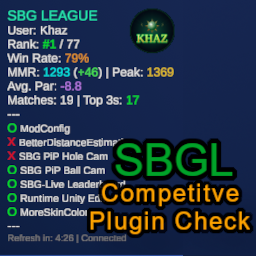
SBGL CompPluginCheck
check and ensure SBGL (Super Battle Golf League) participants are using only the allowed list of mods controlled by league admins.SBG-LiveLeaderboard
A BepInEx5 mod to check and ensure SBGL (Super Battle Golf League) participants are using only the allowed list of mods controlled by league admins.
TO-DO
Installation
- Install BepInEx 5
- Download and drop the SBGL_PlayerID_Guide.png and SBGL-CompPluginCheck.dll files in the \BepInEx\plugins folder of your Super Battle Golf Installation
- After opening the game for the first time, you can adjust the UI in \BepInEx\config\com.kingcox.sbgl.compplugincheck.cfg
- Make sure you set your SBGL User ID on the SBGL Tab in settings.
Building for source
set the env variable SUPER_BATTLE_GOLF_PATH to your Super Battle Golf installation directory.
dotnet build