
LightGreen
Lighting, atmosphere and weather for Super Battle Golf that keep its cel-shaded look. Client-side: only you need it.LightGreen

Lighting, atmosphere and weather for Super Battle Golf that keep its cel-shaded look. Client-side: only you need it.
Version 0.1.0, tested on Super Battle Golf 1.4.0-798 with BepInEx 5.4.23.5.
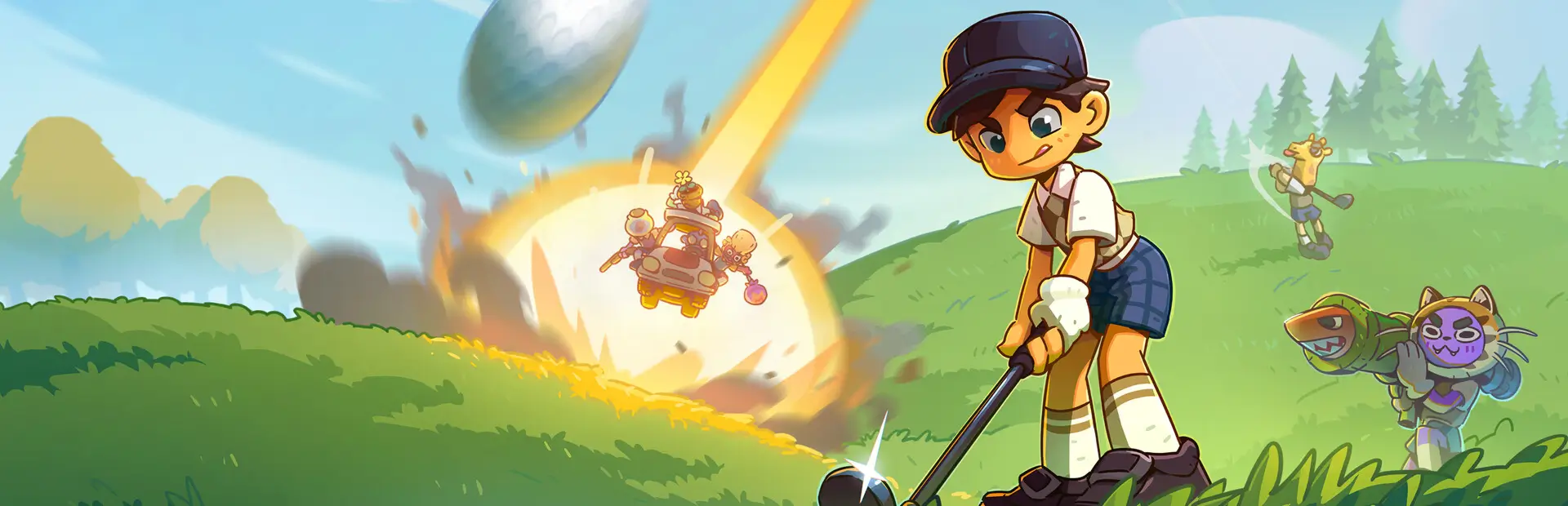
LightGreen changes how the game looks for you, using the game's own shaders and effects so it keeps the bright cel-shaded style:
- Time of day. F9 steps through Dawn, Morning, Noon, Golden hour, Sunset, Blue hour and Night, and back to the hole's own. The sun moves, and the sky, light, haze and water follow, blending over a few seconds. Only you see it.
- Colour and atmosphere. Each biome gets its own slight colour grading, distant terrain fades toward the horizon colour, and shadows lean toward the biome's hue: cool in Snow, warm in Desert. Players and their cosmetics keep their colours.
- Water, ice and shadows. Sun highlights on water that follow the time of day, more sparkle on snow, and sharper sun shadows (at least 4096 px) that reach further: out to 200 m, from the game's 150 m.
- Ambient occlusion on every course: soft shading under carts and benches, at the foot of posts, trees and walls, and in corners. Open grass stays even.
- Light from effects. Explosions light the ground and players around them for a moment (the big ones with shadows), muzzle flashes pop, and rocket and freeze-bomb trails carry a light. The Thunderstorm item's strikes light where they land and flicker.
- Night. Balls glow evenly, your own the brightest. On City holes made dark with F9, building windows and vehicle lights glow, lampposts light the street, and bright lights bloom.
- Weather. Footprints in snow last longer (45 seconds) and show as blue-grey dents. Rain (off by default) brings streaks, splashes and a grey overcast sky.
- Lens effects. A lens flare toward a low sun, a miniature (tilt-shift) look for the hole overview flyover, and depth of field in photo mode. Vignette and chromatic aberration are there too, off by default.
- F8 switches LightGreen off and on while you play, to compare with the game's own look.
Table of Contents
Install
Dependencies
- BepInEx 5 (
BepInEx-BepInExPack-5.4.2305, installed for you by mod managers). - Client-side only. Only you need the mod. It works in any lobby, whoever hosts, and other players see no difference.
With a mod manager
Install LightGreen with r2modman or another Thunderstore mod manager.
By hand
Copy LightGreen.dll into the game's BepInEx plugins folder:
Super Battle Golf/
└── BepInEx/
    └── plugins/
        └── LightGreen/
            └── LightGreen.dll
Usage
- Start a hole. LightGreen is on from the start.
- Press F9 to change the time of day, and F8 to compare with the game's own look.
- Change anything else in
BepInEx/config/com.lightgreen.cfg(in r2modman: Config editor). It's reloaded within a second when you save it, so you can tune while you play. For example, to turn rain on:
[Effects]
## How heavy the rain is: 0 = off, 1 = tuned, 2 = double.
Rain = 1
| Setting | Default | What it does |
|---|---|---|
General.Enabled |
true |
false turns LightGreen off: the game looks exactly as it does without the mod. |
Keys.ToggleKey |
F8 |
Switches LightGreen off and on while you play. |
Keys.TimeKey |
F9 |
Steps through the times of day. |
TimeOfDay.Time |
HoleDefault |
HoleDefault keeps each hole's own sun and sky; or Dawn, Morning, Noon, GoldenHour, Sunset, BlueHour, Night. |
TimeOfDay.ProgressionMinutes |
0 |
Minutes for a full day cycle; 0 keeps the time put. |
TimeOfDay.TransitionSeconds |
3 |
How long a change of time of day blends in. |
Effects.* |
1 |
How strong each effect is: 0 off, 1 as tuned, 2 double. ShadowTint, ColorGrading, DistanceHaze, LensFlare, WaterTuning, IceGlints, TiltShift, PhotoDepthOfField, AmbientOcclusion, EffectLights, BallGlow, Lightning, CityNight, Footprints. |
Effects.Vignette, Effects.ChromaticAberration, Effects.Rain |
0 |
Off unless you turn them up, on the same 0–2 scale. |
Effects.BallGlowOwnOnly |
false |
Only your own ball glows. |
Effects.FootprintSeconds |
45 |
How long a footprint in snow lasts, from 2 to 180 seconds. |
Effects.FootprintMax |
300 |
How many footprints in snow there can be at once; past it the oldest fade out. Lower it for big lobbies on a slower PC. |
Shading.Grass |
true |
false hides the grass blades; the ground's own colour shows instead. |
Quality.SunShadowResolution |
4096 |
Sun shadow sharpness: 2048, 4096 or 8192; 0 keeps the game's. |
Quality.SunShadowDistance |
200 |
How far, in metres, the sun casts shadows; 0 keeps the game's. |
Quality.AmbientOcclusionQuality |
Medium |
Low (cheapest), Medium or High (sharpest). |
The colours for each biome and time of day are in BepInEx/config/LightGreen.presets.json, written on first start. It's reloaded when you save it.
Notes
- Lights need the game's Dynamic Lighting setting (Settings > Graphics), which is on by default. With it off, explosions, lightning and City lampposts give no light; everything else still works.
- Frame rate. Ambient occlusion and the sharper shadows cost some frames per second. If yours drops, try
Quality.AmbientOcclusionQuality = Low,Quality.SunShadowResolution = 2048, or turning effects down. - The time of day is only yours: other players see the hole as the game has it.
- Rain is off by default. It's only a look, and could be mistaken for the Thunderstorm item.
- Removing the mod is safe: nothing it changes is saved, and the game looks as it did the next time it starts.
- After a game update, a part of LightGreen that no longer fits the game switches itself off and puts the game back as it was, and the rest keeps working.
BepInEx/LogOutput.logshows[FAILED]with the part's name.
Maintainers
lmkHenlo, [email protected]
Contributing
Questions, bug reports, suggestions and contributions are welcome by email to [email protected]. Please attach BepInEx/LogOutput.log, and a screenshot if something looks wrong.
License
MIT © 2026 lmkHenlo