
SBGVR
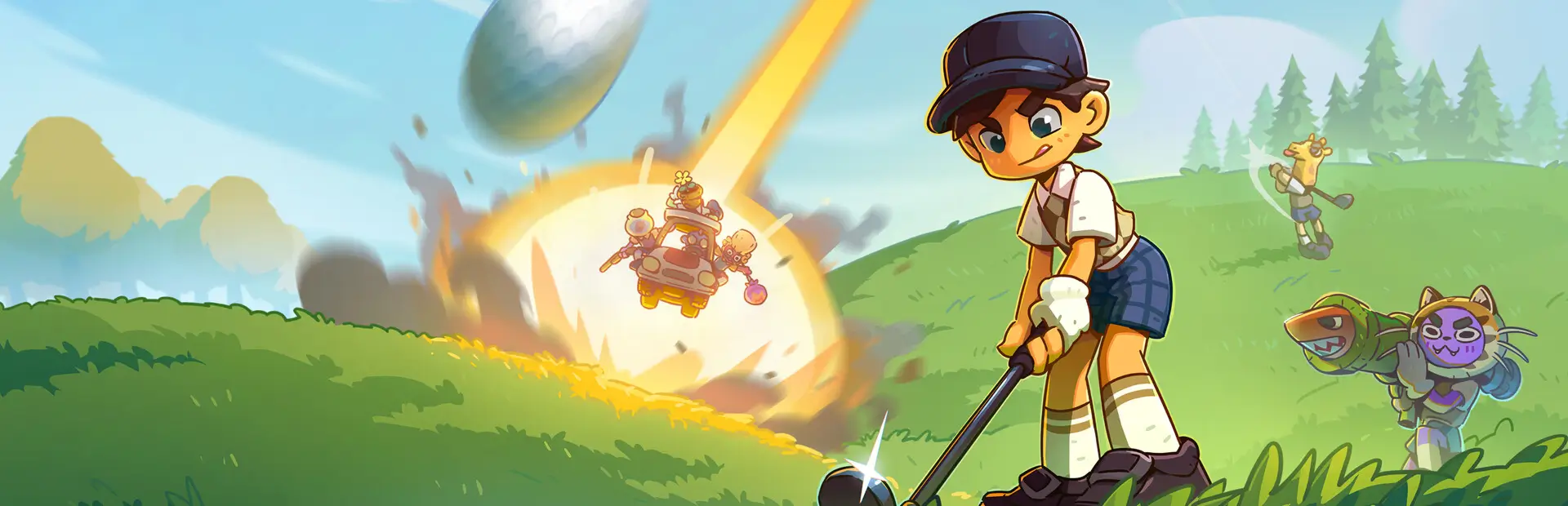
Play Super Battle Golf in a PC VR headset: Raicuparta's UUVR with Super Battle Golf fixes. Client-side.SBGVR
Play Super Battle Golf in a PC VR headset. Client-side: only you need it.
SBGVR is Raicuparta's Universal Unity VR (UUVR), packaged and built for Super Battle Golf, with fixes and comfort settings for the game. Tested on Steam Frame, Valve Index and Meta Quest 3 (first person and motion controls on Meta Quest 3 only).
What it does
- Starts VR when the game starts. The game is shown in stereo in your headset and follows your head.
- Shows menus and the HUD on a floating screen in front of you, and draws markers (your ball, the hole, name tags, the interaction reticle) in the world at their target, so they line up at any distance.
- Zooms the railgun's scope by the same magnification as on a flat screen (your whole view zooms while scoped).
- Draws the game's ambient occlusion correctly for each eye. Turn
AmbientOcclusionoff for more frame rate. - Fades your whole view when the game fades the screen, holds the main menu's background scenes still, reduces screen shake to a quarter, and turns off explosion flashes, the CRT effect and the pause menu's background blur (which made the menu itself blurry in VR). All of this except the CRT effect and the blur can be changed in the settings.
- Optionally shows the game in first person, through your character's eyes (
FirstPerson, off by default and new). - Keeps your usual controls: mouse and keyboard or gamepad. Optionally, your VR controllers can work as a gamepad (
MotionControls, on by default and new). - Only changes what you see. Nothing is sent to other players, so you can play VR in any lobby with flat-screen players.
Install
Click Install with Mod Manager on this page, or find SBGVR in r2modman's online list for Super Battle Golf. r2modman installs BepInExPack with it.
Before you start the game:
- Connect your headset and start SteamVR (for example through Steam Link).
- In SteamVR's settings, press Set SteamVR as OpenXR Runtime. Depending on your SteamVR version, it's on the OpenXR page or the Developer page. If another runtime (such as Meta Quest Link) is the OpenXR runtime, the headset may stay black.
Then start the game from the mod manager.
Usage
| Key | Action |
|---|---|
| F4 | Recentre the view: the direction you're facing becomes straight ahead |
| F5 | Switch between first person and third person |
Settings are in two files under BepInEx\config. In r2modman, open them with Config editor.
raicuparta.uuvr-modern.cfg: UUVR's settings: the VR runtime (OpenXR or OpenVR), camera tracking, and the floating screen's size and position.com.sbgvr.cfg: SBGVR's settings. They only apply while VR is running:- VR Comfort:
ScreenShake(0 = none, 1 = the game's; 0.25),ImpactFrames(off),FlashFrames(being blinded by a flash camera, on),CameraTransitions(Game,FastorInstant;Game),MenuBackground(MovingorStill),FullViewFades(on) andRecenterKey(F4). - VR Graphics:
AmbientOcclusion(on). - VR Controls:
MotionControls(on, OpenXR only): your VR controllers work as a gamepad while VR runs. Restart the game after changing it. With Meta Quest Touch controllers, the game's button prompts show their buttons. The left thumbstick moves, the right thumbstick turns the camera, the left trigger button aims, the right trigger button swings, A jumps, B dives, X interacts, Y changes the swing angle, the right grip button and a tap of the left grip button cycle items, and the Menu button pauses (through SteamVR it opens SteamVR's menu instead). Hold the left grip button for more: right thumbstick = D-pad (emotes, push to talk, votes), A = pause, B = scoreboard. (Button names follow Meta's Quest controllers.) WithControllerAiming(on), weapons aim where yourDominantHand(Right) controller points;MirrorButtons(off) mirrors the button layout left to right, for example for left-handed play;ControllerAimPitch(0) tilts that aim up or down. Golf swings follow the camera, and withMotionCamera(on) turning or tilting the controller turns the camera 1:1 while you aim an item, in third or first person, weapons aim along the camera, after each shot the aim goes back to where the controller points, and the tilt eases back when you stop aiming; small controller turns and sideways movements turn the camera while you aim a swing (up toMotionCameraMaxYaw, 30°; setMotionCameraMaxPitchabove 0 to also tilt it). - VR First Person:
FirstPerson(off): see through your character's eyes. Switch with F5 (FirstPersonKey) or by holding the left grip button and pressing the right thumbstick (FirstPersonControllerToggle, on); it's remembered. You look up and down with your head, walking and weapon aiming go where you look, golf swings aim like in third person (the aim starts where you look, then the thumbstick turns it and your head doesn't), and your own character is hidden. The thumbstick turns you smoothly (FirstPersonTurn=Smooth) or in steps (Snap,SnapTurnAngle30°). In a golf cart the view faces the cart's front. Your eyes are 1.5 m up;FirstPersonEyeOffsetraises or lowers them. The view goes back to third person while you're knocked out, respawning or spectating. - VR HUD:
MenuControls(on, with MotionControls: the VR controller layout, mirrored withMirrorButtons, on a panel below the floating screen in the main menu and the pause menu;MenuControlsSide=Below,LeftorRight),WorldSpaceMarkers(on),MarkersOnTop(draw markers over scenery, on),MarkerScale(1),PlayersCoverMarkers(player characters cover the markers behind them, off),WorldSpaceReticles(weapon reticles drawn on what you aim at, always on top, on),AimLine(a white line from your hand to the weapon reticle while you aim, except the railgun, thunderstorm and flash camera, off) andMarkerViewAngle(how far from straight ahead icons stay in the world before becoming edge arrows, 70°). - Diagnostics: logging for bug reports.
- VR Comfort:
If the headset shows nothing, try these UUVR settings, one at a time:
General→Preferred VR APi=OpenVr(motion controls don't work in that mode)Camera→Camera Tracking Mode=RelativeMatrixorAbsolute
Good to know
- Nothing in the game folder. The mod's VR runtime files stay in its own folder, so uninstalling it removes everything. Versions up to 1.3.2 copied them into
Super Battle Golf_Dataeach time the game started, and those copies stay after an update or uninstall. They aren't used any more, and you can delete them:Plugins\openvr_api.dll,Plugins\openxr_loader.dll,Plugins\UnityOpenXR.dll,Plugins\XRSDKOpenVR.dll, theUnitySubsystemsfolder andStreamingAssets\SteamVR. - Field of view. Your headset sets the field of view, so the game's FOV slider doesn't apply in VR. The railgun's scope does zoom, by the same magnification as on a flat screen.
- SteamVR menu opening on launch or when a match starts. In Steam, right-click Super Battle Golf → Properties → General and untick Use Desktop Game Theatre while SteamVR is active. (Or, for every game: SteamVR Settings → Dashboard → Present Non-VR Applications on Theater Screen Upon Launch off.) Steam otherwise shows the game on SteamVR's theatre screen, and SteamVR opens its menu when the game switches to VR or pauses while loading.
- Reporting problems. Open an issue at https://github.com/lmkHenlo/SBGVR/issues with
BepInEx\LogOutput.logfrom a session where the problem happened. SBGVR writes the VR and camera details needed to track it down.
Credits
- UUVR by Raicuparta, the VR mod this package is built on. SBGVR includes a modified copy of UUVR v0.4.0, under its GPL-3.0-or-later licence;
THIRD_PARTY_NOTICES.mddescribes the changes. - BepInEx, the mod loader.
- The players who tested SBGVR before 1.0.0 on Steam Frame, Valve Index and Meta Quest 3.
- Developed with the help of Claude, an AI model made by Anthropic, which wrote most of the code under lmkHenlo's direction. lmkHenlo tested it in VR and maintains it.
License
GPL-3.0-or-later. SBGVR is © 2026 lmkHenlo, and UUVR is © 2024 Raicuparta. The VR runtime libraries included keep their own licences, and the Meta Quest Touch Plus artwork in the controller layout is Meta's, used under Meta's Art Attribution License 1.0 (https://developers.meta.com/vr/licenses/art-1.0/); see THIRD_PARTY_NOTICES.md. SBGVR isn't affiliated with, sponsored by or endorsed by Meta. The source, including SBGVR's copy of UUVR, is at https://github.com/lmkHenlo/SBGVR.