UltraPortal
Adding portal guns to ULTRAKILL!ULTRAPORTAL
Adding portal guns to ULTRAKILL!
Table Of Contents
- Installation
- How to use?
- Portal Gun (blue variant)
- Mirror Gun (green variant)
- Twist Gun (red variant)
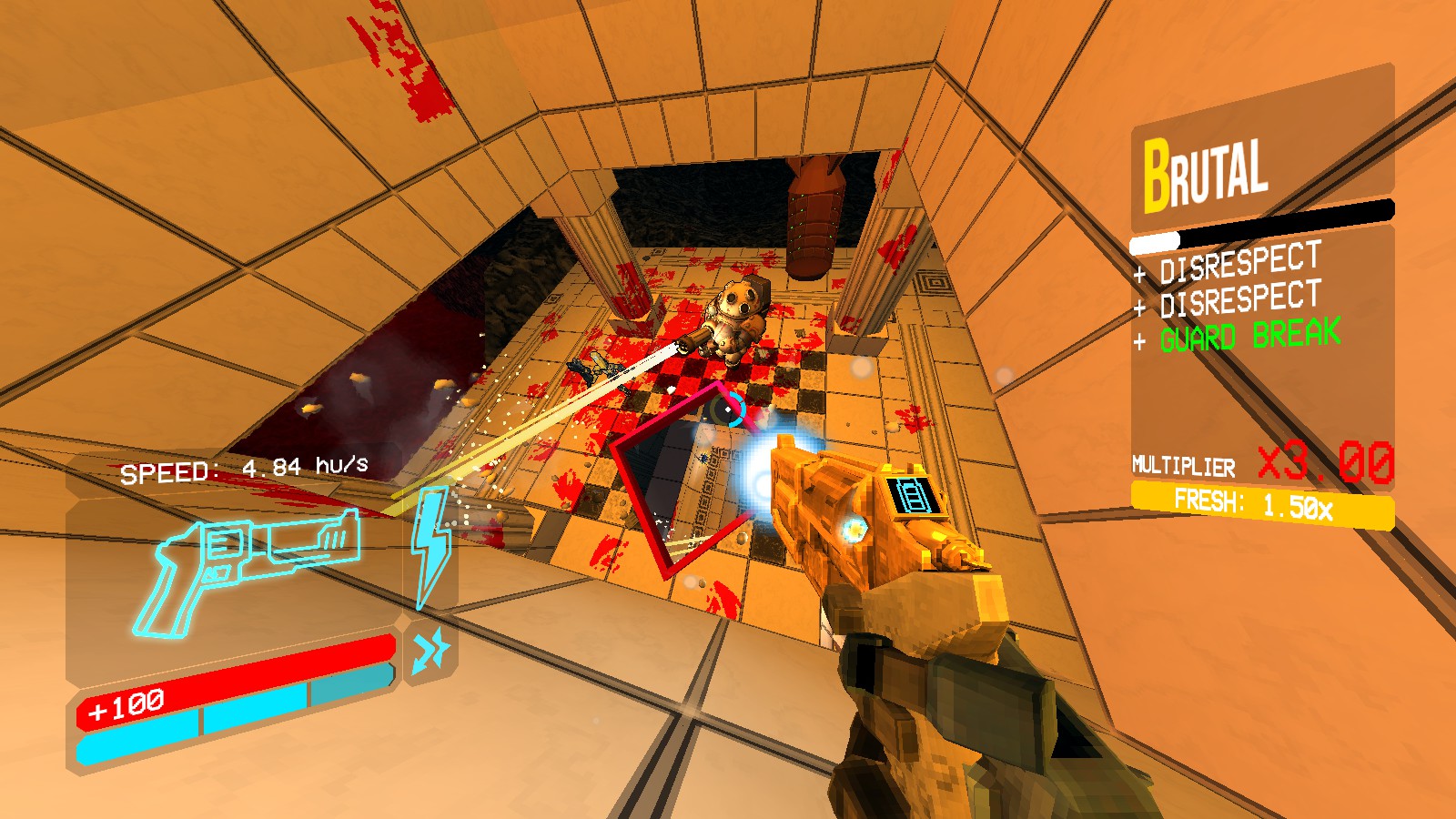
Teleport around like a maniac, shoot enemies with your portal gun to send them through your existing portals, what's not to love?
And uh...
break levels.
For example, the room in 8-3 where Layer 7 and Layer 8 meet!
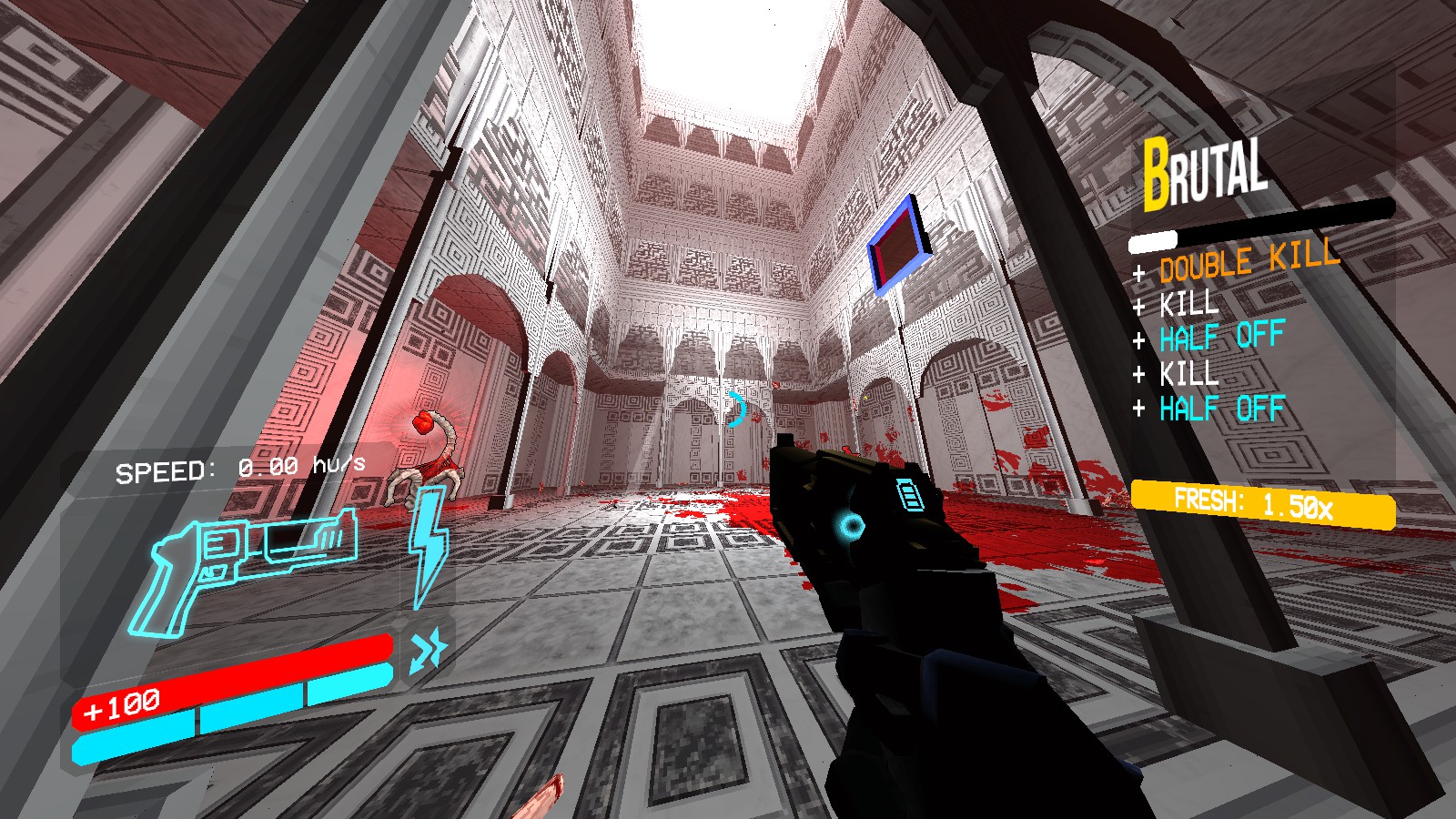 I'm not supposed to be here, am I?...
Installation
Manual
- Ensure you have BepInEx installed. see installation guide
- Download Configgy, FixPluginTypesSerialization and AUU and extract them into either your
BepInEx/pluginsfolder, orBepInEx/patchersforFixPluginTypesSerialization. - Export the
UltraPortalfolder from the zip file into theBepInEx/pluginsfolder. - Enjoy!
r2modman / Thunderstore Mod Manager
- Download r2modman (if you haven't already.)
- Upon launching r2modman, select ULTRAKILL as the game you'd like to mod. (skip if ULTRAKILL is already your default. If you have another game set as your default, click on the underlined
Back to game selectionnear the top of the screen!) - Open up or create a profile.
- Go to the
Onlinetab on the left side of the screen. - Scroll through the mod list or search for
UltraPortalin the search bar. (make sure to downloadUltraPortalby averyocean65, not the utility library byTemporary!) - Once you've pressed on
UltraPortal, click theDownloadbutton on the right side of the screen. - Select your preferred version and press
Download with dependencies. - After everything has finished downloading, click on the
Start moddedbutton at the top of the screen. - Enjoy!
How To Use?
Once in a level, you will be able to press 7 (can be changed in settings) to pull up the Portal Gun or the Mirror Gun. Beware that equipping either gun within a level causes your score/leaderboard submission for that level to be DISABLED, once you finish the level you will see a text saying - USED PORTAL GUN to indicate the invalid run.
The Portal Gun
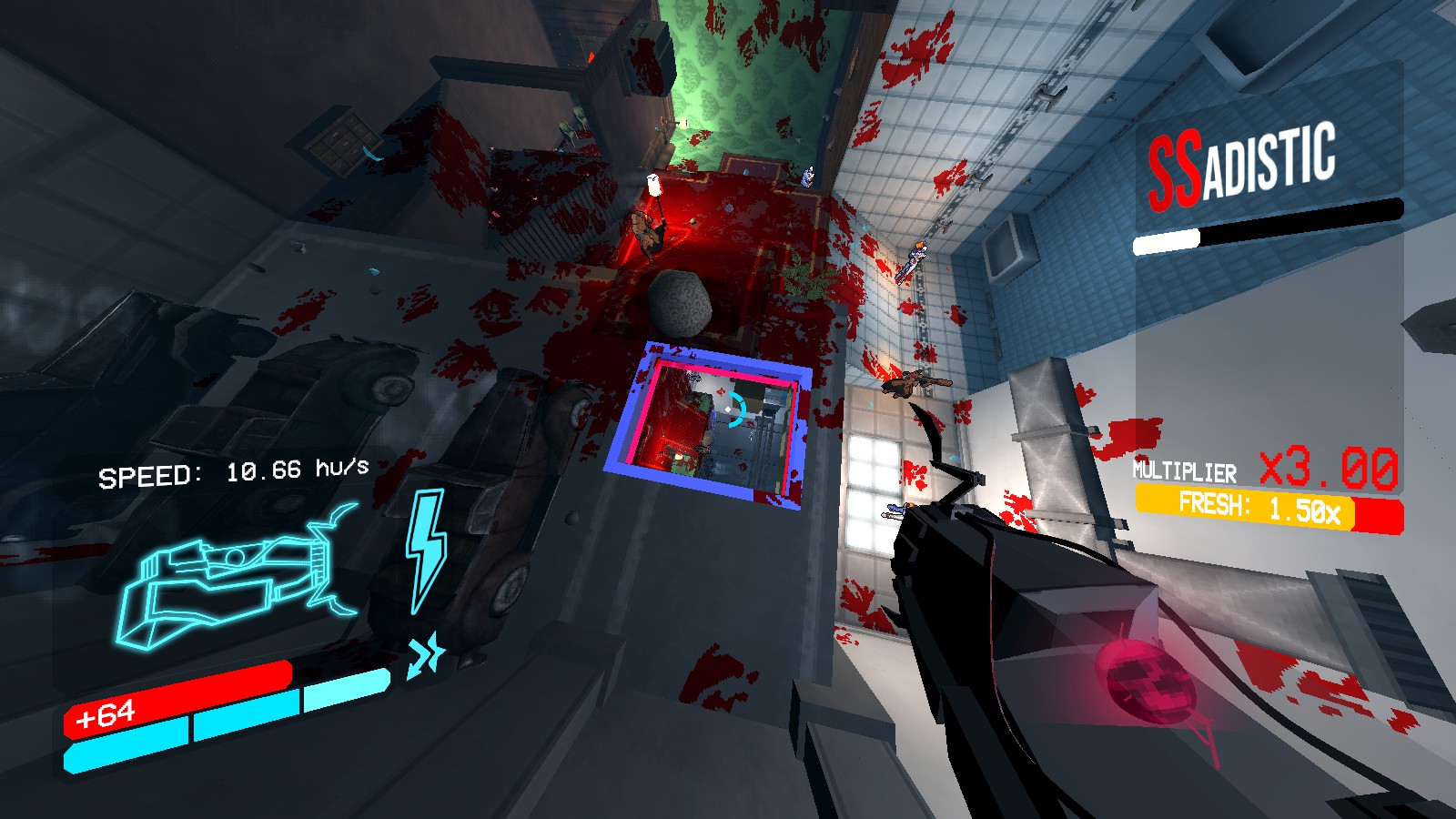
The Portal Gun is the blue variation, it allows you to shoot two portals using your primary or alternative fire.
The Mirror Gun
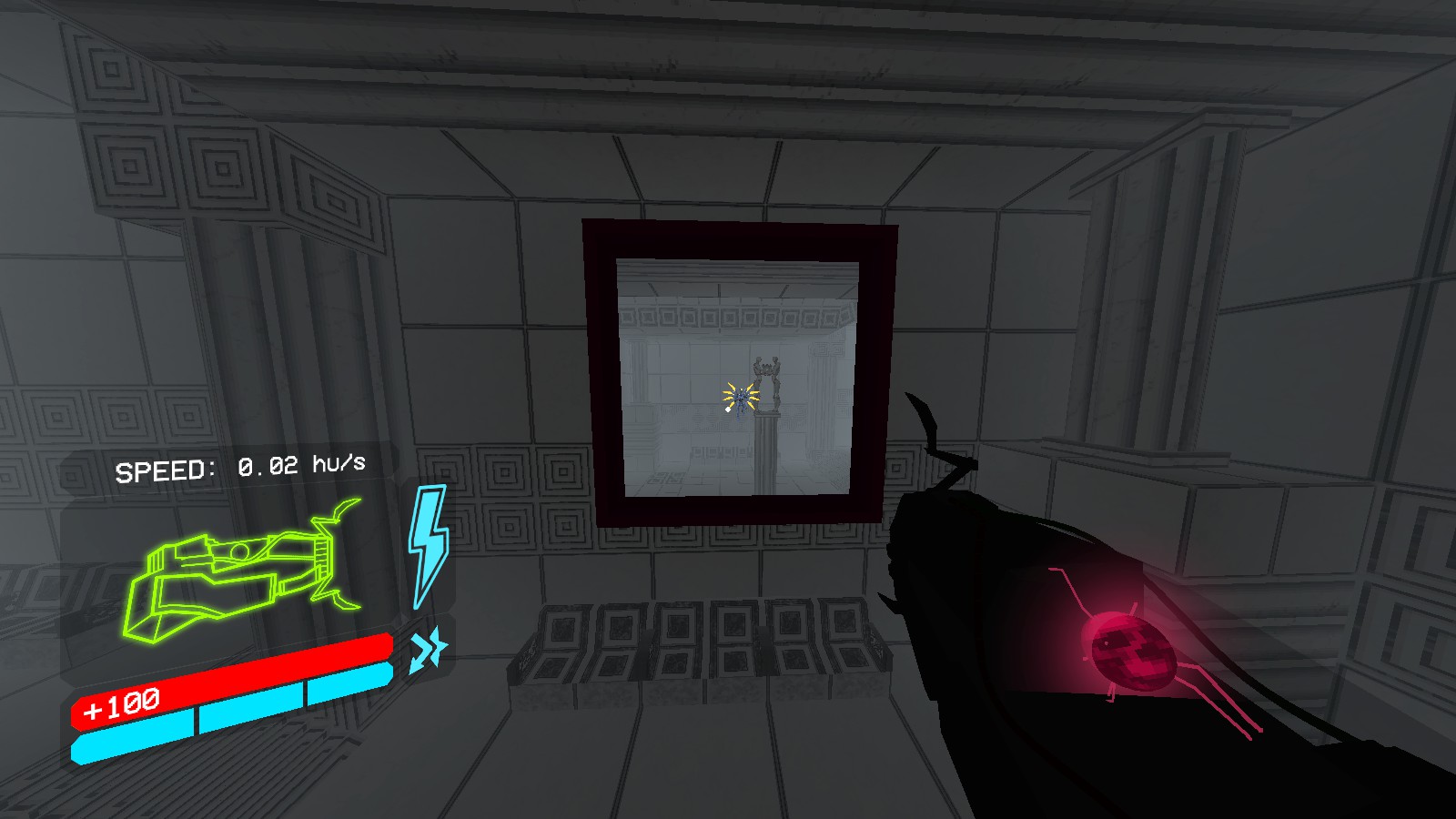
The Mirror Gun is the green variation, it allows you to shoot one big mirror portal using your primary fire. With the alternative fire you can shoot a mirror that flips the world upside down, how whimsical!
The Twist Gun
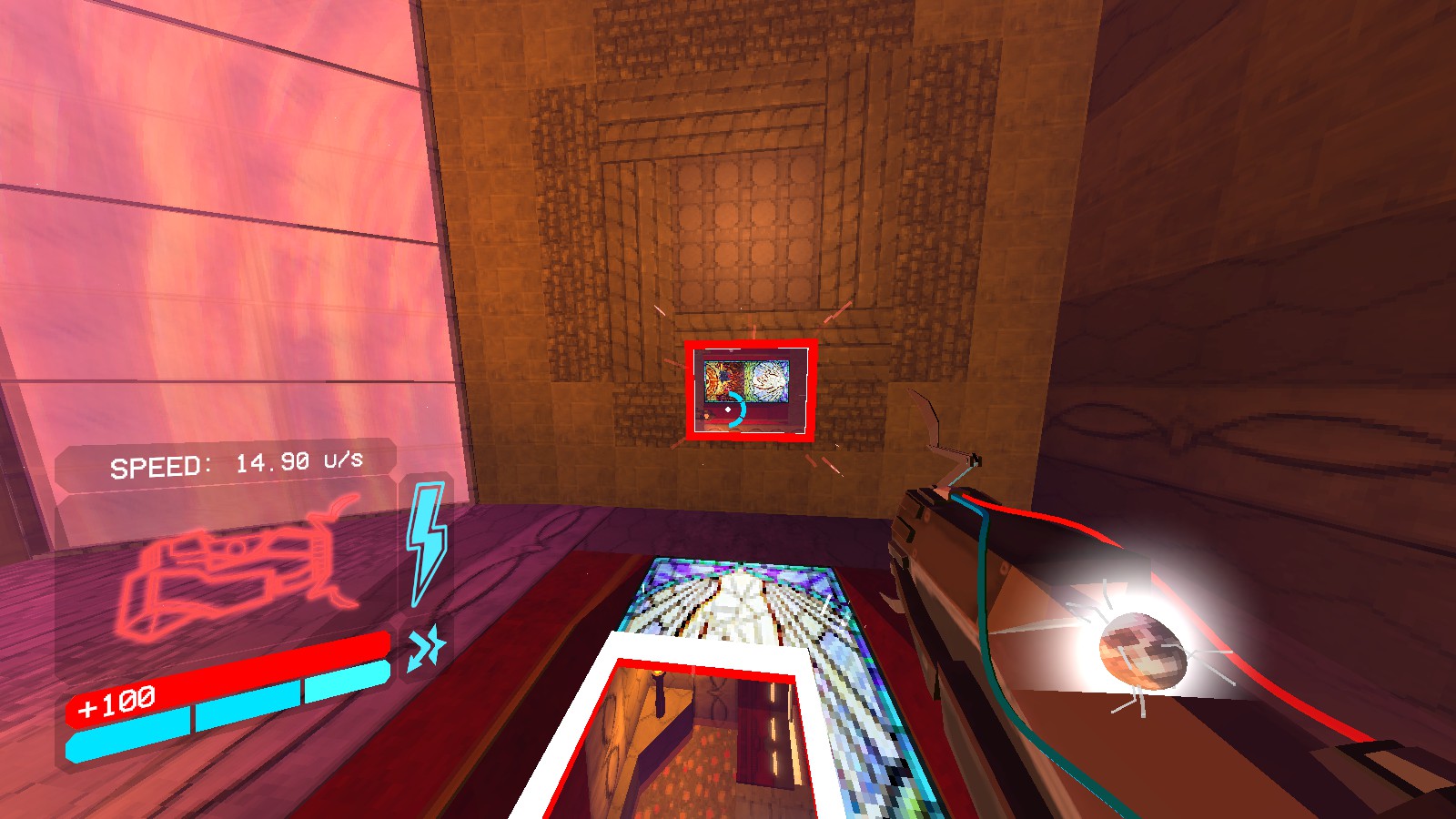
The Twist Gun is the red variation, it lets you shoot two portals that, upon entering them, rotate the world based on what way they face. It's confusing at first, but once you figure it out, it can be very fun to mess around with.
Credits
Please keep in mind that the mod has been programmed by one person, so please be nice about any bugs you may face.
Most art assets in the mod were either sourced from the ULTRAKILL game files or created by RoseWarbug.
Voronoi Shader for portal blockage taken from ronja-tutorials.
Most bug finds and ideas by:
- ballsoda
- RoseWarbug