


MoonforgedChristmasDecorations
Fills your Viking world with festive cheer: glowing trees, sparkling garlands, handmade gifts, sweets, wreaths, stockings, reindeer, and Santa’s own sleigh!🎅 Moonforged Christmas Decorations
Moonforged Christmas Decorations fills your Viking world with festive cheer — glowing trees, sparkling garlands, handmade gifts, sweets, wreaths, stockings, reindeer, and Santa’s own sleigh.
Every piece has been designed to match Valheim’s atmosphere while adding warmth, color, and celebration to your home.
Now updated for the new Valheim 1.0 version.
The mod project has also been updated to Unity 6.0.75f1 and refreshed for the current Valheim and Jötunn systems.
📝 NEW 1.0.7 Update
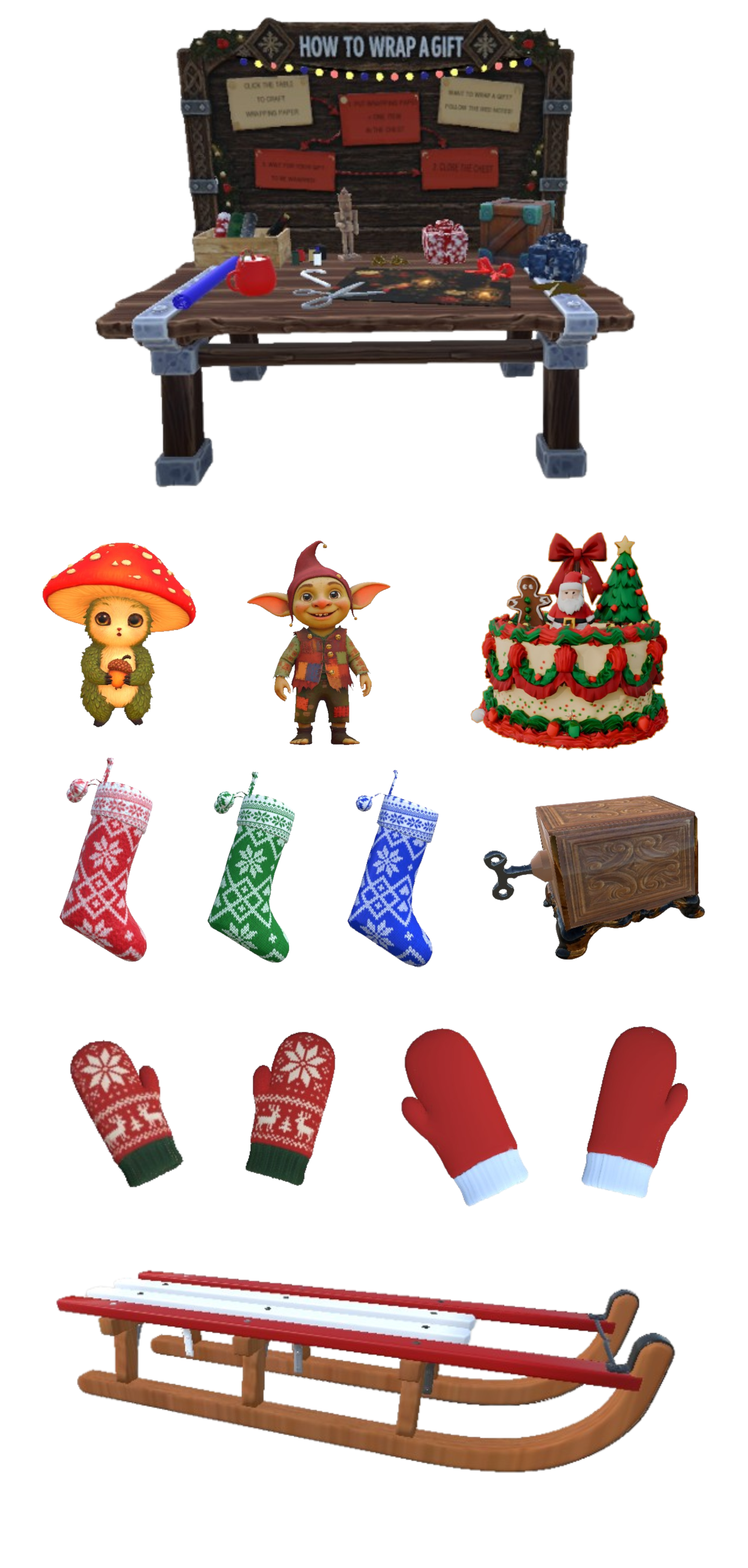
🎁 Moonforged Christmas Decorations Tutorial
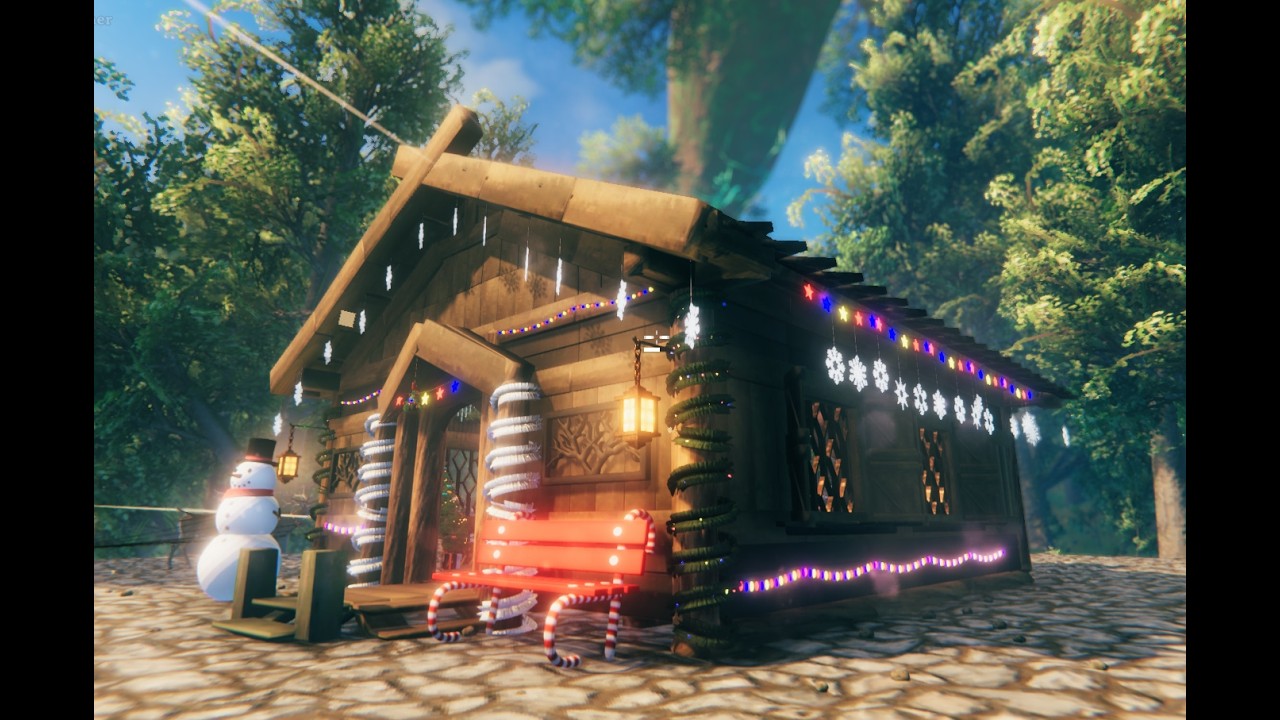
Click the image to watch the tutorial on YouTube.
What's New?
- Updated the mod for Valheim 1.0 compatibility.
- Updated the Unity project to Unity 6.0.75f1 for current Valheim compatibility.
- Updated all interactive decorations for the new Valheim interaction system.
- Added support for the new Valheim build menu. All Christmas decorations are now grouped together under the Moonforged category.
- Added a small idle shake animation to the Wrapping Box to make it more noticeable when it is not being used.
- Added a new Wrapping Box completion animation. When a gift is finished, the box jumps slightly into the air, spins 360 degrees, and lands back on the table.
- Improved the Wrapping Table system so items are validated before wrapping materials are consumed.
- Improved Wrapping Box interaction handling and synchronization.
- Improved AssetBundle loading reliability.
- Removed old and unused wrapping and placement code.
- Cleaned and optimized the mod project for the latest Valheim and Jötunn versions. Special thanks to James Jones for helping figure this out.
- Updated the Moonforged Christmas Decorations icon.
HOW IT ALL WORKS
🎁 Wrapping Table & Gift System
The Wrapping Table allows you to wrap almost any item into a festive gift that can be placed, stored, or opened later.
🧻 Crafting Wrapping Paper
- Open the Wrapping Table.
- Each wrapping paper color is crafted separately.
- The wrapping paper color determines the final gift appearance.
- Each craft produces 1× Wrapping Paper.
📦 Wrapping an Item
- Open the Wrapping Box on the table.
- Place exactly two items inside:
- 1× Wrapping Paper
- 1× Item you want to wrap
- Close the box.
When the box is not being used, it will occasionally give a small shake to remind you that it is interactive.
While wrapping:
- The box will blink.
- The existing crafting sound plays.
When wrapping is complete:
- The box makes a small jump.
- It spins 360° around its own axis.
- It lands back on the table.
- A gift box is created.
- The gift color matches the wrapping paper used.
🎉 Using a Gift
You can:
- Place the gift as decoration, put it on an Item Stand, or throw it under the tree.
- Store it in containers.
- Consume it from your inventory to open it.
⚠ The gift must be opened from your inventory, not from the ground.
When opened, the gift restores the original item with its saved information:
- Same stack size.
- Same quality.
- Same durability.
- Same variant.
✔ Safe across game restarts
✔ Multiplayer & dedicated server safe
⚠ Important Wrapping Notes
- The Wrapping Box only works with 1 wrapping paper + 1 item.
- Inventory must have free space when opening a gift.
- Each wrapping paper corresponds to a specific gift color.
- The wrapping system now validates the result before consuming the wrapping materials.
Enjoy spreading festive surprises! 🎄
🎄 What You Get
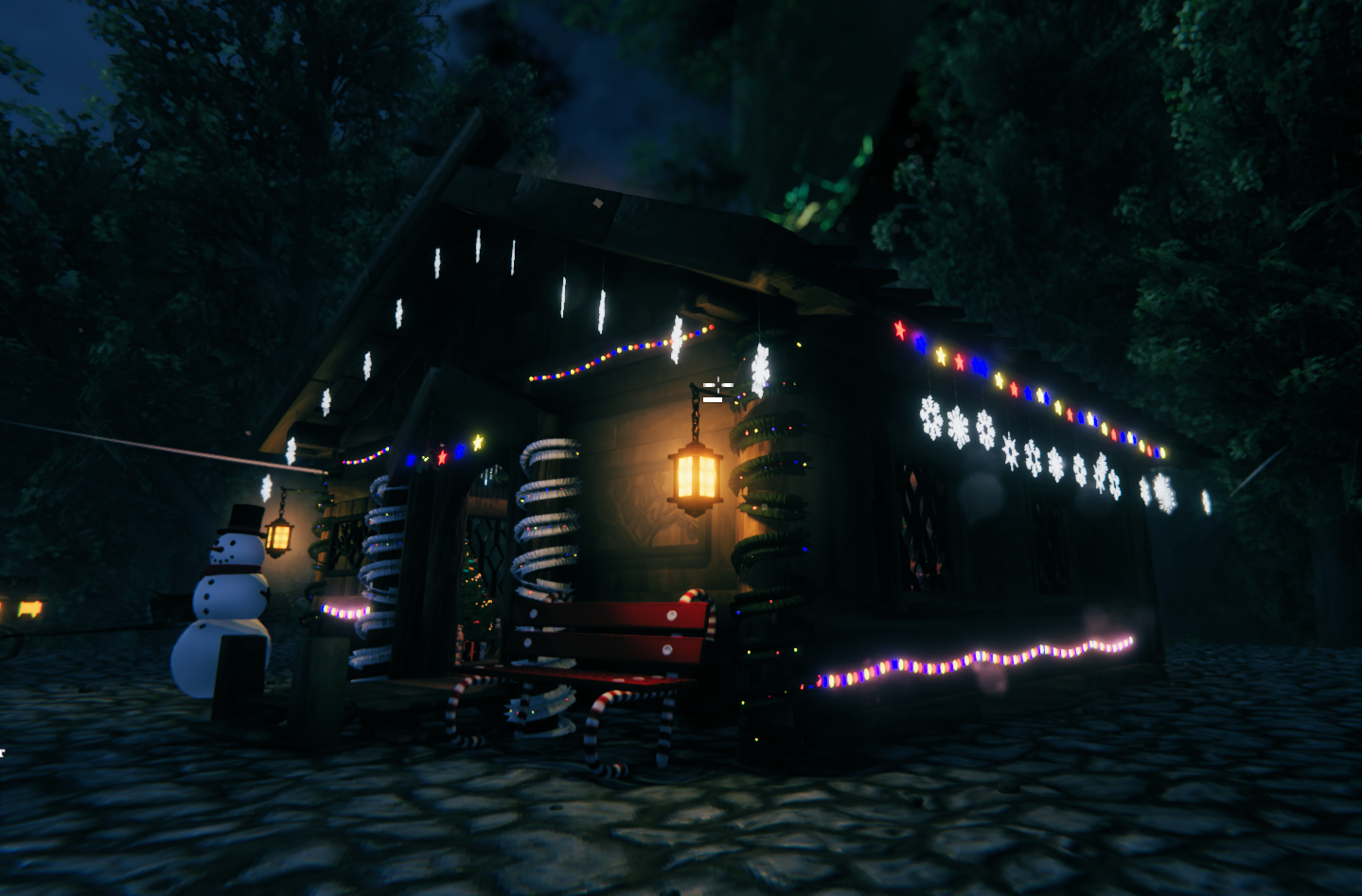
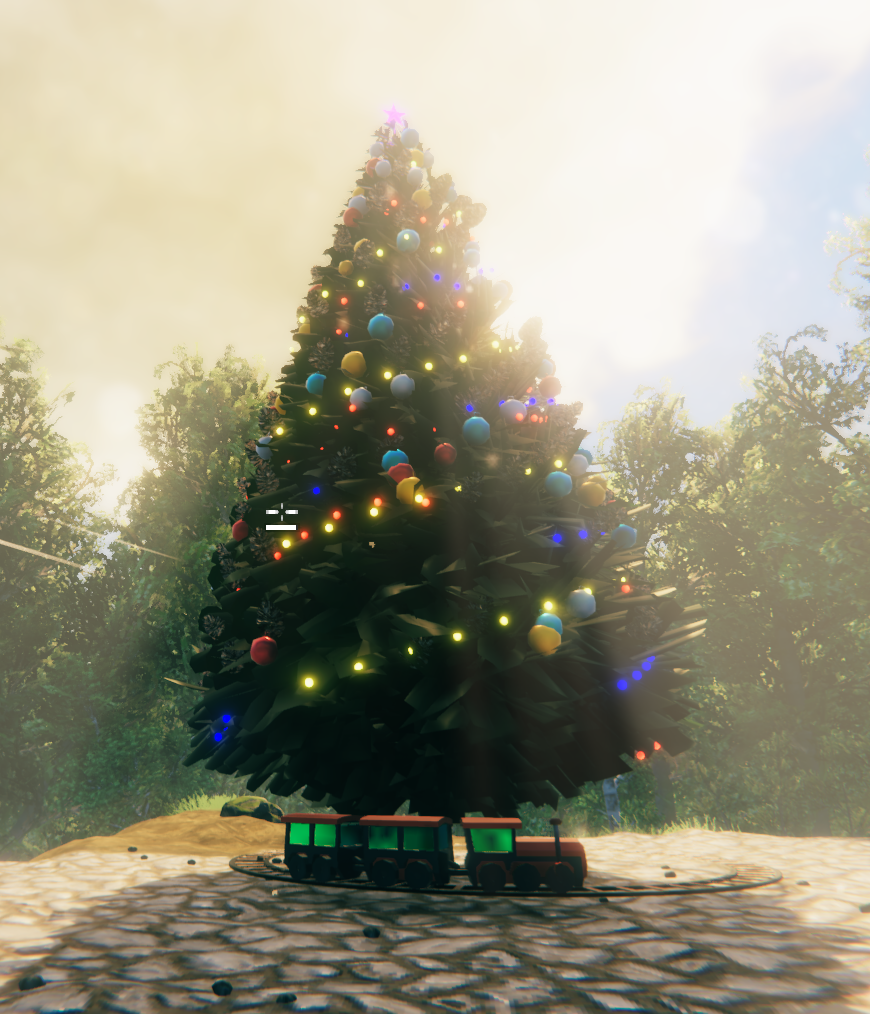
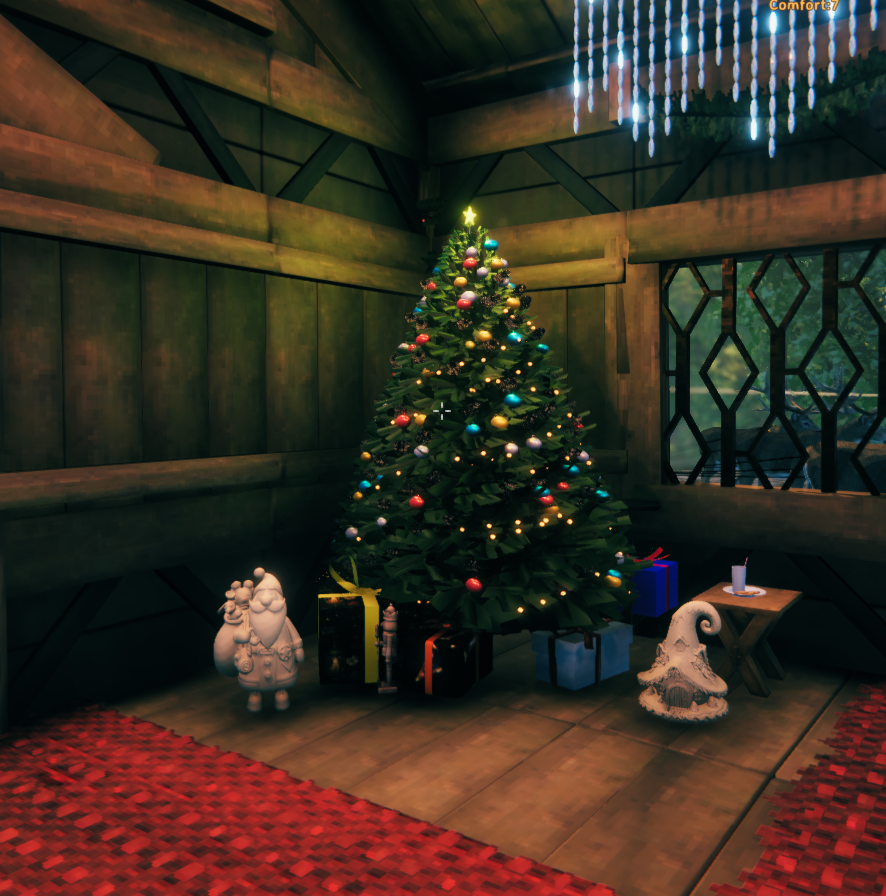
- Large & Small Christmas Trees with animated lights.
- Craftable Star Topper (M_Star) – made at the Workbench and attachable to any Christmas Tree.
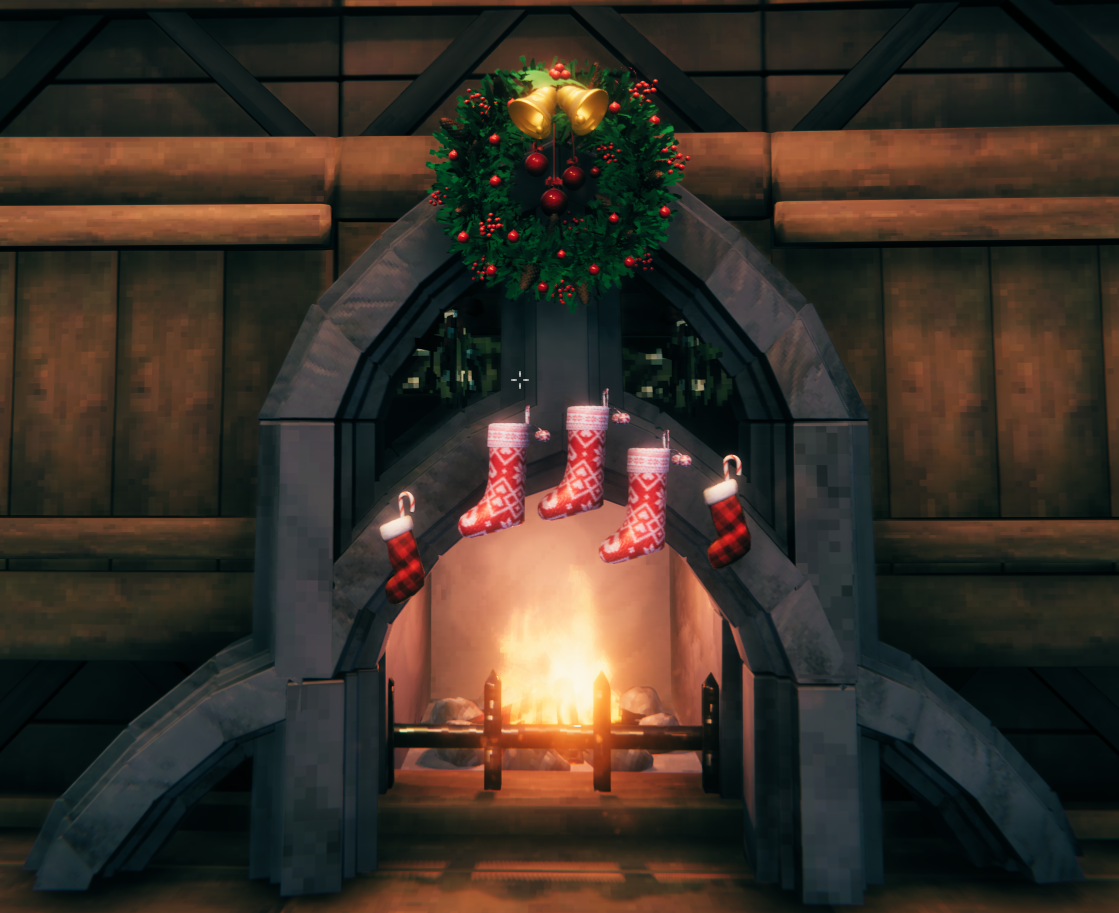
- Garlands, Wreaths & Mistletoe for cozy hallways and walls.
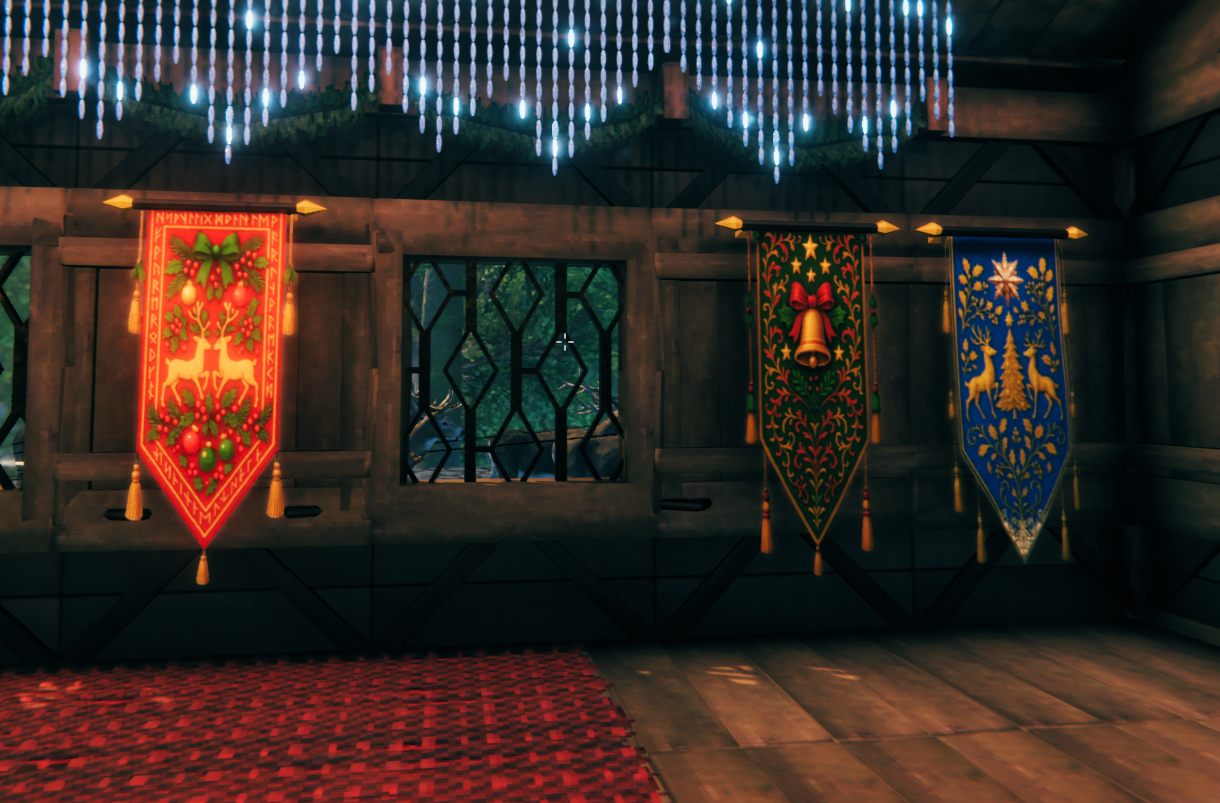
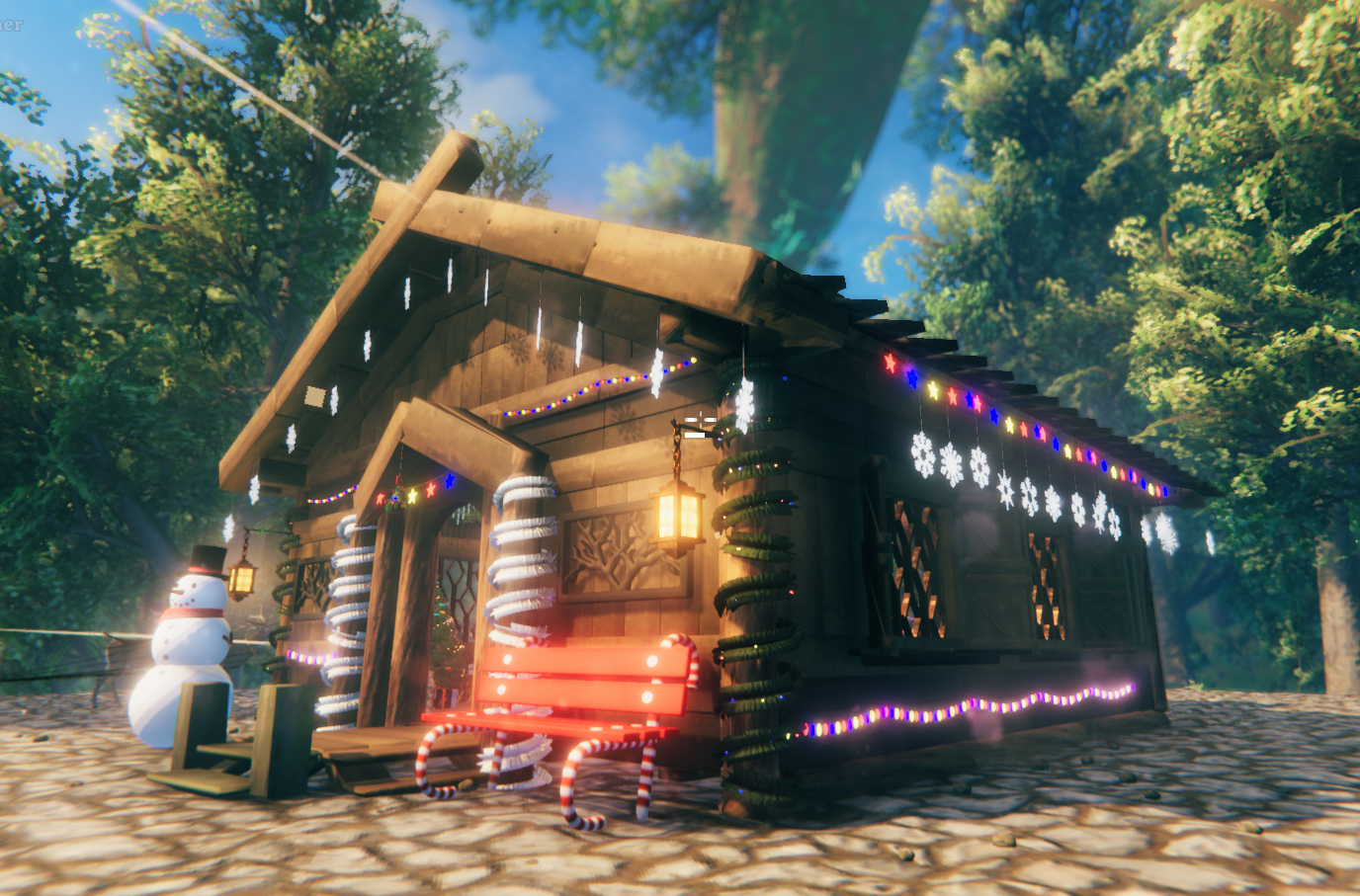
- Icicle Lights, Snowflake Lamps & Town Square Lights with glowing winter effects.
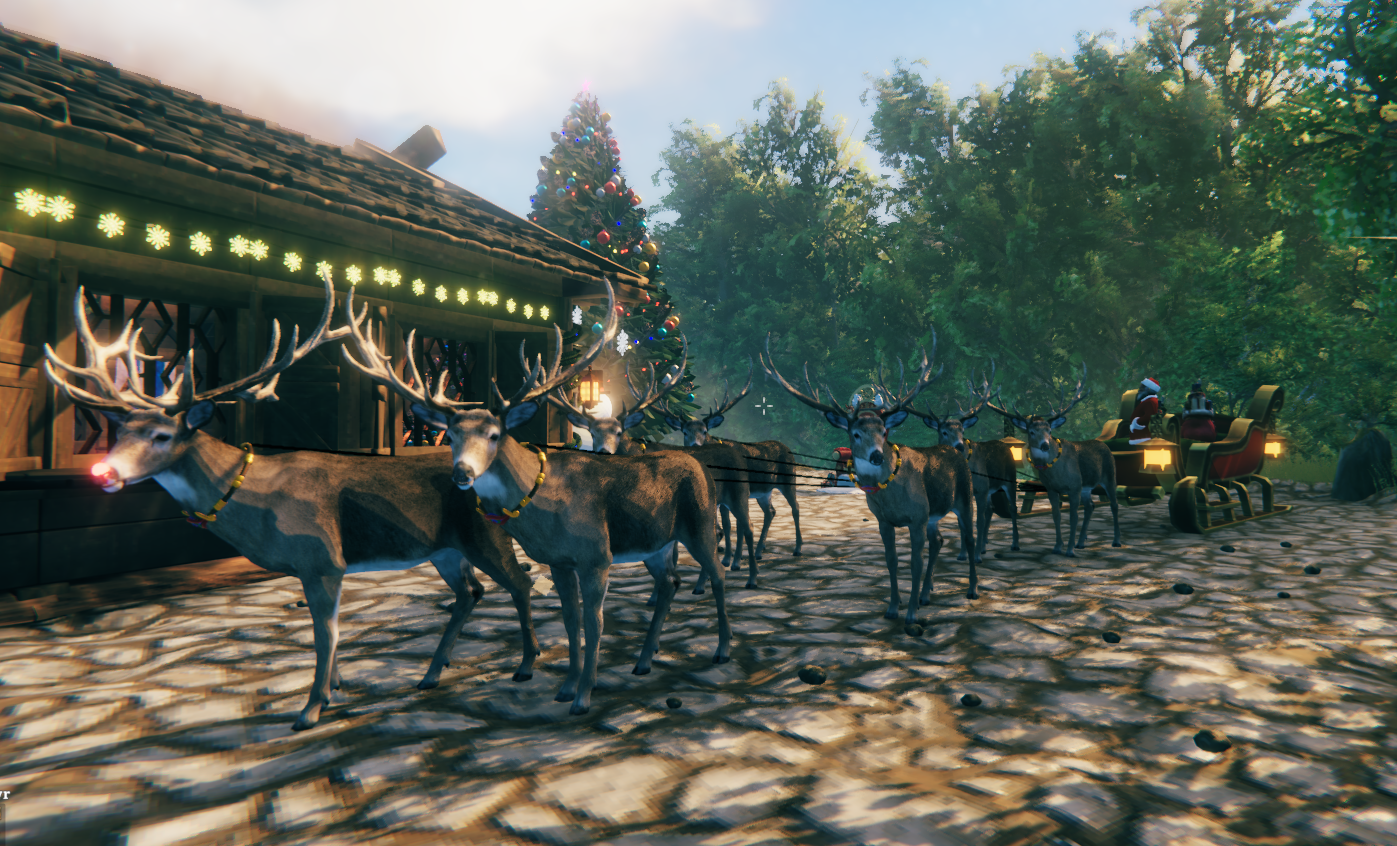
- Santa’s Sleigh & Reindeer – fully rideable and linked by animated reins.
- Mini Christmas Train – interactive and rideable.
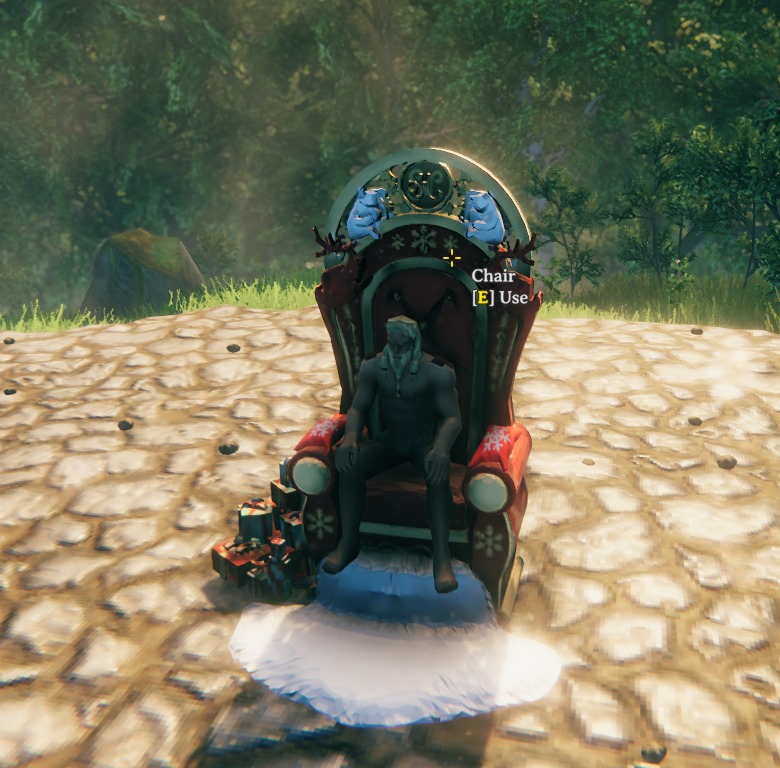
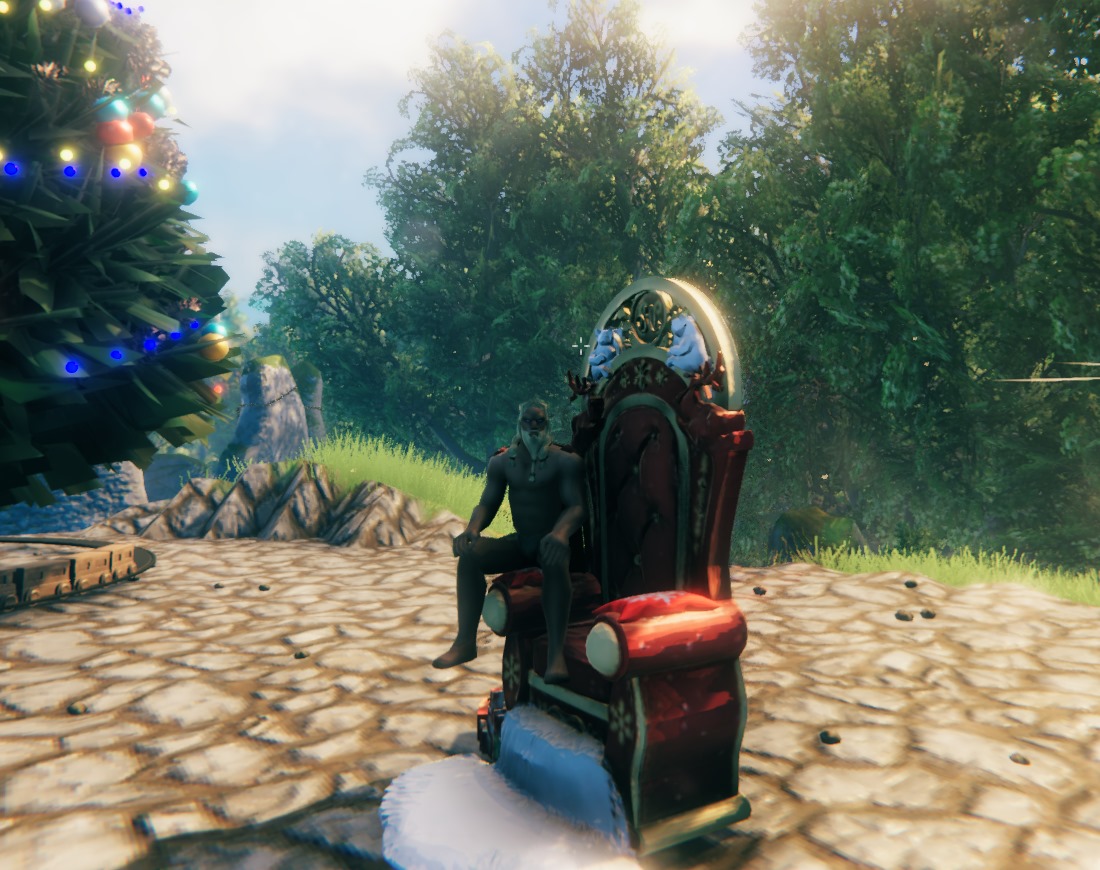
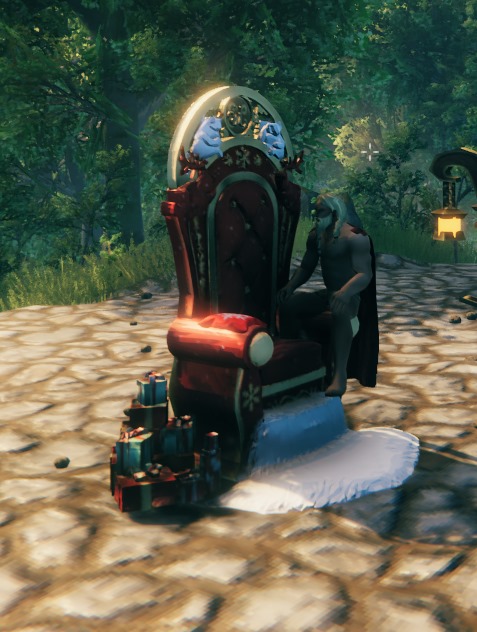
- Santa’s Christmas Throne – sit on the main seat or each armrest.
- Festive Gifts, Candy Canes, Bows & Stockings.
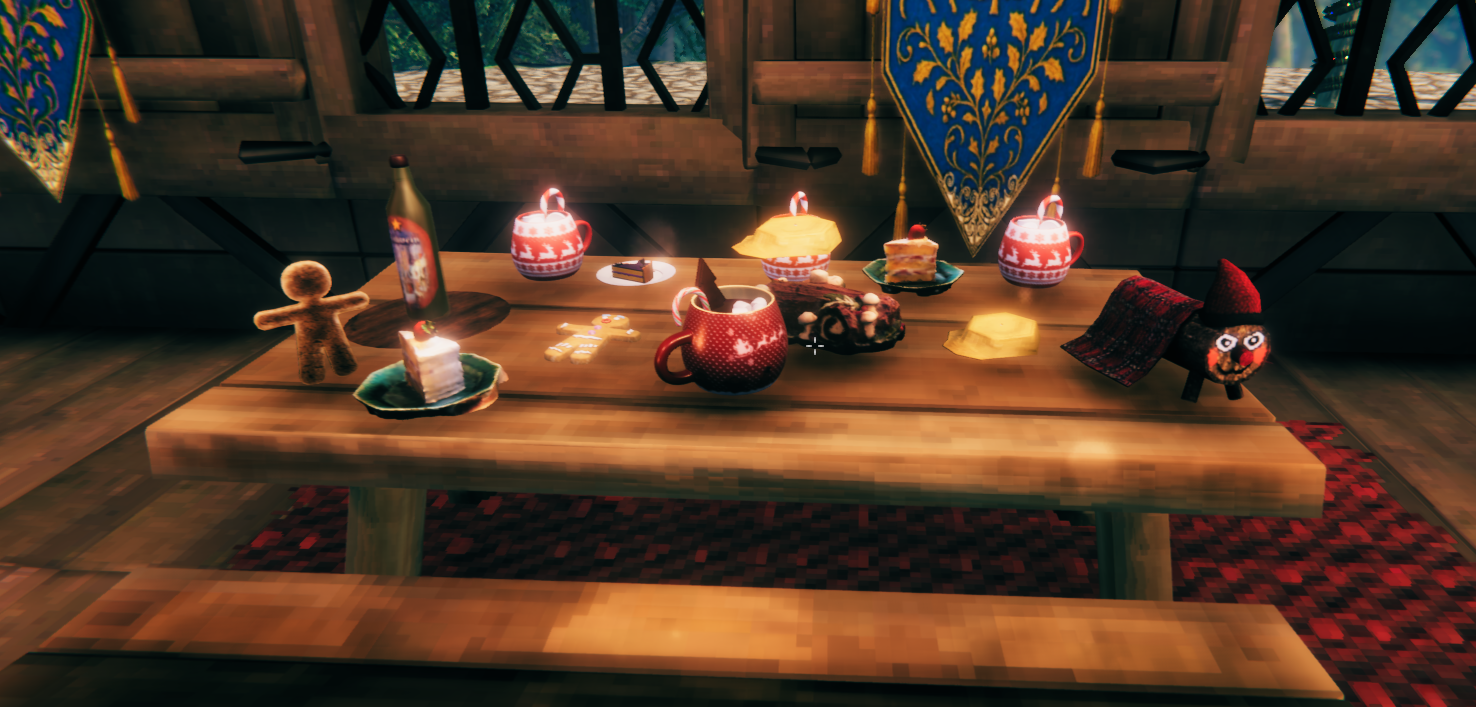
- Yule Sweets & Drinks – cakes, cocoa, and wine.
- Nordic Banners, Benches, and Regional Decorations.
- Tió de Nadal regional figure for traditional flavor.
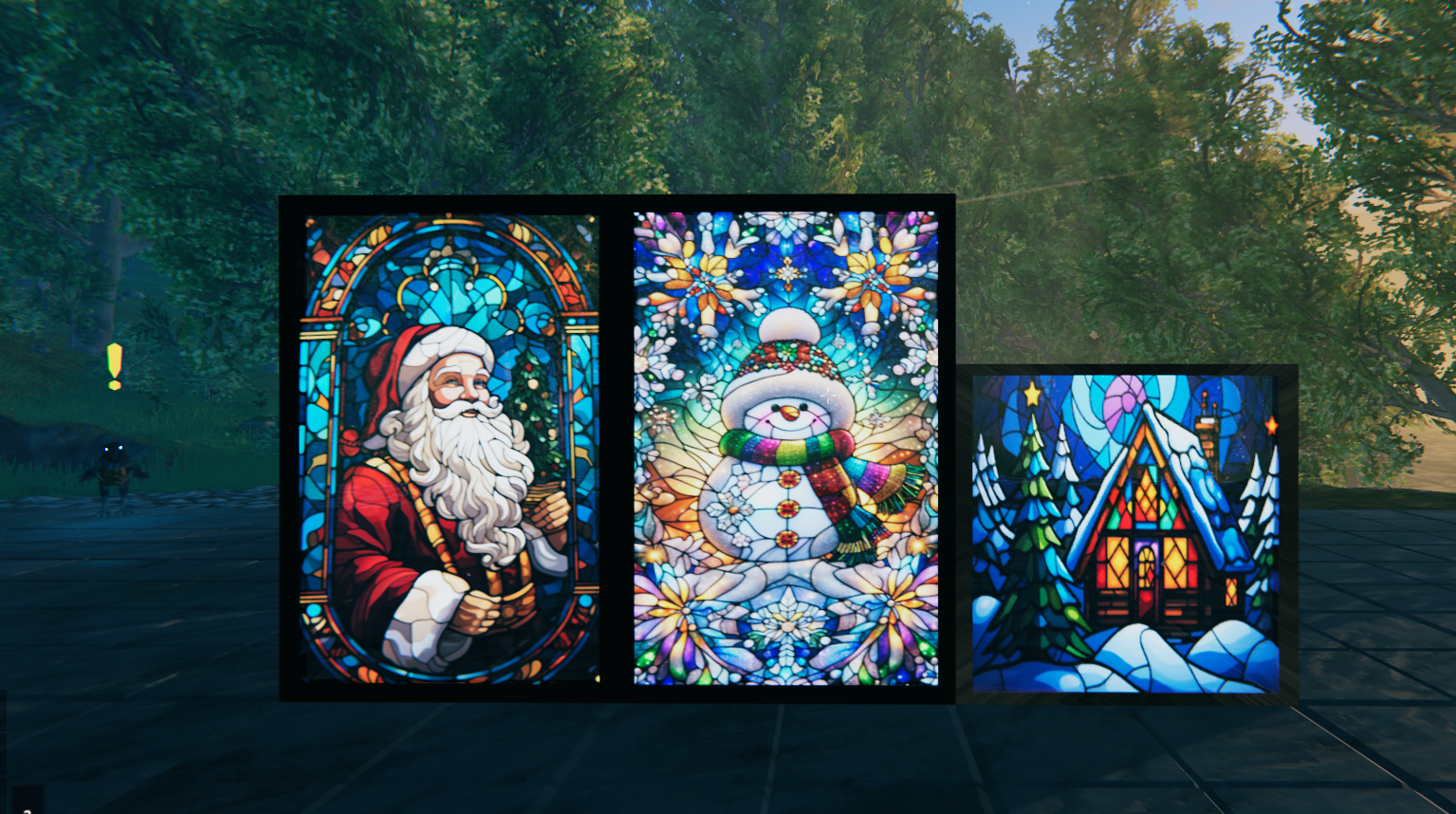
- Christmas Stained Glass Windows.
- Elf Decorations.
- Interactive Music Box.
All Christmas build pieces appear together in the new Valheim build menu under the Moonforged category.
The normal Materials, Recent, and Favorites filters can still be used.
The gift boxes and wrapping paper are items and do not appear as normal Hammer build pieces.
🌟 The Evening Star (M_Star)
The Evening Star is a special craftable item made at the Workbench.
- Equip it like any placeable item.
- Approach your Christmas Tree.
- Look for the attachment point at the top.
- Interact to place your star.
The star glows with animated rainbow light.
🚂 Interactive Decorations
Several decorations include interactions instead of being purely decorative:
- Santa’s Sleigh: Sit inside and ride alongside the reindeer.
- Christmas Train: Start or stop the train by interacting with the locomotive. The wagons are rideable while the train circles the track.
- Animated Lights: Change their blinking speed and synchronize connected lights of the same type.
- Music Box: Interact with it to control its animation and music.
- Reindeer: Pet a reindeer and it may sneeze out a Freeze Gland as a festive gift.
- Wrapping Box: Shakes occasionally while idle and performs a jump-and-spin animation when a gift finishes wrapping.
- Christmas Stockings: Store gifts created with the Wrapping Table.
🪑 Santa’s Christmas Throne (M_Christmas_Throne)
The Santa’s Christmas Throne is more than a decorative seat — it’s a centerpiece of your festive hall.
- Sit normally on the main throne seat.
- Sit on each armrest (left and right) for roleplay, storytelling, or photos.
- Works seamlessly in multiplayer, allowing multiple Vikings to share the throne.
Pair it with banners, garlands, and Christmas trees for a full Yule throne room experience.
📦 Prefab List
Click to view all prefabs
(Full list from RelicRegistrar.cs — see the in-game Hammer menu.)
🧰 Build Menu
The mod has been updated for Valheim’s new build-menu system.
All Moonforged Christmas build pieces are grouped together under the Moonforged category.
You can still use Valheim’s normal filters such as:
- Materials
- Recent
- Favorites
🧱 How to Install
-
Install first
- BepInEx Pack for Valheim
- Jötunn (Valheim Library)
-
Add this mod
- Place the
.dllin:BepInEx/plugins/MoonforgedChristmasDecorations/
- Place the
-
Launch Valheim
- All Christmas build pieces will appear in the Hammer build menu under Moonforged.
Version 1.0.6 is updated for the current Valheim 1.0 environment, Unity 6.0.75f1, and the current Jötunn compatibility changes.
🎁 Future Updates
More decorations, interactions, improvements, and festive surprises are planned!
📸 Screenshots & Videos
 |
 |
 |
 |
 |
 |
 |
 |
 |
🪑 Throne Sitting Showcase
 |
 |
🪟 Stained Glass Windows
🎁 Moonforged Christmas Decorations Tutorial
Watch the full mod tutorial on YouTube
📝 Credits & Feedback
- Made by Caenos
- Join the community on Discord for feedback, support, and sneak peeks.
- If the invite link expires, you can also find me in the Thunderstore or Valheim Discord communities.
- Watch live on Twitch: https://www.twitch.tv/Caen007
- Videos and tutorials on YouTube: https://www.youtube.com/@Caenos007
- Join the discussion on Reddit: Modded Valheim Discussion
- Support the project: 💖 PayPal
🎄 Special Thanks
- Marsarah – mentoring & guidance
- James Jones – help with the Valheim 1.0 / Jötunn compatibility update
I made this mod for a friend who I will never forget.
Warm your hall, light the candles, and celebrate Yule with the Moonforged family.
Merry Christmas, Vikings!