
MoonforgedLightsAndDecor
A standalone Moonforged collection of rugs, furniture, lamps, porcelain sets, benches, cannons and decorative build pieces. Includes Valheim 1.0 build-menu sorting, configurable Moonforged categories and multiplayer-synced persistent lamp colors.Moonforged Lights and Decor
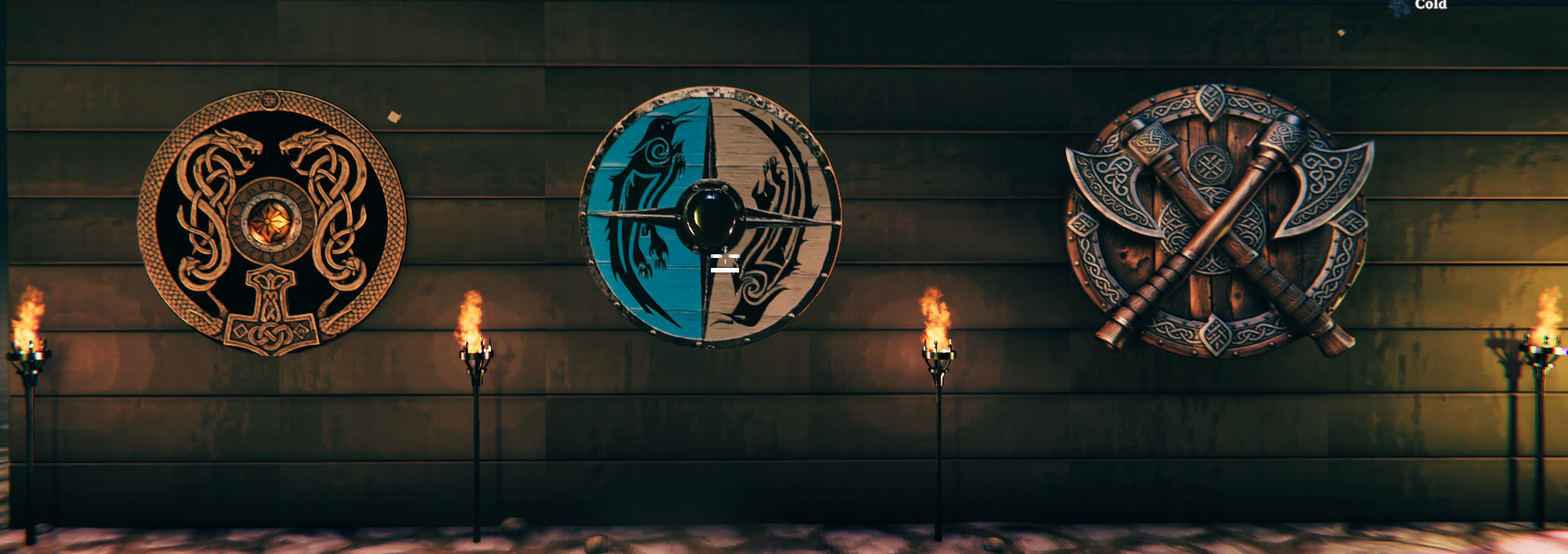
A standalone Moonforged collection of rugs, furniture, lamps, porcelain sets, benches, cannons, and decorative build pieces.
Includes Valheim 1.0 build-menu sorting, configurable Moonforged categories, multiplayer-synchronized and persistent lamp colors, custom lamp colors, and configurable lamp flare and bulb brightness settings.
Windows version included.
If you need a Vulkan or Mac compatible version, please contact me on Discord.
I keep those builds separate because including all platform versions in the main package would make the download unnecessarily large, while only a small number of users need them.
Moonforged Lights and Decor was split from the original Moonforged Build Pieces mod, which has now been separated into three standalone mods:
- Moonforged Build Pieces – Includes new carved and runed building pieces, along with stained-glass pieces.
- Moonforged Lights and Decor – Includes the rugs, furniture, lamps, and other decorations from the original Moonforged Build Pieces mod.
- Moonforged Banner Collection – Includes all banners from the original mod, plus new Deep North biome and boss banners.
Mod Content
💡 Lighting
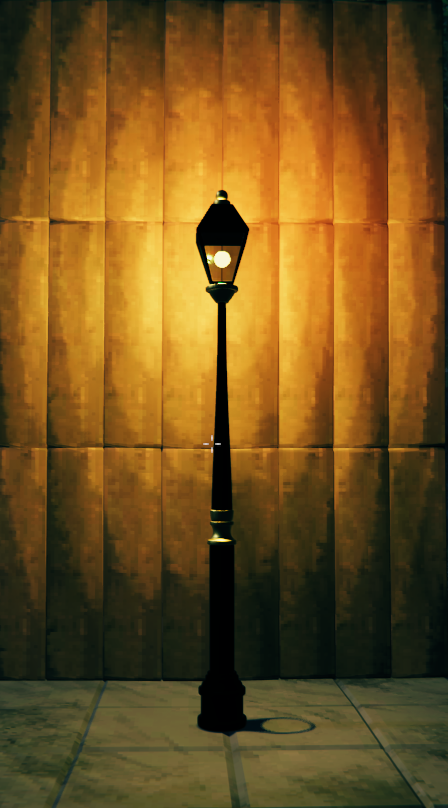
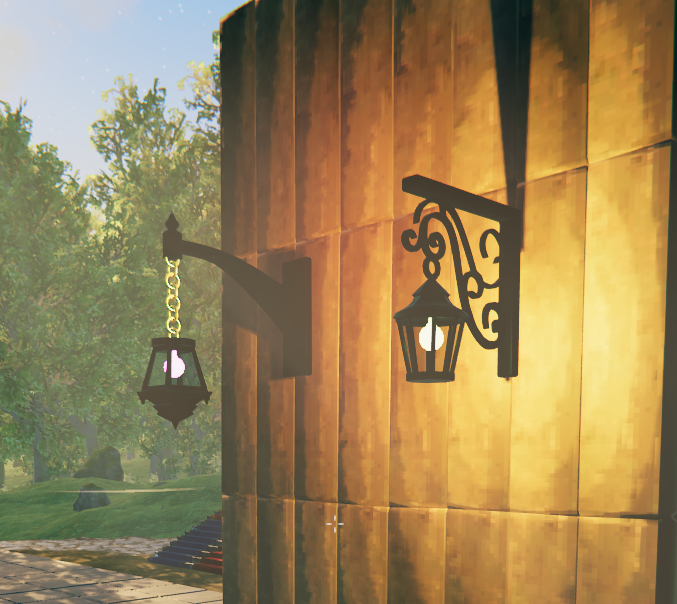
A collection of street lamps, wall-mounted lamps, fantasy lamps, and decorative lighting, including two new additions in v1.0.2.
New in v1.0.2 — Emberwrought Lantern
A dark medieval-fantasy lantern with intricate ironwork and a fiery orange glow.
New in v1.0.2 — Wrought Iron Lantern Post
An elegant outdoor lamp post with decorative wrought iron and warm lighting.
💡 Lamp Features
Moonforged lamps include multiplayer-synchronized color switching and persistent light settings. The configuration also provides control over decorative flares and bulb brightness.
Available Lamp Colors
Interact with a lamp using E to cycle through the available light settings.
The lamps include several preset colors as well as a configurable custom color.
Available options include:
- Yellow
- Green
- Blue
- Dvergr Pink
- Custom Color
- Off
🎨 Custom Lamp Color
Players can define their own custom lamp color in the Moonforged Lights and Decor configuration file.
The custom color uses standard HTML HEX color format:
#RRGGBB
Example:
CustomLampColor = #FF7A00
Some example colors:
#FF0000– Red#00FF00– Green#0000FF– Blue#00FFFF– Cyan#FF7A00– Orange#9B30FF– Purple#FFFFFF– White
The configured custom color becomes part of the lamp's normal color cycle.
✨ Lamp Flare and Bulb Brightness
The configuration includes controls for the orange glow/flare around lamp bulbs and the brightness of the bulbs themselves.
- EnableFlare – Enable or disable the decorative flare effect around lamp bulbs without turning off the light illuminating the surroundings.
- BulbBrightness – Adjust how brightly the bulb itself appears.
Flare setting changes apply without restarting the game. When a lamp is switched off, its flare is also disabled.
🌐 Multiplayer Lamp Synchronization
Lamp settings are synchronized through Valheim's networking system.
- Any player can interact with a lamp.
- The network owner processes and synchronizes the requested change.
- All players see the same selected lamp color.
- Custom colors are synchronized with the lamp.
- Turning a lamp off is synchronized for everyone.
This means one player changing a lamp will also update the lamp for the other players in the world.
💾 Persistent Lamp Settings
Lamp settings are stored in the world's network data.
This means:
- Selected lamp colors remain after logging out.
- Lamps that are turned off remain off after logging back in.
- Lamp settings survive world reloads.
- Other players joining the world see the currently saved lamp state and color.
Classic Bench and Bin
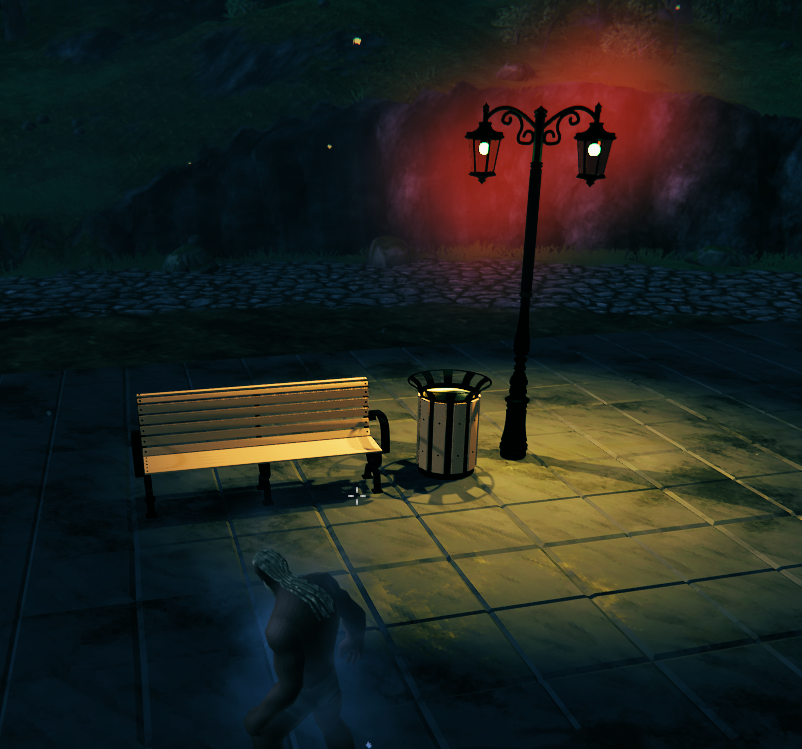
Double Lamp II
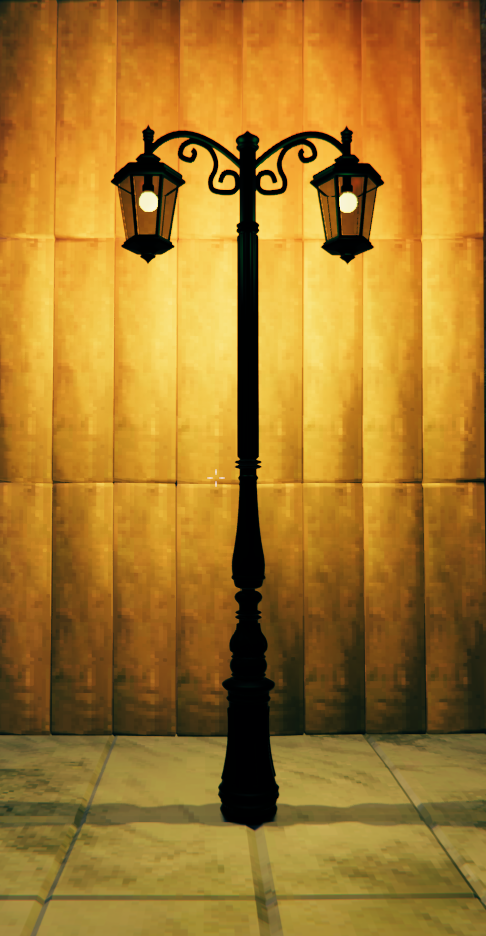
Double Lamp I
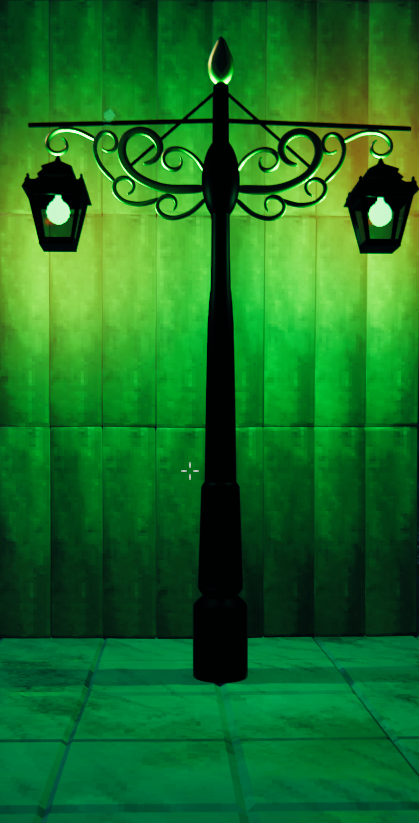
Japanese Lamp
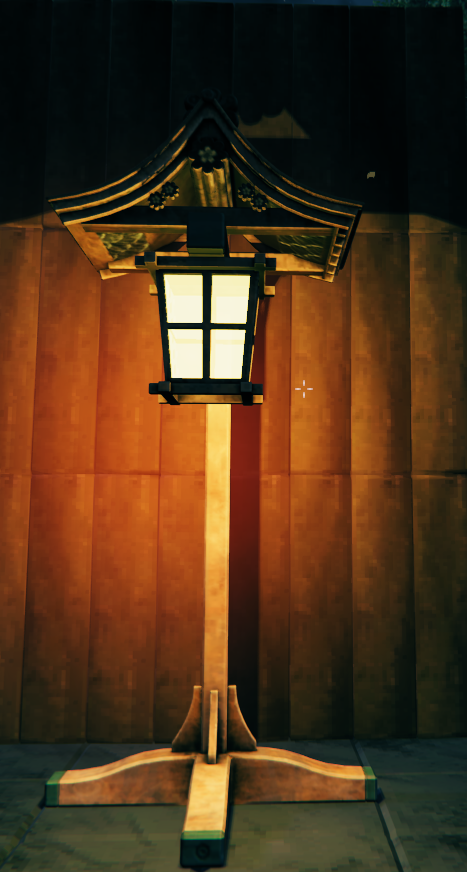
Quad Lamp
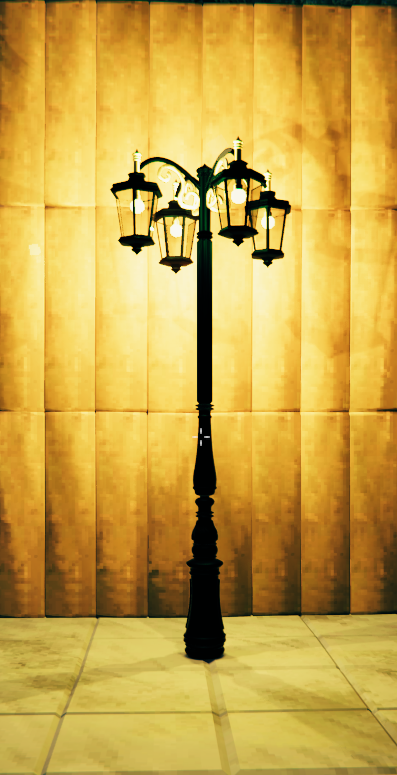
Simple Lamp
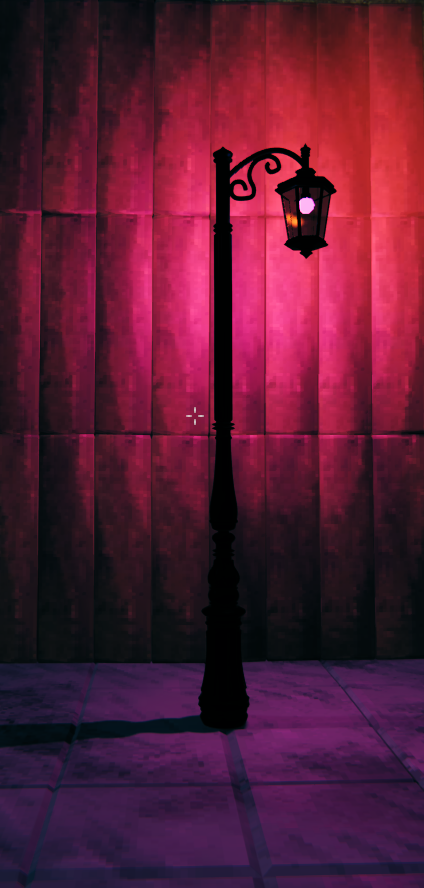
Simple Street Lamp
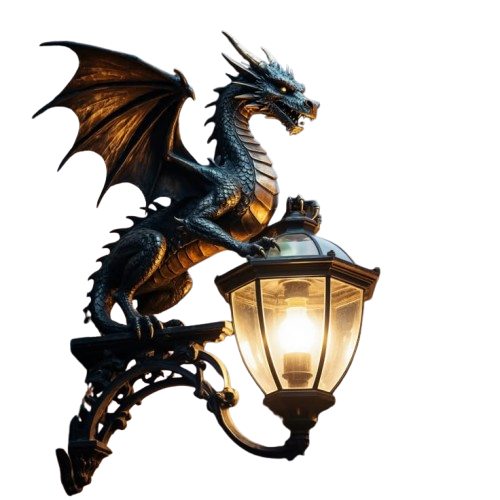
Wall-Mounted Lamps
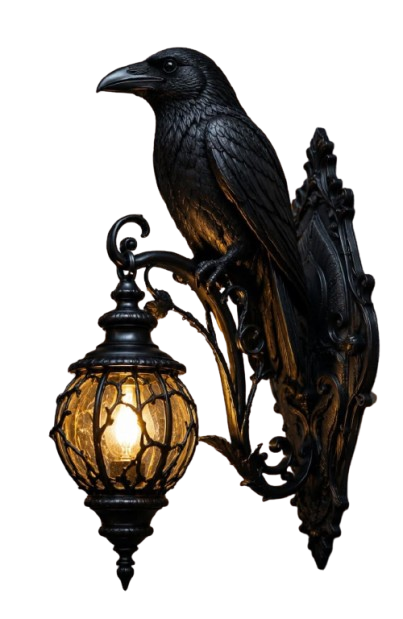
Raven Lamp
Gargoyle Lamp
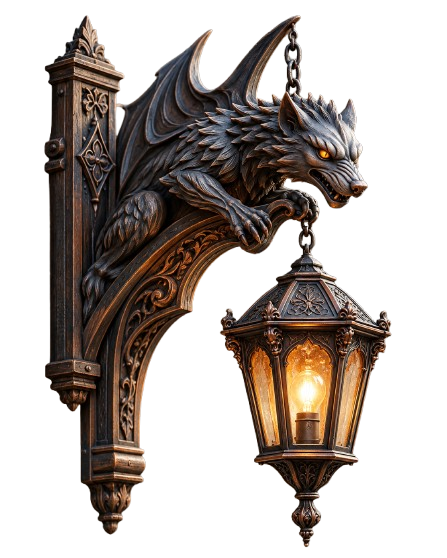
Dragon Lamp
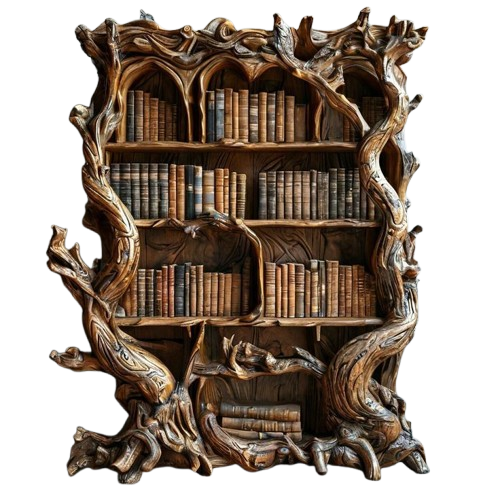
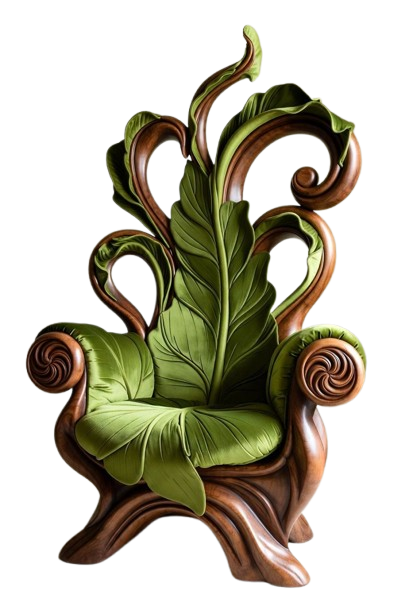
🛋️ Furniture
Furniture for Viking halls, homes, castles, and settlements.
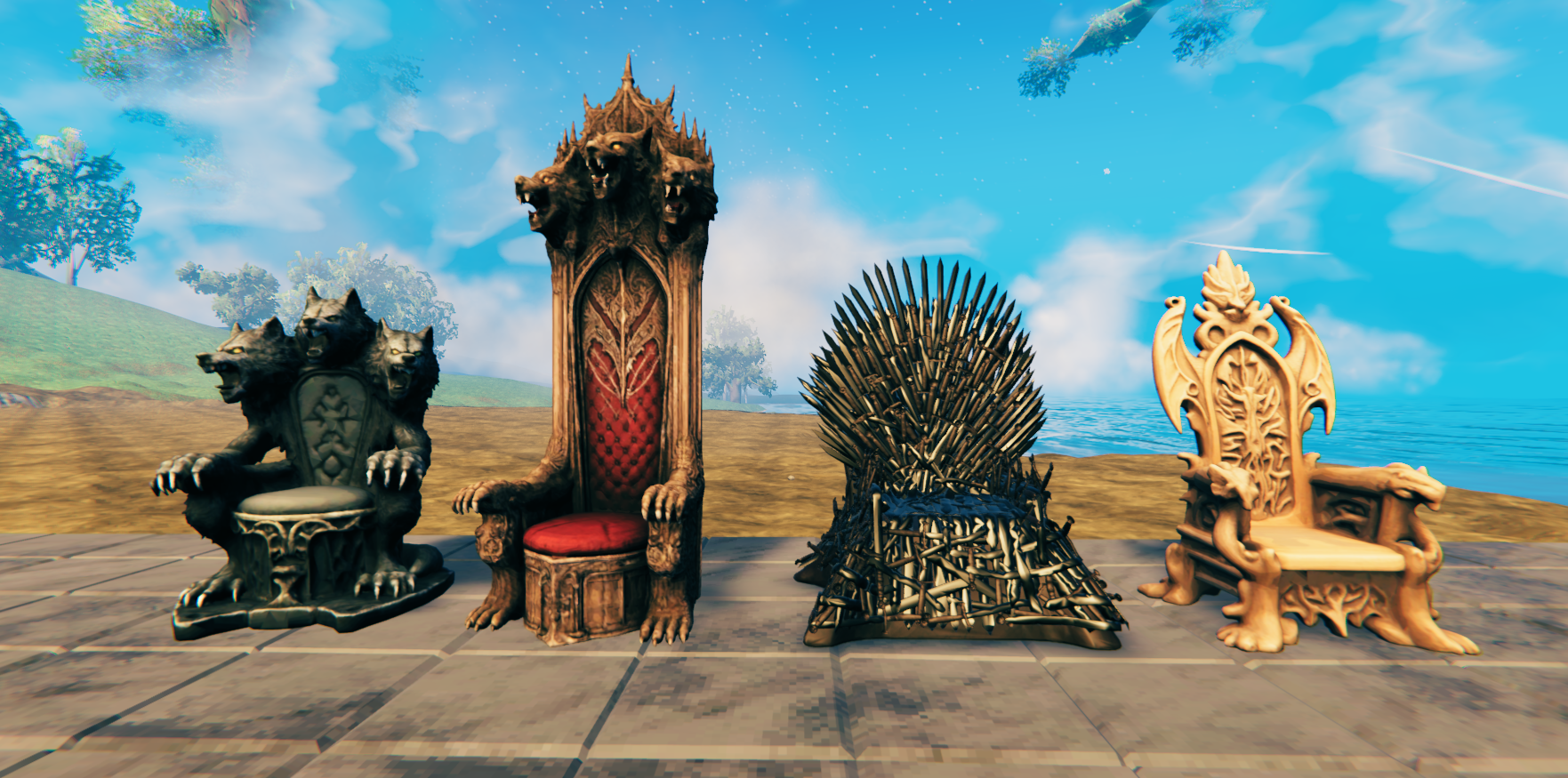
Thrones
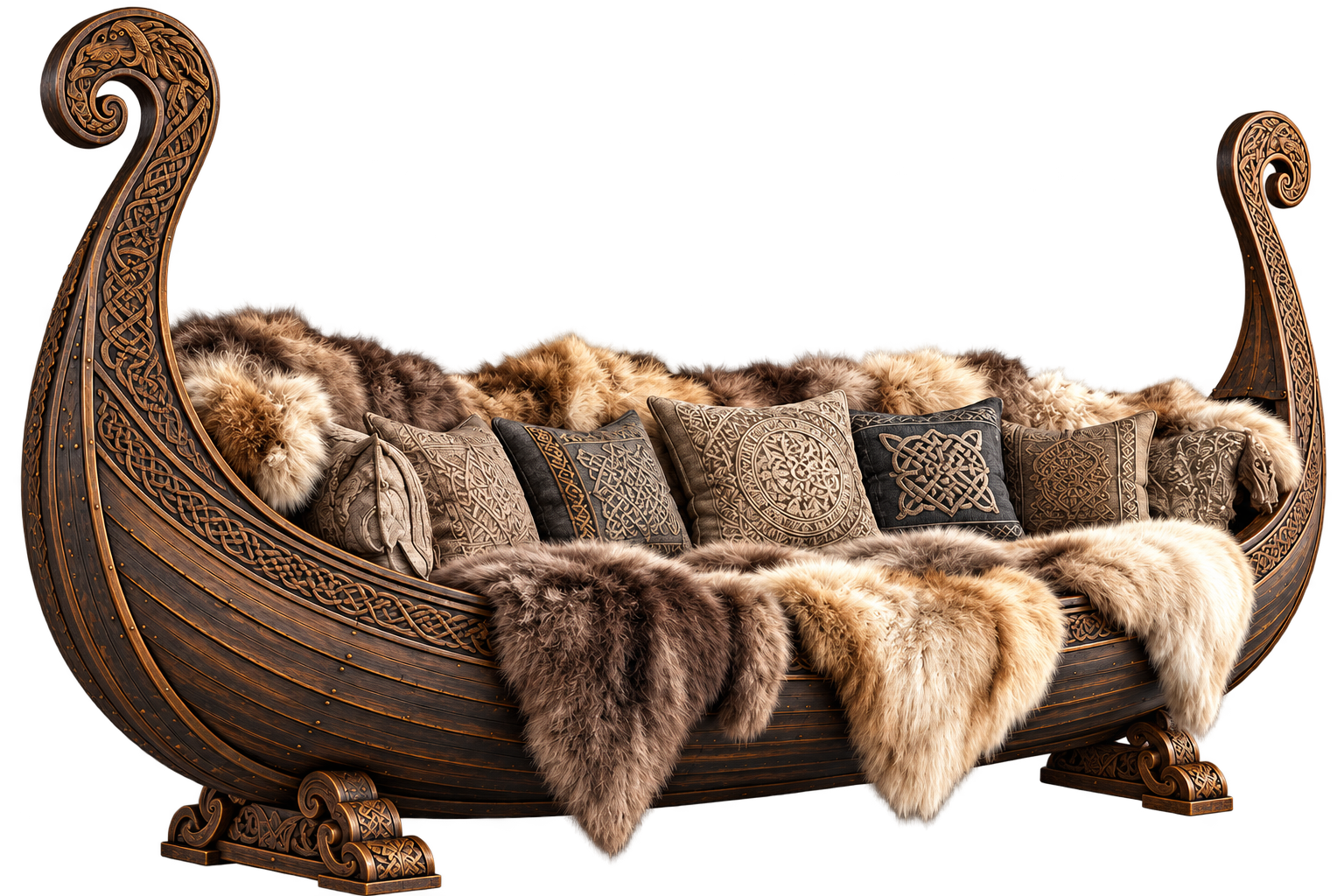
Viking Bench
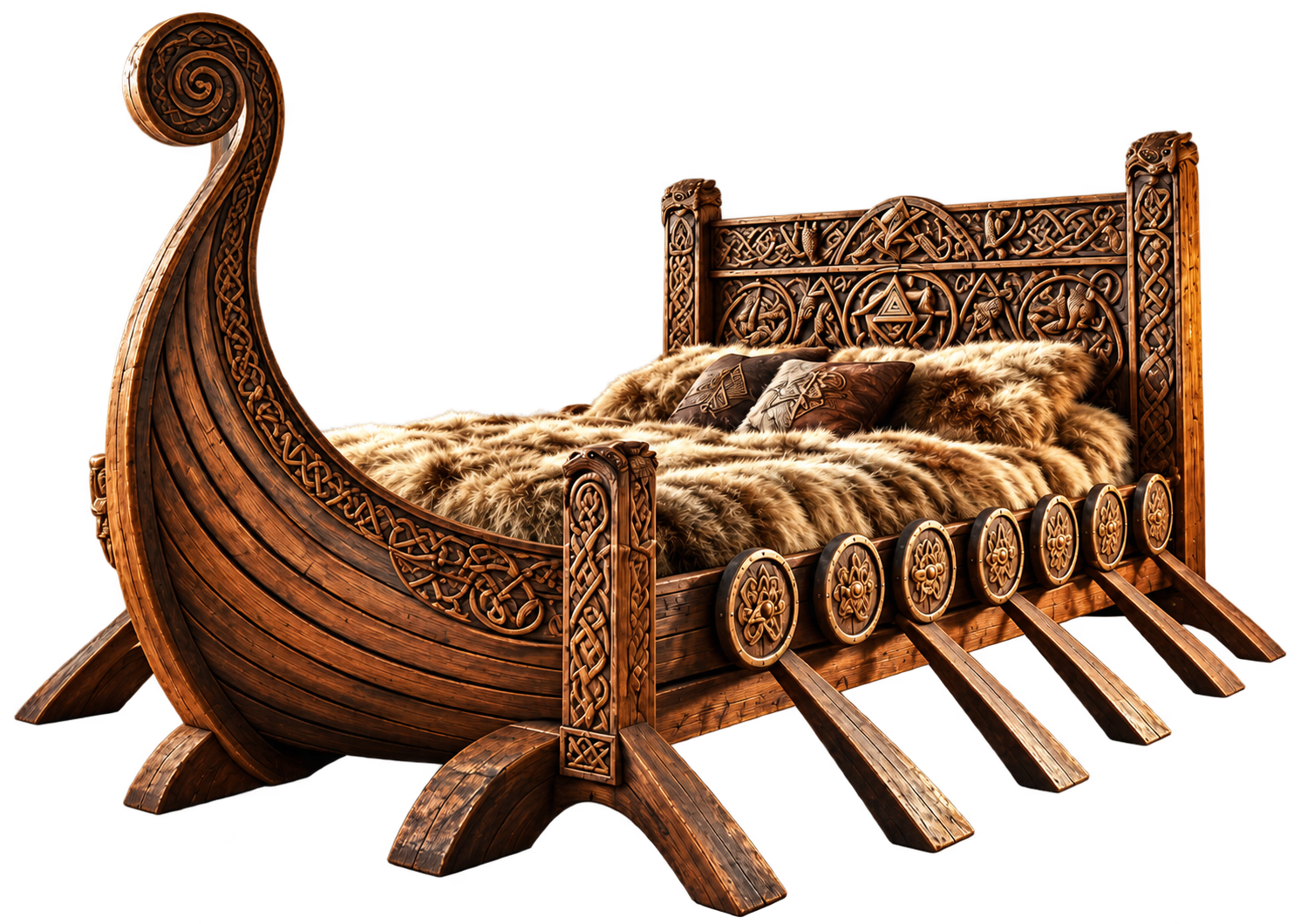
Viking Longship Bed with Furs
Ancient Root Bookshelf
Leaf Chair
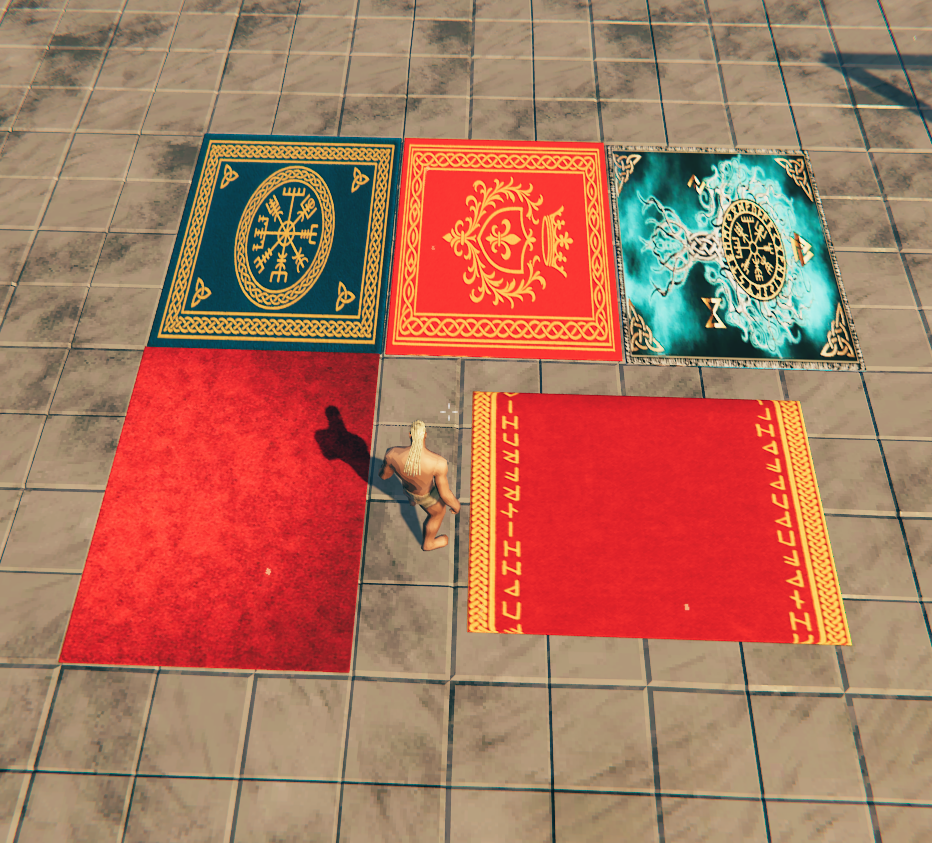
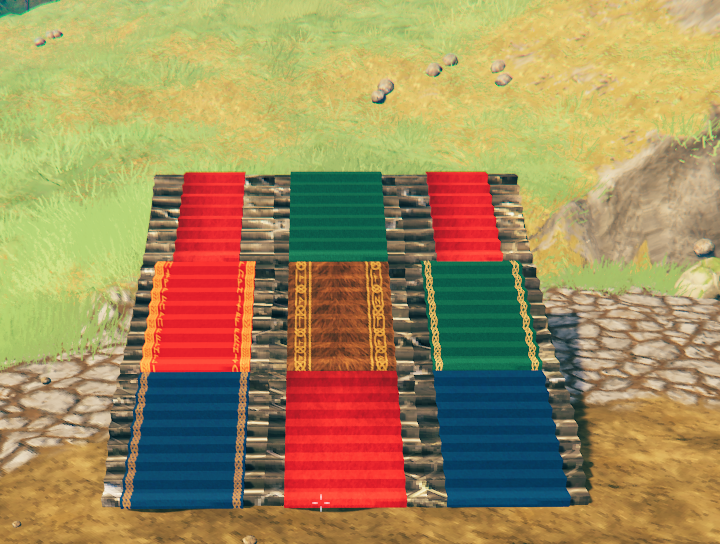
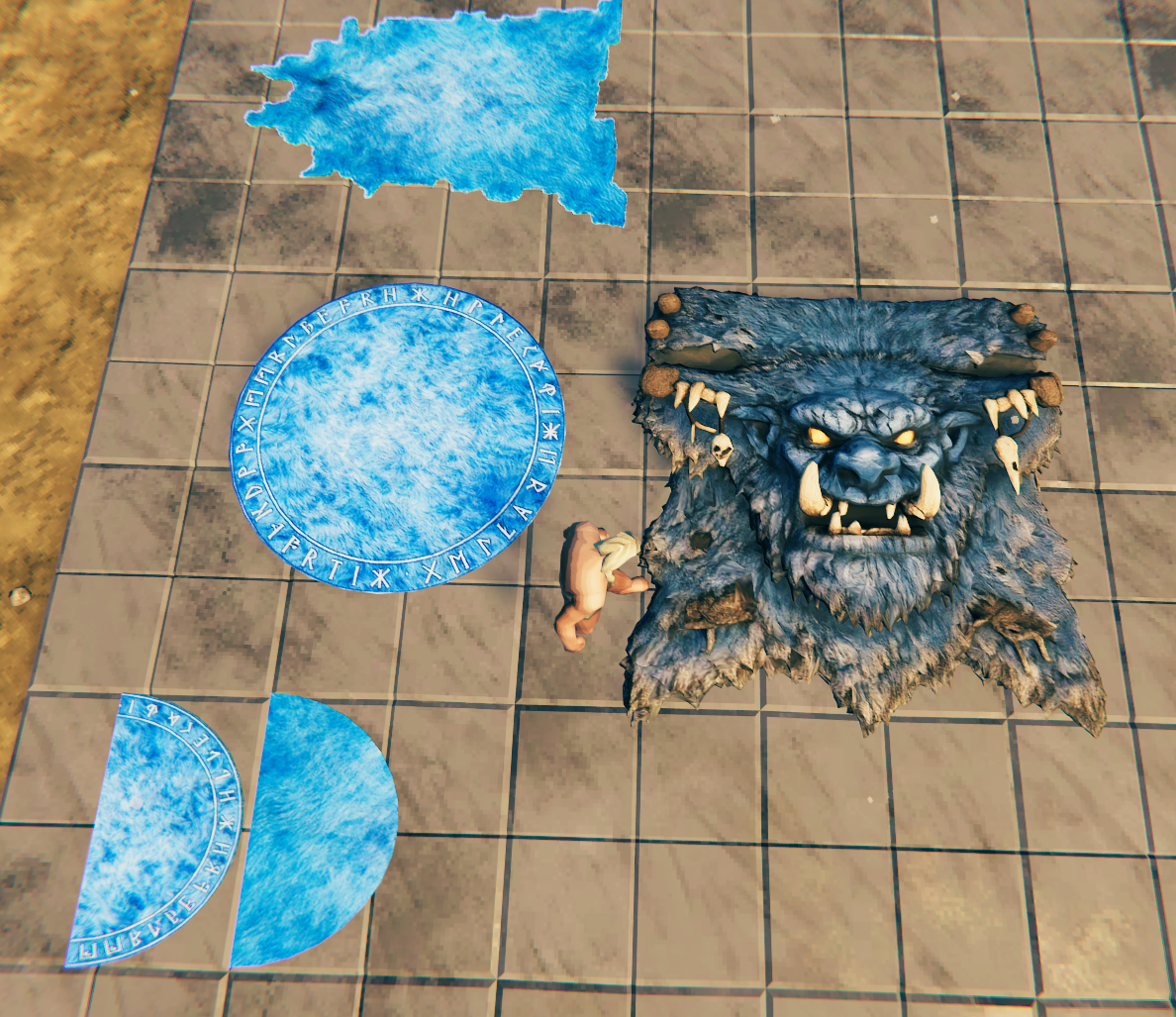
🧶 Rugs and Carpets
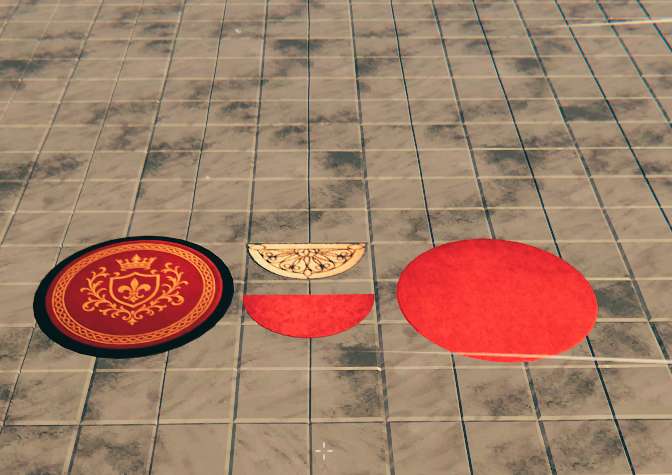
A collection of decorative rugs, stair rugs, round rugs, semiround rugs, and troll-hide floor coverings.
Rug Collection
Round and Semiround Rugs
Stair Rugs
Troll Rugs
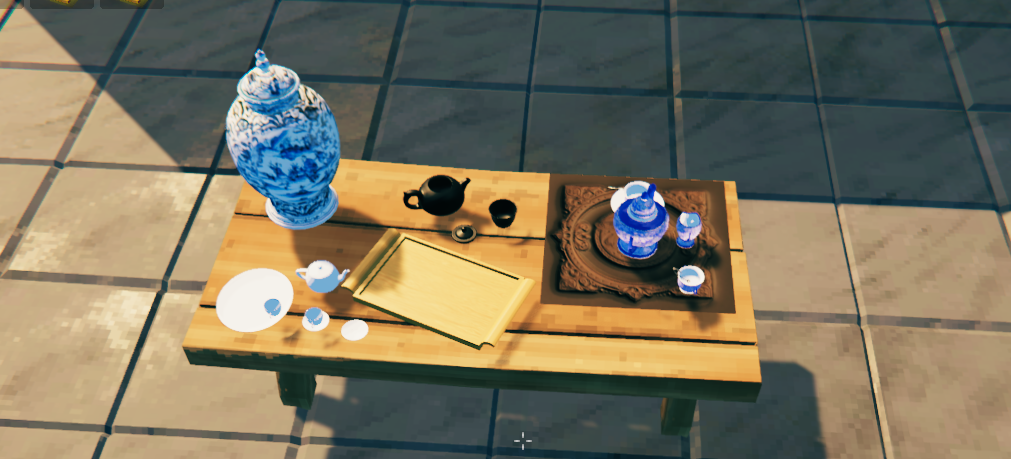
🫖 Porcelain and Decorations
Decorative porcelain pieces including cups, plates, teapots, vases, and tea sets.
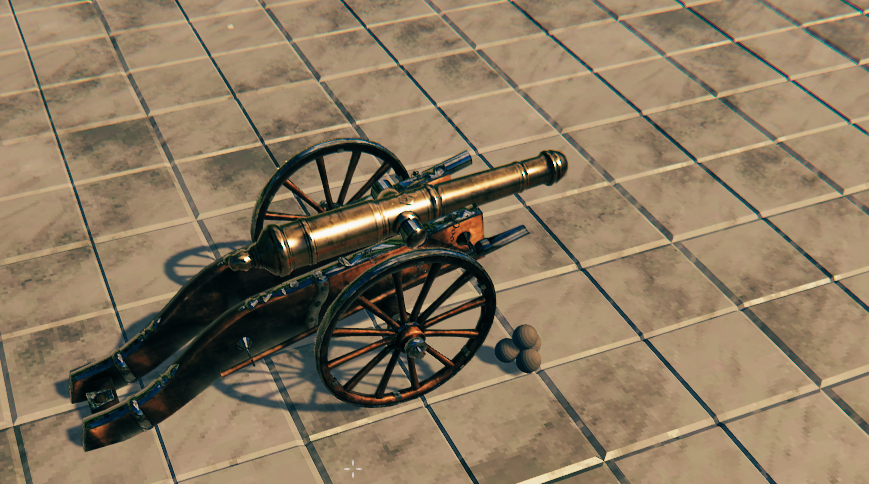
💣 Cannons
Decorative cannon sets for docks, fortifications, ships, castles, and settlements.
Cannon Set I
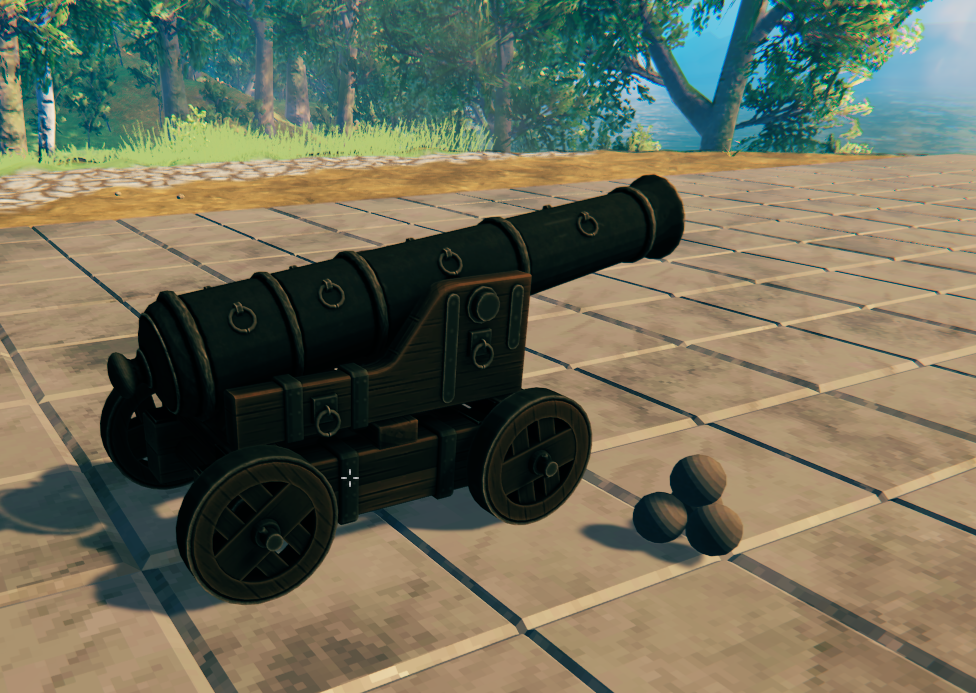
Cannon Set II
🔨 Valheim 1.0 Build Menu Support
Moonforged Lights and Decor supports Valheim's new build-menu sorting system.
All pieces remain available under the:
Moonforged Lights and Decor
category.
They are also tagged so that they appear in Valheim's appropriate native sorting categories.
Examples:
- Lighting – Lamps and other light sources
- Furniture – Rugs, chairs, thrones, beds, benches, tables, bookshelves, and furniture
- Decor – Porcelain pieces and decorative objects
- Defense – Cannons and cannonballs
This allows players to find Moonforged pieces through both the dedicated Moonforged category and Valheim's normal build-menu sorting system.
🔧 Custom Hammer Category
The Moonforged category can also be changed through the configuration file.
Players can enter their own category name and place all Moonforged Lights and Decor pieces under a custom Hammer/build-menu category.
For example:
CustomHammerTab = Ravenwood Decor
Leaving the option empty keeps the default:
Moonforged Lights and Decor
category.
🔨 How to Install
1. Install the Required Dependencies
2. Install Moonforged Lights and Decor
If installing manually:
- Download the mod.
- Place the
.dllinside:
BepInEx/plugins/MoonforgedLightsAndDecor/
You may also place the mod inside another folder under BepInEx/plugins/.
3. Launch Valheim
The new pieces will appear in the Hammer build menu under:
Moonforged Lights and Decor
They will also appear inside their appropriate Valheim build-menu sorting categories.
📝 Credits & Feedback
- Made by Caenos
- Join the community on Discord for feedback, support, and sneak peeks.
- If the invite link expires, you can also find me in the Thunderstore or Valheim Discord communities.
- Watch live on Twitch: https://www.twitch.tv/Caen007
- Videos and tutorials on YouTube: https://www.youtube.com/@Caenos007
- Join the discussion on Reddit: Modded Valheim Discussion
- Support the project: 💖 PayPal
🎄 Special Thanks
- Marsarah – Mentoring and guidance
- James Jones – Testing and support
- TheUndertaker – My brother from another mother :) Testing, ideas, and support.
From the Community
- Madd Tish – Testing and support
- Khaine – Testing and support
- Rocket – Testing and support
- Kizzycocoa – Testing and support
- Chaddaddy – Testing and support