

You are viewing a potentially older version of this package. View Latest Version

HP Barheim
Enemy and boss HP bars, weakness icons, damage numbers, stagger bar and Path of Valheiman ailment bars. Fully customizable.HP Barheim
Health bars for enemies and bosses, with the extras you want while fighting: weakness icons, floating damage numbers, a stagger bar and ailment bars. Everything can be turned on or off and restyled.
Features
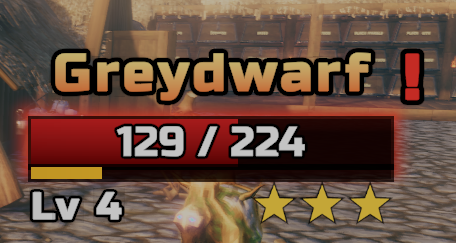
- Enemy health bars with name, level, stars and health text. Long names wrap onto two lines.
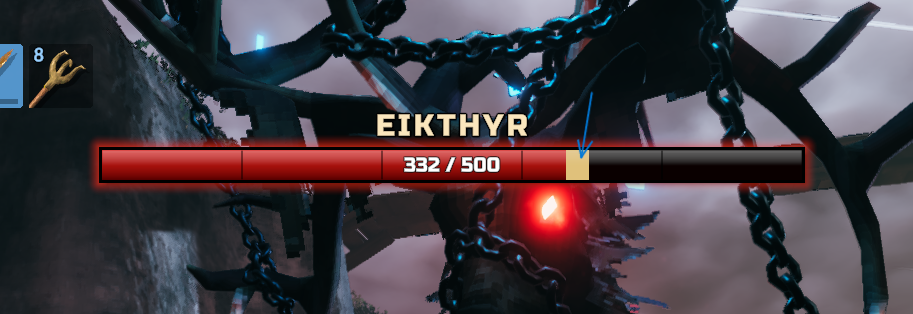
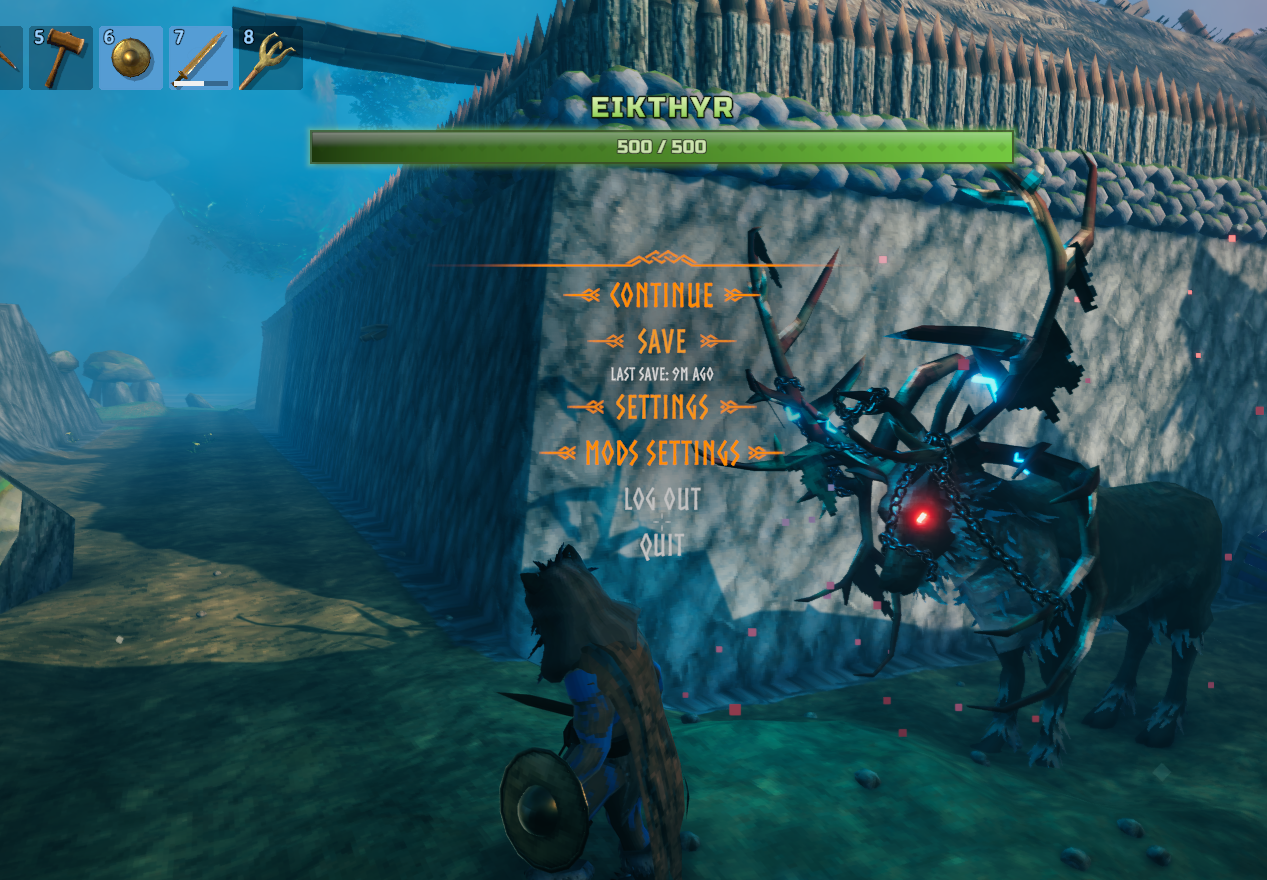
- Boss bar at the top of the screen with its own name, health text and style.
- Weakness icons that show what an enemy is weak or resistant to.
- Floating damage numbers, colored by damage type.
- Stagger bar that shows how close an enemy is to being staggered.
- Alerted (!) and aware (?) indicators next to or above the name. They hide while the health bar is visible (can be changed).
- Ailment bars for Path of Valheiman (fire, poison, frost, lightning, bleeding), for enemies and, separately, for bosses. They only appear if that mod is installed.
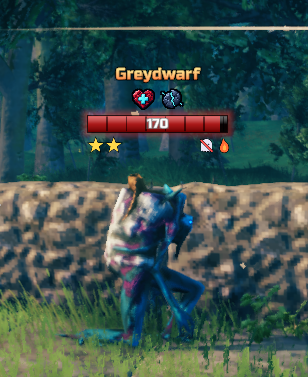
- Path of Valheiman modifier icons (Swift, Armored, Warded...) between the name and the health bar, with a "+N" when an enemy has more than the limit. Works even with the vanilla enemy bar hidden. They only appear if that mod is installed.
- Look settings for the health, stagger and ailment bars: glow, gradient, textures and shine.
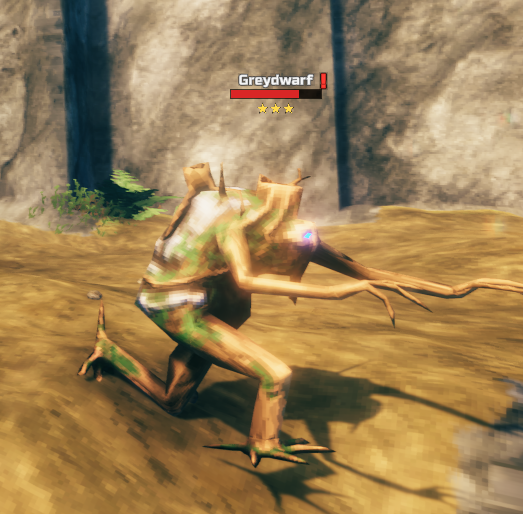
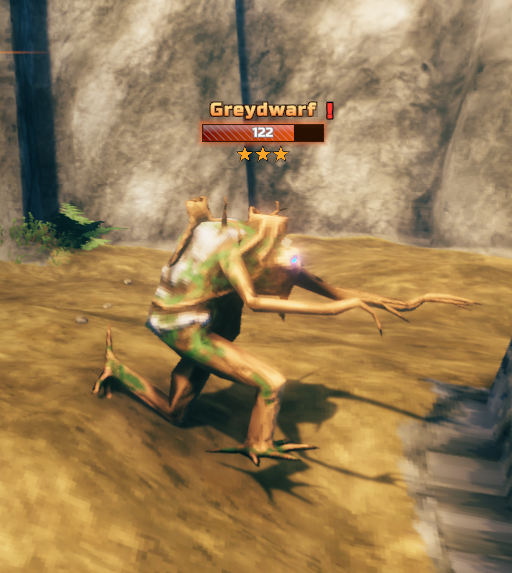
- Presets to start from a ready-made look.
Screenshots
Enemy bar with health text, stagger bar, level and stars
Path of Valheiman modifier icons
Presets: Minimalist and Diagonal pattern
Boss bar: damage trail (phantom) and the green Verdant style
Settings
Every option has a description. Edit it in game with Configuration Manager (F1), or in BepInEx/config/DarthVladi.HPBarheim.cfg with the game closed.
Compatibility
- Client side only. It does nothing on a dedicated server.
- Path of Valheiman is optional.
- If you use Zen Targeting or SeneaL UI, HP Barheim tells you once which of their options to turn off so information does not show twice. It never changes their settings.
Install
Use a mod manager (r2modman or Thunderstore Mod Manager), or put HPBarheim.dll in BepInEx/plugins. Requires BepInExPack Valheim.