
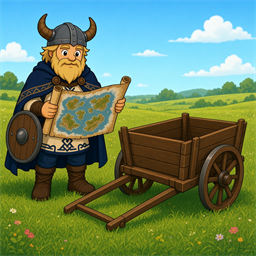
CartTracking
See all cart positions on the map. Single player or multiplayer.CartTracking
Forgot where you left a cart? See every cart on the map from anywhere on the server.
Single and multiplayer. Multiplayer carts show for everyone.
Install (multiplayer / dedicated)
- Open r2modman / Thunderstore Mod Manager → Valheim.
- Install BepInExPack_Valheim if you do not already have it.
- Online → search
DevDonkey-CartTracking→ Install on your client profile. - Install the same package on your dedicated server profile (or copy
CartTracking.dllinto the serverBepInEx/plugins/folder). - Restart the server, then launch the game through the mod manager.
If client and server builds get out of sync, you will see an in-game warning asking you (or the host) to update.
Install (singleplayer)
Same package via r2modman is enough - the local host acts as the server.
Manual: put CartTracking.dll in BepInEx/plugins/ (needs BepInExPack_Valheim).
How to use
- Place or haul carts as usual.
- They appear on the minimap and full world map for everyone with the mod.
Config
Edit BepInEx/config/matthb1.carttracking.cfg (created on first launch).
| Option | Default | Description |
|---|---|---|
ShowPins |
true |
Show cart pins on the minimap and world map. |
SyncInterval |
3 |
Seconds between server cart-position syncs (1-30). |
Notes
- Source: github.com/MattHB1/valheim-cart-tracking
- Other mods: DevDonkey on Thunderstore
- Changelog: CHANGELOG.md