

HexDvergrAllies
Dvergrs are your buds. Hire them to fight beside you, or trade with them.HexDvergrAllies
Warning: Always backup your world before installing any mod. Early development version. Expect bugs and rough edges. Things will change as development continues. More features and improvements are on the way!
Sucks having to kill them or steal from them. Now they're your homies.
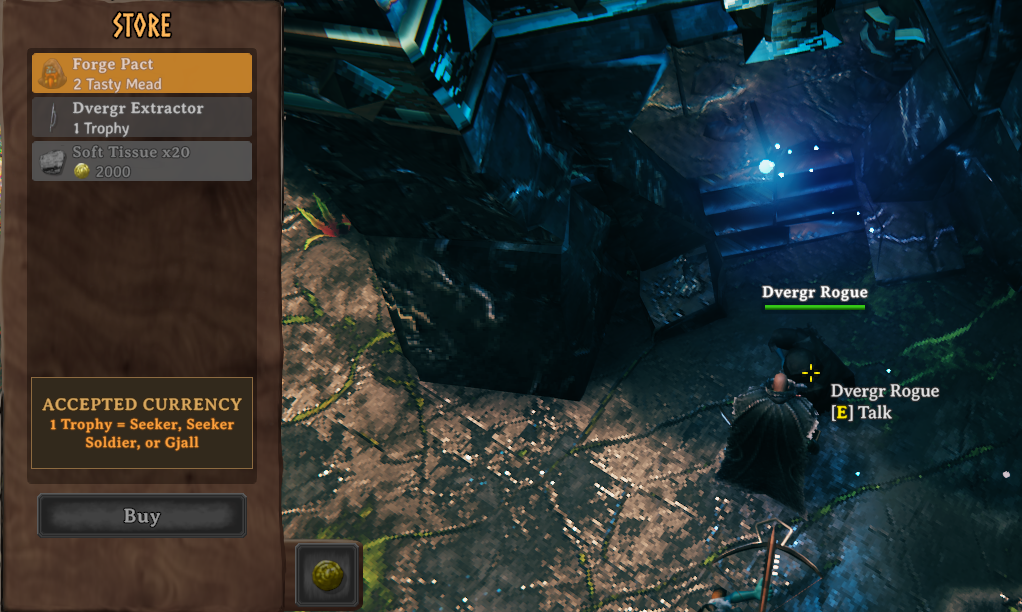
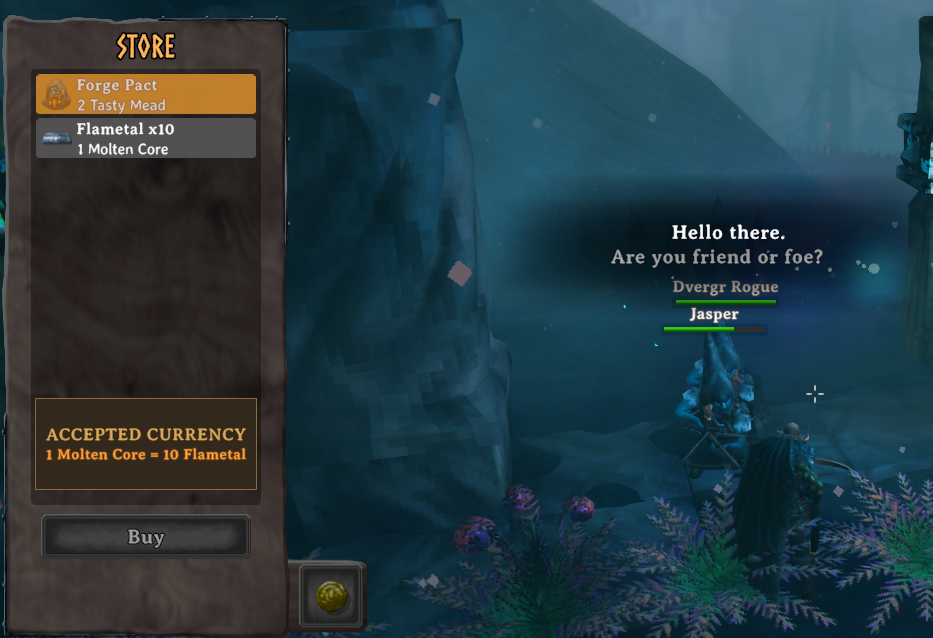
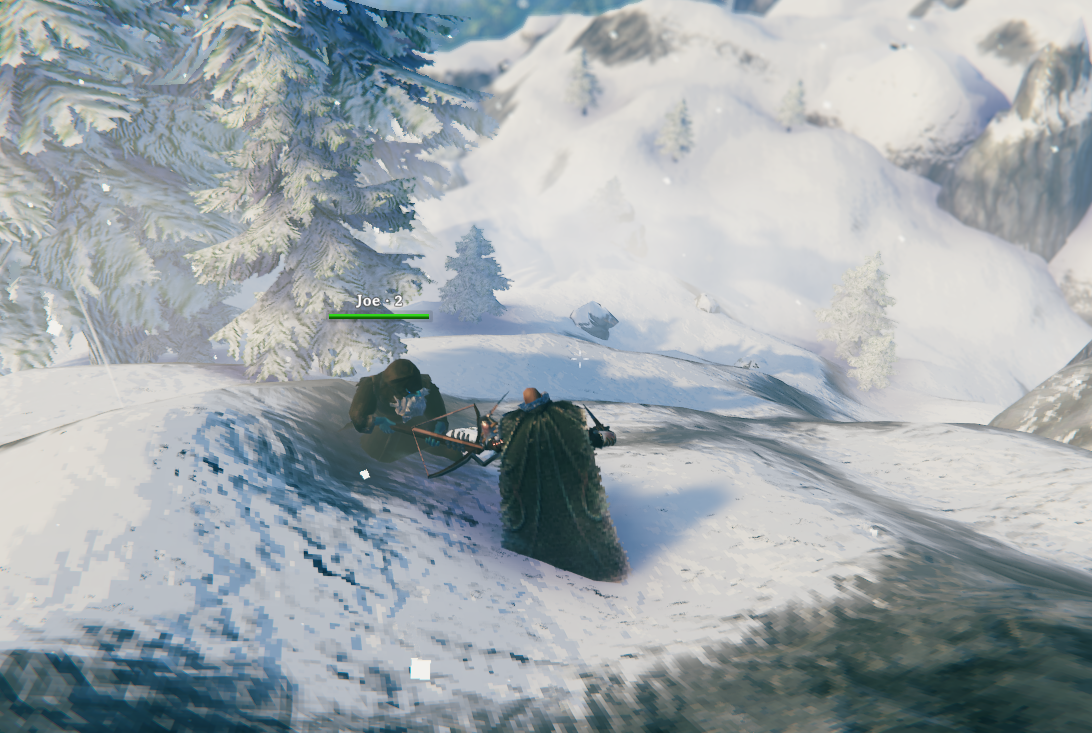
Hire Dvergr to fight beside you, trade with them, and set up temporary homesteads in their towns.
Features
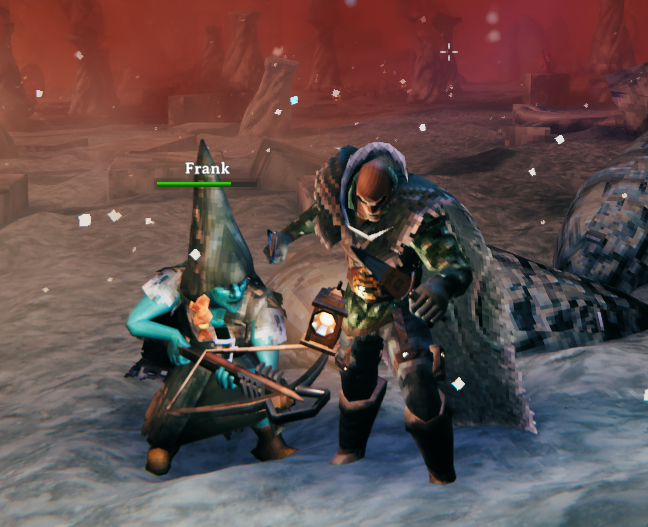
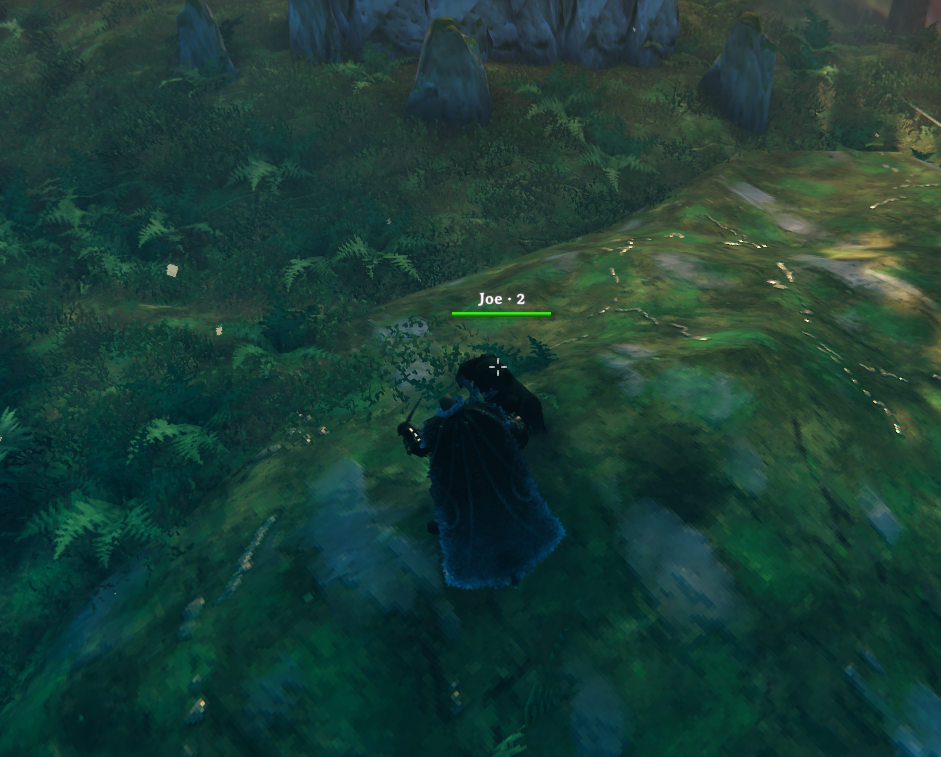
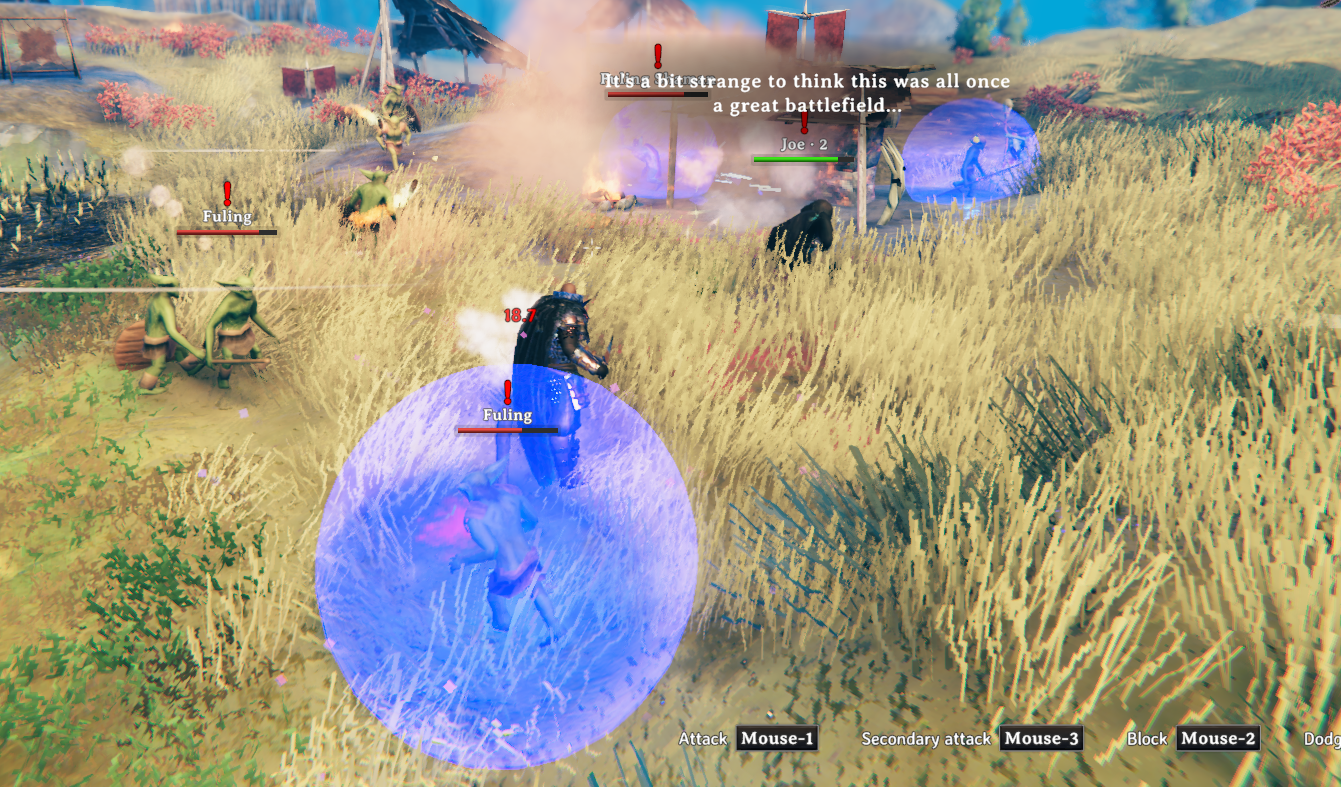
- Hire a Dvergr ally to fight beside you.
- Earn Blood Magic experience when your hired ally damages a creature. You can turn this off in the config.
- Trade for Dvergr extractors, soft tissue, blue jute, fallen brother trophies, and flametal.
- Adjust companion settings like follow distance, movement speed, health, attack speed, damage, and auto-healing.
- Your ally follows you through portals, even from Sentry mode or when far away. They arrive in Companion mode.
- They teleport back to you if they get stuck or fall too far behind.
- Walk through your ally. No more getting stuck in a doorway.
- Staff of the Wild roots and hired Dvergr do not target or damage each other.
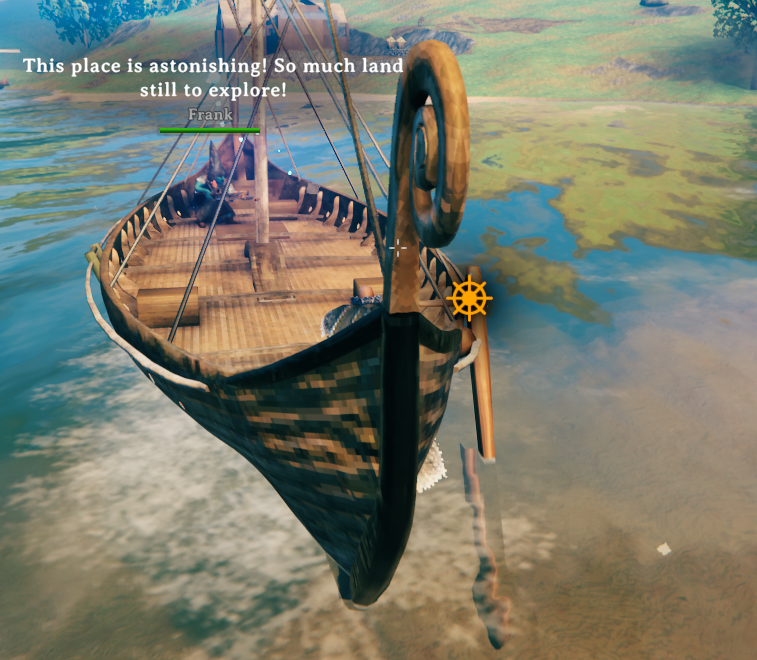
- Nearby allies in Companion mode teleport aboard your ship when you board.
- Press
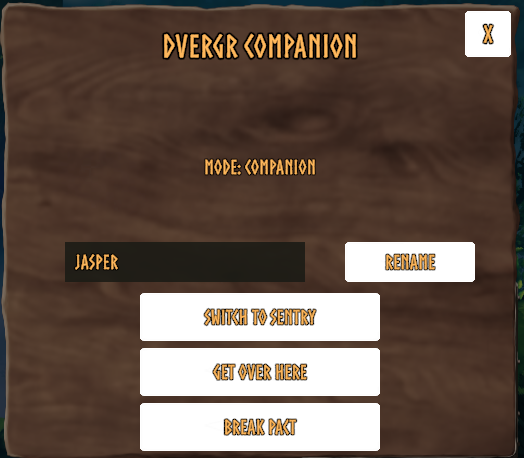
F9to open the ally command UI. Switch modes, rename your ally, recall them, or break your pact. The keybind is configurable.
Your Starting Dvergr
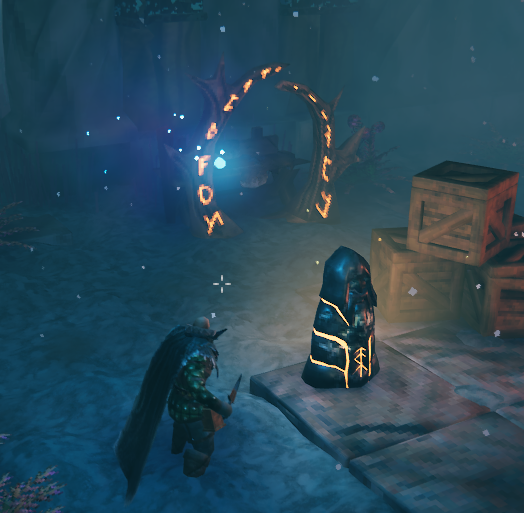
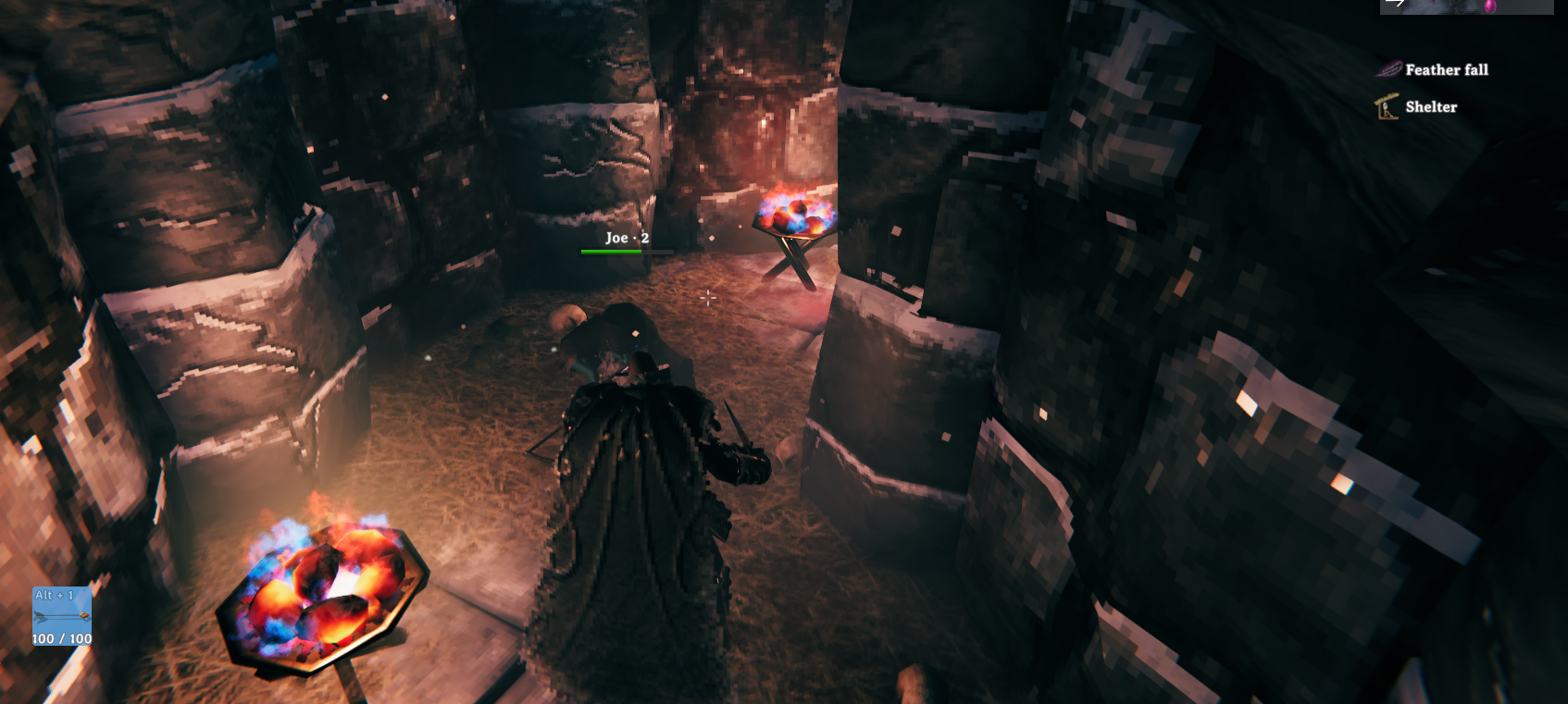
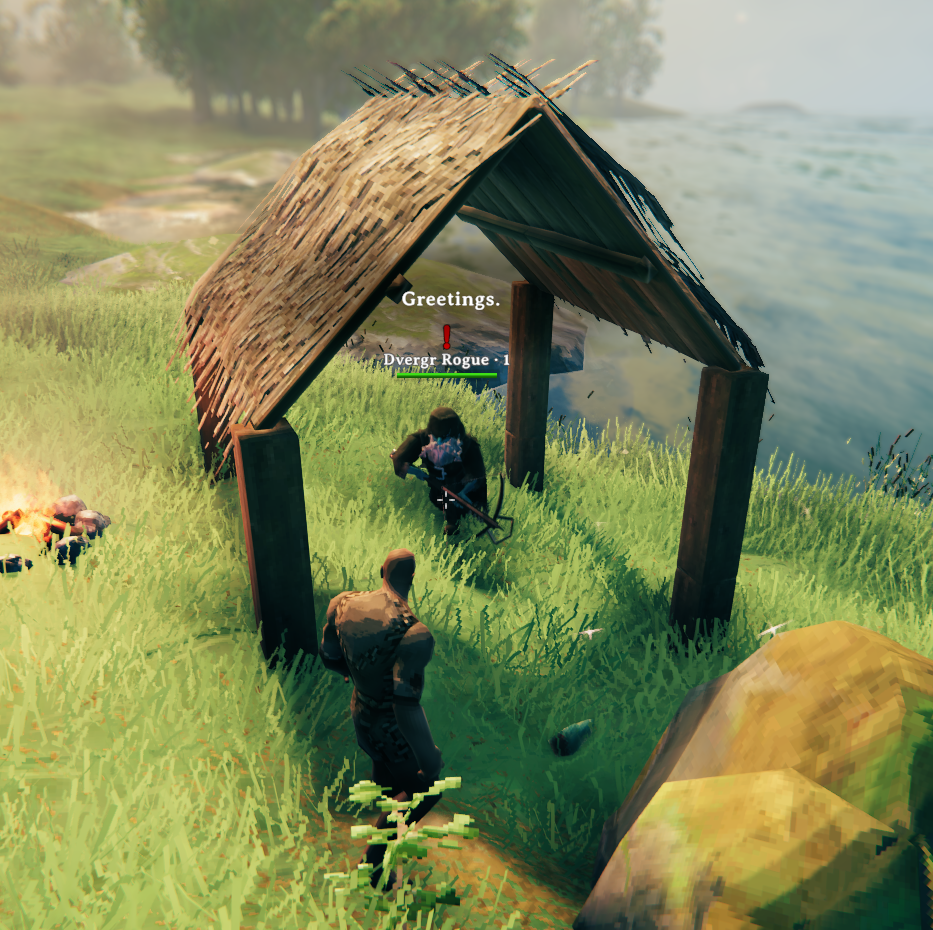
Each character gets a free starter camp in each world, 60–200 meters from the starting stones. Look for Dvergr camp on the map. Camps include a shelter and fire, plus a shipwreck when the coast allows it.
The starter is immune until hired and only offers the free pact. You can have one hired companion at a time. Companions stay in their world; breaking the pact does not grant another free starter.
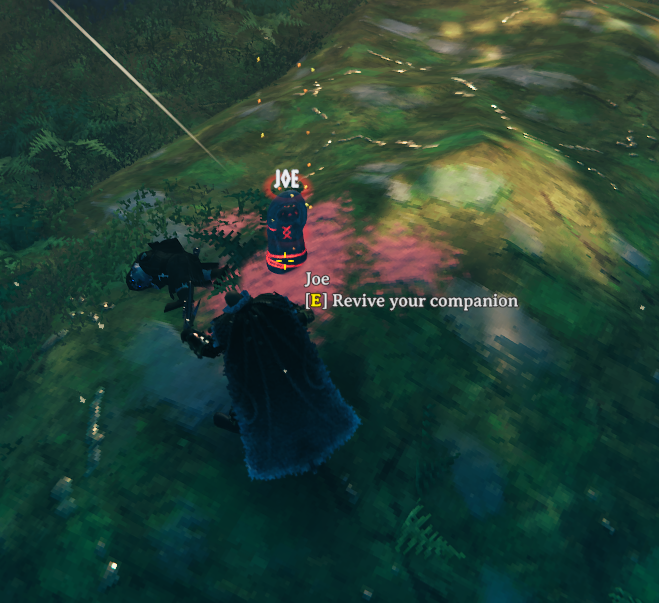
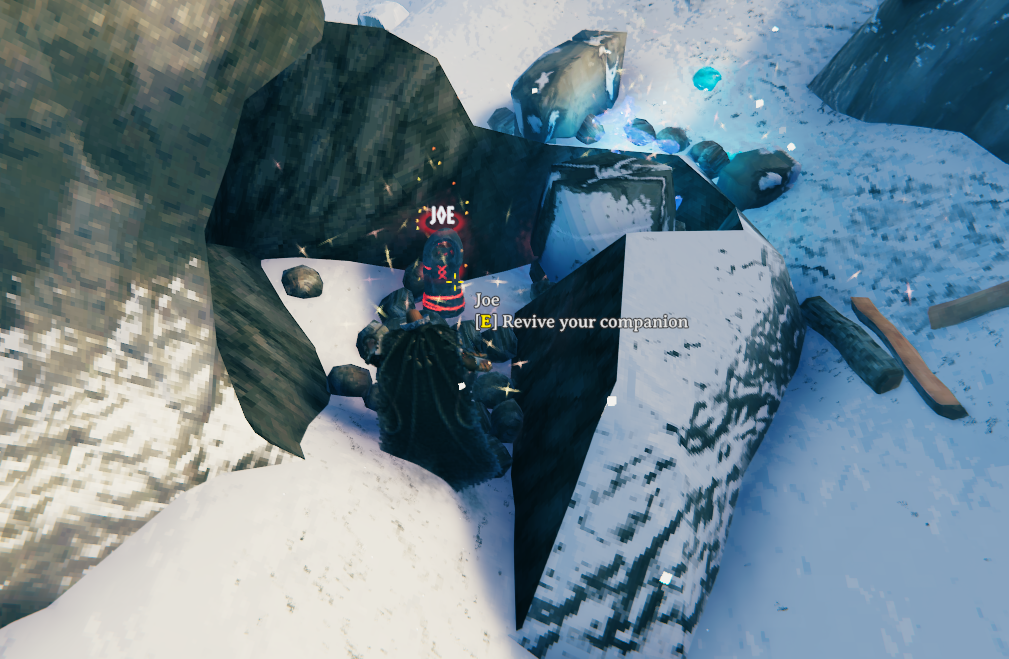
If your hired starter dies, interact with their tombstone to revive them free at full health. Their name and level are preserved. Only their owner can revive them, and another hired companion blocks revival. Normal Dvergr and player graves keep their existing behavior.
Starter Progression
Your starter levels up from your character's highest-tier boss kill, not the number or order of boss kills. You do not need to defeat earlier bosses first.
For example, if a Meadows-level character defeats the Queen, their starter jumps straight to Ashlands tier. Killing Eikthyr afterward won't lower their level or give another level-up. Bosses defeated before hiring the starter count too.
Eikthyr unlocks Black Forest, the Elder unlocks Swamp, Bonemass unlocks Mountains, Moder unlocks Plains, Yagluth unlocks Mistlands, the Queen unlocks Ashlands, and Fader unlocks Deep North. Only kills credited to your character count; another player's kills or the world's boss progress do not.
With no boss kills, they start at 200 health, 40 pierce, and 15 blunt damage. Each level raises health and damage. Movement and attack speed stay the same.
Dvergr hired in the Mistlands or Ashlands do not level up this way. They keep their normal stats and companion settings. They still get the Fader bonus below.
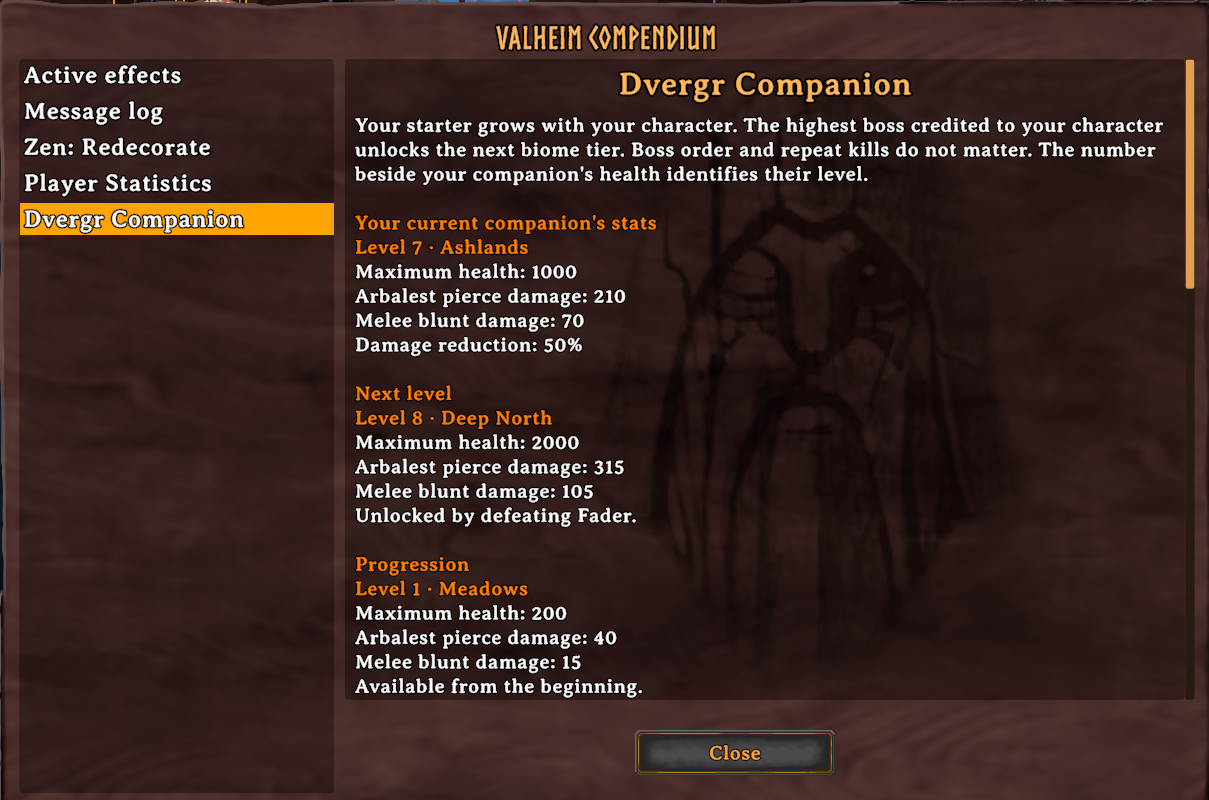
Defeating Fader unlocks Level 8 · Deep North for starters: 2,000 health, 315 pierce, and 105 blunt damage. Existing paid companions also receive +100% health and +50% damage. All qualifying hired companions get at least 75% damage reduction.
Balance values are code-only. Edit Core/Features/Progression/DvergrStarterBalanceConfig.cs and rebuild.
Compendium
Open Valheim Compendium → Dvergr Companion for your hired ally's tier, stats, Fader bonus, and starter next-level preview. Existing Mistlands and Ashlands hires are supported. Unloaded weapon stats are labeled as prefab references. Reopen the Compendium to refresh it.
New Mistlands Stock
Normal Mistlands Dvergr sell 2 blue jute for 500 coins and 1 fallen brother trophy for 4 allowed enemy trophies. You can mix trophies from the same allowed list used for extractors. This trophy purchase does not need Sap or change the world's extractor purchase count. The starter Dvergr does not offer this stock.
Ally Modes
Press Left Ctrl + P to switch between Sentry and Companion mode. A center-screen message confirms the new mode. You can change the keybind under SentryShortcut in the config.
Press O for "Get over here" to recall your ally and switch them to Companion mode. You can change this under RecallShortcut in the config.
- Companion: Follows you around and fights beside you while you explore.
- Sentry: Guards the spot where you are standing when you activate the mode. Fights enemies within 20 meters of that spot.
Use Sentry mode while you're harvesting soft tissue or flametal, for example.
Note: Hired Dvergr switch back to Companion mode whenever you teleport. Set them back to Sentry mode afterward if you want them to stay put.
Dvergr Types
- Mistlands: Mages and arbalest users. No fire immunity.
- Ashlands: Arbalest users. Immune to lava, fire, and Ashlands water. The AI can be dumb and just sit in lava and die. No more!
Known Issues
- Dvergr can run away from your base, which gets annoying. Put them in Sentry mode outside to stop that.
- Dvergr do attack in Sunken Crypts, but targeting and attacks can be inconsistent.
- Boat boarding currently requires a loaded companion within 30 meters in Companion mode. Bringing distant or Sentry-mode companions aboard still needs work.
Configuration
Your config is updated automatically when the mod starts. Existing values for current options are kept, new options get their defaults, and obsolete options are removed. Boolean toggles appear first in each section. Settings are saved in display order.
Changes apply without restarting. Use Configuration Manager or edit the config file; the file watcher reloads saved changes.
Hotkeys
| Setting | Default | What it does |
|---|---|---|
UIShortcut |
F9 |
Opens or closes the ally command UI. |
SentryShortcut |
Left Ctrl + P |
Switches between Sentry and Companion mode. |
RecallShortcut |
O |
"Get over here": recalls your ally and switches them to Companion mode. |
Companion Settings
- FollowDistance: Defaults to 2 meters. Controls how close your ally gets before they stop following. This doesn't limit how far they can move during combat.
- TargetScanInterval: Defaults to 1 second. Controls how often hired Dvergr scan for enemies in Companion and Sentry modes. Adjustable from 0.1 to 10 seconds; lower values mean more frequent scans. Changes take effect at the next normal scan reset. Attack cooldowns and special chase delays stay the same.
- EnableDungeonFollowRecovery: Enabled by default. Recovers a following ally stuck behind dungeon walls or on another floor, even when they are less than 12 meters away. Sentry mode and outdoor following are unaffected.
- DungeonFollowRecoveryDelay: Defaults to 4 seconds without progress. Recovery waits for a clear spot on your floor.
- EnableDungeonTargetFiltering: Enabled by default. Keeps an actionable target in dungeons and skips heard-only enemies with no path, so your ally is less likely to chase noises behind walls or on other floors. A visible enemy already within weapon range can still be attacked. Reachability is checked every half second. Toggle this off to compare vanilla targeting.
- EnableCombatCircling: Disabled by default. Stops your hired Dvergr from taking periodic breaks to run around enemies. Enable it to restore their normal circling behavior. This setting can be changed while playing.
- MovementSpeedMultiplier: Defaults to 2.5x.
- HealthMultiplier: Defaults to 2x maximum health for normal hires. Starters use their progression stats.
- DamageTakenMultiplier: Defaults to 0.5, meaning 50% less incoming damage. After Fader, hired companions get at least 75% reduction.
- DamageDealtMultiplier: Defaults to 1.5x damage for normal hires. Starters use their progression stats.
- AttackSpeedMultiplier: Defaults to 3x. Speeds up attack animations and cooldown recovery.
- EnableBloodMagicExperience: Enabled by default. Damaging hits from your hired Dvergr give you Blood Magic experience, including killing blows. Hits that do no health damage and hits against players or structures give no experience.
- BloodMagicExperienceFactor: Defaults to 1. Adjusts the experience per damaging hit using normal skill progression, rather than adding whole skill levels.
- EnableAutoHealing: Enabled by default. Your ally heals to full at 50% health, with a 60-second cooldown. Adjust these with
AutoHealThresholdandAutoHealCooldown.
You can also toggle player damage protection for Dvergr and temporary homesteads in Dvergr towns. Enable Debug → EnableDebugLogs for diagnostics, warnings, and errors. Plugin lifecycle and configuration messages remain independent.
ServerSync is not supported yet. Settings aren't synced between players.
Localization and Custom Text
English is included. We use CSV files because Valheim's built-in localization loader supports that format. You can translate the mod or change its wording without rebuilding.
- Run the mod once to create a Translations folder next to
HexDvergrAllies.dll. - Inside it, create a folder matching your game's language, such as
EnglishorGerman. - Add a UTF-8
.csvfile, such ascustom.csv. Copy keys from English.csv. You only need rows you want to change. - Match the column heading to the language folder. Keep keys unchanged and omit the
$prefix. - Restart the game, or switch languages away and back, to reload your changes.
Example: Translations/English/custom.csv
Context,English
hex_dvergr_forge_pact,Make a new friend
hex_dvergr_compendium_title,My Dvergr Companion
For German, use Translations/German/custom.csv with Context,German as the heading. Custom rows override the included English text; missing keys keep the English wording.
Keep placeholders like {0}, formatting tags, and keybind tokens intact. Use \n for line breaks. Put text containing commas in double quotes, and write a quote inside quoted text as "". Avoid defining the same key in multiple files. Custom text only changes the client where it is installed.
Multiplayer Compatibility
One Dvergr ally per character in each world. Install the mod on the server and every client.
Extractor purchases are tracked across the whole world, so everyone shares the same pricing. The first two purchases don't require sap. After that, each extractor costs 10 sap. Each purchase also requires a Mistlands trophy.