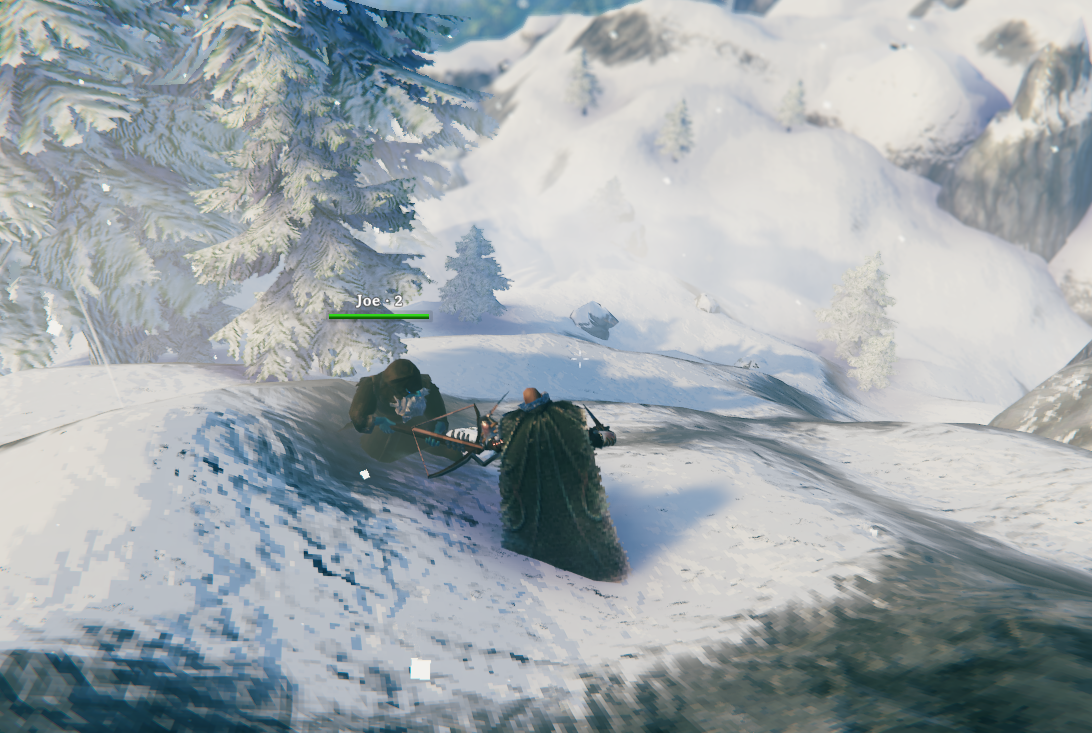
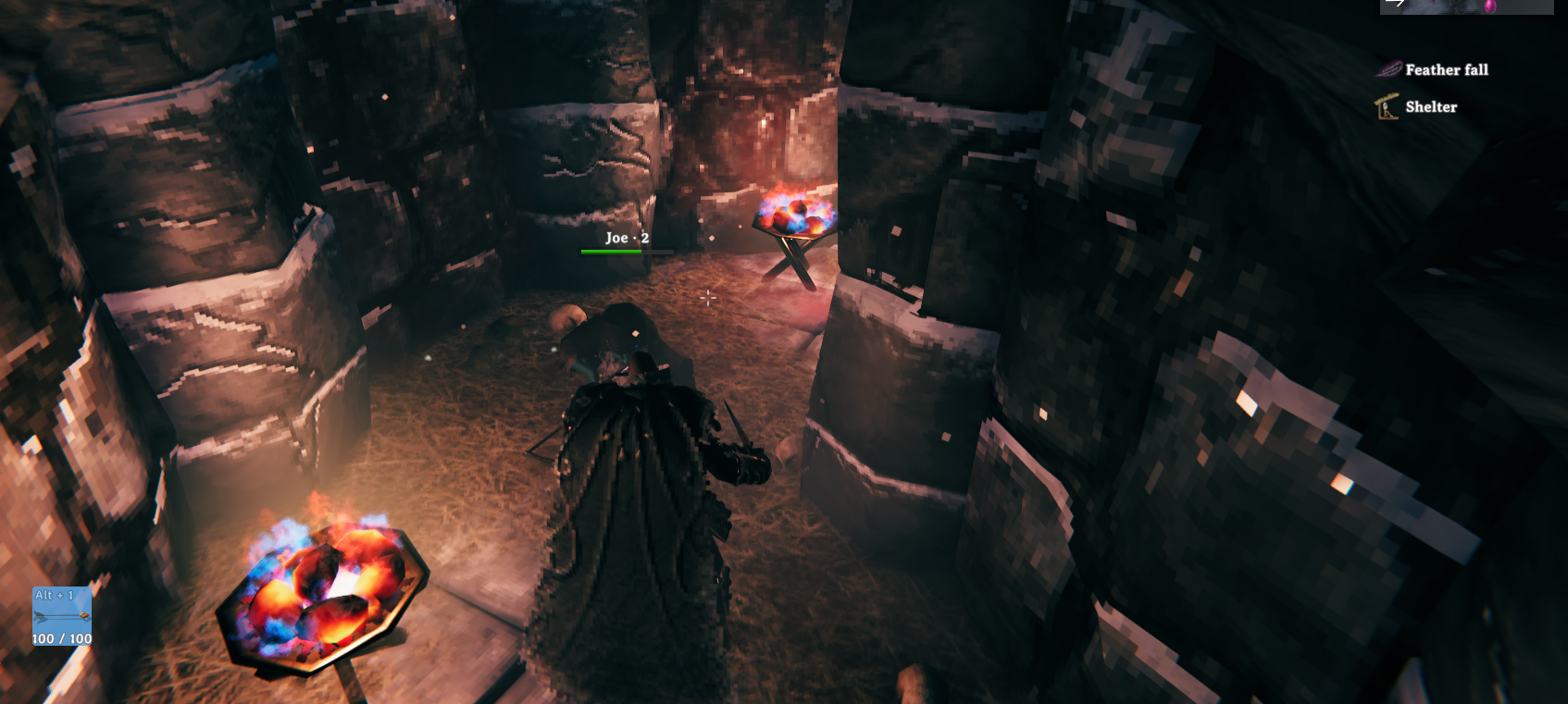
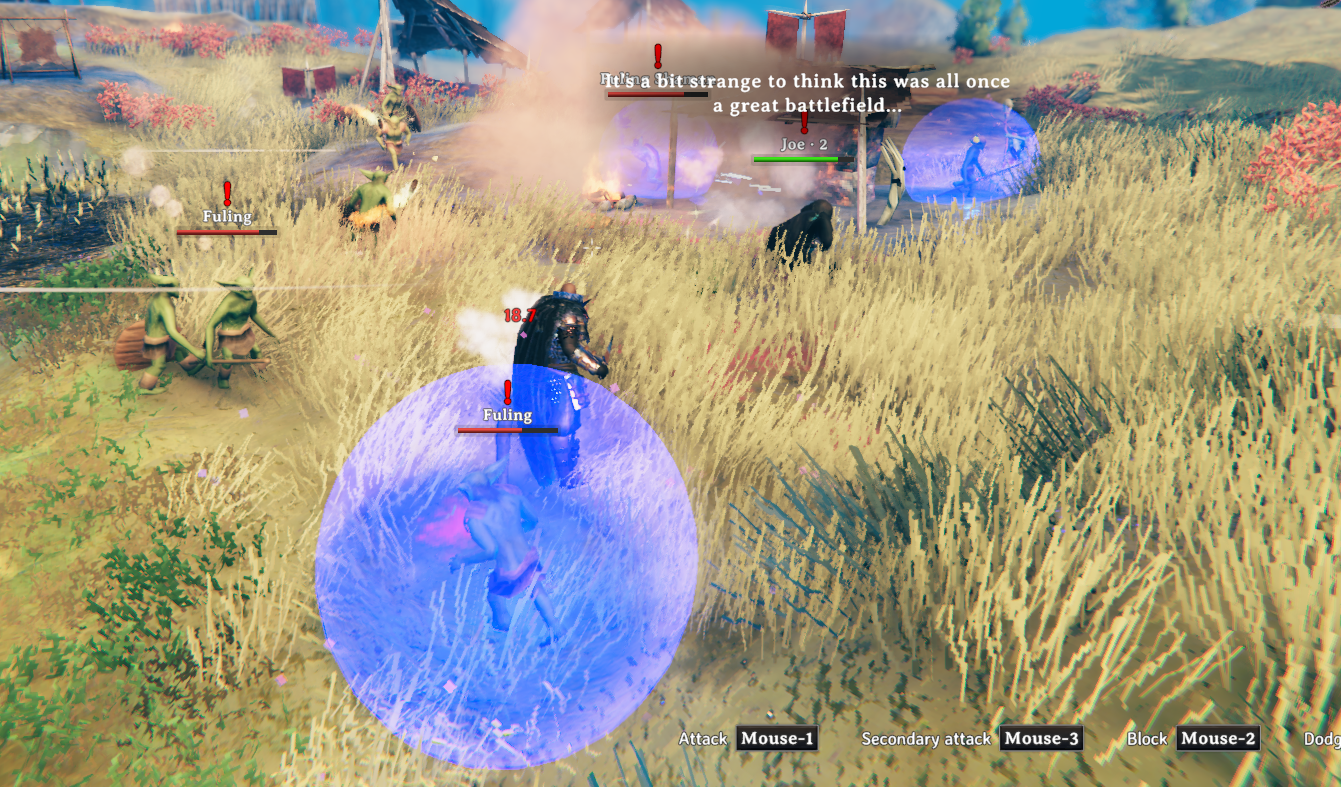
HexDvergrAllies
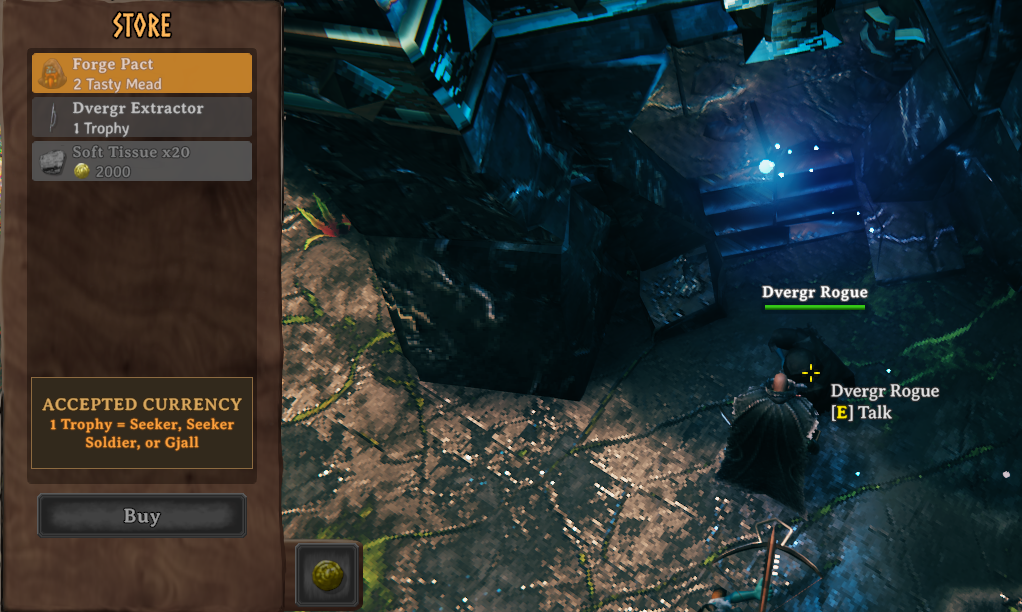
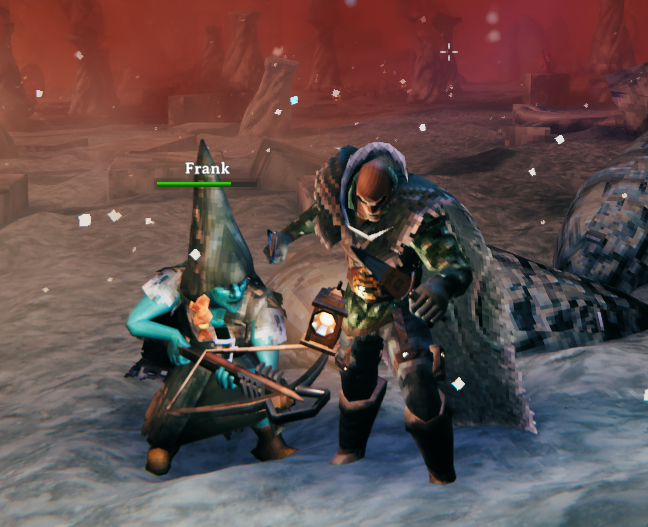
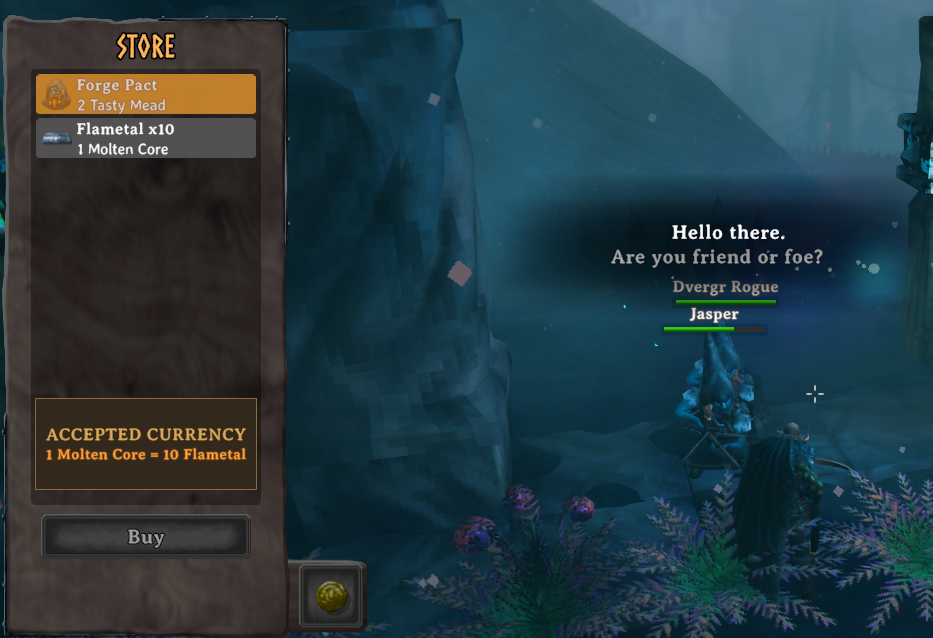
Dvergrs are your buds. Hire them to fight beside you, or trade with them.HexDvergrAllies
Sucks having to kill them or steal from them. Now they're your homies.
Hire a Dvergr, trade with them, and make yourself at home in their towns.
Early development. Back up your world before installing. Expect bugs and balance changes.
Stuck ally? Press O to recall instantly
Press O to bring your hired Dvergr straight to you. Stuck AI, left behind, or too far away? Recall works from anywhere in the current world, including unloaded areas and Sentry mode. You can also open F9 → Recall. Your ally returns in Companion mode.
Features
| Feature | What you get |
|---|---|
| Instant recall | Press O, or use F9 → Recall, to bring a stuck or distant ally straight to you. |
| No collision blocking | Walk through your hired Dvergr. No getting trapped behind them in doorways or narrow passages. |
| Friendly Dvergr | Dvergr do not aggro players or attack player structures. |
| Damage protection | Players cannot damage Dvergr or structures inside Dvergr ward areas by default. Giant skulls can still be mined. Enemies can still hurt Dvergr. |
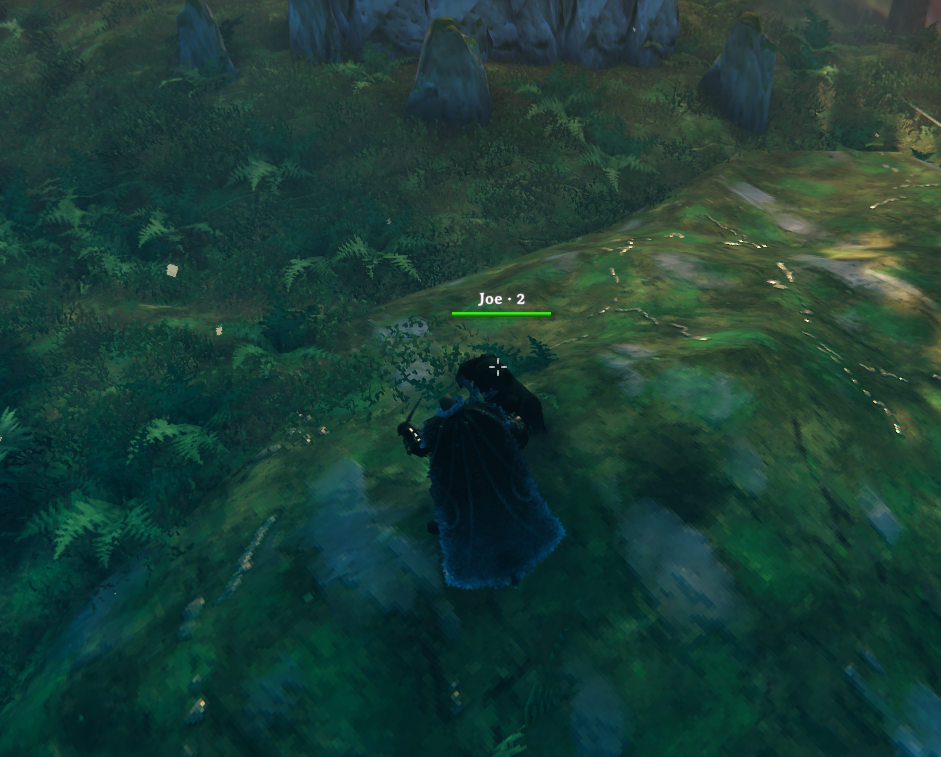
| One ally | Hire one companion per character in each world. |
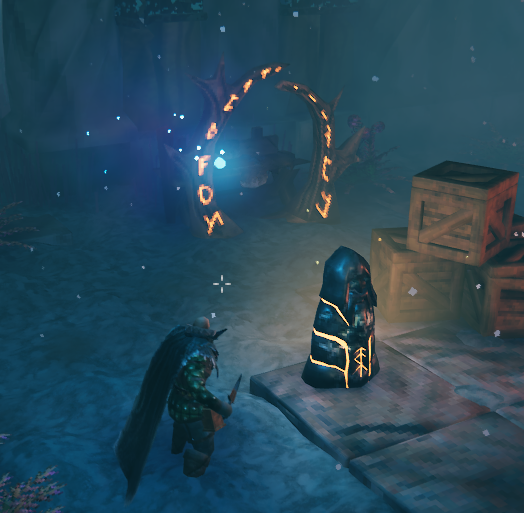
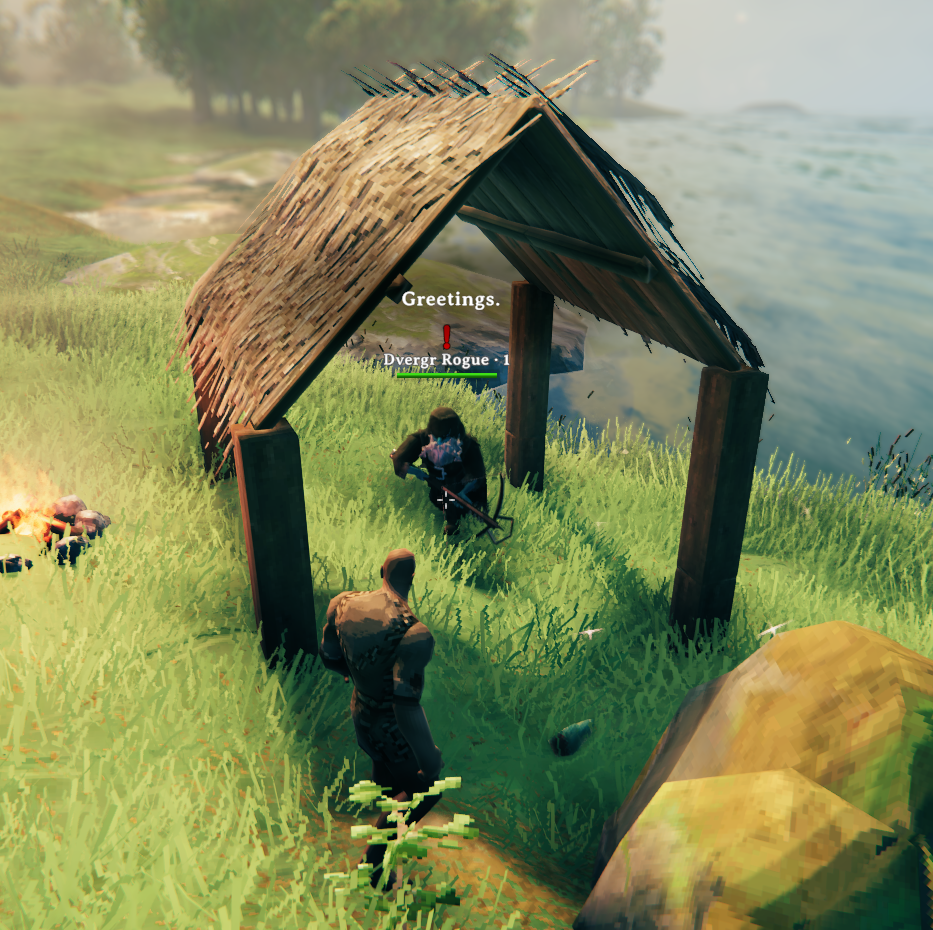
| Free starter | Find Dvergr camp on your map, 60–200 meters from the starting stones. |
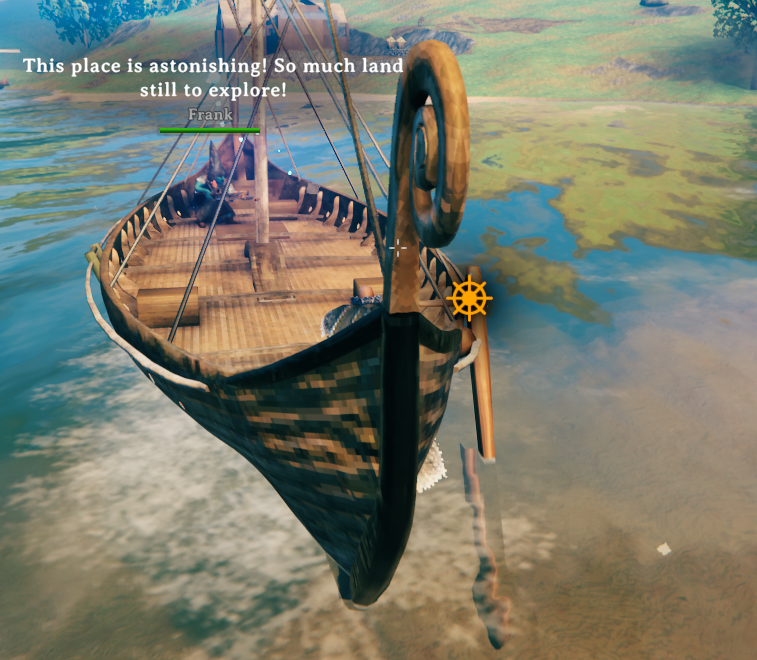
| Travel | Your ally follows through portals, recovers when stuck, and boards ships when nearby in Companion mode. |
| Blood Magic | Your ally's damaging hits on creatures earn you Blood Magic experience. Configurable. |
| Friendly fire | Hired Dvergr and Staff of the Wild roots leave each other alone. Baby seals are protected from hired Dvergr by default. |
| Temporary homestead | Place a workbench, stonecutter, or wood/stone portal in Dvergr ward areas. |
Companion Modes
| Mode | What your ally does |
|---|---|
| Companion | Follows you and fights beside you. |
| Sentry | Guards the player's position when activated and fights enemies within 20 meters of that spot. This mode is handy when you want the Dvergr to protect your base or guard you when you're mining. |
Recall and portal travel return your ally to Companion mode.
Controls
| Default key | Action |
|---|---|
O |
Instantly recall your ally to you, even when stuck, far away, or in an unloaded area. |
F9 |
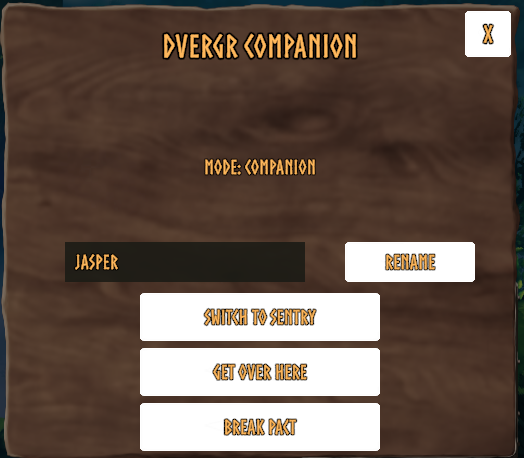
Open ally commands: rename, recall, change mode, or break your pact. |
Left Ctrl + P |
Switch between Companion and Sentry mode. |
All keybinds are configurable.
Which Dvergr Should You Choose?
| Type | Pros | Cons |
|---|---|---|
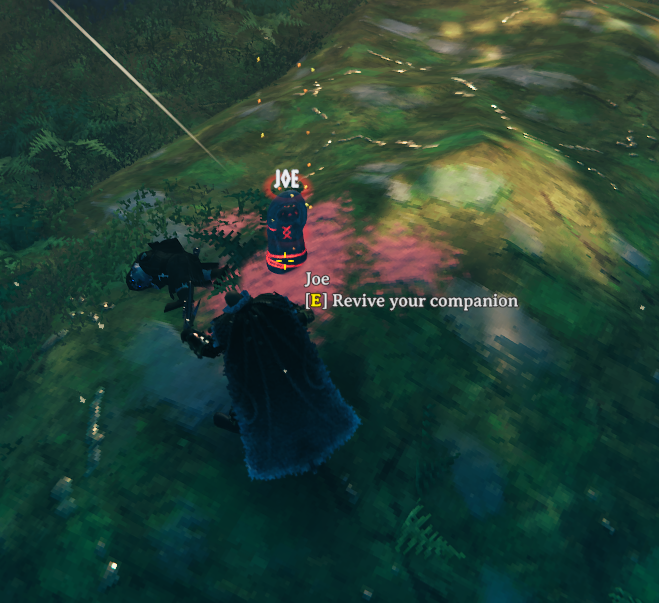
| Starter | Free. Levels with you from the beginning as you defeat bosses. Level Blood Magic from the start when your Dvergr damages a creature. Can be revived at their tombstone. | No fire immunity. Cannot deal magic damage for now. |
| Mistlands | Stronger than an early starter, with arbalest and magic options. | No fire immunity. Cannot be revived; create a new pact with another Dvergr if they die. |
| Ashlands | Arbalest users with immunity to fire, lava, and Ashlands water. No more dying to lava! | Cannot be revived; create a new pact with another Dvergr if they die. |
Your Starter
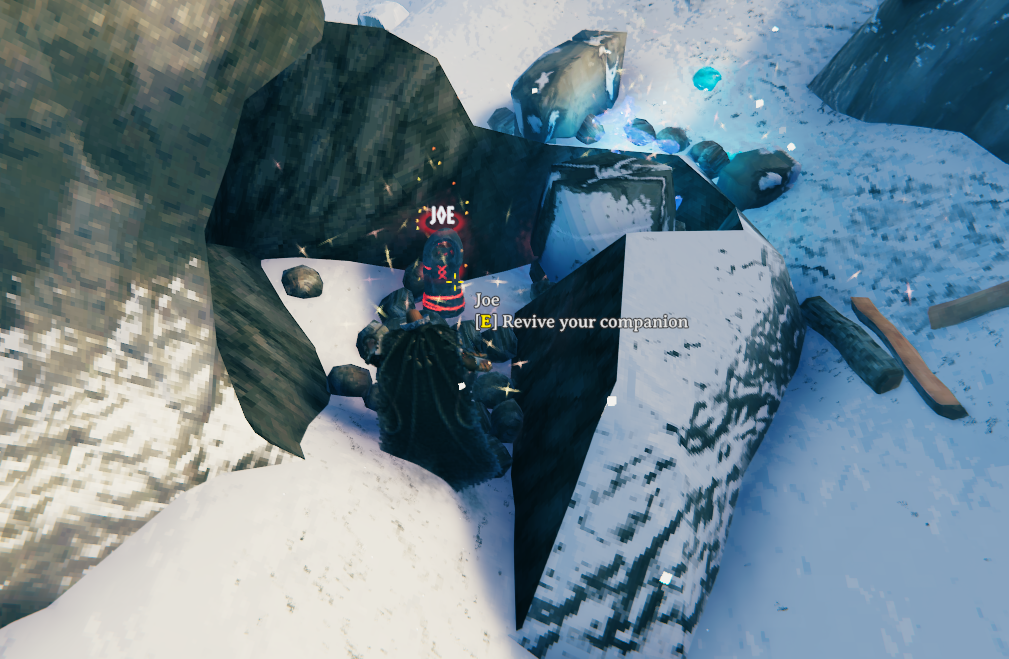
Your free starter is immune until hired. After hiring, they can die; use their tombstone to revive them free with their name and level preserved. Only their owner can revive them, and you cannot already have another ally. Breaking your pact does not grant a new free starter.
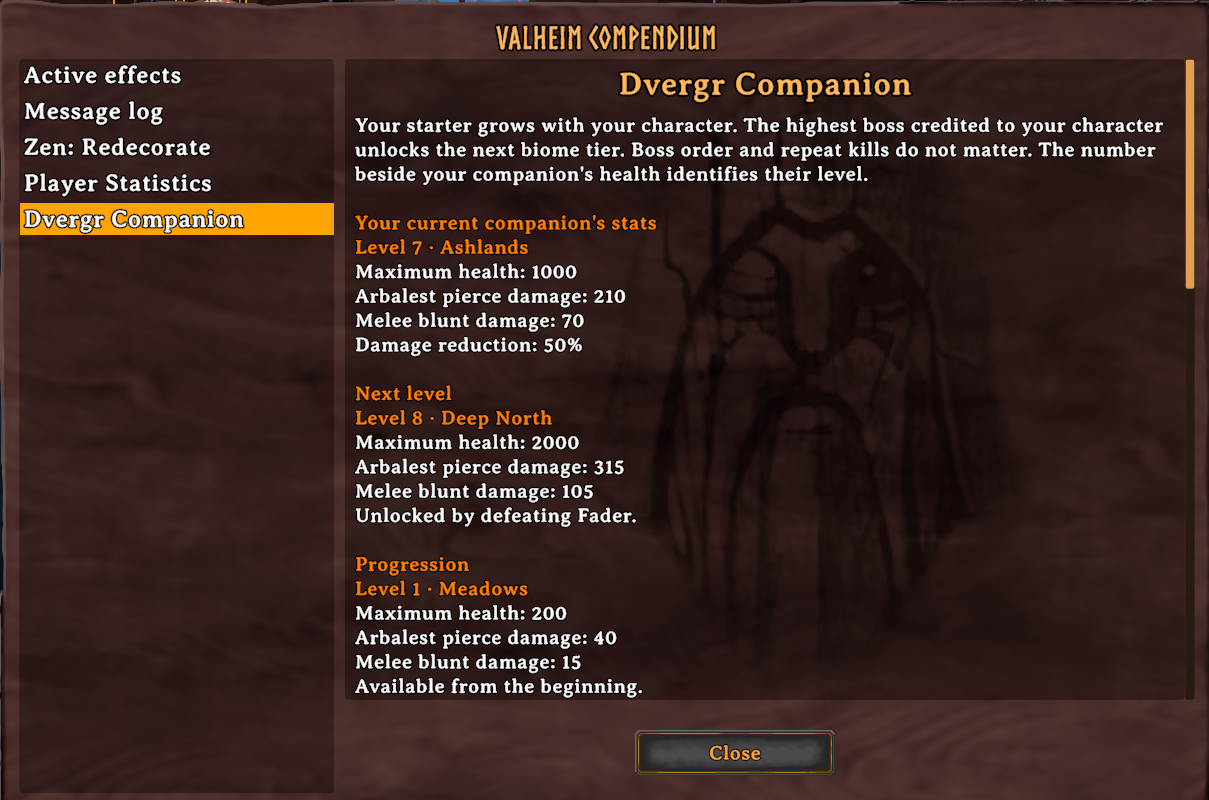
Starters level up from your character's highest-tier boss kill, including kills before hiring. Skipping bosses is fine; earlier kills never lower their tier.
| Boss defeated | Starter tier |
|---|---|
| None | Meadows |
| Eikthyr | Black Forest |
| The Elder | Swamp |
| Bonemass | Mountains |
| Moder | Plains |
| Yagluth | Mistlands |
| The Queen | Ashlands |
| Fader | Deep North |
Starters grow from 200 health to 2,000 health. Paid Mistlands and Ashlands hires keep their normal stats instead of leveling this way. Your Fader kill gives paid allies +100% health and +50% damage; all qualifying hired allies get at least 75% damage reduction.
Open Compendium → Dvergr Companion for stats and progression, or Dvergr Types for pros and cons.
Trading
| Dvergr | Offers |
|---|---|
| Mistlands | Dvergr needles (extractors), blue jute, soft tissue, fallen brother trophies, and Forge a Pact. |
| Ashlands | Flametal and Forge a Pact. |
| Starter | Free starter pact only; no trading stock. |
Settings
Use Configuration Manager or edit the config file. Saved changes apply without restarting; new settings are added automatically.
| Setting | Default / effect |
|---|---|
EnablePlayerDamageImmunity |
On: blocks player damage to Dvergr and ward-protected structures. |
AllowTemporaryHomestead |
On: allows the homestead pieces listed above. |
ProtectSealPups |
On: hired Dvergr cannot target or damage baby seals. |
FollowDistance |
2 meters. |
| Movement / health / damage / attack speed | 2.5× / 2× / 1.5× / 3×. Starter health and damage use progression. |
DamageTakenMultiplier |
0.5: 50% less incoming damage before the Fader bonus. |
EnableAutoHealing |
On: heals to full at 50% health, with a 60-second cooldown. |
EnableBloodMagicExperience |
On; experience factor defaults to 1. |
| Dungeon recovery / target filtering | On: helps with stuck allies and unreachable enemies. |
EnableCombatCircling |
Off: fewer breaks to circle enemies. |
EnableDebugLogs |
Off: enable for troubleshooting. |
Multiplayer and Known Issues
Install on the server and every client. Settings are not synced between players. Companions stay in their own world.
- Allies can wander from your base; use Sentry mode to keep them in place.
- Sunken Crypt targeting and attacks can be inconsistent.
- Ship boarding requires a loaded ally within 30 meters in Companion mode.
Custom Translations
The mod includes working CSV examples beside the DLL:
| Language | Example file |
|---|---|
| Spanish | Translations/Spanish/examples.csv |
| Russian | Translations/Russian/examples.csv |
| German | Translations/German/examples.csv |
These are partial translations; missing entries stay in English. Select the matching game language to use them.
To add your own language, copy an example into Translations/<Language>/ beside HexDvergrAllies.dll and change its heading to Context,<Language>. Use the game's language name for both. Copy more keys from English.csv, or edit the supplied examples. Save as UTF-8 and keep keys, {0} placeholders, formatting tags, and $KEY_Use intact. Use \n for line breaks. Only translated rows are needed; avoid duplicate keys across CSVs in the same language folder.
Restart the game or switch languages away and back to reload. Translations apply locally.
Screenshots