
You are viewing a potentially older version of this package. View Latest Version
LinkedStorage
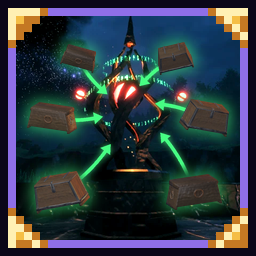
Reach your base's chests from anywhere. Build a Storage Hub at your base and Storage Links elsewhere: every pillar shows the items in the chests around the hub, to take or store.LinkedStorage
Reach your base's chests from anywhere.
- Build a Storage Hub pillar at your base: it gathers every chest within 100 m of it.
- Build Storage Link pillars anywhere else. Use the hub or any link to open a window with all the items in those chests.
- Stone Storage Link: take items only; like portals, no ores or metals (unless your world allows them).
- Molten Storage Link: take and store anything.
- The window has search, sorting and category tabs. Click to take, shift-click to pick an amount, drag items in to store them.
- Works with AzuCraftyBoxes: crafting and building near any pillar can use your base's chests. It's not required, but they work great together.
- Chests in the hub's range show its icon next to their name. Hold Left Alt and press E on one to keep the hub from storing items in it.
- Works with vanilla chests, carts, ships and SimpleItemDrawer. Private chests and wards still apply.
- Built with the hammer at a Stonecutter (Storage tab):
- Storage Hub: 50 Stone, 10 Surtling cores
- Stone Storage Link: 25 Stone, 5 Surtling cores
- Molten Storage Link: 25 Black marble, 5 Molten cores
Settings
The hub's range (set by the host), the key to block deposits and the hum's volume: in-game with a config manager (F1) or in BepInEx/config/Iteravio.LinkedStorage.cfg.
Compatibility
- Everyone needs the mod, or they can't join.
- Tested with AzuCraftyBoxes, AzuAutoStore, AAA Crafting, SimpleItemDrawer and BetterUI.
Credits
- The pillars' hum is "Brass02.wav" by moneykube (https://freesound.org/s/24481/), CC0.