
QuickFill
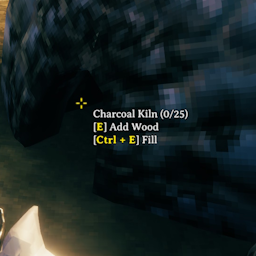
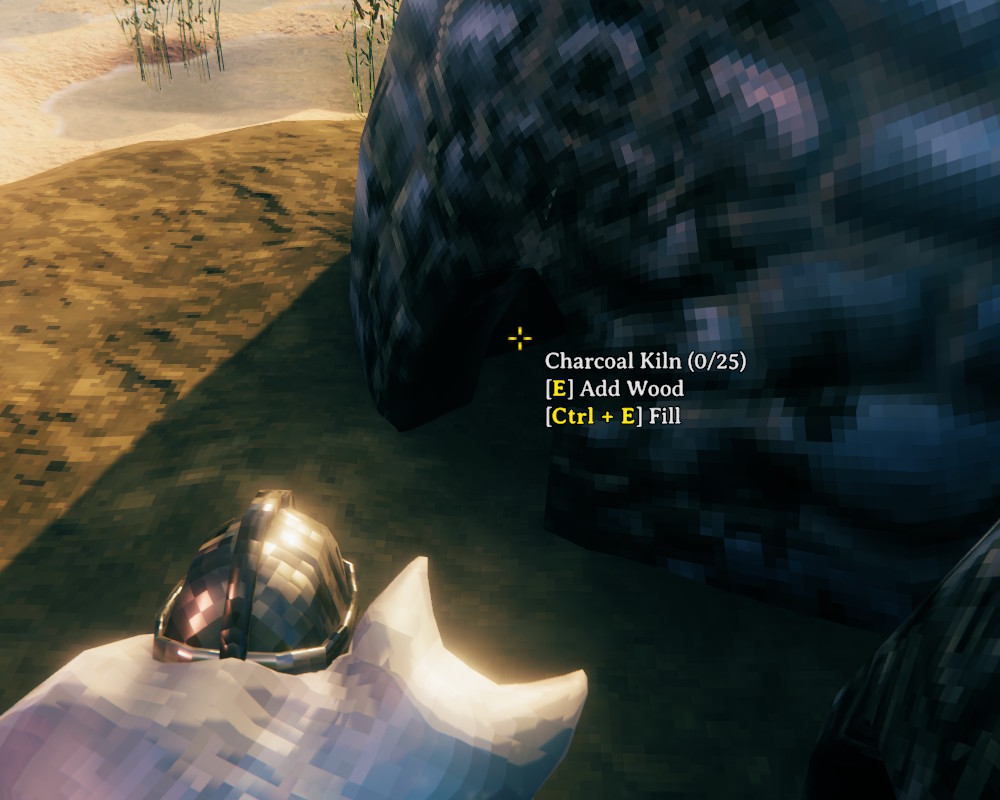
Hold Shift and press the use key (E) to fill a station (e.g., smelter, kiln, oven, fire) in one go. Mouse targets on stations are also larger.Hold Shift and press the use key (E) to fill a station in one go instead of adding items one at a time. Mouse targets on stations are also larger.
- Smelters, kilns, blast furnaces, refineries, etc. - fills ore and fuel
- Ovens - fills fuel
- Campfires, bonfires, hearths, torches, etc. - fills fuel without turning the fire off
- Shield generators - fills bones
- The hover text shows the shortcut on everything it works with
You don't have to aim at the small ore and fuel openings either. Each half of a smelter, kiln, blast furnace, refinery, etc. targets the opening on that side, an oven's top half adds food while its bottom half adds wood, and anywhere on a shield generator.
Configuration
BepInEx\config\kriona.QuickFill.cfg is created on first run, and changes take effect as soon as the file is saved. You do not need to restart Valheim or rejoin the world.
ModifierKey- the key to hold while pressing the use key, e.g.LeftControlorLeftAlt- either side of Ctrl, Shift and Alt counts, andNoneturns the fill off (defaultLeftShift)
Installation
With a mod manager such as r2modman or the Thunderstore Mod Manager, install Quick Fill - it installs BepInExPack for Valheim too.
By hand:
- Install BepInExPack for Valheim from Thunderstore or Nexus Mods
- Extract the zip into your Valheim folder, or copy
QuickFill.dllintoBepInEx\plugins
Client-side only - other players and the server don't need it.
Other Mods By Me
See all my mods on Thunderstore.
Source
The source code is on GitHub.