Railroads
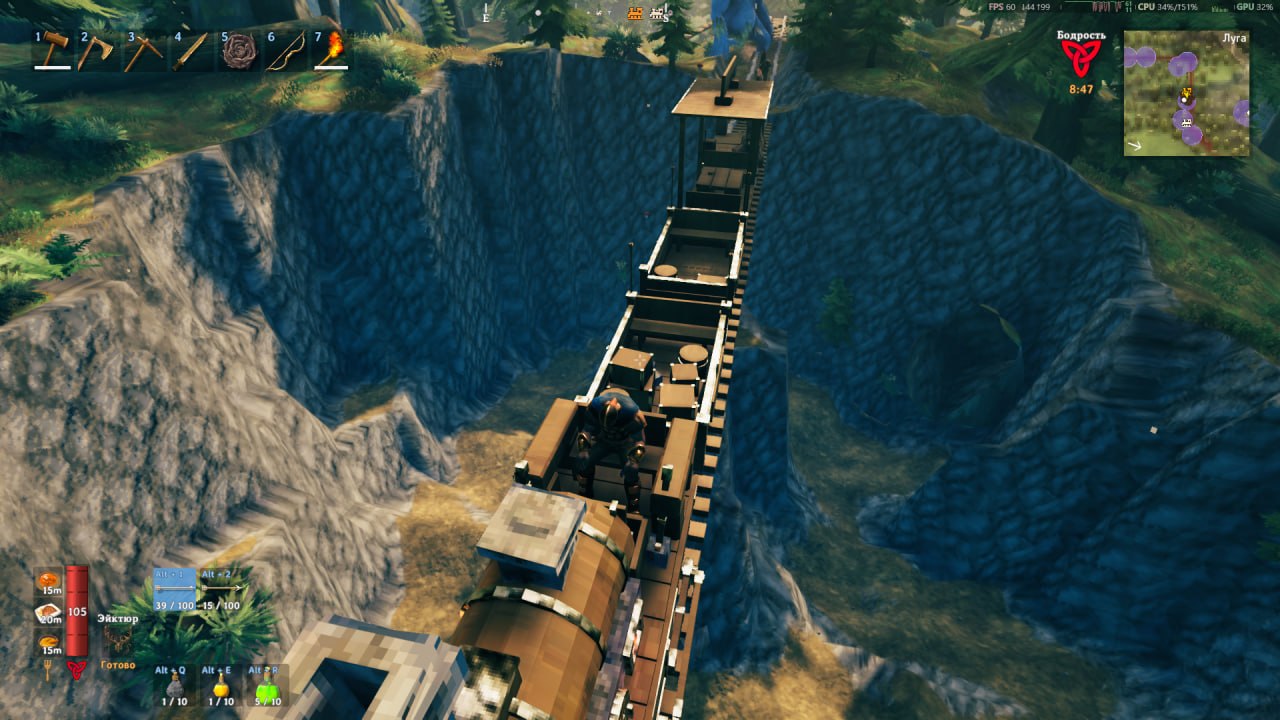
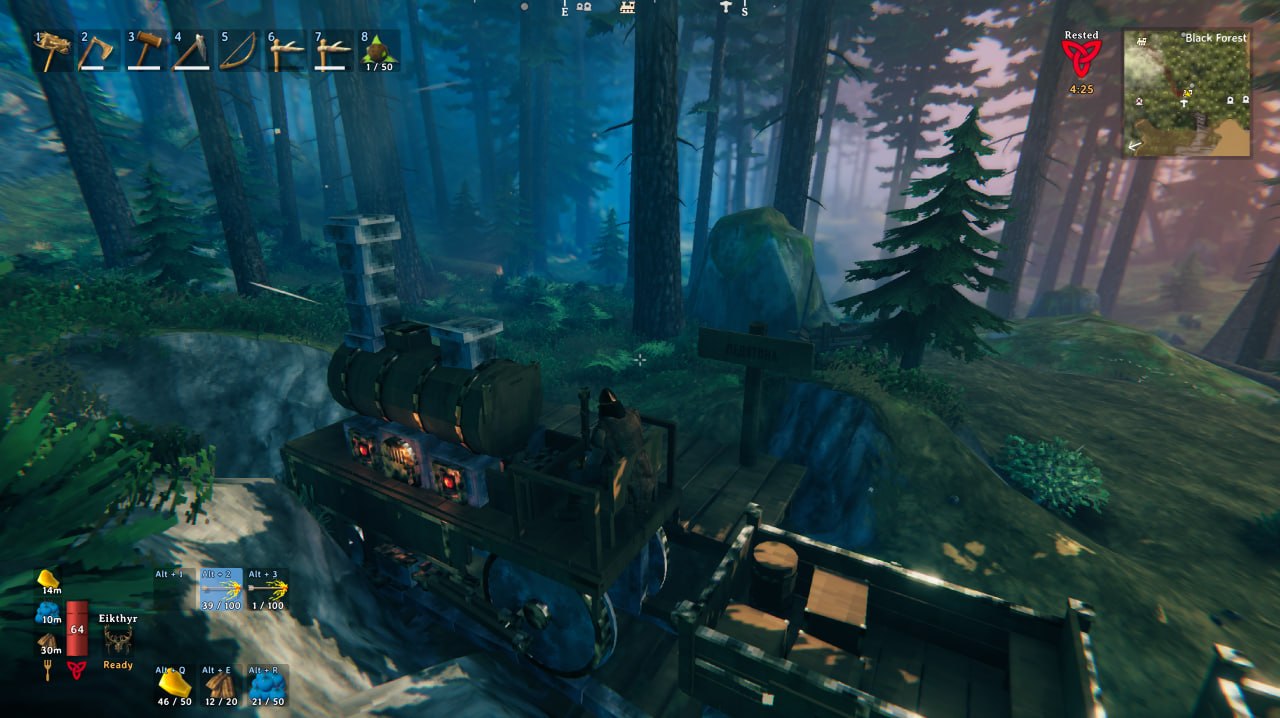
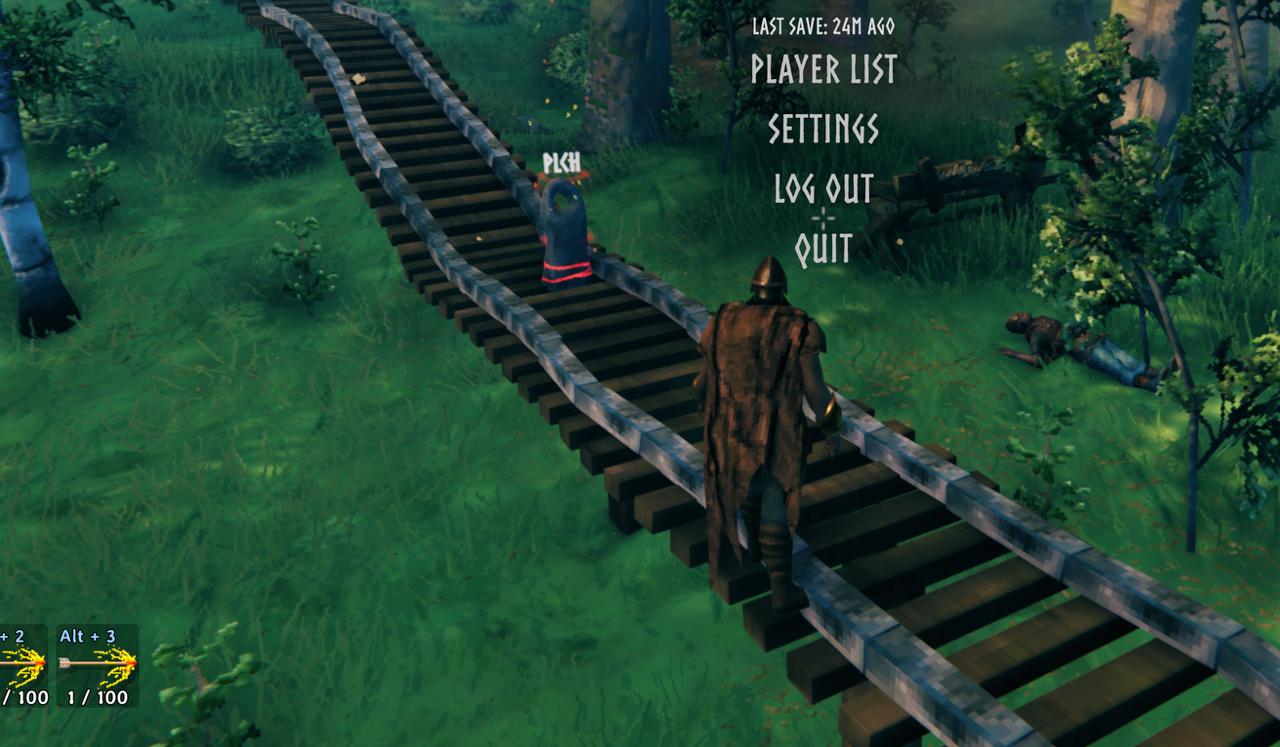
Stone railroads for Valheim. A coal locomotive, wagons, stations and switches. Trains keep running when nobody is near.Railroads
Vikings had ships. Now they have trains.
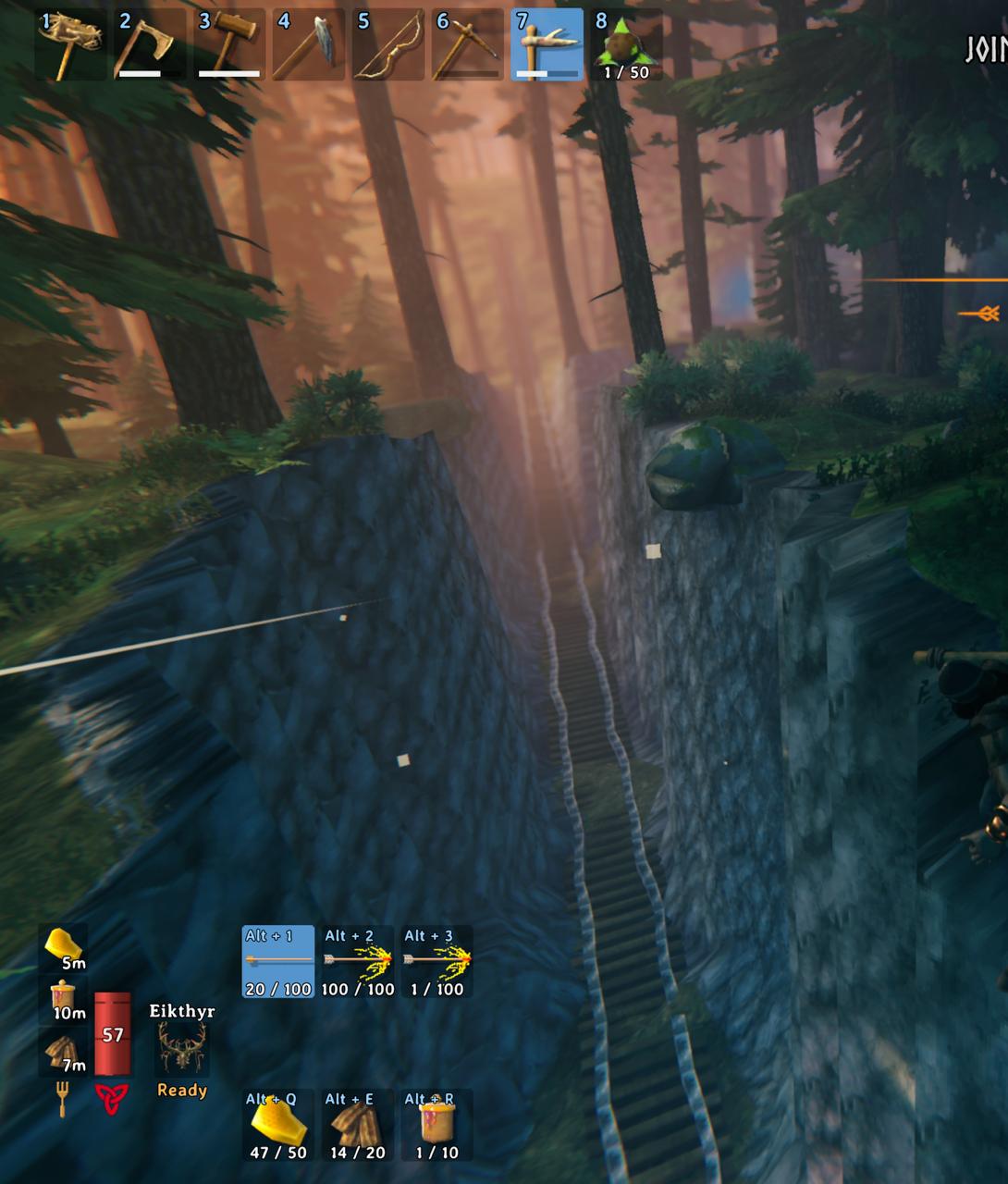
You lay stone track with the hammer, put a station sign beside it, give the sign a name and send a locomotive there. Or sit on the bench and drive it yourself, like in Factorio.
You can play it alone, host a game for friends or run it on a dedicated server. Trains keep going when nobody is near, and the server plans the routes, so 2 trains never get the same track.
What you get:
- 24 track pieces: straights from 1 to 32 m, curves, slopes, switches, a crossing, a turning loop, a T and an X junction
- fitted track, 1 piece up to 32 m that bends between 2 free track ends, also when they do not line up or stand at different heights
- station signs with a name board, and train consoles that call a train to their sign
- a whole station in 1 step, a platform with its sign and console, once you can build the train console
- supports for track and stations: press G to pick wood, core wood or iron poles, built down to the ground with the track
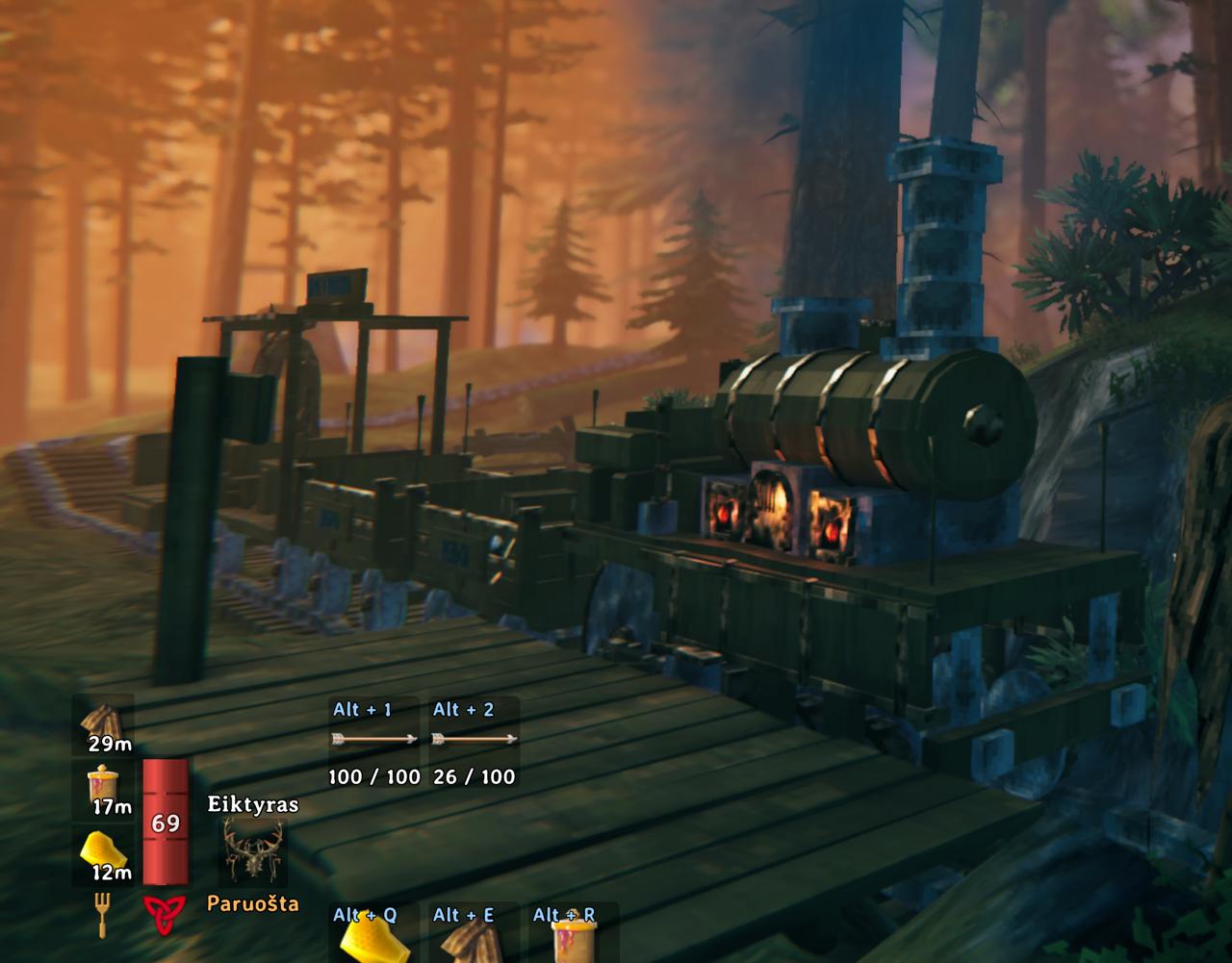
- a locomotive that burns coal, with a speed lever, a switch lever and a steam whistle
- trains that feel their load and slopes: a heavy train is slower to start and stop and burns more coal, a steep climb slows it down
- gauges on the boiler that show the load and the speed
- an item stand on the front of the locomotive for a trophy or any other item
- wagons with 18 slots of storage, a bench for 2 and a sign you write yourself
- a wagon restaurant with a stone stove to grill meat on and rest at, and a table that shows the food you put on it
- a portal wagon, a portal that travels with the train
- a flatbed wagon, an empty deck of 4 by 6 m to build on, a portal and a bed too
- a hand cart for 1 or 2 players that you pump with Space, it needs no coal and no workbench
- a drawbridge, 16 m of track that opens for ships
- a feedback post to report problems or send any kind of feedback right in the game, it sends the game logs of the players who agreed to it, see Privacy
- support for VR with VHVR: menus in the headset, levers and couplers by hand, and a hand cart you pump with your hands
- track, stations and trains with their names on the map
Everything is in the Transport tab of the hammer. A train at full speed hits whatever stands on the track, so don't stand on the track.
Your first train
- Take the hammer and lay track from the Transport tab. Track snaps to track.
- Put a station sign up to 10 m from straight track and press E on it to give it a name. A sign with no name is not in the menu.
- Put a locomotive on the track. It needs a workbench near.
- Press E on a fire door of the locomotive to put coal in. Hold E to put in more.
- Press E on the locomotive and pick a station.
Controls
- E on the locomotive: the station menu
- Gamepad in the station menu: the stick or the D-pad picks a station, A sends the train, B closes the menu
- E on the bench of the locomotive: sit down and drive
- W and S: the speed lever, forward, stop and backward. One tap, you hold nothing
- A and D: the switch lever, which way the train goes at the next switch
- E while you sit on the bench: the station menu, you stay seated and ride along
- Space: get up, the train brakes
- H on the bench, or E on the whistle lever: the whistle
- a hotbar key on the iron knob at the front of the locomotive: hang that item there, hold E to take it back
- E on the board on the side of the boiler: give the train a name
- Shift + E on a wagon, or E on a coupler: couple or uncouple
- E on the stove: under the table it takes coal, on top it takes raw meat and gives back cooked meat
- G with track on the hammer: the supports placed under it, none, wood, core wood or iron
- Fitted track on the hammer: press on a free track end, then on another. A press on the first end again drops it
- a half turn of a station sign on the hammer: the side of the stop the ghost train shows its wagons on
- E on a train console: call a train to its station sign
- E on a handle of the hand cart: take it, E again lets go
- Space on the hand cart: hold to push the handle down, let go to pull it up. In VR you can also move your hands up and down
- W and S, A and D on the hand cart: the way lever and the switch lever, like on the locomotive
- E on a lever of the drawbridge: raise or lower it
- E on the feedback post: write your feedback
Install it with a mod manager, or copy the folder Railroads into BepInEx/plugins. The server and every player need the same version. With another version you get a message and no rail pieces.
Settings are in BepInEx/config/vladasz.railroads.cfg. The Server section counts only on the server:
TopSpeed, 2 to 40 m/s, default 10CoalPer1000Meters, 0 to 50, default 10. With 0 trains need no coalMaxCoal, 20 to 500, default 100MaxWagons, 0 to 8, default 4Hits:Everything,MobsOnlyorNothingSureKill: a train at 9.5 m/s kills any mob it hits, a boss tooSureKillPlayers: a train at 9.5 m/s kills a player it hits too, off by default. Only withHitsasEverythingPortalWagon: on or off. Off also keeps portals off a flatbedMaxDeckPieces, 0 to 200, default 100. How many pieces fit on 1 flatbed wagonDeckHeight, 2 to 12 m, default 4. How high you can build over the deck of a flatbedDeckReachLeftRight,DeckReachFrontBack, 0 to 2 m, default 0.5. How far a piece can reach past the edges of the deckDeckPiecesIndestructible: what is built on a flatbed takes no damage, off by defaultDeckSmelters: smelters, kilns and the obliterator can be built on a flatbed, off by defaultDeckFires: campfires, hearths and braziers can be built on a flatbed, off by defaultDeckBeds: beds can be built on a flatbed, and your spawn point goes along with the train, off by defaultDeckNoStorage: no chest or other storage can be built on a flatbed, those already built stay, off by defaultMapTrack,MapStations,MapTrains: what players may see on the mapFreeSupports: supports cost nothing and give nothing back when removed, off by defaultTrackCost, 0 to 1000, default 100. The price of track in percent, 0 makes track freeFeedback: the feedback post takes reports, on by defaultFeedbackServerLogs: what the log of a dedicated server sends with a report,WholeorShortHealthLines: the lines for a report of lag, on by default, in the sectionFeedback, for each playerFuel, defaultCoal. The item a locomotive burns, by its prefab name, likeWoodorResinMaterials: your own price for rail pieces, likebf_track_straight = Wood 4, Stone 2; bf_locomotive = Bronze 10. The log linerail materialslists every piece with its priceHeavyTrains: load and slopes count, on by defaultFullLoadPerWagon, default 1250. TimesMaxWagons, the weight at which a train hasHeavyRateandHeavyCoalHeavyRate, default 0.5. How fast a train with a full load speeds up and brakes, as a share of an empty oneHeavyCoal, default 2. How many times the coal of an empty train a train with a full load burnsTorchesBurnResin: torches on trains burn resin and go out without it, on by default. Off, they burn all the time and take no resin
The Build section is yours. A change in a config manager counts at once, a change in the file from the next start of a world:
PolesKey, default G. The key that picks the supports, one key or one with modifiers likeLeftShift + GPoles: which supports go under new track and stations,None,Wood,CoreWoodorIron. G changes it, and it is kept after a restartPolesButton: a button of the game that does whatPolesKeydoes, for a controller with no keyboard, empty by default
The Drive section is yours too, it counts the same way:
HornKey, default H. The key that blows the whistle on the benchHornSound: a WAV, OGG or MP3 of your own for the whistle, up to 2 MB and 10 s, an absolute path or one from theBepInExfolder. Every player hears it when you blow the horn or send a train
Your game logs go with a feedback report only after you accepted the conditions at a feedback post on that server, with the button Conditions. Take back on the same page stops it, and taking ticks off there leaves some files and lines out. Without a yes you can still send your text alone. What goes, where and for how long is in Privacy.
To translate the mod, copy Railroads.English.json from the mod folder to Railroads.<Language>.json anywhere under BepInEx, like Railroads.German.json, and translate the values. The mod uses it for the language you picked in the game. A key you leave out stays English. The mod comes with English, Russian, Ukrainian, Belarusian, Lithuanian, German, Portuguese Brazilian and Japanese. Belarusian shows with the Belarusian translation of the game, Bielarusizatar Valheim.
The brake sound is from GO Train arrives at Guildwood GO Station by PascalHD, CC BY 4.0, cut and made louder.
If something does not work, build a feedback post and tell me there, or tell me on Discord: