
InfinityHammerAddon
Client-side terrain tools for Infinity Hammer: two-point slopes, softer leveling, paint previews and paint-only reset. No extra menu buttons.InfinityHammerAddon
InfinityHammerAddon 1.0.2 is a client-only addon for Infinity Hammer's existing terrain tools, with no new menu buttons.
Requires BepInExPack 5.4.2351, Infinity Hammer 1.88.0+, World Edit Commands 1.81.0+, and Server Devcommands 1.113.0+. The current compatibility patch is built against the original Valheim 1.0.17 game DLLs and the installed IH 1.88 / WEC 1.81 / SD 1.115 mod DLLs. Install on the editing client; server permissions still apply.
Tools
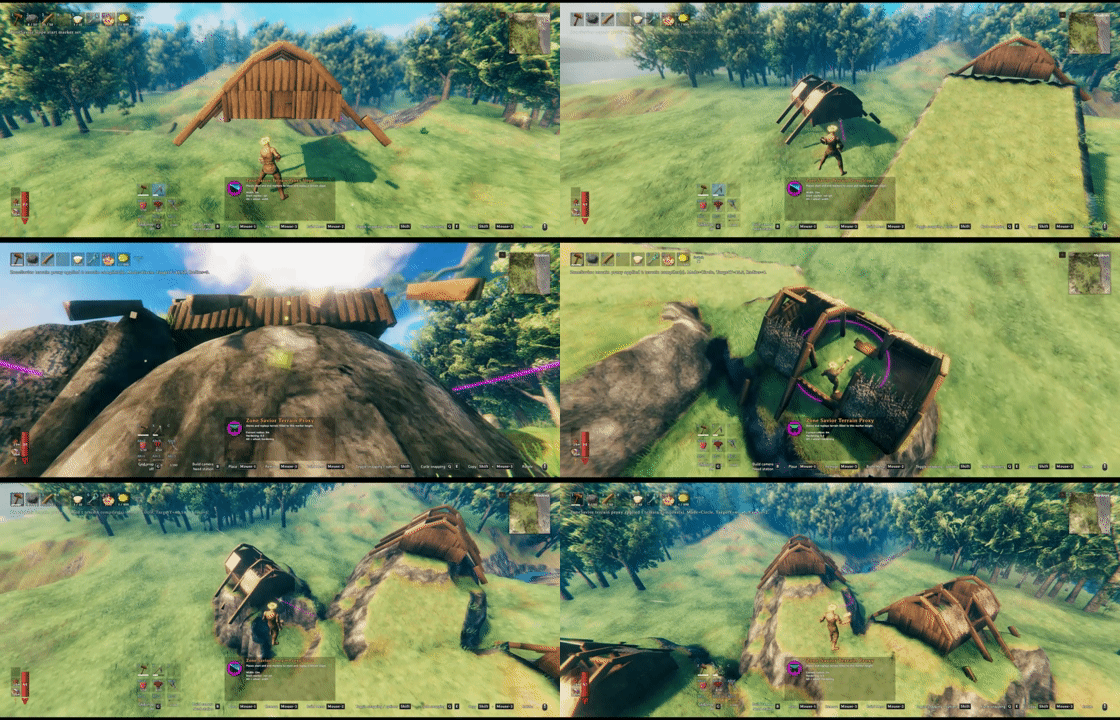
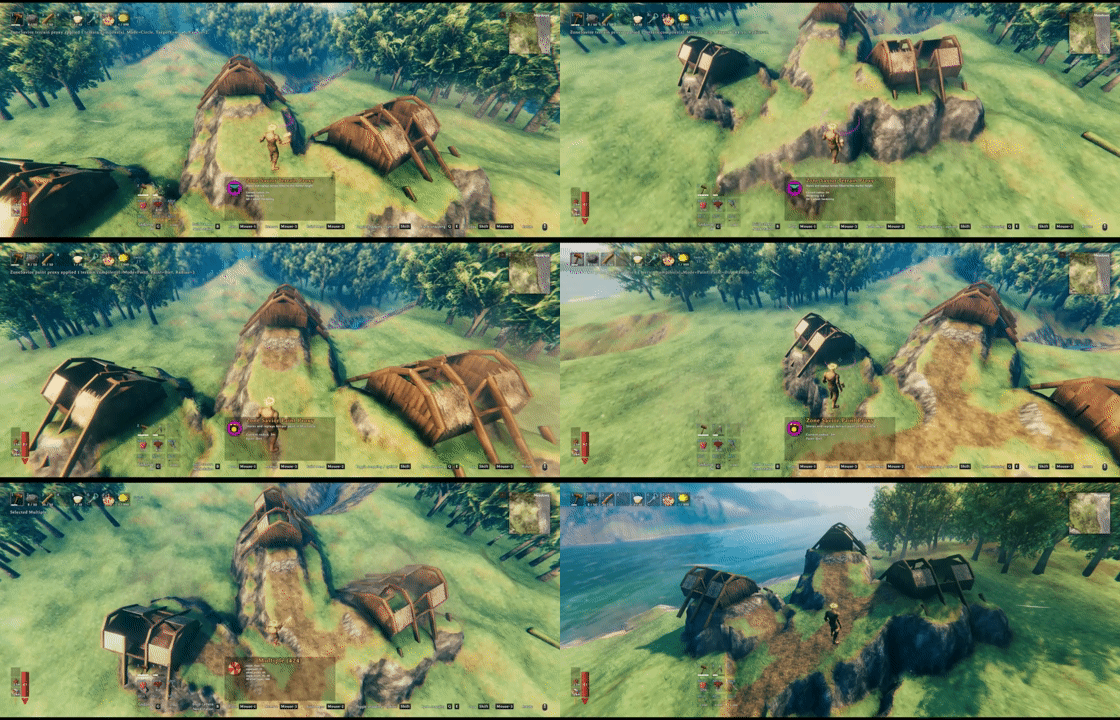
Select the existing tool in Infinity Hammer's hoe menu.
| Tool | Enhancement |
|---|---|
| Level (circle) | Alt + wheel adjusts edge softness; wheel changes range. |
| Slope | Click start, then end to set direction; wheel changes width. Alt cancels the first point. No separate rotation. |
| Paint | Alt + wheel cycles nine paint types and ClearVegetation; circles preview affected nodes. |
| Reset | Tap Alt to switch between terrain + paint and paint-only reset, which preserves heights. |
Alt shortcuts require no Ctrl/Shift; custom wheel bindings take precedence. Holding Alt retains IH's single-use behavior on Paint/Reset, so check Reset's displayed mode before clicking. Temporary settings reset when switching tools.
Development
Build against the original game DLLs and the pinned mod references described in the source tree's Libs/README.md. dotnet build -c Debug -p:DeployToGame=true copies the final DLL to the local game's BepInEx/plugins and verifies its SHA-256. Override GamePath or GamePluginPath as needed; use DeployToGame=false to skip copying.
Run pwsh -File tests/Verify.ps1 -PythonPath <python.exe> for isolated checks using the game's Mono runtime, including Harmony attribute decoding/target signatures and recognition of IH's actual default tool data. These checks do not start Unity or load a world. Confirm two-click slopes, Alt + wheel, paint-only height preservation, undo/redo and preview cleanup in the game after updating.
An explicitly requested dotnet build -c Release generates the Thunderstore ZIP from Plugin.Version.