
Warp Select
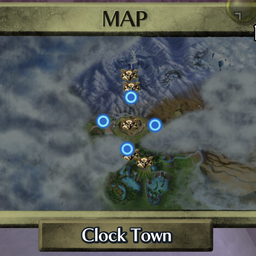
Pick Song of Soaring warp points from the pause-menu map.Warp Select
Pick a Song of Soaring destination from the pause-menu map instead of playing the song.
Open the pause menu, go to the map page, and press C-Down to switch into warp mode. Only owl statues you've activated are selectable; move with the control stick, press A to warp, and press C-Down or B to switch back to the normal map. Start still closes the menu.
The button and the on-screen prompt are configurable in the mod menu. It works by flipping the map page into the game's own owl-warp selector (the one the Song of Soaring uses), so the map, cursor, confirmation, and warp are all native.