You are viewing a potentially older version of this package. View Latest Version
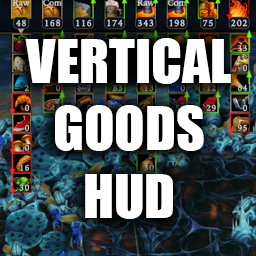
The Goods HUD is vertical rather than horizontal and shows all categories simultaneously. You can toggle on/off each good category by clicking the respective icon, or use the hotkey ; to toggle the entire goods HUD. The hotkey is configureable in the .cfg. The goods are now arranged alphabetically. The food and crafting resources categories have been split into two columns--raw and complex--for two reasons: 1) otherwise the vertical length could get quite long (max 20), and 2) it's easier to visually search. Let's say you want to see how many complex foods you have. Having its dedicated column makes it easier to spot.